
✅ Shop with Confidence
- 🔒 Secure Checkout – Your payment is safe and protected.
- ⭐ Quality Guaranteed – Store credit refunds if something isn’t right.
- 🎉 Earn Rewards – Get points for every dollar spent & redeem as store credit!
👉 Add to Cart and start using this resource today
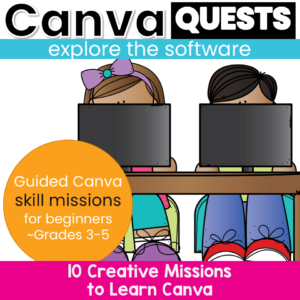
Canva Lessons for Beginners
$7.00
Canva Lessons for Beginners
$7.00
Description
-
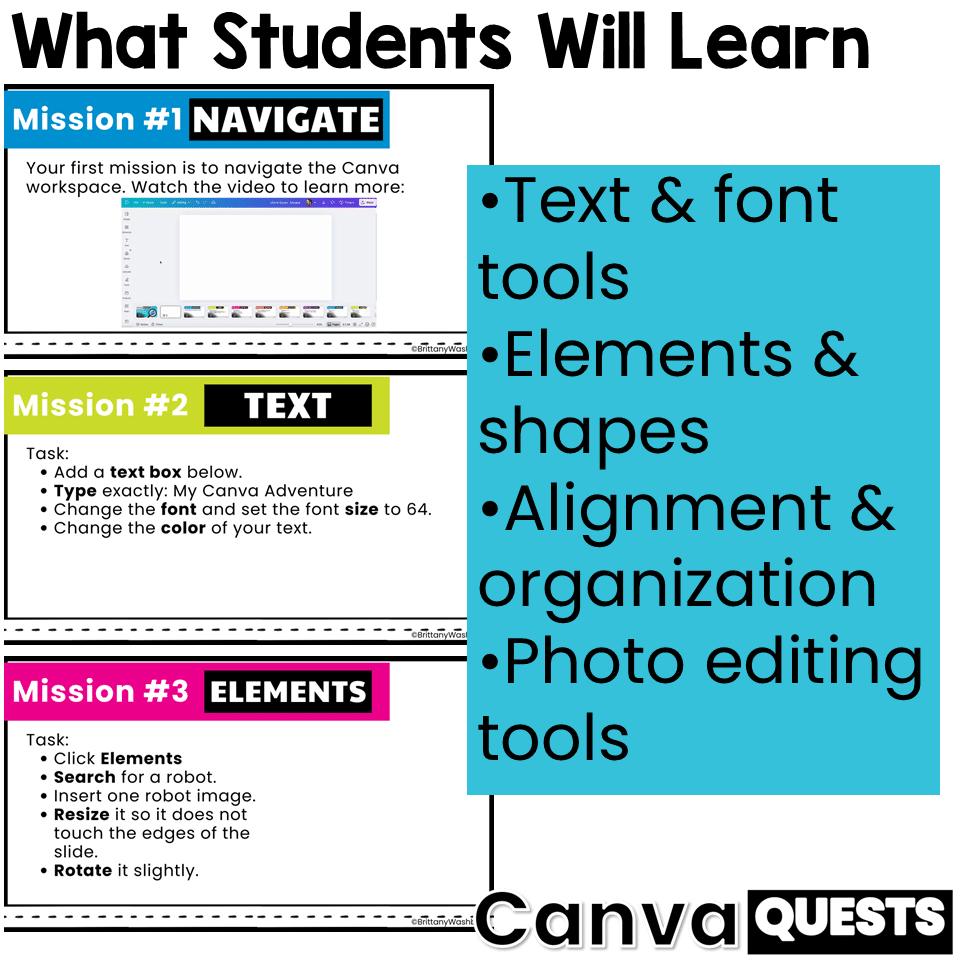
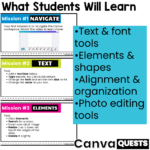
Adding and editing text
-
Changing fonts, sizes, and colors
-
Creating and customizing shapes
-
Searching for and inserting elements
-
Resizing, rotating, layering, grouping, and duplicating
-
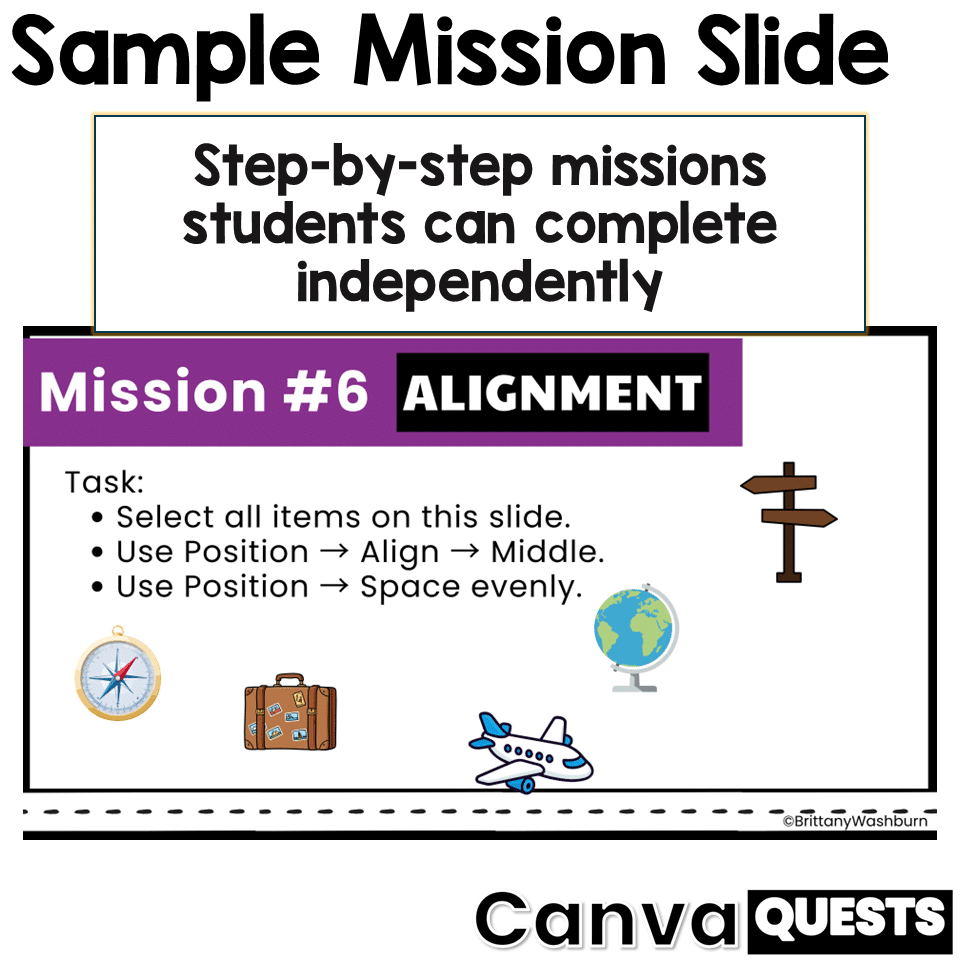
Using alignment and spacing tools
-
Working with frames
-
Applying filters
-
Using background remover and magic eraser
-
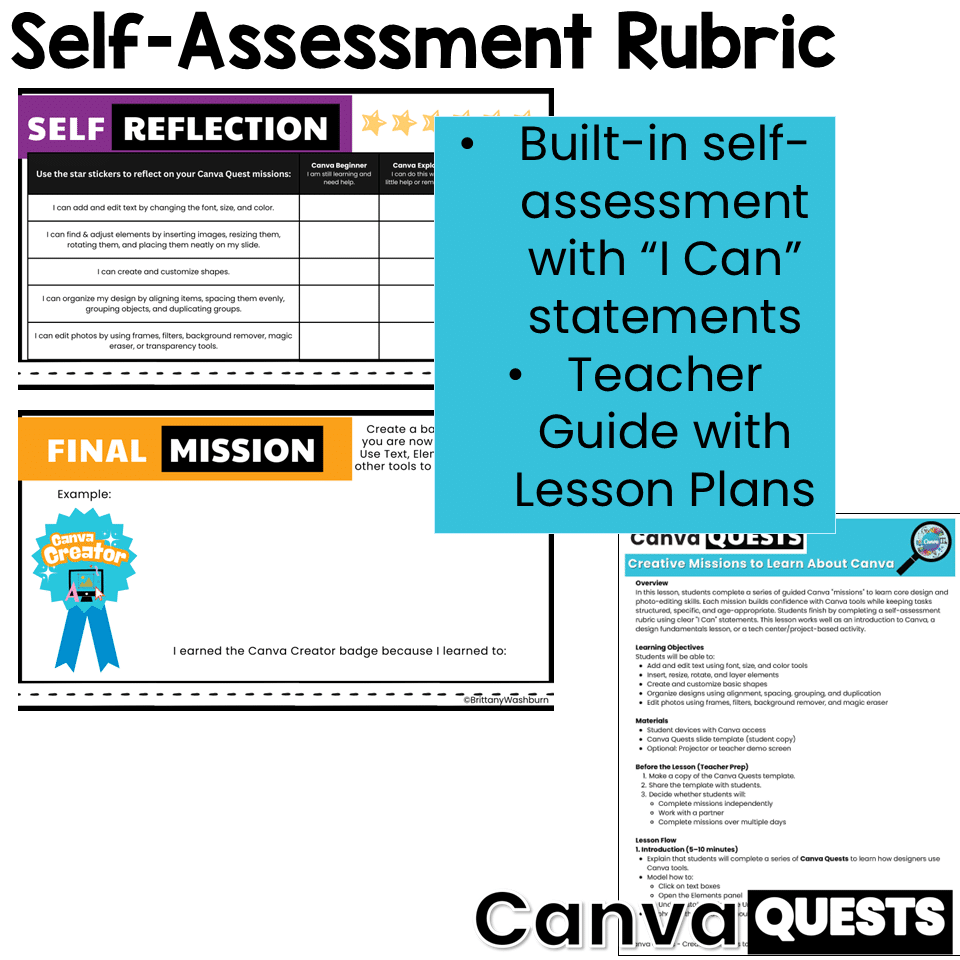
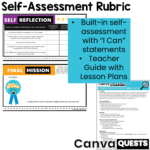
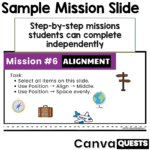
3 – Quest Master: I can do this on my own
-
2 – Quest Explorer: I can do this with help
-
1 – Quest Beginner: I am still practicing
-
✔ Canva Quests student slide template (shared via editable Canva template link)
-
✔ Detailed teacher lesson plan PDF
-
✔ Clear lesson flow, support tips, differentiation ideas, and extensions
-
✔ Built-in student self-assessment rubric
-
Whole-group instruction
-
Independent or partner work
-
Tech centers
-
Multi-day projects
-
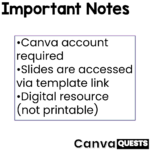
Students need access to Canva
-
A free Canva account is required
-
Slides are accessed using a “Use as a template” link, so each student works on their own copy
-
This is a digital resource (not printable)
-
Canva Quests prioritizes process over polish, making it ideal for beginners
-
Perfect for upper elementary and middle school technology, design, and digital creativity lessons
Additional information
| Resource Type | Lesson/Unit |
|---|---|
| Format | |
| Standards | ISTE, CCSS ELA, TEKS Technology Applications |
This resource supports the following standards.
ISTE Standards for Students
- 1.4.a – Use a design process to create solutions
- 1.6.a – Choose the right tools to communicate
- 1.6.b – Create original works or remix digital resources
- 1.6.c – Communicate ideas clearly with digital objects
- 1.6.d – Publish or present for an audience
Common Core State Standards
- SL.4.5 – Add audio and visual displays to presentations
- SL.5.5 – Include multimedia in presentations
Texas TEKS: Technology Applications (19 TAC Chapter 126)
- Gr 3-5: (c)(3) Creativity and innovation, (c)(7) Communicating and publishing, (c)(11) Software applications
You must be logged in to post a review.
What teachers said on TPT
Rated 5.0 out of 5 by 12 teachers on Teachers Pay Teachers.
“Some resources you buy are just a very plain text document. This is a polished product that is engaging for students. I used this with all of my 6th graders to build skills for a Canva project about our district's acceptable use policy from a basic poster design. I have students from three different elementary schools and some have used Canva previously and some not. This is a great resource so that students have the hands-on with the most important basic skills of Canva.”
— Lisa C., TPT review
“I've been nervous to dive into Canva with my students. This was the perfect activity to show students how to use some common tools. They loved it! We are taking our time with this activity and spreading it across two periods.”
— North GA Educator, TPT review
“Canva is so overwhelming, and this is perfect for introducing it to my 3rd-5th graders! It breaks tasks down in easy to understand quests. Please make more of these! It is a great review for my middle schoolers too!”
— Sisco S., TPT review
You may be interested in…
-

4 Seasons Graphic Design Lessons and Activities Bundle
Original price was: $12.00.$9.60Current price is: $9.60.

Related Products
-
5th Grade Language Standards Digital Resource Library
Original price was: $16.00.$14.40Current price is: $14.40. -
5th Grade Reading Standards Digital Resource Library
Original price was: $16.00.$12.80Current price is: $12.80. -

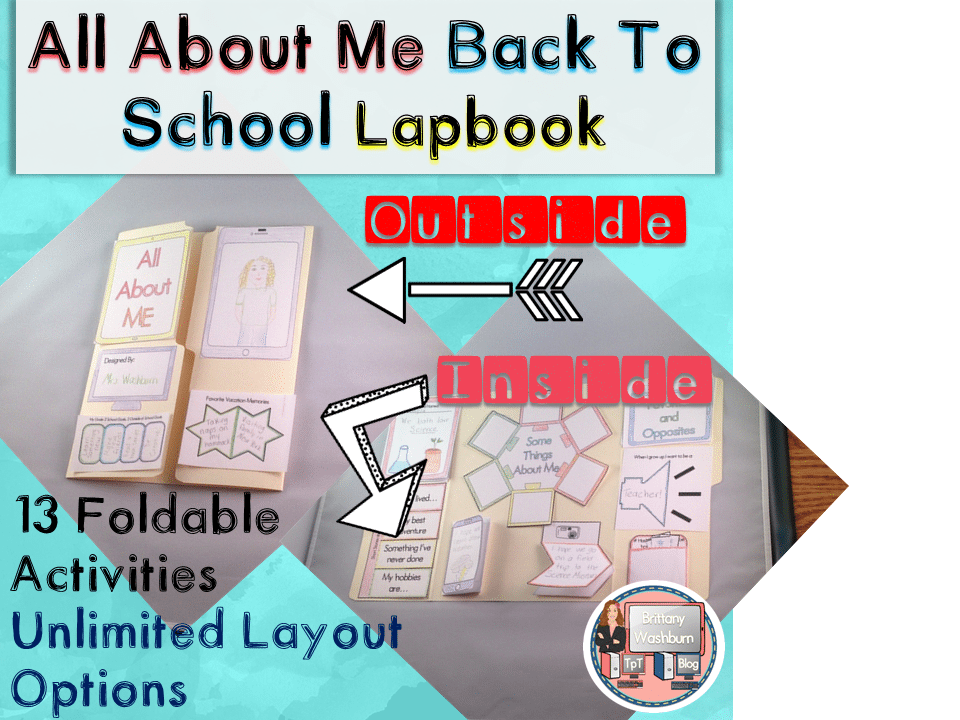
All About Me Book with Technology Theme
$3.50 -
April Themed Multiplication and Division Practice DIGITAL Mystery Pictures
Original price was: $5.00.$3.00Current price is: $3.00.




You didn’t become a tech teacher to spend your weekends building lessons from scratch. I’m Brittany, a technology curriculum specialist with 1,000+ ISTE-aligned resources designed specifically for K–8 computer lab teachers.
My ready-made digital and printable resources cover everything from digital citizenship and coding fundamentals to multimedia creation and computer essentials, so your planning is handled and your students stay engaged.
Every resource is built to align with ISTE Standards, save you time, and actually work in a computer lab setting, because I’ve taught in one myself.
Browse my bestsellers, or explore by grade level or topic to find exactly what you need.
Reviews
There are no reviews yet.