
✅ Shop with Confidence
- 🔒 Secure Checkout – Your payment is safe and protected.
- ⭐ Quality Guaranteed – Store credit refunds if something isn’t right.
- 🎉 Earn Rewards – Get points for every dollar spent & redeem as store credit!
👉 Add to Cart and start using this resource today
Build a Paper File System Activity
$3.00
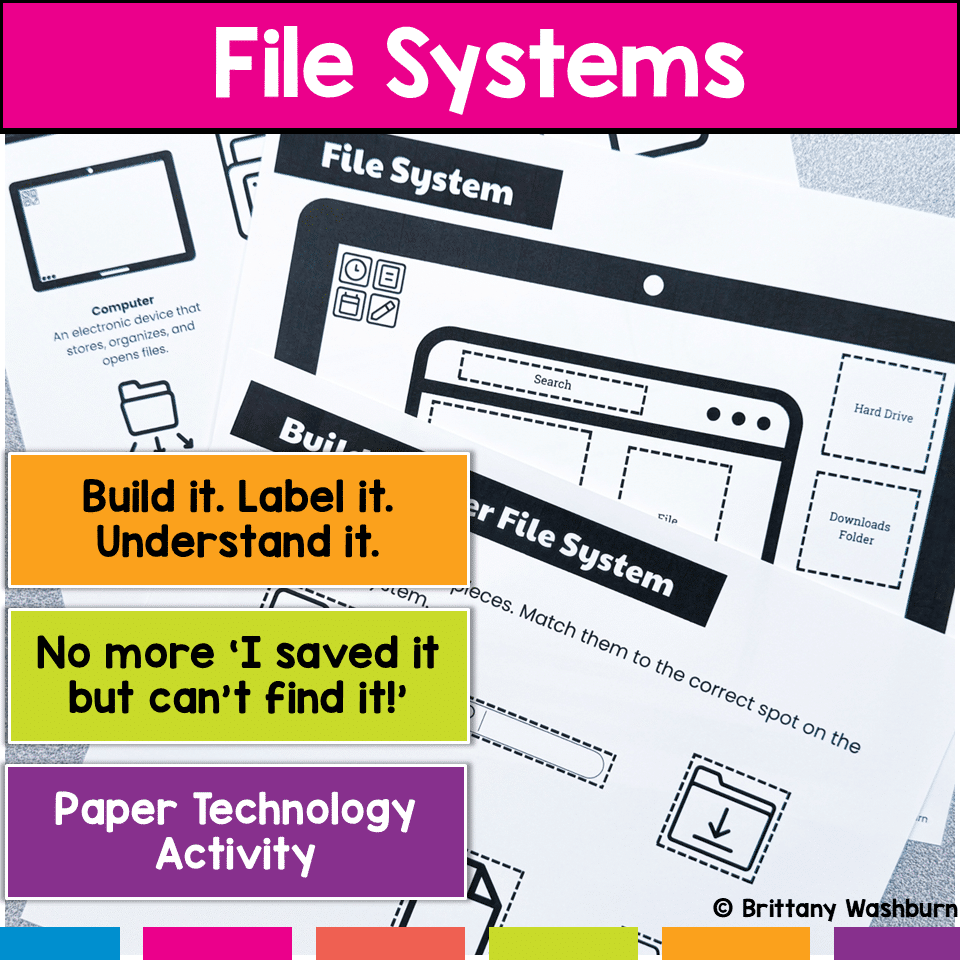
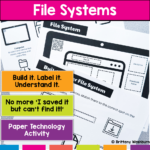
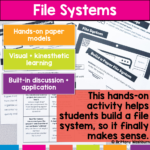
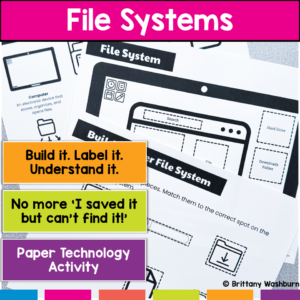
Are your students constantly saying, “I saved it… but I can’t find it!”? That’s not just forgetfulness—it’s a lack of understanding how files and folders actually work. This hands-on file system activity helps students build, label, and organize a computer file system so they can finally understand how digital organization works.
Instead of memorizing vocabulary, students create a visual model of a file system, making abstract concepts concrete and easy to apply.
Build a Paper File System Activity
$3.00
Description
Are your students constantly saying, “I saved it… but I can’t find it!”? That’s not just forgetfulness—it’s a lack of understanding how files and folders actually work. This hands-on file system activity helps students build, label, and organize a computer file system so they can finally understand how digital organization works.
Instead of memorizing vocabulary, students create a visual model of a file system, making abstract concepts concrete and easy to apply.
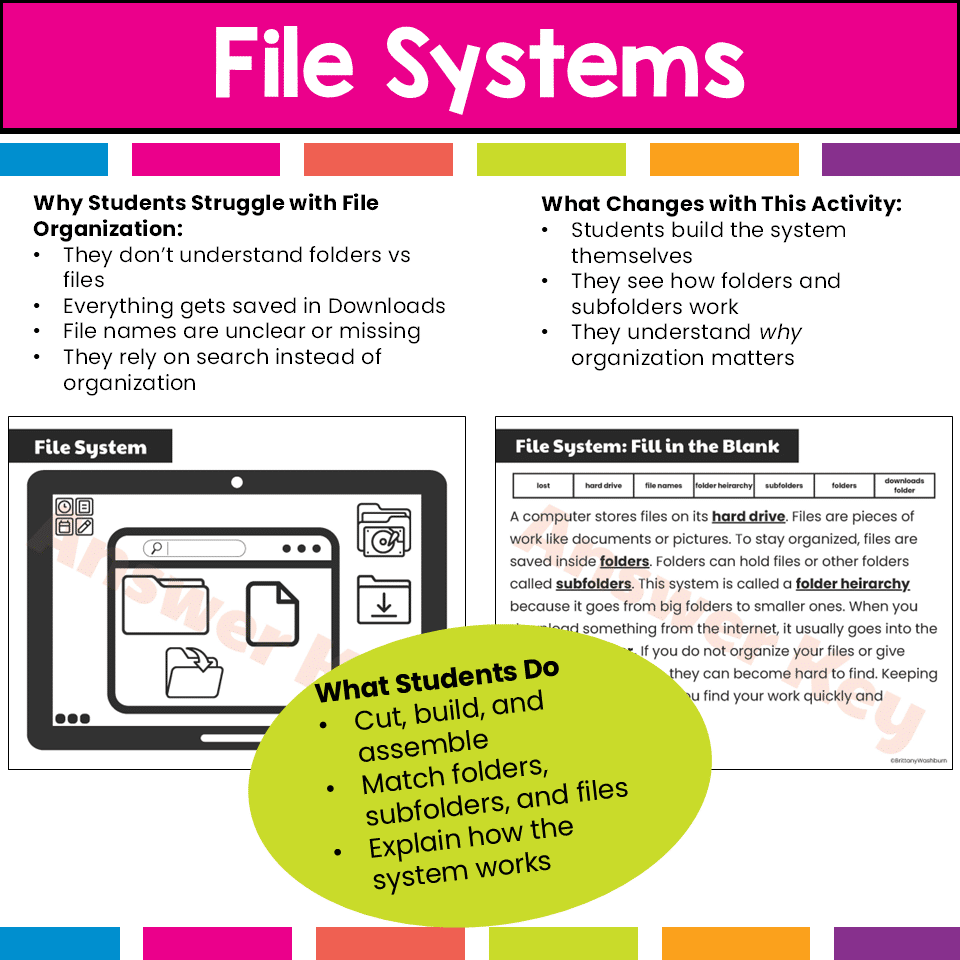
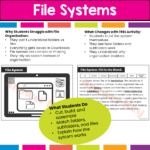
What Students Do
Students will:
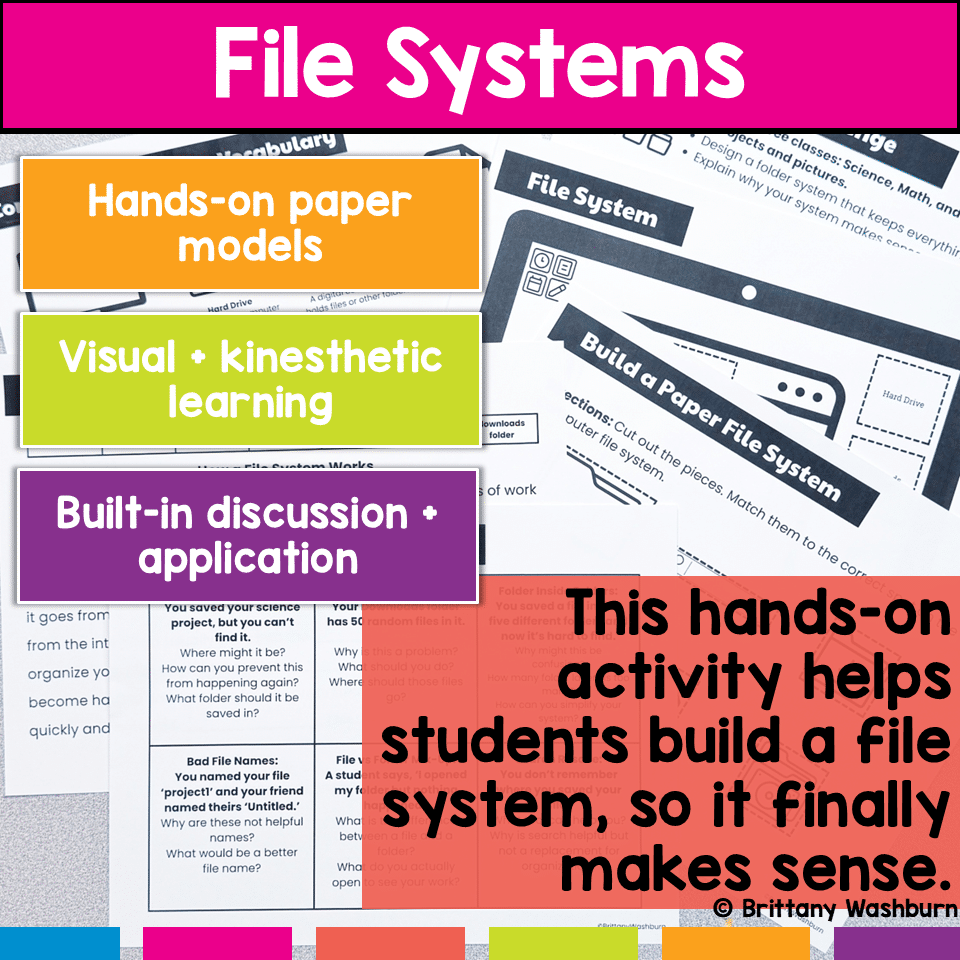
- Build a paper model of a computer file system
- Organize folders, subfolders, and files
- Identify where downloads are stored
- Practice naming and organizing files clearly
- Solve real-world file organization problems
This activity helps students move from confusion to confidence when managing digital files.
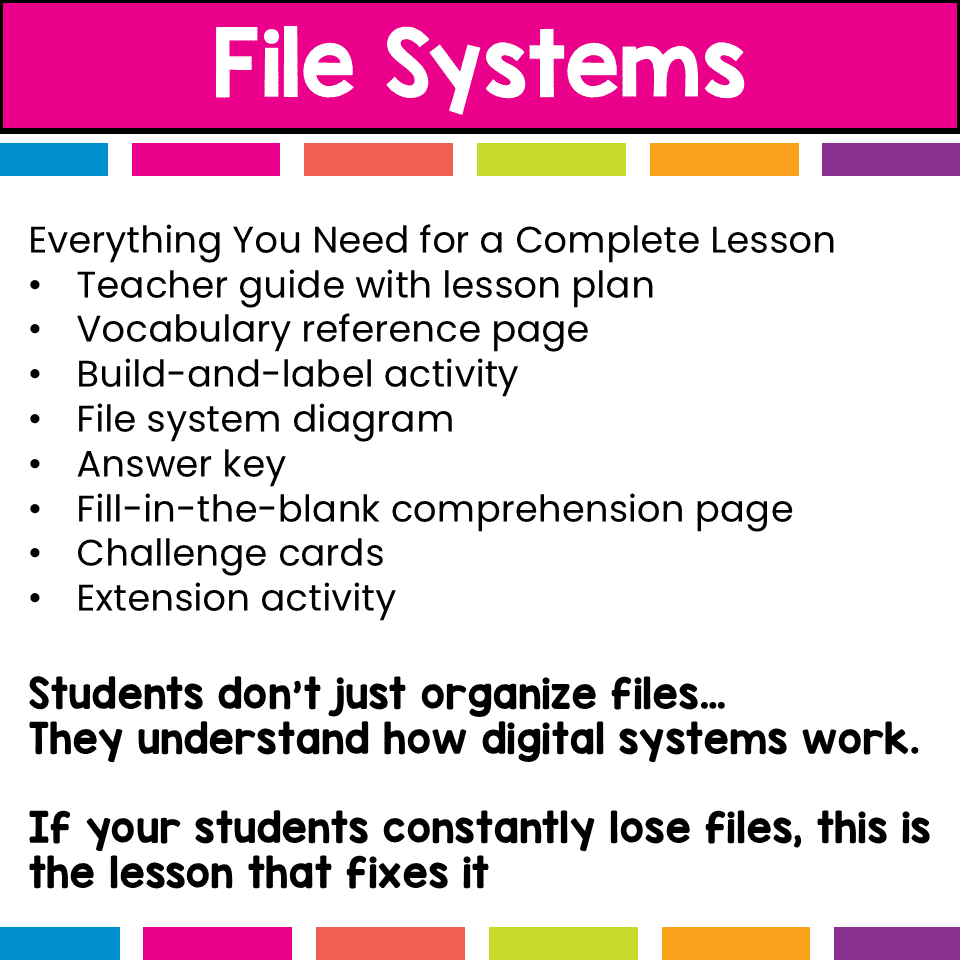
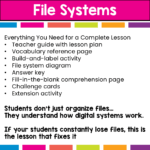
What’s Included (12 Pages)
- Teacher guide with lesson plan (easy to follow and low prep)
- File system vocabulary reference page
- Build-and-label file system activity
- File system diagram
- Answer key
- Fill-in-the-blank comprehension worksheet
- Challenge cards with real-world scenarios
- Extension activity for deeper learning
Everything you need for a complete computer basics lesson or digital literacy activity.
Concepts Covered
- File vs folder
- Folder hierarchy (folders and subfolders)
- Hard drive and file storage
- Downloads folder organization
- File names and file extensions
- How files get lost
- Why organization matters
Why Teachers Love This Resource
- Makes abstract technology concepts easy to understand
- Hands-on and highly engaging
- Builds real-world digital organization skills
- Encourages problem solving and critical thinking
- Works for a wide range of learners
Perfect For
- Computer lab lessons
- Digital literacy units
- Technology curriculum
- STEM activities
- Upper elementary and middle school students
- Sub plans or review lessons
ISTE Standards Alignment
This resource supports the following ISTE Standards for Students:
1.1 Empowered Learner
Students manage digital files and organize information effectively.
1.5 Computational Thinker
Students understand hierarchical systems and how information is structured.
1.6 Creative Communicator
Students organize and present information clearly using a structured system.
Why This Lesson Works
Many students rely on search instead of understanding how files are organized.
This activity helps them see the system, so they can:
- Find files faster
- Stay organized
- Avoid common mistakes like cluttered downloads and unclear file names
If your students struggle with file organization, this activity will make it click.
You must be logged in to post a review.
Related products
-

-
-

-
Sale!
Coding Quests Directional Coding Board Game
Original price was: $10.00.$8.00Current price is: $8.00.



You didn’t become a tech teacher to spend your weekends building lessons from scratch. I’m Brittany, a technology curriculum specialist with 1,000+ ISTE-aligned resources designed specifically for K–8 computer lab teachers.
My ready-made digital and printable resources cover everything from digital citizenship and coding fundamentals to multimedia creation and computer essentials, so your planning is handled and your students stay engaged.
Every resource is built to align with ISTE Standards, save you time, and actually work in a computer lab setting, because I’ve taught in one myself.
Browse my bestsellers, or explore by grade level or topic to find exactly what you need.
Reviews
There are no reviews yet.