




✅ Shop with Confidence
- 🔒 Secure Checkout – Your payment is safe and protected.
- ⭐ Quality Guaranteed – Store credit refunds if something isn’t right.
- 🎉 Earn Rewards – Get points for every dollar spent & redeem as store credit!
👉 Add to Cart and start using this resource today
Avatar Character Digital Animation Project
$4.50
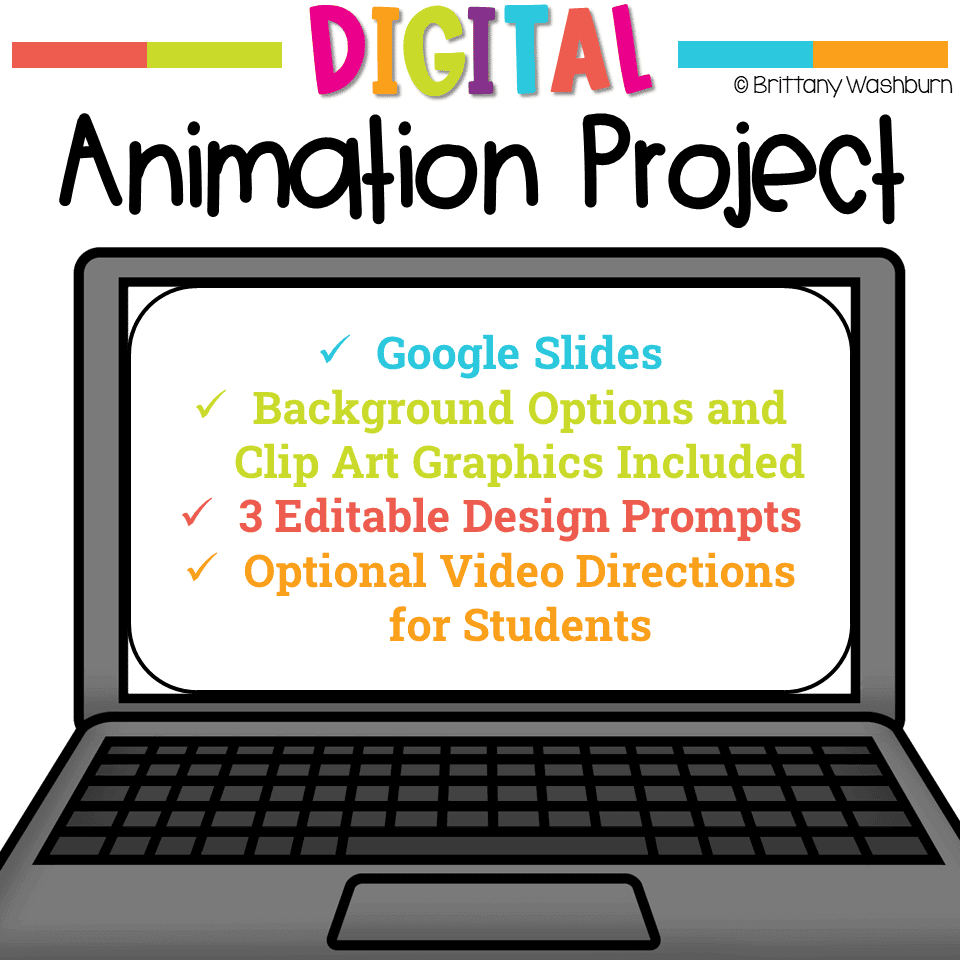
Try digital animation with your students by allowing them to create their own Avatar Character! Students choose from background options and then add shapes, text, and clip art graphics to make a scene. Then they duplicate the slide and make a small change over and over (about 50 times) to animate the scene. Once the stop motion animation is complete students publish it to the web and can optionally make it into a GIF using a website tool.
Avatar Character Digital Animation Project
$4.50
Description
Try digital animation with your students by allowing them to create their own Avatar Character! Students choose from background options and then add shapes, text, and clip art graphics to make a scene. Then they duplicate the slide and make a small change over and over (about 50 times) to animate the scene. Once the stop motion animation is complete students publish it to the web and can optionally make it into a GIF using a website tool.
DESCRIPTION
- Stop Motion is typically done with physical objects and a camera. This project is a little bit different.
- Instead of getting out all of those materials, we are going to do it digitally.
- Using Google Slides, students will animate a story across multiple slides. The 3 prompts are editable so it can be made more (or less) complicated to meet your needs.
- Students can do this with a single device or in groups across 3-5 devices.
- The backgrounds and graphics are provided for students, and they can add their own if needed.
ISTE Standards:
- Innovative Designer: 4d – Students exhibit a tolerance for ambiguity, perseverance and the capacity to work with open-ended problems.
- Creative Communicator: 6b – Students create original works or responsibly repurpose or remix digital resources into new creations. 6d – Students publish or present content that customizes the message and medium for their intended audiences.
- Global Collaborator: 7c – Students contribute constructively to project teams, assuming various roles and responsibilities to work effectively toward a common goal. (if done in pairs or small groups)
When students are finished:
- Create a Padlet and have students upload their final product.
- Have a “gallery walk” where students have their final product up on their screen while they walk around to see classmates’ creations.
- Have students present their final product to the class
Vocabulary:
- ANIMATION
- ASPECT RATIO
- FRAME
- FRAME RATE
- SCENE
- SCRIPT
- STOP MOTION
- STORYBOARD
Student Files Include:
- Introduction to Digital Stop Motion Animation
- Optional Screencast video of how to make a scene, duplicate slides, and examples of animation types (video is based on Google Slides Desktop version)
- Instructions for how to make the file play automatically
- Tips and Tricks
This is a great next project after doing the Avatar Digital Glyph
A note about diversity. While this resource has a decent amount of options for students to build an avatar that looks somewhat like them, it does not have all 8 billion combinations for the unique people on the planet. Please take a look at the preview video to see if the options provided will work for you.
*************************************************************************
If you’re interested in connecting with other technology teachers, check out the Technology Teacher Talk Group on Facebook.
Connect with me on social media!
Additional information
| Resource Type | Digital Activity |
|---|---|
| Format | Google Apps, PDF |
You must be logged in to post a review.
What teachers said on TPT
Rated 4.8 out of 5 by 34 teachers on Teachers Pay Teachers.
“My students loved this activity. It was a little challenging for them to try and figure out how they were going to alter their avatar instead of just inserting pictures and moving them along. This was a great resource and I will use it again with other classes!”
— Kelly B., TPT review
“My students loved being able to create an avatar for themselves and digitally animate it within the same project! SO fun, and I am looking forward to using it again for years!”
— Courtney B., TPT review
“My students found this easy to follow, and fun to do. I can then use these skills to build on for more projects later. Thank you!”
— Aleisha B., TPT review
Related Products
-

Full Year Timely Tech All in One
Original price was: $198.00.$158.40Current price is: $158.40. -

5th Grade ELA Standards Digital Resource Library BUNDLE
Original price was: $27.20.$24.48Current price is: $24.48. -
5th Grade Language Standards Digital Resource Library
Original price was: $16.00.$14.40Current price is: $14.40. -
5th Grade Reading Standards Digital Resource Library
Original price was: $16.00.$12.80Current price is: $12.80.



You didn’t become a tech teacher to spend your weekends building lessons from scratch. I’m Brittany, a technology curriculum specialist with 1,000+ ISTE-aligned resources designed specifically for K–8 computer lab teachers.
My ready-made digital and printable resources cover everything from digital citizenship and coding fundamentals to multimedia creation and computer essentials, so your planning is handled and your students stay engaged.
Every resource is built to align with ISTE Standards, save you time, and actually work in a computer lab setting, because I’ve taught in one myself.
Browse my bestsellers, or explore by grade level or topic to find exactly what you need.

Reviews
There are no reviews yet.