




✅ Shop with Confidence
- 🔒 Secure Checkout – Your payment is safe and protected.
- ⭐ Quality Guaranteed – Store credit refunds if something isn’t right.
- 🎉 Earn Rewards – Get points for every dollar spent & redeem as store credit!
👉 Add to Cart and start using this resource today
Algorithm Mystery Builds Digital Activity
Original price was: $8.00.$4.00Current price is: $4.00.
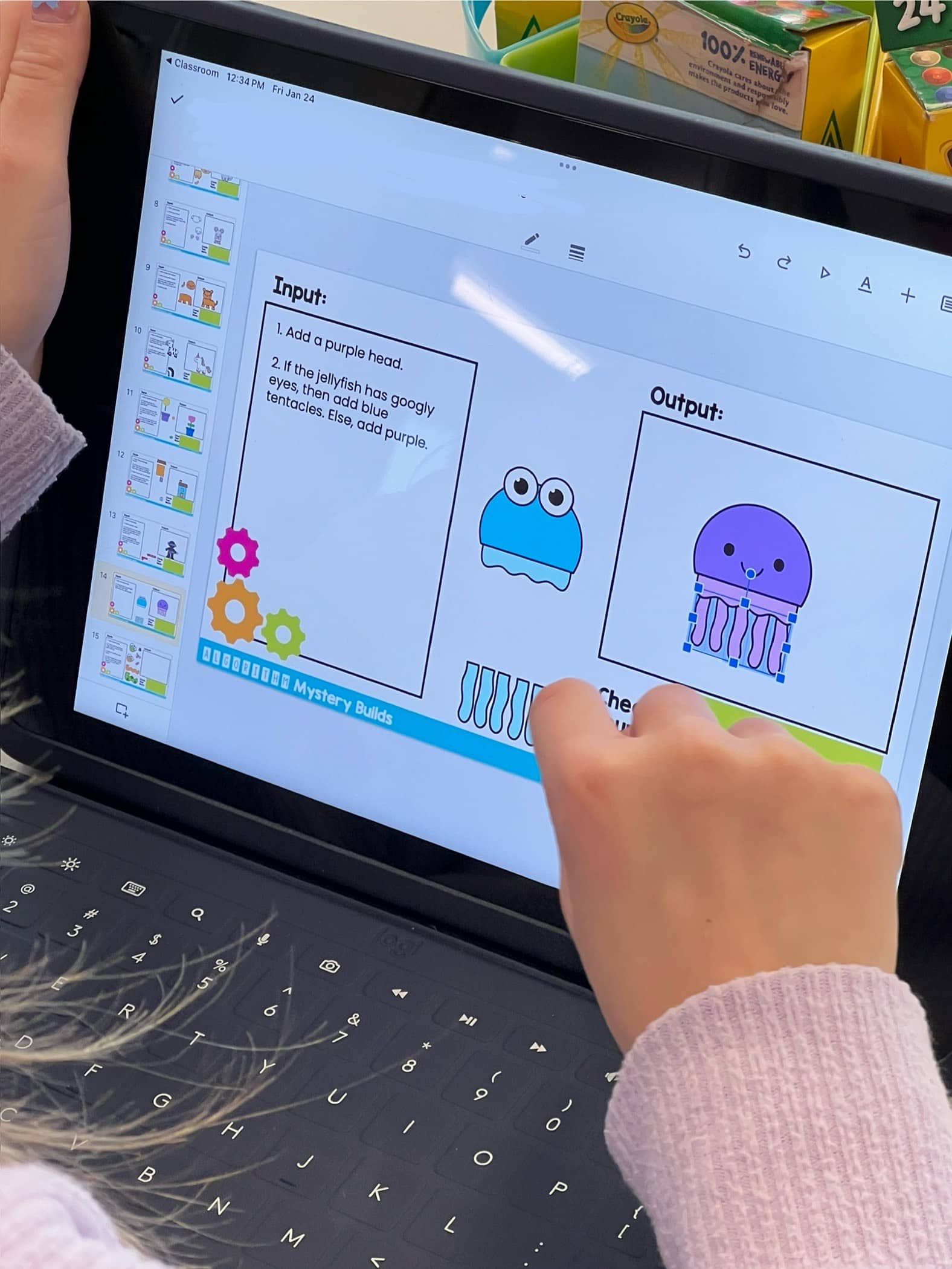
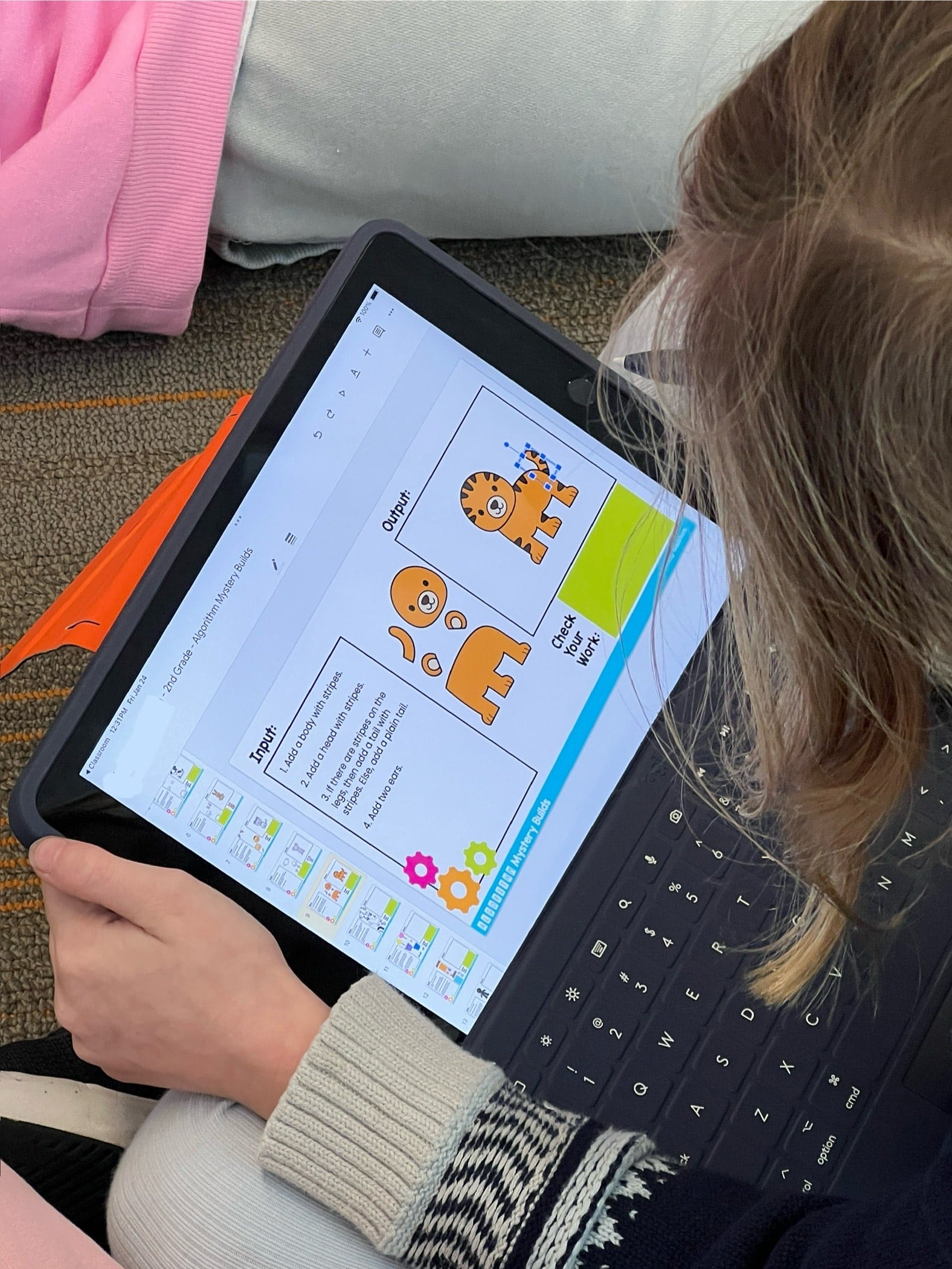
Transform your students’ understanding of computational thinking with the engaging and interactive Algorithms Mystery Builds activity! This activity is designed to help students practice following directions, learn computational thinking vocabulary, and develop mouse/cursor control. Perfect for classroom use or homeschooling environments!
Algorithm Mystery Builds Digital Activity
Original price was: $8.00.$4.00Current price is: $4.00.
Description
-
Google Slides File: Algorithm Mystery Builds with interactive slides for each letter of the alphabet.
-
Detailed Teacher Instructions: Step-by-step directions for implementing the activity in your classroom or homeschool setting.
-
Self-Check Feature: Students can verify their work by moving the “check your work” box.
-
Review and Discussion Prompts: Facilitate class or small group discussions about the activity and computational thinking concepts.
-
Extension Activities: Ideas for students who finish early or need additional practice.
-
Common Core State Standards (CCSS):
-
CCSS.ELA-LITERACY.RF.K.1
-
CCSS.ELA-LITERACY.RI.1.1
-
CCSS.MATH.PRACTICE.MP1
-
International Society for Technology in Education (ISTE) Standards:
-
ISTE Standard 1.5: Computational Thinker
-
ISTE Standard 1.6: Creative Communicator
-
Kindergarten (with assistance) through 2nd-grade students
-
Classroom settings
-
Homeschooling families
-
Digital learning environments
-
Engaging and Interactive: Keeps students motivated and excited to learn.
-
Skill Development: Enhances understanding of algorithms and computational thinking vocabulary.
-
Easy to Use: Clear instructions for both teachers and parents.
-
Versatile: Suitable for various educational settings and student levels.
-
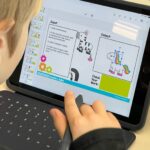
Navigate Slides: Students open the Google Slides File and read the input directions.
-
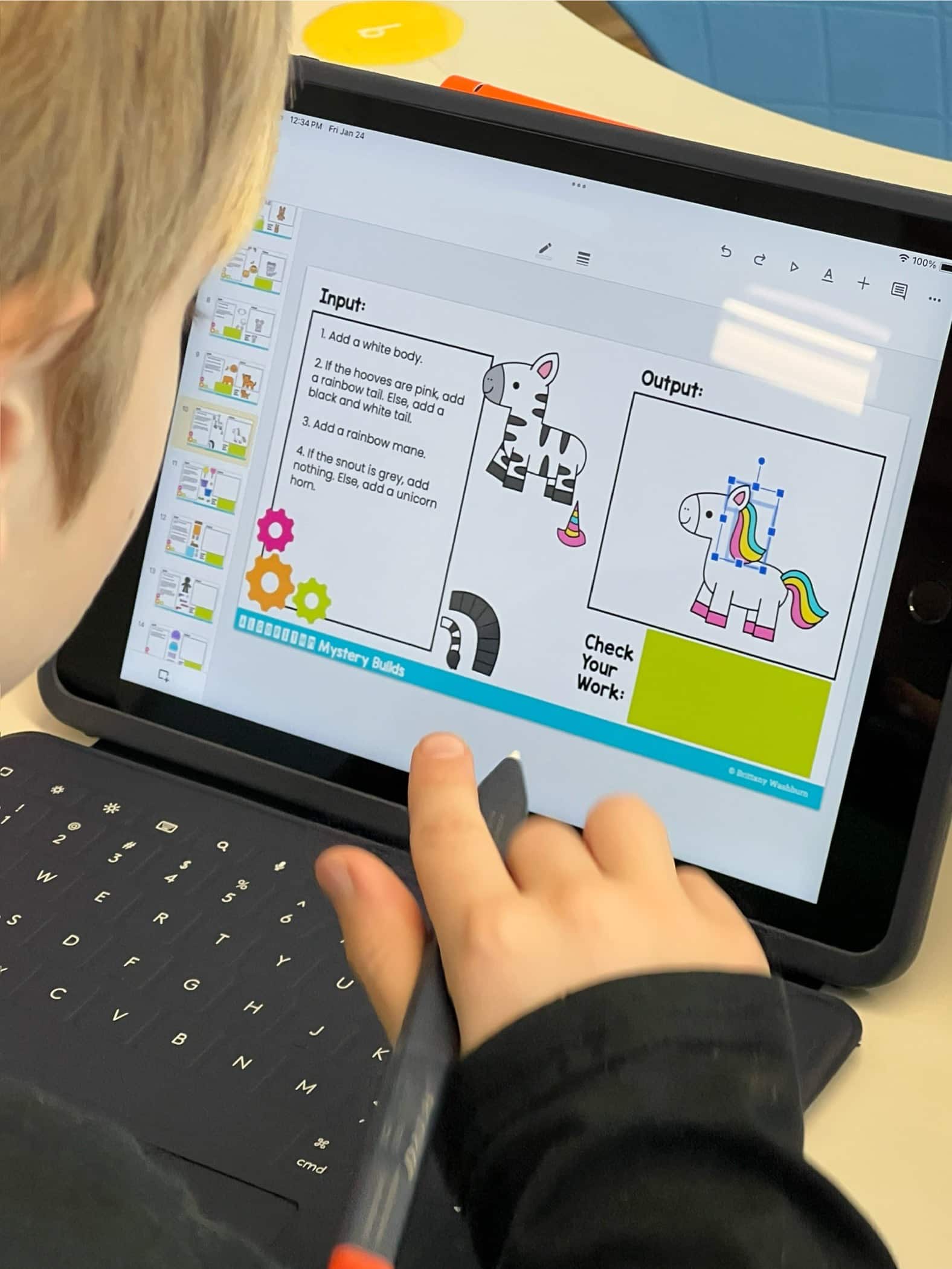
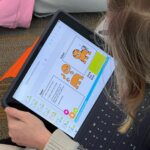
Build Mystery Pictures: Using drag-and-drop, students move pieces into the output box to create pictures.
-
Self-Check: Students check their work by moving the “check your work” box to see if their image matches the correct one.
-
Review and Discuss: Reflect on challenges and successes with provided discussion prompts.
-
Extensions: Create custom algorithms using if/then/else statements for additional practice.
You must be logged in to post a review.

Related Products



You didn’t become a tech teacher to spend your weekends building lessons from scratch. I’m Brittany, a technology curriculum specialist with 1,000+ ISTE-aligned resources designed specifically for K–8 computer lab teachers.
My ready-made digital and printable resources cover everything from digital citizenship and coding fundamentals to multimedia creation and computer essentials, so your planning is handled and your students stay engaged.
Every resource is built to align with ISTE Standards, save you time, and actually work in a computer lab setting, because I’ve taught in one myself.
Browse my bestsellers, or explore by grade level or topic to find exactly what you need.

Reviews
There are no reviews yet.