
✅ Shop with Confidence
- 🔒 Secure Checkout – Your payment is safe and protected.
- ⭐ Quality Guaranteed – Store credit refunds if something isn’t right.
- 🎉 Earn Rewards – Get points for every dollar spent & redeem as store credit!
👉 Add to Cart and start using this resource today
Thanksgiving Computer Lab Activities: Slides, Docs & Sheets Projects for Grades 3–5
$5.00
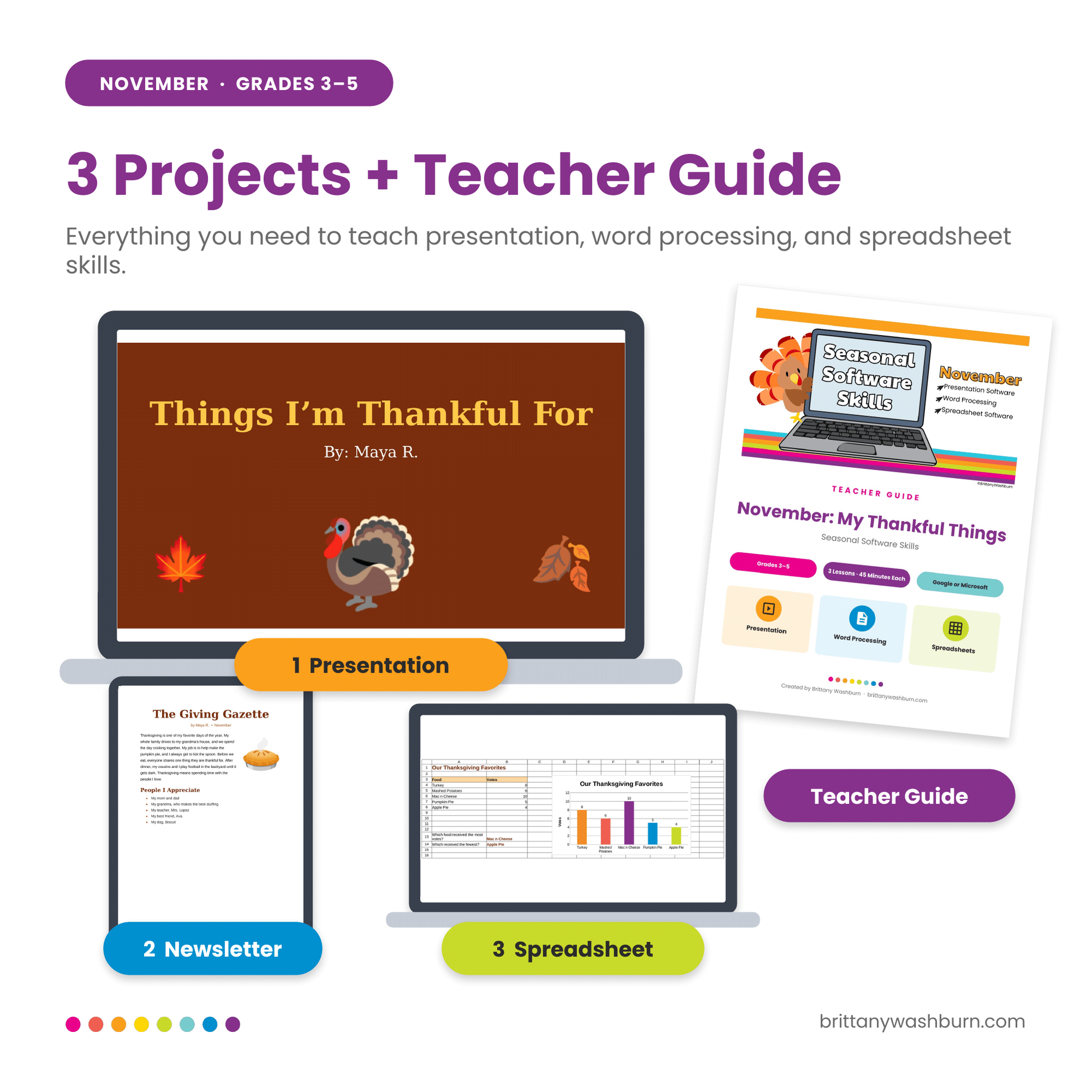
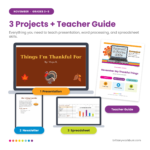
Looking for Thanksgiving technology activities that teach real software skills? Students in grades 3–5 build a thankful presentation, format a Thanksgiving newsletter, and turn class vote data into a chart. Three 45-minute projects with a full teacher guide, rubrics, and vocabulary cards. Works in Google Slides, Docs, and Sheets, or PowerPoint, Word, and Excel.
Thanksgiving Computer Lab Activities: Slides, Docs & Sheets Projects for Grades 3–5
$5.00
Description
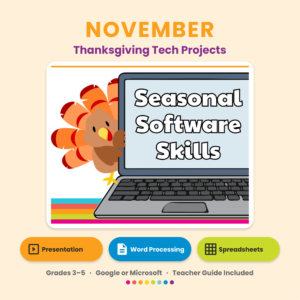
Seasonal Software Skills – November
Do your students need more practice with real software skills, but you want something that feels festive in November? These Thanksgiving computer lab activities give students in grades 3–5 three hands-on projects, one each in presentation, word processing, and spreadsheet software. Each one fits in a single 45-minute class.
What students create
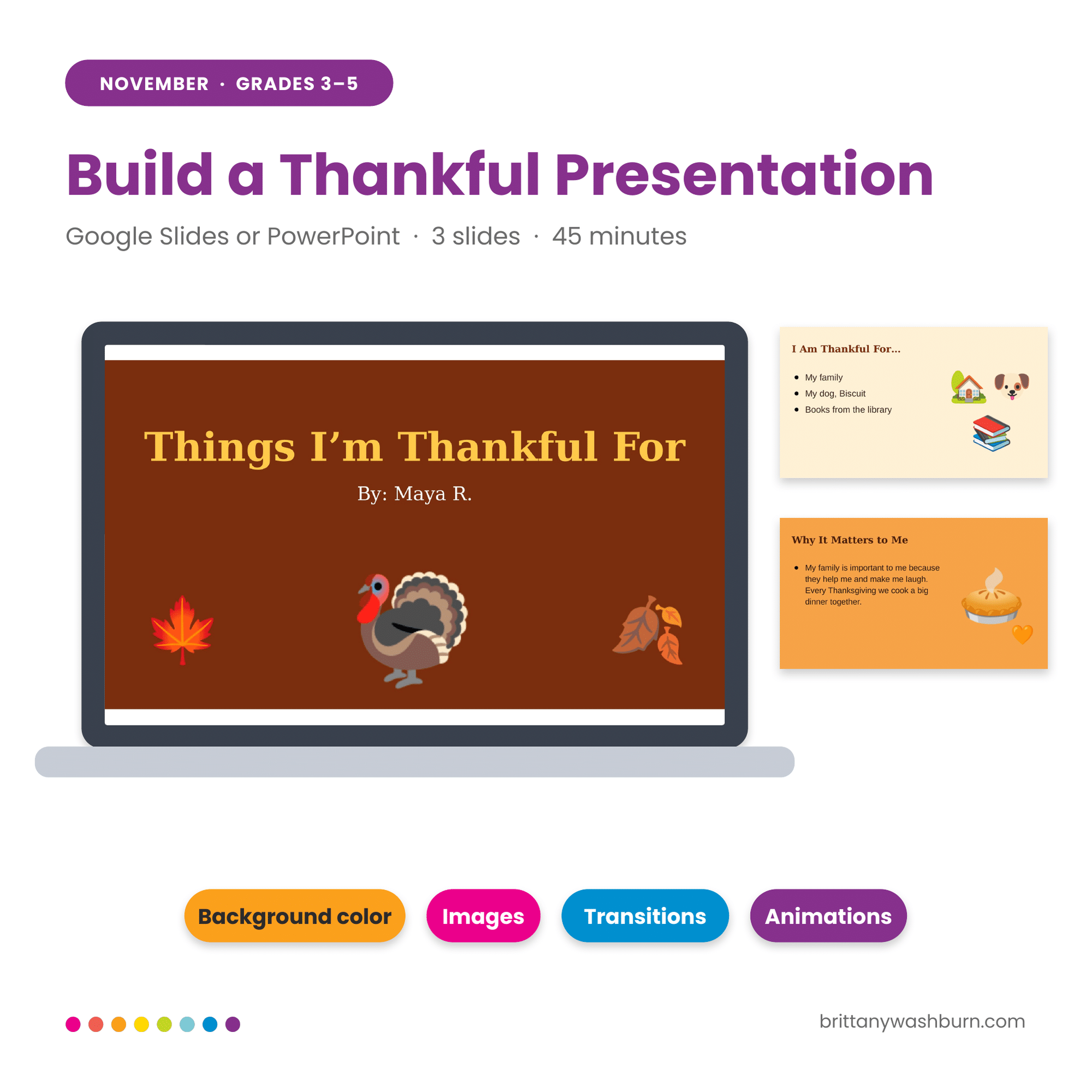
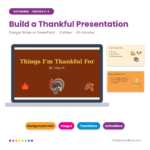
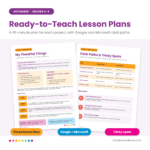
1. My Thankful Things (Thanksgiving Google Slides activity) Students build a 3-slide presentation about what they’re thankful for. They change backgrounds and fonts, add images, and finish with a transition and an animation. It’s a thankful presentation template students make their own.
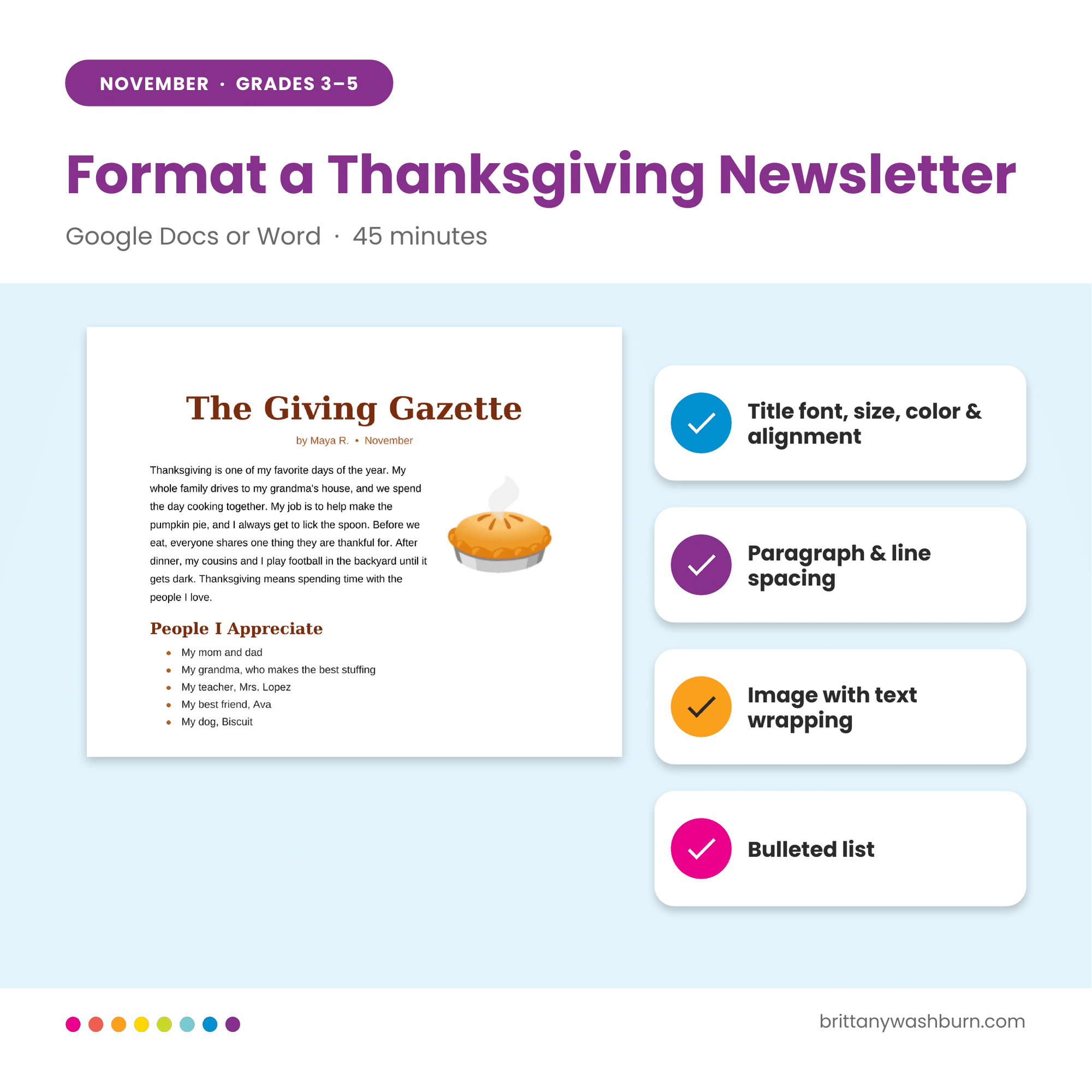
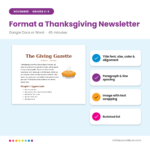
2. Thanksgiving Newsletter (Thanksgiving Google Docs activity) Students pick a newsletter title and style it, write a paragraph about their family traditions, type a bulleted list of people they appreciate, and wrap text around an image.
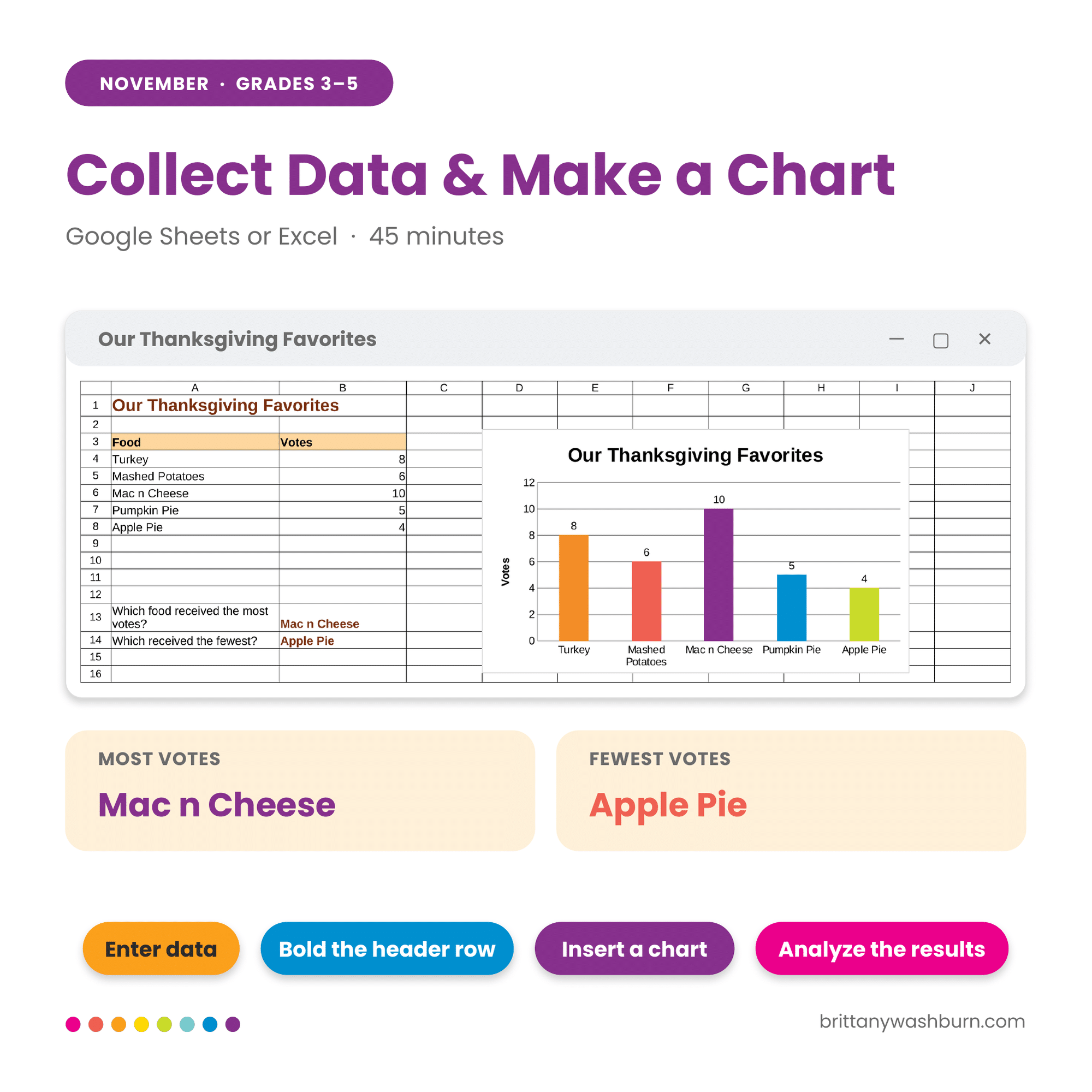
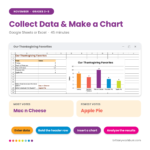
3. Thanksgiving Favorites (Thanksgiving Google Sheets activity) Students enter vote data for five Thanksgiving foods, bold the header row, build a column chart, and answer questions about the results. It’s a simple spreadsheet chart activity for elementary students.
What’s in the teacher guide
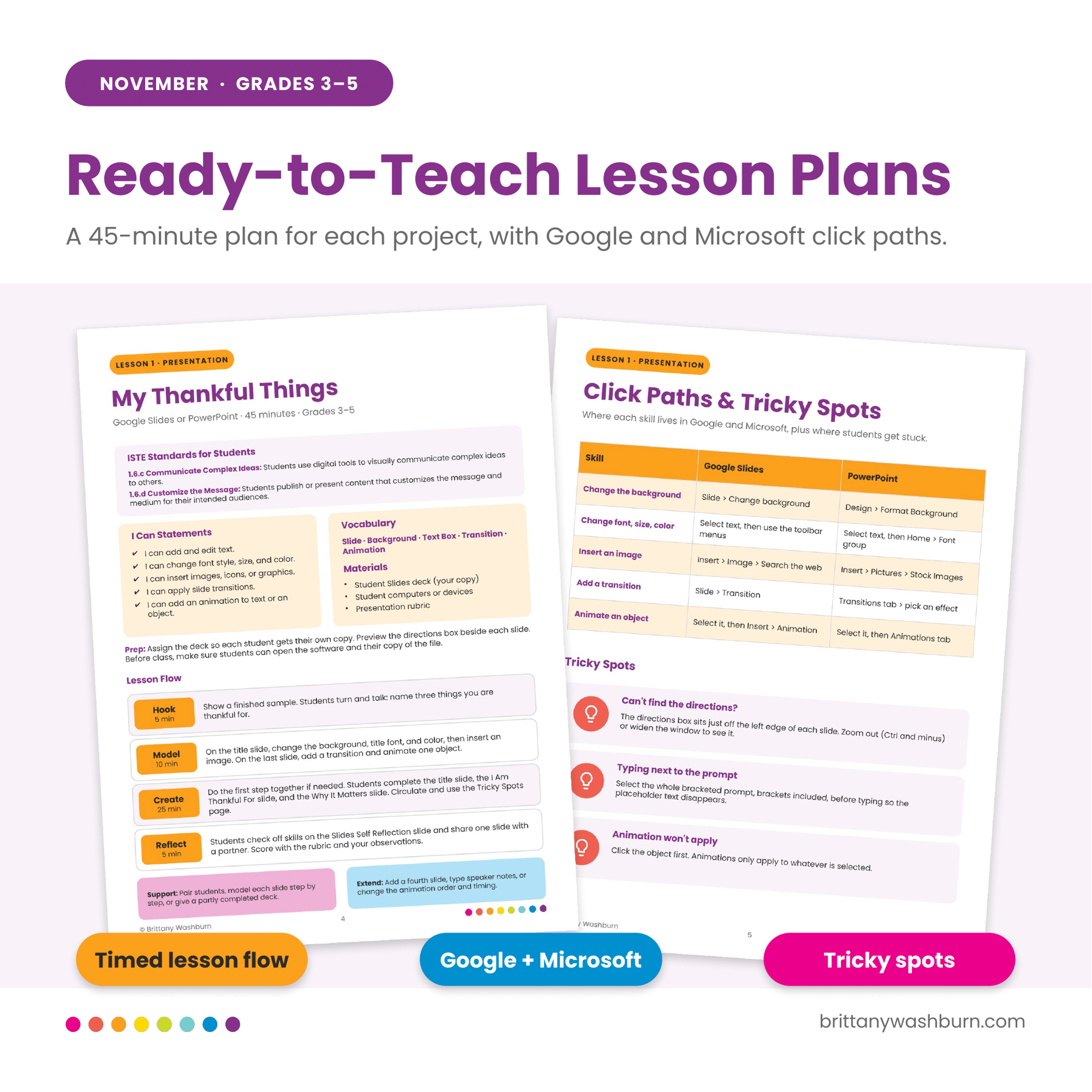
- A one-page lesson plan for each project, with a timed flow: Hook, Model, Create, Reflect
- Click paths for every skill in both Google and Microsoft
- Tricky spots where students usually get stuck, and how to help
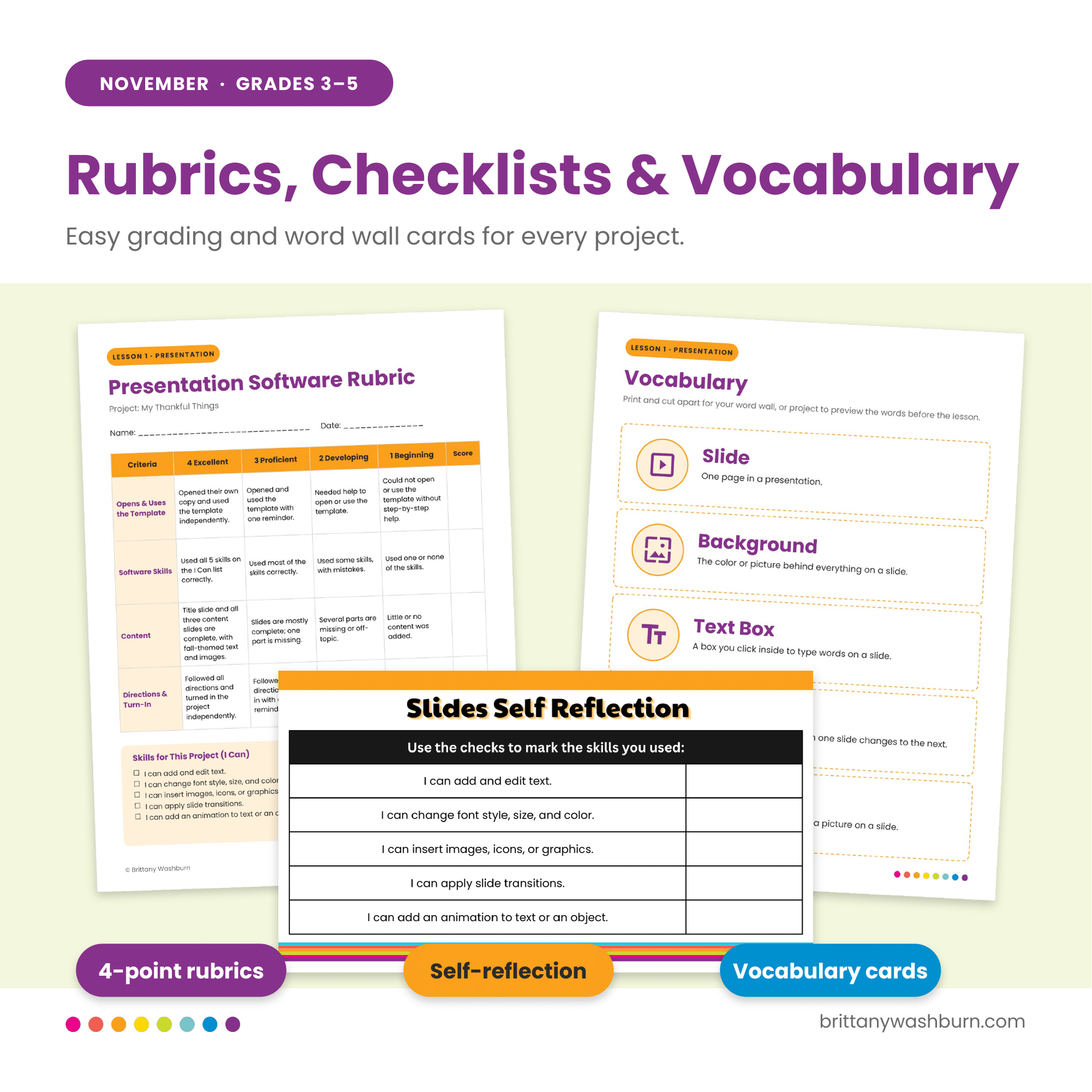
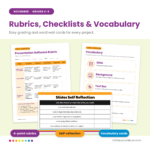
- Vocabulary word wall cards (5 words for each software)
- A 4-point rubric for each project
- Answer key and finished samples to show students
- ISTE Standards for Students alignment
Students also check off their skills on a self-reflection checklist inside their file.
Skills students practice
- Presentation: slides, text boxes, backgrounds, images, transitions, animations
- Word processing: fonts, alignment, line spacing, bulleted lists, text wrapping
- Spreadsheets: cells, rows, columns, data entry, charts
How it works
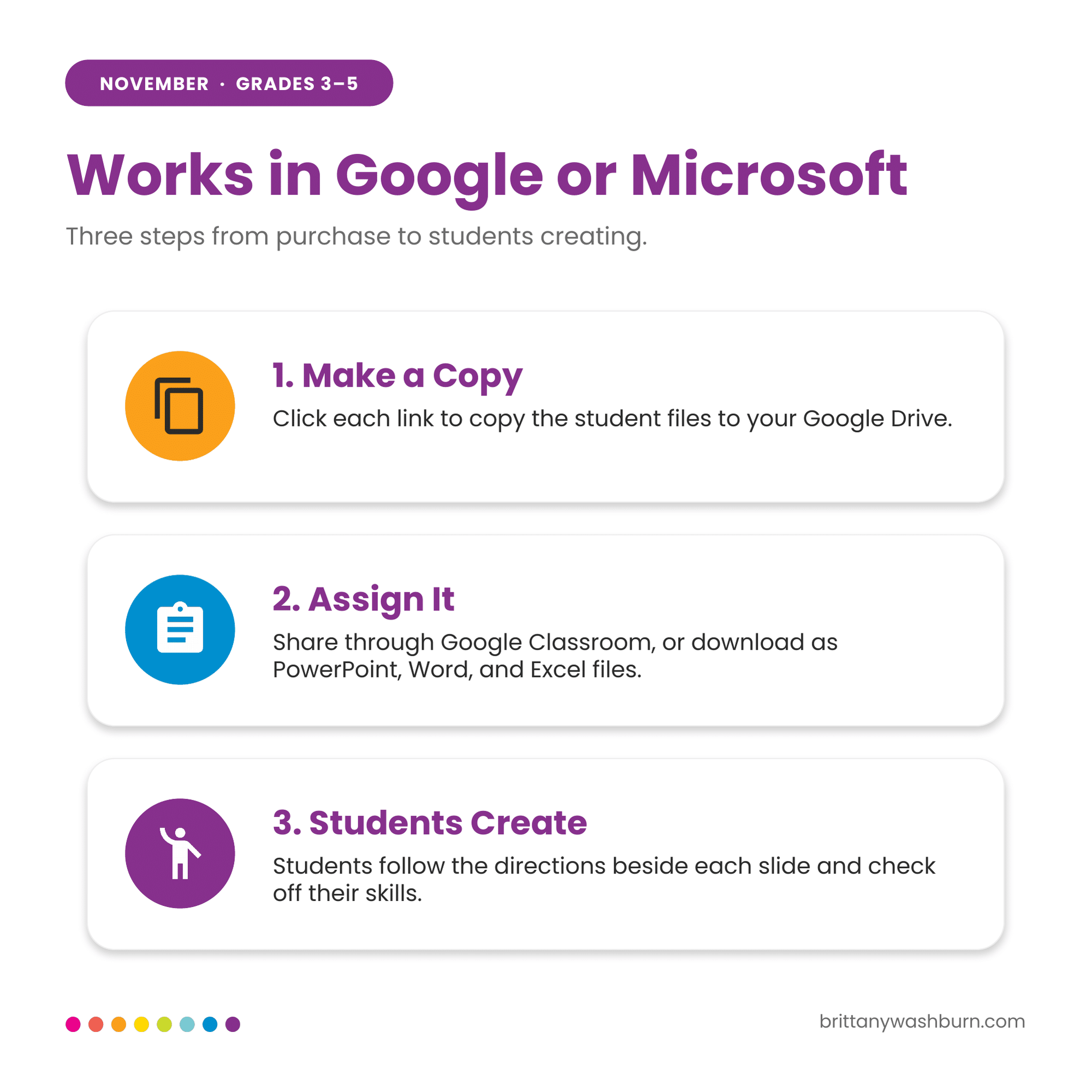
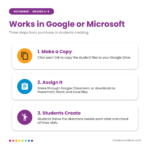
- Click the links in the teacher guide to make your own copies.
- Assign them in Google Classroom, or download them as PowerPoint, Word, and Excel files.
- Students follow the directions beside each slide and check off their skills.
Who it’s for
These computer skills activities are written for 3rd, 4th, and 5th grade: computer lab teachers, classroom teachers, and homeschool families. Third graders may need more modeling on the spreadsheet chart.
FAQ
Do I need Google accounts? You need a free Google account to make your copies. After that, students can work in Google Slides, Docs, and Sheets, or you can download the files as Thanksgiving PowerPoint, Word, and Excel activities.
Will this work on Chromebooks? Yes. It is built for Google apps in the browser.
How long does it take? About 45 minutes for each project, so three class periods.
Is this part of a series? Yes. Seasonal Software Skills gets a new set every month, September through May, so students build on their skills all year.
I hope your students have fun with these, and that they save you some planning time this busy season!
Additional information
| Season / Holiday | Thanksgiving |
|---|---|
| Resource Type | Digital |
This resource supports the following standards.
ISTE Standards for Students
- 1.1.d – Understand technology operations and troubleshoot
- 1.5.b – Collect and analyze data with digital tools
- 1.6.b – Create original works or remix digital resources
- 1.6.c – Communicate ideas clearly with digital objects
- 1.6.d – Publish or present for an audience
CSTA K-12 Computer Science Standards
- 1B-DA-06 – Organize and present data visually
Common Core State Standards
- W.3.6 – Use technology to publish writing, using keyboarding skills
- W.4.6 – Keyboarding: type at least one page in a single sitting
- W.5.6 – Keyboarding: type at least two pages in a single sitting
- SL.4.5 – Add audio and visual displays to presentations
- SL.5.5 – Include multimedia in presentations
- 3.MD.B.3 – Draw scaled picture and bar graphs
Texas TEKS: Technology Applications (19 TAC Chapter 126)
- Gr 3-5: (c)(6) Data analysis
- (c)(7) Communicate and publish results
- (c)(11)(B) Application functions and formatting
- (c)(12)(D) Keyboard shortcuts
You must be logged in to post a review.
You may be interested in…
-

November Digital STEM Challenges
$3.00 -

Timely Tech – 22 November Themed Technology Activities
Original price was: $18.00.$12.00Current price is: $12.00.

Related Products
-
Full Year Timely Tech All in One
Original price was: $198.00.$158.40Current price is: $158.40. -
5th Grade ELA Standards Digital Resource Library BUNDLE
Original price was: $27.20.$24.48Current price is: $24.48. -
5th Grade Language Standards Digital Resource Library
Original price was: $16.00.$14.40Current price is: $14.40. -

Adventures in the Internet Digital Book Companion – Grades 3-5
$3.00


You didn’t become a tech teacher to spend your weekends building lessons from scratch. I’m Brittany, a technology curriculum specialist with 1,000+ ISTE-aligned resources designed specifically for K–8 computer lab teachers.
My ready-made digital and printable resources cover everything from digital citizenship and coding fundamentals to multimedia creation and computer essentials, so your planning is handled and your students stay engaged.
Every resource is built to align with ISTE Standards, save you time, and actually work in a computer lab setting, because I’ve taught in one myself.
Browse my bestsellers, or explore by grade level or topic to find exactly what you need.
Reviews
There are no reviews yet.