






✅ Shop with Confidence
- 🔒 Secure Checkout – Your payment is safe and protected.
- ⭐ Quality Guaranteed – Store credit refunds if something isn’t right.
- 🎉 Earn Rewards – Get points for every dollar spent & redeem as store credit!
👉 Add to Cart and start using this resource today
Technology Themed Decor Giant Keyboard for the Computer Lab
Original price was: $9.00.$7.00Current price is: $7.00.
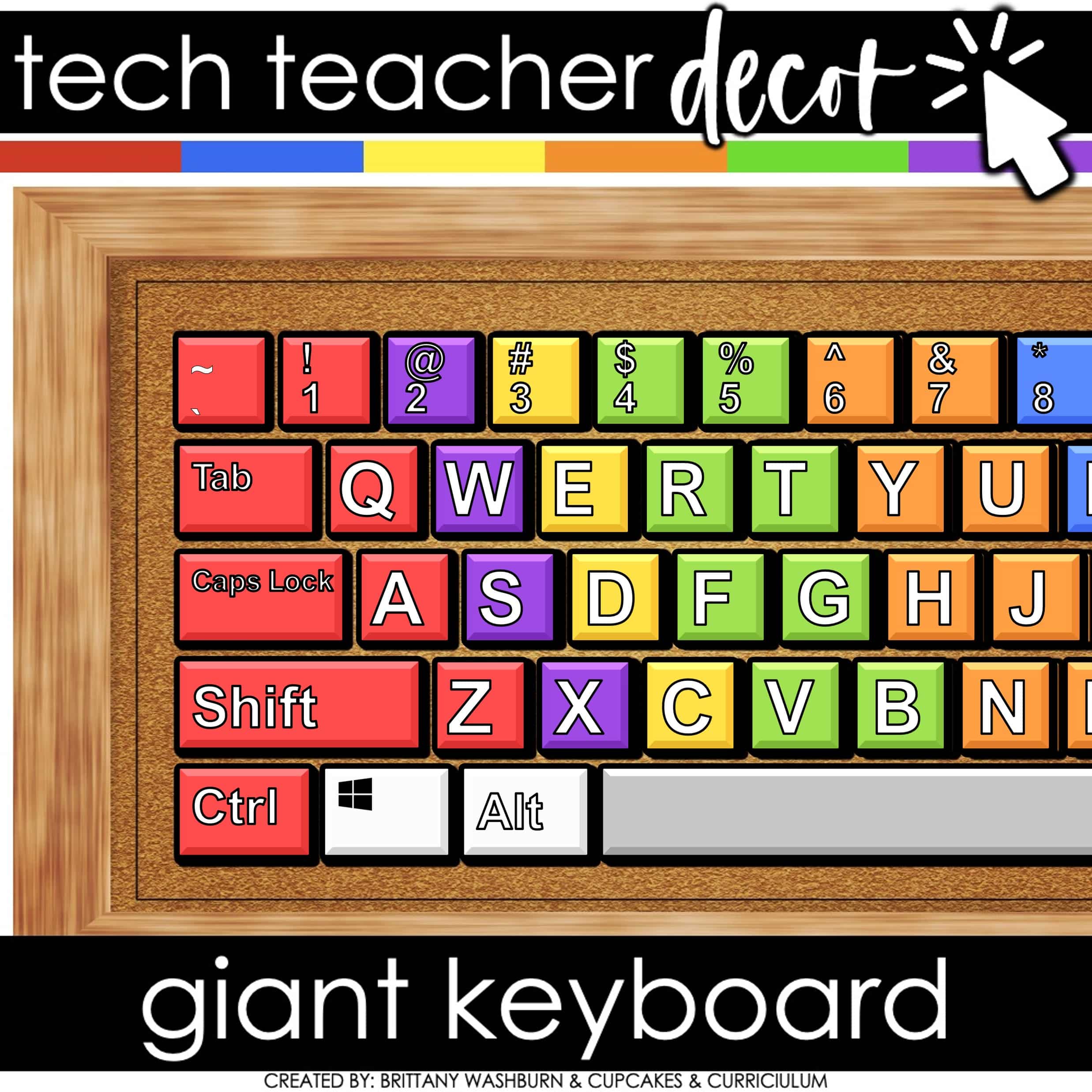
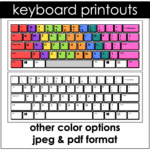
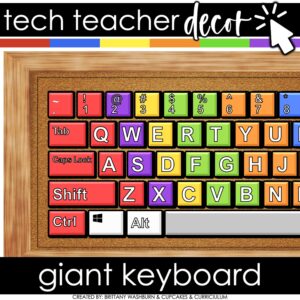
This Giant Keyboard Display is colorful and creative so you can decorate your computer lab, media center, or classroom while inspiring your students to do their best work. It also includes practice pages with both color and black and white options. You can have an adorable and stylish classroom while still maintaining a highly academic environment!
You may also like…
-
Sale!

Technology Themed Decor for the Computer Lab Bundle
Teacher toolOriginal price was: $68.50.$61.65Current price is: $61.65. -
-
-

Technology Themed Decor Giant Keyboard for the Computer Lab
Original price was: $9.00.$7.00Current price is: $7.00.
Description
-
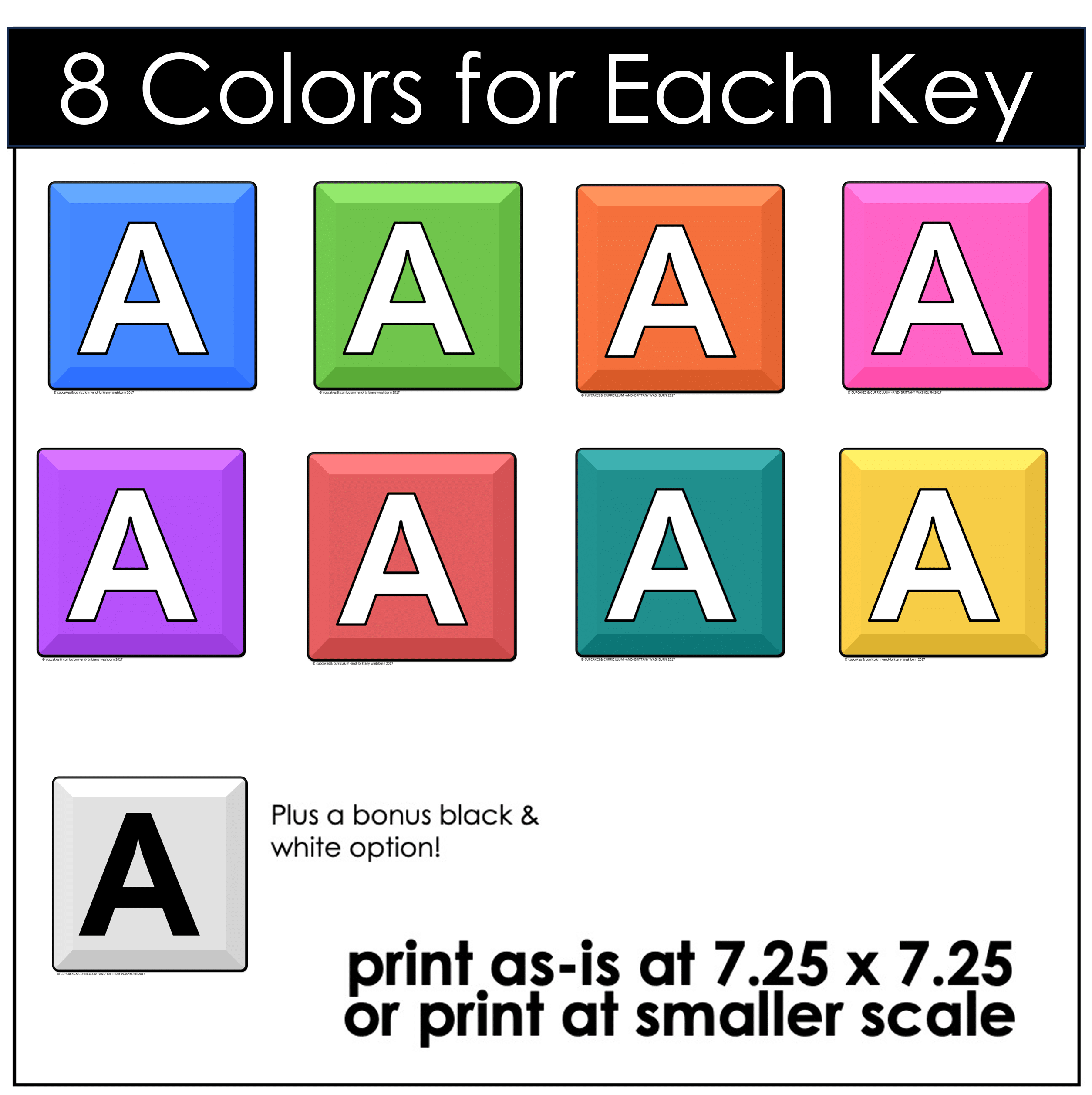
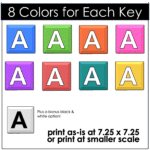
8 full-color PDF sets of every key (including the 2 new color options) to mix and match for your own custom color scheme
-
Special Keys Kit with alternate designs for Ctrl, Fn, Command, Option, Return, Delete, arrow keys, and Shift (as an up arrow) – in every color
-
Uppercase letters. If you have Chromebooks, you’ll want this kit instead.
-
2 pre-formatted PDFs for easy printing:
-
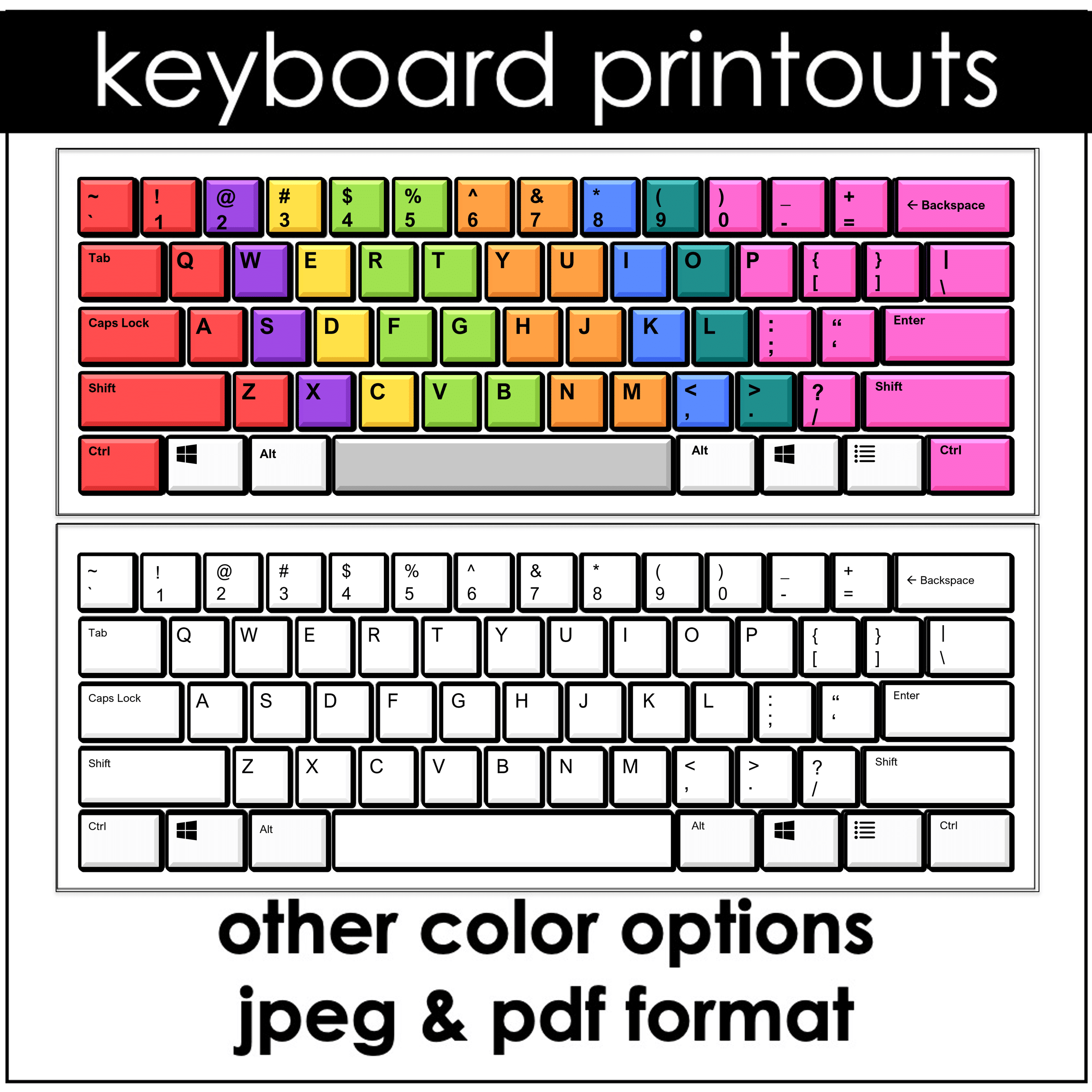
9 color option (different color for each finger)
-
5 color option
-
Home Row Hand Placement printables for teaching proper finger positioning
-
Designed for grades K–8 with a timeless, bright color palette that works for all ages
-
Choose your color scheme (mix & match or keep it uniform)
-
Print, cut, and laminate (optional)
-
Use the pre-formatted PDFs for a quick, poster-style print OR print individual keys for a fully customized layout
-
Arrange the perimeter first, then space the keys evenly in rows—no need for them to touch
-
Add to bulletin boards, doors, walls, or even hallway displays for maximum impact
-
Doubles as interactive keyboarding practice and colorful tech-themed décor
-
Completely customizable to your classroom theme
-
Durable—print and laminate once, use for years
-
Helps students learn key placement, home row, and digital responsibility at a glance
-
Flexible layout works for bulletin boards, door displays, or wall murals
-
Computer lab teachers
-
STEM & Makerspace educators
-
Media specialists
-
Classroom teachers introducing typing & computer skills
Additional information
| Standards | ISTE, TEKS Technology Applications |
|---|---|
| Topic | Classroom Decor & Teacher Tools, Computer Basics, Keyboarding & Typing |
| Resource Type | Posters & Decor |
| Made for | Teachers |
This resource supports the following standards.
ISTE Standards for Students
- 1.1.d – Understand technology operations and troubleshoot
Texas TEKS: Technology Applications (19 TAC Chapter 126)
- K: (c)(8)(D) Keyboarding
- Gr 1: (c)(9)(D) Keyboarding
- Gr 2: (c)(10)(D) Keyboarding
- Gr 3-5: (c)(12)(C) Keyboarding
131 reviews for Technology Themed Decor Giant Keyboard for the Computer Lab
Reviewers earn rewards points for any honest review they leave, positive or negative.
You must be logged in to post a review.
What teachers said on TPT
Rated 4.9 out of 5 by 130 teachers on Teachers Pay Teachers.
“I have been a technology teacher for the past 8 years. I have always seen pictures of the giant keyboards in classrooms and have always wanted to purchase it. I now have a classroom where it is doable and I was so excited to get this up. I love having the large visual for the students to look at when I am teaching keyboarding.”
— Susan S., TPT review
“These keyboard are perfect for every need in my typing class. I've printed some to make typing mats for students to reference, printed a larger (blown up) poster to use when instructing students on correct finger placement, and used the individual letters for a keyboard decoration on the wall.”
— Rebecca B., TPT review
“My students love walking into the computer lab and being able to see the keys we are talking about that day from any where in the room. Colors make it easy for younger students to quickly see what fingers they are supposed to use to type the keys of the day.”
— MARY L., TPT review
You may be interested in…
-

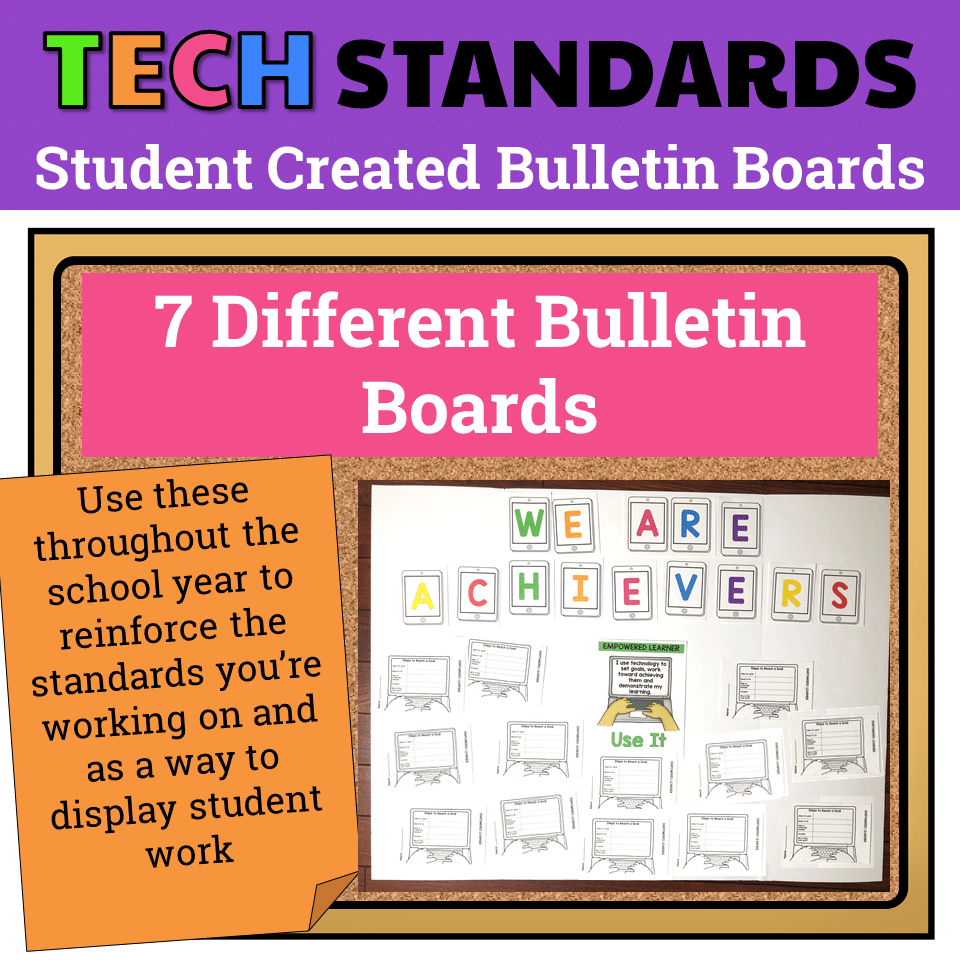
7 Technology Standards Student Created Bulletin Boards
Add to cartOriginal price was: $21.00.$14.00Current price is: $14.00.
Related Products
-

Technology Themed Decor for the Computer Lab Bundle
Add to cartOriginal price was: $68.50.$61.65Current price is: $61.65. -
7 Technology Standards Student Created Bulletin Boards
Add to cartOriginal price was: $21.00.$14.00Current price is: $14.00. -
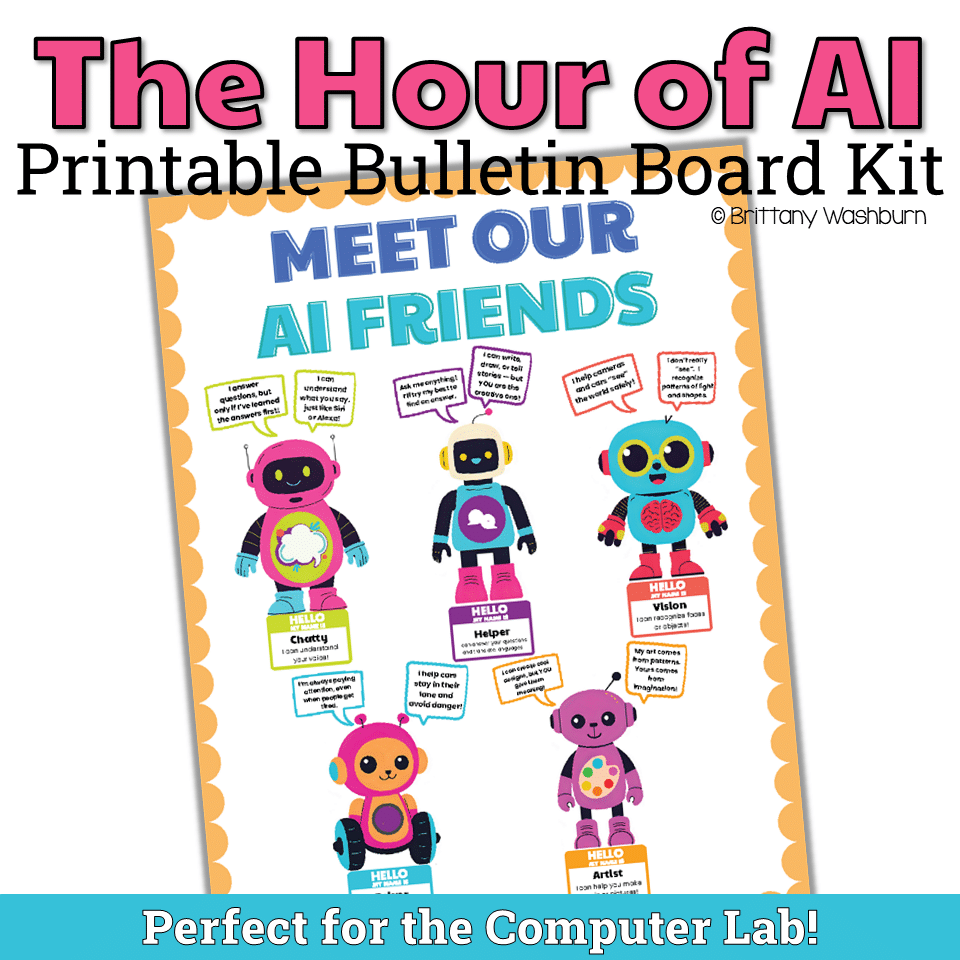
AI Friends Bulletin Board Kit
Add to cart$3.00 -
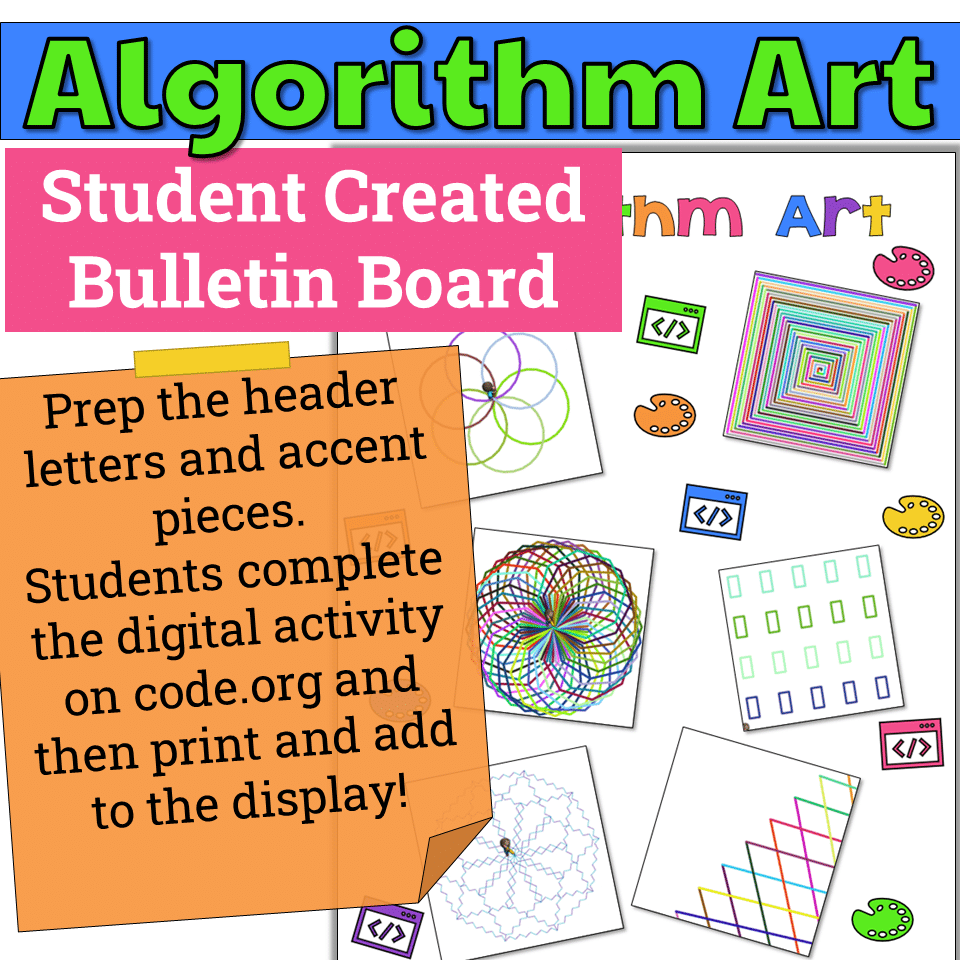
Algorithm Art Student Created Bulletin Board
Add to cart$2.50


You didn’t become a tech teacher to spend your weekends building lessons from scratch. I’m Brittany, a technology curriculum specialist with 1,000+ ISTE-aligned resources designed specifically for K–8 computer lab teachers.
My ready-made digital and printable resources cover everything from digital citizenship and coding fundamentals to multimedia creation and computer essentials, so your planning is handled and your students stay engaged.
Every resource is built to align with ISTE Standards, save you time, and actually work in a computer lab setting, because I’ve taught in one myself.
Browse my bestsellers, or explore by grade level or topic to find exactly what you need.


Megan R. –
Verified TPT reviewKids love this on my wall
Larissa Solis –
Verified TPT reviewGreat decor!
Kerstin M. –
Verified TPT reviewThank you!
Yajaira M. –
Verified TPT reviewAmazing resource! Thank you so much!
Heidi S. –
Verified TPT reviewMy keyboard was easy to print and display in my lab. I love it and get so many compliments on in!
Angie F. –
Verified TPT reviewI printed this on our poster machine and love it!
Tech Love and Laughter –
Verified TPT reviewGreat product!
Marybeth L. –
Verified TPT reviewI do not like doing bulletin board so this helped me step up my game and create a life size keyboard for the hallway in my school.
Sunny Days in the Valley –
Verified TPT reviewAwesome resource!
Andrea A. –
Verified TPT reviewWorking on my giant keyboard. These are so easy to print and so clear and beautiful!
jolee O. –
Verified TPT reviewlove this
Clair W. –
Verified TPT reviewGreat resource, bright colors, prints beautifully – my students love it! Thank you!
Shannon M. –
Verified TPT reviewJust what I needed. Thank you!
Patty M. –
Verified TPT reviewI love it and so does everyone that comes into the computer lab!
Darcy Messinger –
Verified TPT reviewPutting this up today!
Julie R. –
Verified TPT reviewGreat quality and exactly what I needed. Thank you for the great resource!
Jennifer P. –
Verified TPT reviewLove this for my lab! I just wish the letters were centered on the keys. Love all the colors and printing/display options. Brittany’s decor is fantastic
Rhonda G. –
Verified TPT reviewThis looks great on my wall!
Tiffany K. –
Verified TPT reviewExcited to use!
From STEM to Library –
Verified TPT reviewLove this! Can’t wait to use it. Is there a way to have a file with the colored letters for the sample keyboard all in one? There are also different shades of red and purple, can you add those too? Thanks