




✅ Shop with Confidence
- 🔒 Secure Checkout – Your payment is safe and protected.
- ⭐ Quality Guaranteed – Store credit refunds if something isn’t right.
- 🎉 Earn Rewards – Get points for every dollar spent & redeem as store credit!
👉 Add to Cart and start using this resource today
Technology Anchor Charts
Original price was: $12.00.$6.00Current price is: $6.00.
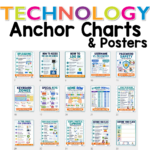
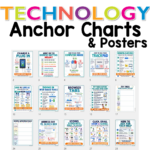
Need visual reminders for computer lab routines and basic technology skills? These updated computer lab anchor charts include 30 printable technology posters for mouse skills, trackpad skills, browser buttons, logging in, saving files, uploading, keyboard shortcuts, troubleshooting, online safety, AI tool rules, screenshots, and more. Perfect for elementary technology teachers, computer labs, STEM classrooms, and digital literacy lessons.
Technology Anchor Charts
Original price was: $12.00.$6.00Current price is: $6.00.
Description
Need visual reminders for computer lab routines and basic technology skills? These updated computer lab anchor charts include 30 printable technology posters for mouse skills, trackpad skills, browser buttons, logging in, saving files, uploading, keyboard shortcuts, troubleshooting, online safety, AI tool rules, screenshots, and more. Perfect for elementary technology teachers, computer labs, STEM classrooms, and digital literacy lessons.
Do you ever feel like you repeat the same technology directions over and over again?
“Refresh the page.”
“Stop clicking.”
“Check your Wi-Fi.”
“Look for the download.”
“Did you save it?”
“Try logging in again.”
If your students need frequent reminders for basic computer skills, browser navigation, logging in, saving files, troubleshooting, keyboarding, and digital workspace routines, these computer lab anchor charts are here to help.
This updated set of technology anchor charts and computer lab posters gives students clear, visual reminders for the everyday tech skills they need to become more independent. Each poster is designed with bold headings, kid-friendly icons, and simple student-facing language so you can point to the chart instead of repeating the same directions all day.
These posters are perfect for elementary technology classes, computer labs, STEM classrooms, media centers, classroom technology stations, or any classroom where students use devices.
Recently Updated and Expanded
This resource has been completely refreshed with a modern, colorful design and expanded from the original set of 12 posters to a much more comprehensive collection of tech skills anchor charts.
The updated posters now include support for:
- computer lab routines
- mouse and trackpad skills
- browser buttons and tabs
- downloading and uploading
- logging in and password safety
- saving files in Windows and web-based tools
- keyboard zones, special keys, home row, and shortcuts
- digital workspace expectations
- internet safety reminders
- common computer icons
- asking for tech help clearly
- AI tool rules for students
- screenshot safety
- copy, paste, and clipboard skills
Anchor Charts Included
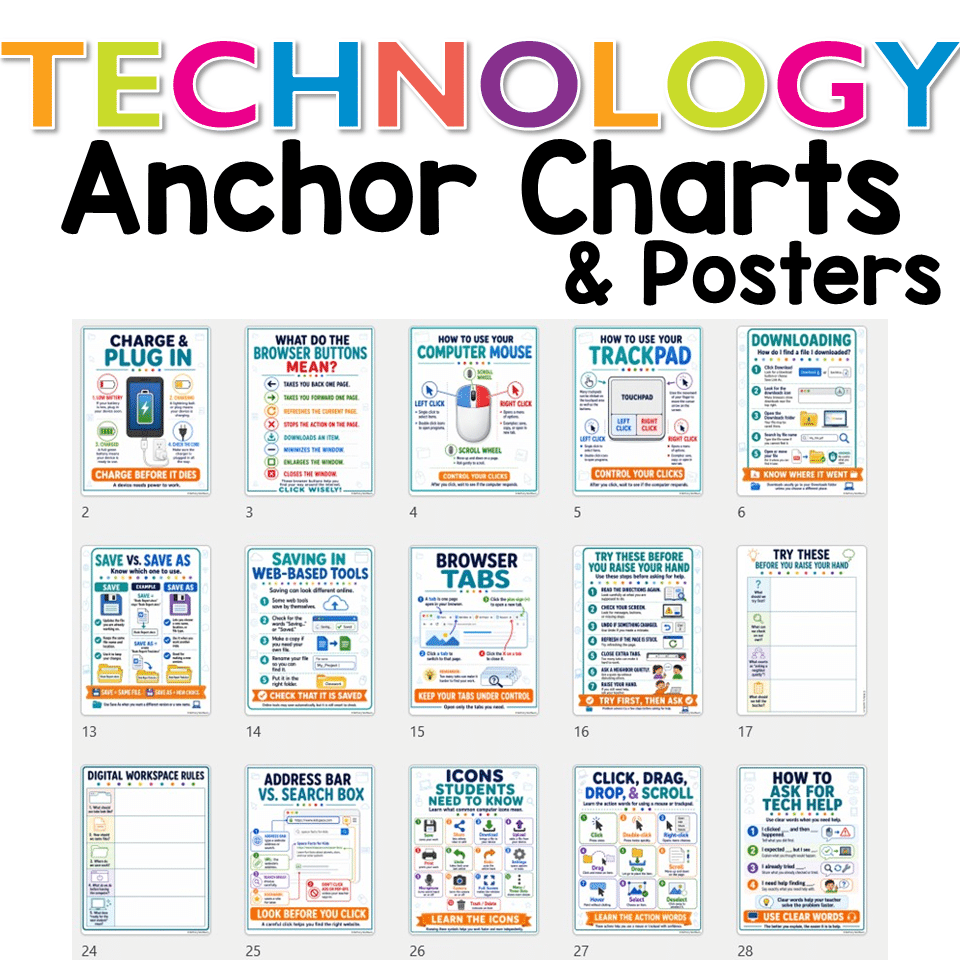
This updated set includes 30 printable technology posters:
- Charge & Plug In
- What Do the Browser Buttons Mean?
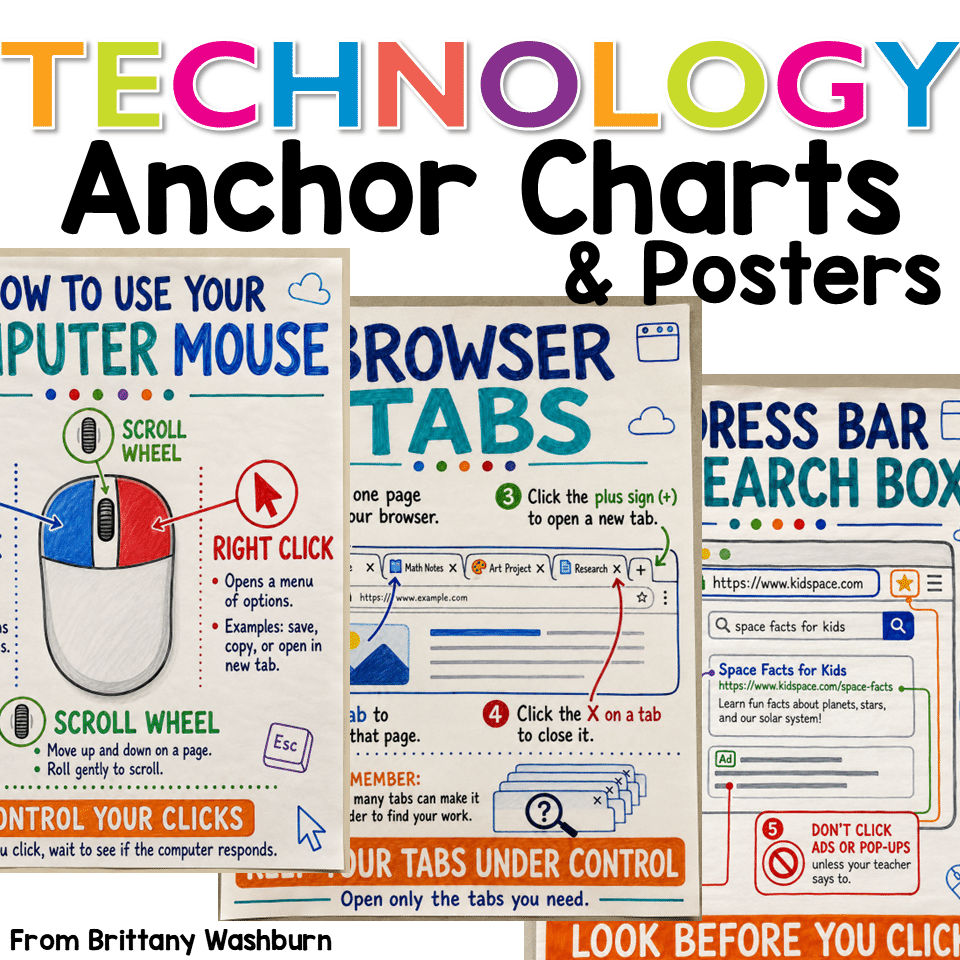
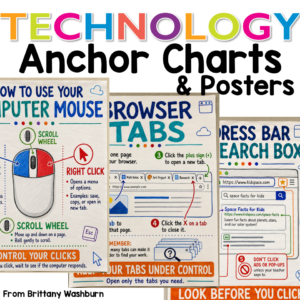
- How to Use Your Computer Mouse
- How to Use Your Trackpad
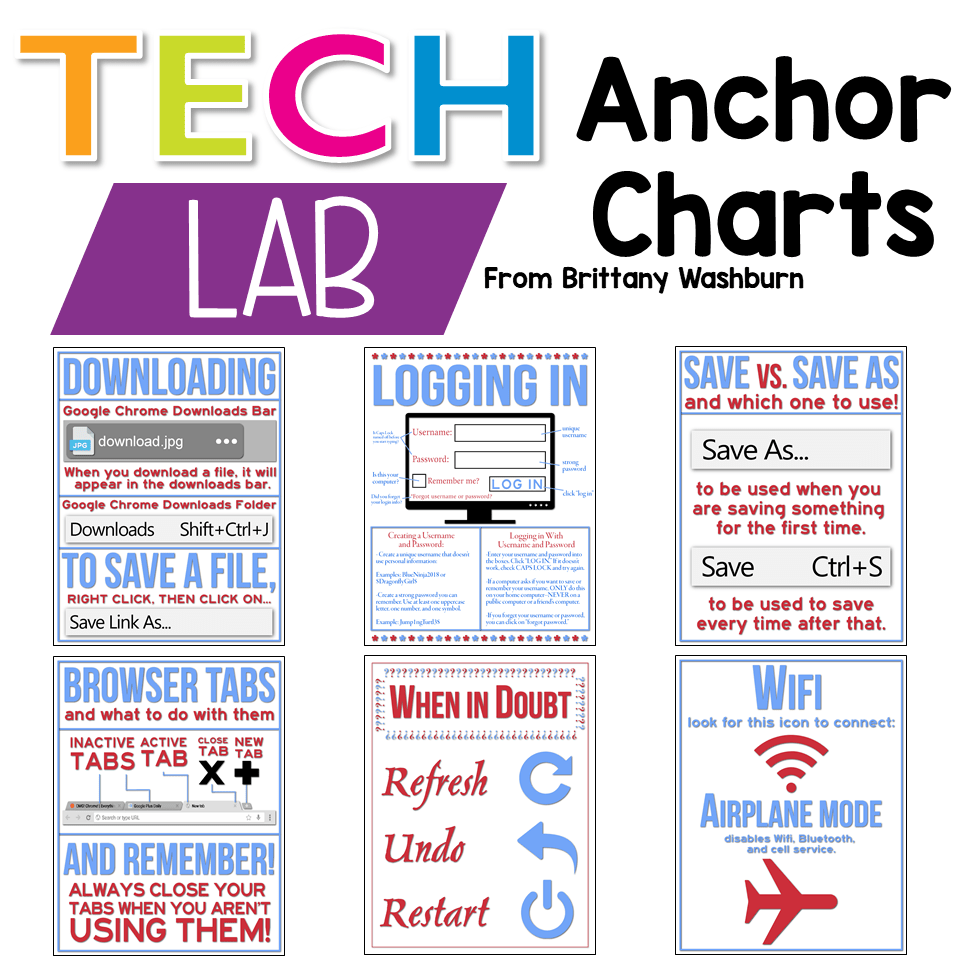
- Downloading
- How to Access the Log In Screen
- How to Log In
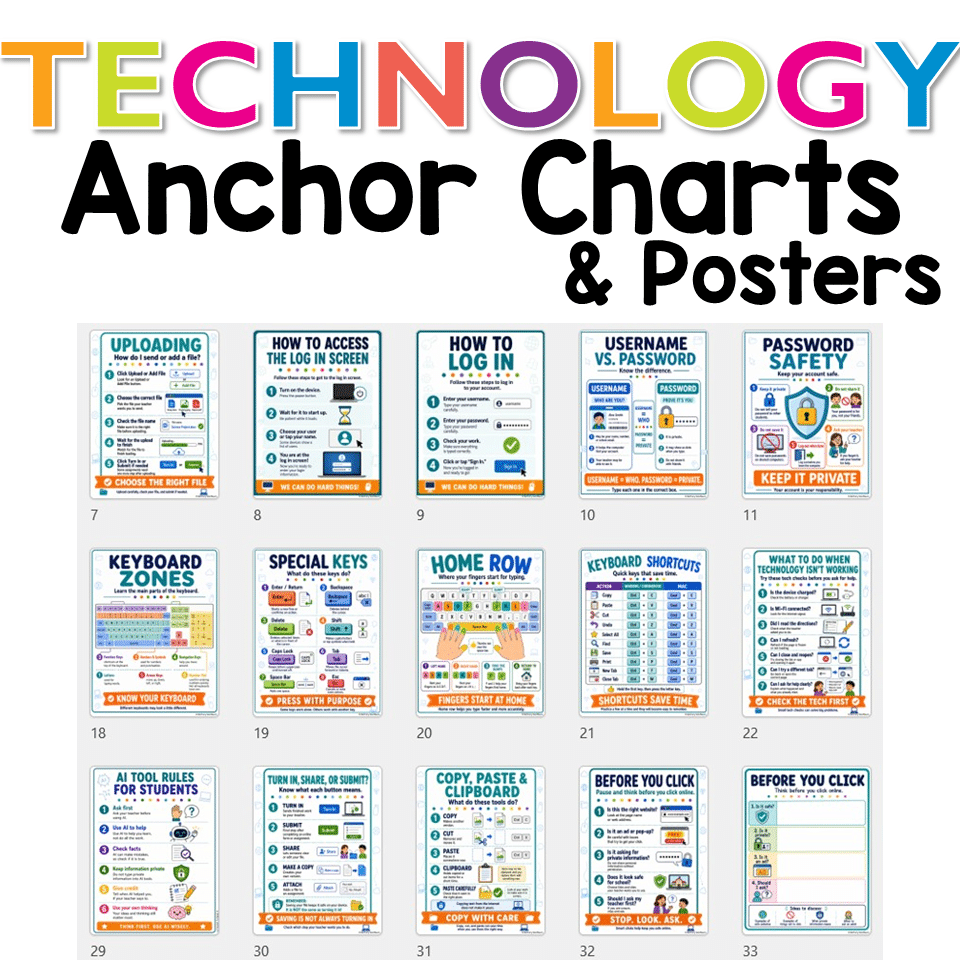
- Username vs. Password
- Password Safety
- What to Check When Login Doesn’t Work
- Save vs. Save As
- Saving in Web-Based Tools
- Browser Tabs
- Try These Before You Raise Your Hand
- Keyboard Zones
- Special Keys
- Home Row
- Keyboard Shortcuts
- What to Do When Technology Isn’t Working
- Digital Workspace Rules
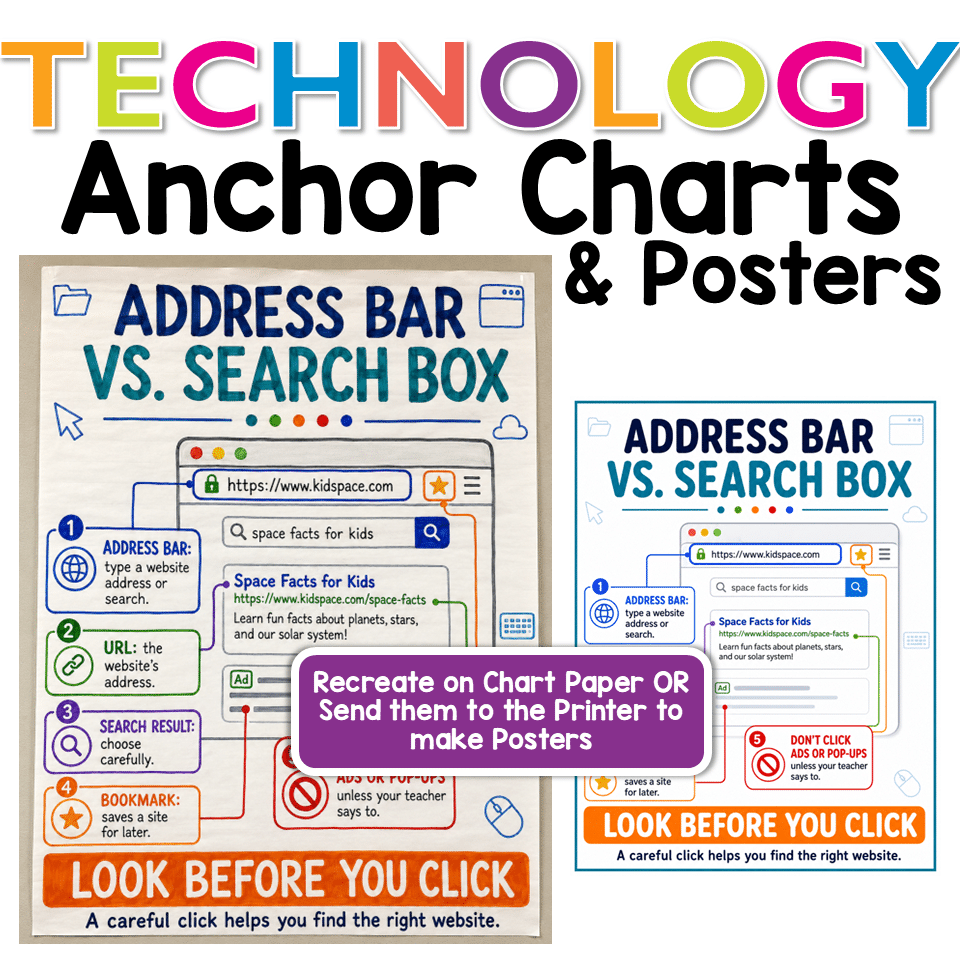
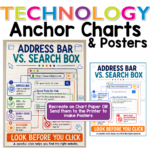
- Address Bar vs. Search Box
- Icons Students Need to Know
- Click, Drag, Drop, & Scroll
- How to Ask for Tech Help
- AI Tool Rules for Students
- Uploading
- Turn In, Share, or Submit?
- Copy, Paste & Clipboard
- Before You Click
- Taking a Screenshot
Why Teachers Love Computer Lab Anchor Charts
Technology skills are easier for students to remember when they can see them.
These posters help students build independence with common classroom technology tasks like logging in, using a mouse or trackpad, finding downloads, saving files, using browser tabs, troubleshooting small problems, and asking for help clearly.
Instead of stopping instruction to answer the same question again, you can redirect students to the poster they need.
Use these technology posters to support:
- computer lab procedures
- classroom device routines
- digital literacy lessons
- keyboarding instruction
- online safety conversations
- troubleshooting independence
- technology centers
- STEM or media center displays
- beginning-of-the-year tech expectations
- sub plans and visual reminders
What Makes This Set Different?
These are not just cute computer lab decorations. They are practical visual supports for the skills students actually need when using classroom technology.
Students learn how to:
- use a mouse and trackpad correctly
- control clicks and wait for the computer to respond
- understand browser buttons and tabs
- log in safely and troubleshoot login problems
- save, upload, submit, and find files
- use common keyboard keys and shortcuts
- recognize common computer icons
- ask for tech help with specific language
- make safer choices before clicking online
- use AI tools responsibly and with teacher guidance
Printing Information
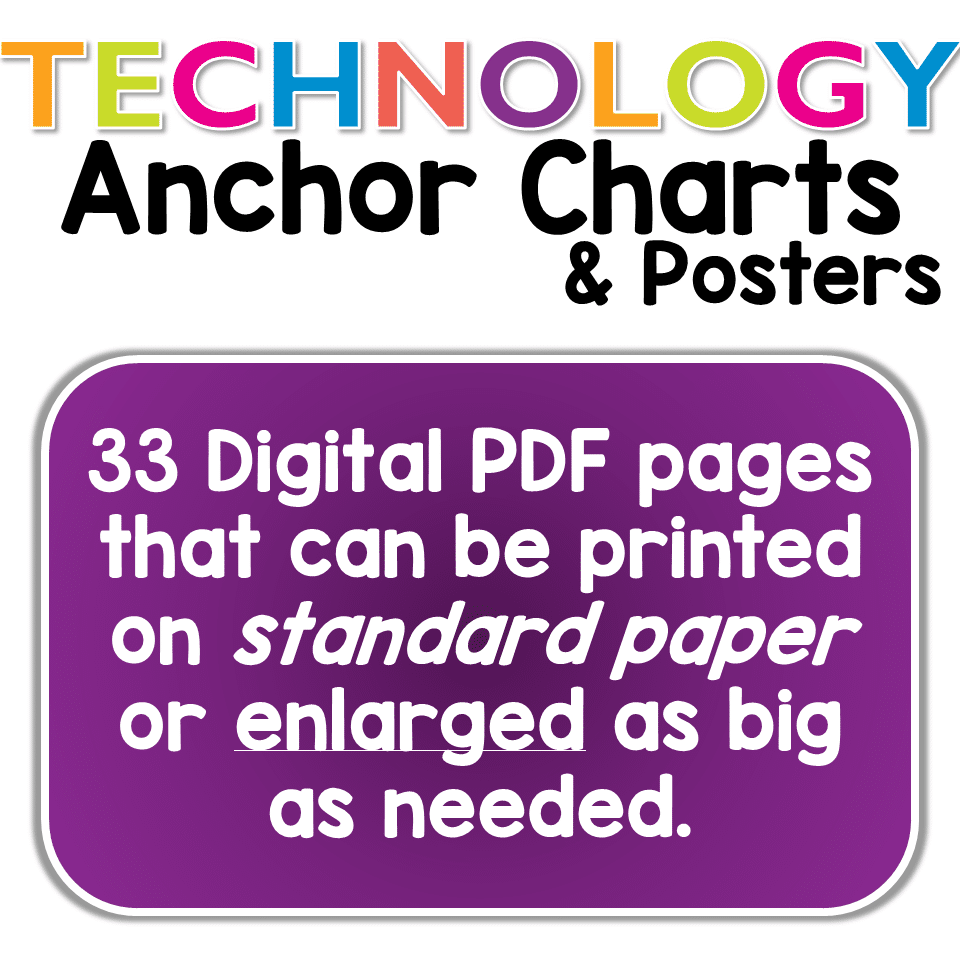
The posters are provided in PDF format and are designed to print on standard 8.5 x 11 inch printer paper.
You can print them at regular size, laminate them, place them in a binder, post them around your computer lab, or enlarge them for bulletin boards and classroom displays.
Perfect For
- Elementary computer lab teachers
- Technology teachers
- STEM teachers
- Media specialists
- Classroom teachers using devices
- Chromebook classrooms
- Windows computer labs
- Digital literacy lessons
- Back-to-school technology routines
- Computer lab classroom decor
- Visual tech reminders for students
Why You Need This in Your Life
If you have ever repeated the same tech direction to five different classes in one day, this resource will save your voice and your sanity.
These posters give students a place to look before they ask for help. They support independence, reduce repeated questions, and make your computer lab routines easier to manage.
Print, laminate, and display them once. Then point students to the chart when they need a reminder.
5 reviews for Technology Anchor Charts
You must be logged in to post a review.
You may be interested in…
-

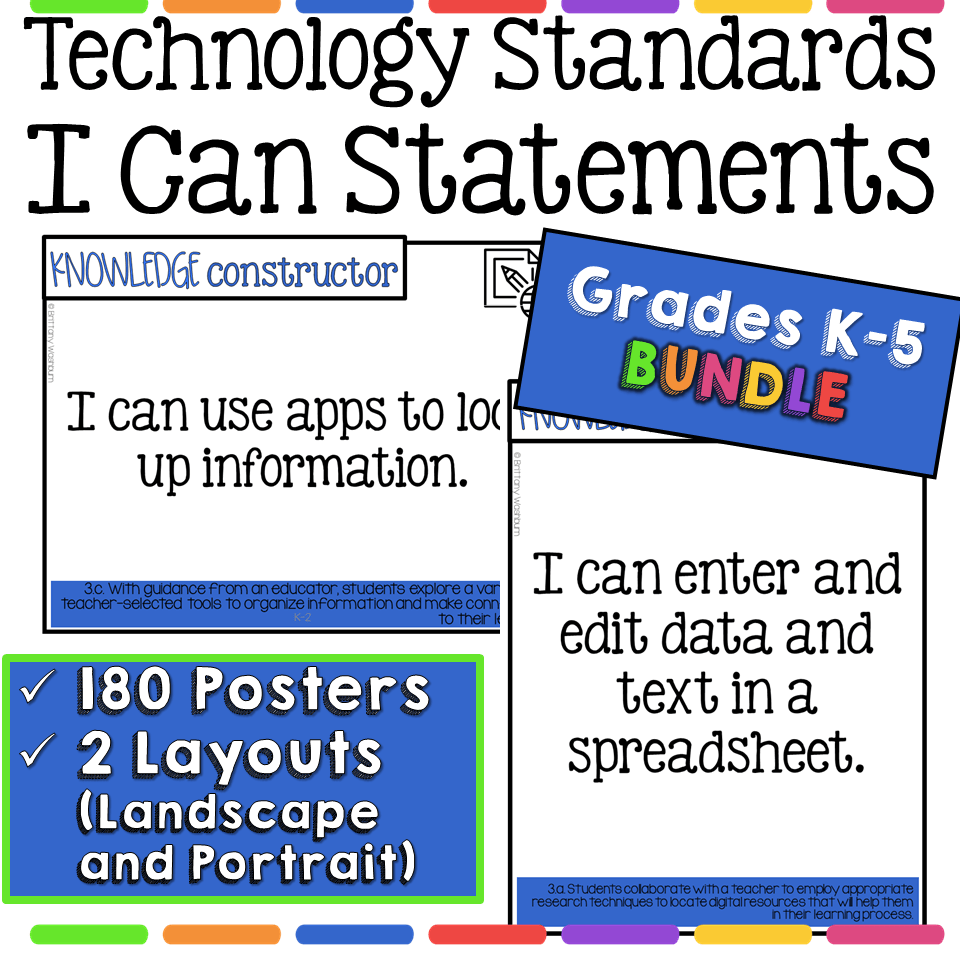
Technology I Can Statements for Grades K-5 BUNDLE – Tech Decor Theme
Original price was: $34.00.$27.20Current price is: $27.20.
Related Products
-

Technology Themed Decor for the Computer Lab Bundle
Original price was: $68.50.$61.65Current price is: $61.65. -
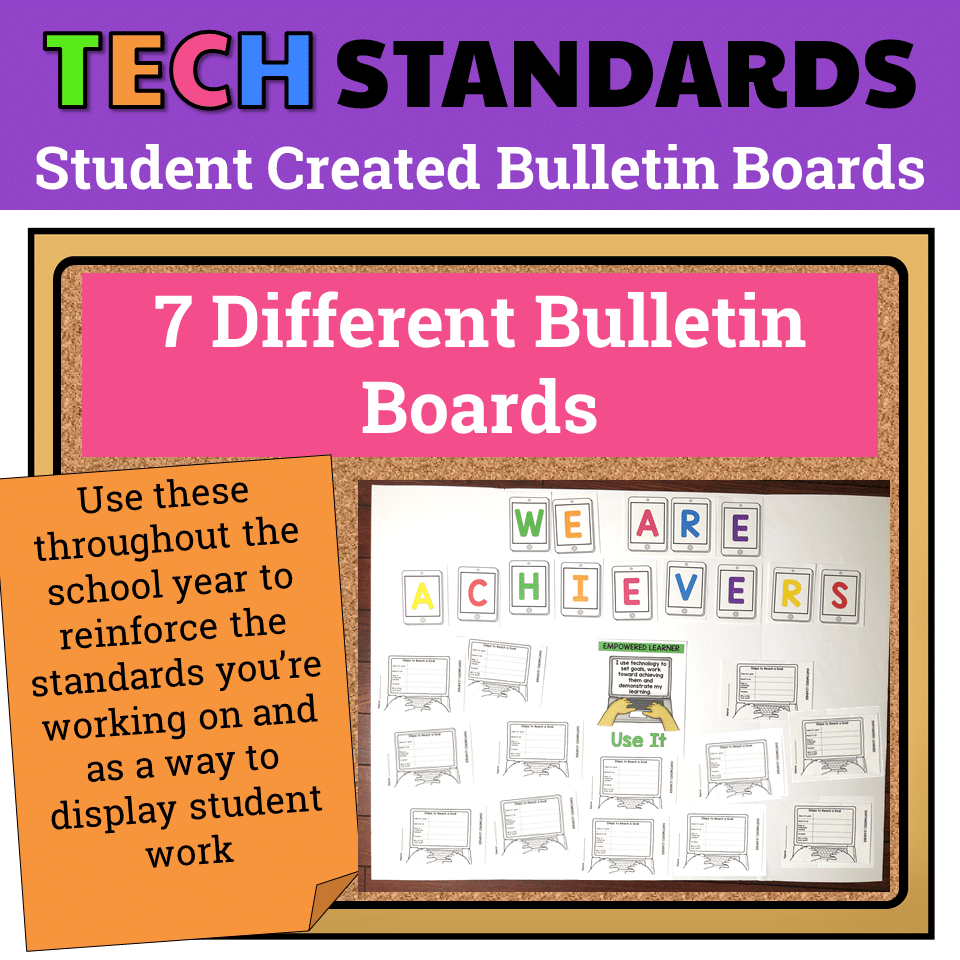
7 Technology Standards Student Created Bulletin Boards
Original price was: $21.00.$14.00Current price is: $14.00. -
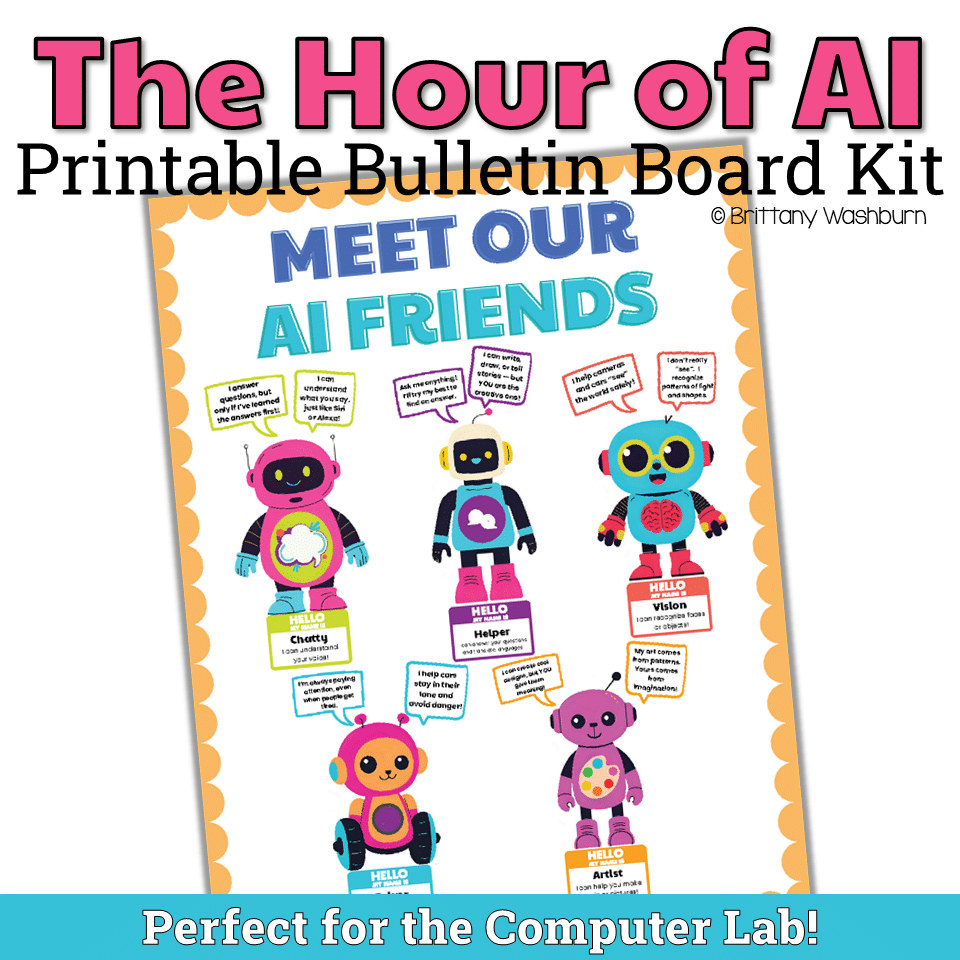
AI Friends Bulletin Board Kit
$3.00 -
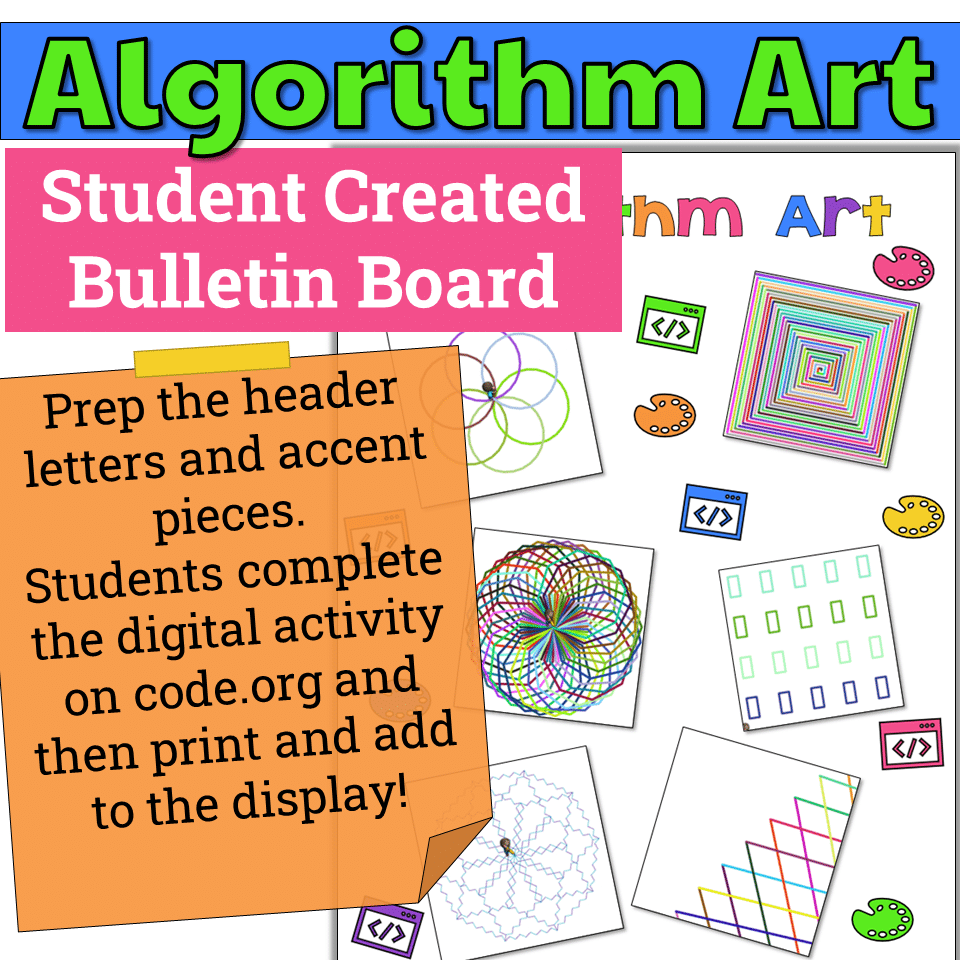
Algorithm Art Student Created Bulletin Board
$2.50


You didn’t become a tech teacher to spend your weekends building lessons from scratch. I’m Brittany, a technology curriculum specialist with 1,000+ ISTE-aligned resources designed specifically for K–8 computer lab teachers.
My ready-made digital and printable resources cover everything from digital citizenship and coding fundamentals to multimedia creation and computer essentials, so your planning is handled and your students stay engaged.
Every resource is built to align with ISTE Standards, save you time, and actually work in a computer lab setting, because I’ve taught in one myself.
Browse my bestsellers, or explore by grade level or topic to find exactly what you need.
Jacqueline B. (verified owner) –
My students and I loved these colorful anchor charts. They draw the students’ attention to them and they are very helpful in reminding students of what they need to do.
Buyer (verified owner) –
My students enjoyed this set of anchor charts as it was clearly labeled and helped them understand technology as littles. I will recommend this product for any technology teacher or a teacher who needs to have anchor charts for the classroom.
Nyree D. (verified owner) –
I printed small versions of these to place in various areas around the computers in my classroom. I wanted students to be able to have a resource to help them remember some of the processes they would need to use in the classroom. Anytime that something will help the students solve an issue on their own is a win in my book.
Buyer (verified owner) –
Printed out as a 3×5 size. Clipped them all together to hang on each computer station.
Carrie N. (verified owner) –
I love having these in my computer lab. They are great for students of all ages and cover many topics about technology.