


✅ Shop with Confidence
- 🔒 Secure Checkout – Your payment is safe and protected.
- ⭐ Quality Guaranteed – Store credit refunds if something isn’t right.
- 🎉 Earn Rewards – Get points for every dollar spent & redeem as store credit!
👉 Add to Cart and start using this resource today
Tech Themed Digital Mystery Pictures
$4.00
This resource works on so many great technology skills. While students may be familiar with using 100s charts to make designs, it brings the skill to a whole new level to do it digitally. 12 Technology themed designs in 2 different levels for differentiation between grade levels k-5.
Tech Themed Digital Mystery Pictures
$4.00
Description
This resource works on so many great technology skills. While students may be familiar with using 100s charts to make designs, it brings the skill to a whole new level to do it digitally. 12 Technology themed designs in 2 different levels for differentiation between grade levels k-5.
There are 2 levels for each design.
•Level 1 is the easiest because it includes gridlines for placing the pieces. Students click and drag the pieces from the pile to where they go on the grid.
•Level 2 is more challenging without the gridlines. There is also a text box for students to type what the final picture actually is.
•Flash drive
•Tablet
•Microphone
•iPod
•CD or DVD
•Laptop
•Desktop
•Power button
•Headphones
•Lightbulb
•Mobile phone
•Button click
Choose the level of challenge you want for your students.
Skills addressed:
•Navigating to file
•Design Thinking
•Mouse Practice
•Level 2 includes keyboard practice
Table of Contents:
3 The Rationale and tips for the teacher
4-7 Directions for accessing the files from my Google Drive and assigning them through Google Classroom
8-10 Directions for using the files as PowerPoint and sharing them with students
11-12 Terms of Use and Credits
© Brittany Washburn. Download of this resource gives the user the right to reproduce the pages for one classroom only. Copying any part of this document and placing it on the internet in any form is strictly forbidden and is a violation of the Digital Millennium Copyright Act (DCMA).
Additional information
| Topic | Digital Art & Animation, Google Apps, Mouse Skills |
|---|---|
| Resource Type | Activity |
| Works with | PowerPoint |
| Device needed | On a device |
| Made for | Students |
75 reviews for Tech Themed Digital Mystery Pictures
Reviewers earn rewards points for any honest review they leave, positive or negative.
You must be logged in to post a review.
What teachers said on TPT
Rated 4.9 out of 5 by 75 teachers on Teachers Pay Teachers.
“My second grade students LOVE these. I appreciate how they are set up for differentiation. Once I introduced the students to this activity, I included them in my maker stations. These activities are a hit with students who love to build something digital on the computer.”
— Leigh S., TPT review
“My second-grade students love to build things on the computer. This was the perfect lesson for them. They enjoyed the technology-themed pictures. They are always asking for more. This lesson really engaged their little minds and kept their attention. Love this resource!”
— Mallissa G., TPT review
“The kids always need practice with dragging and dropping and fun to introduce them to the pieces of technology”
— Linda B., TPT review
Related Products
-

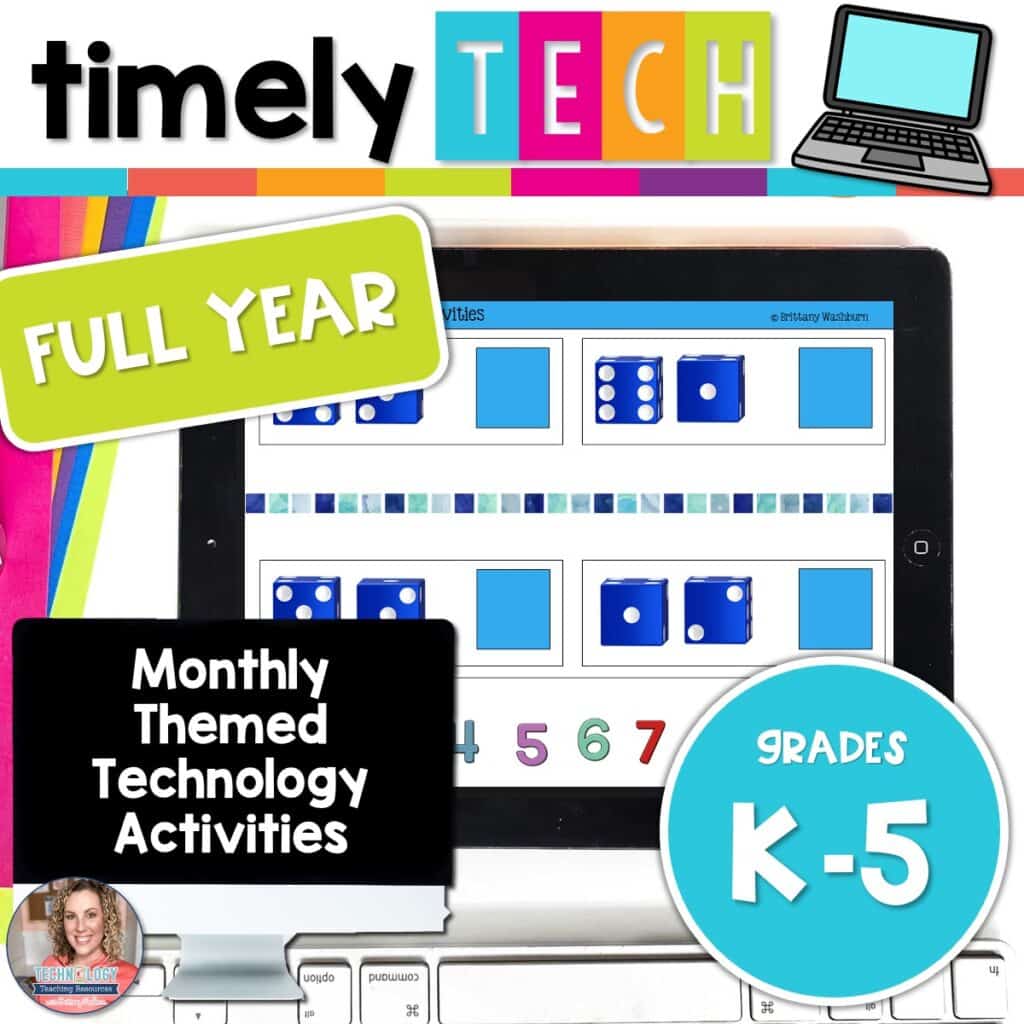
Full Year Timely Tech All in One
Original price was: $198.00.$158.40Current price is: $158.40. -

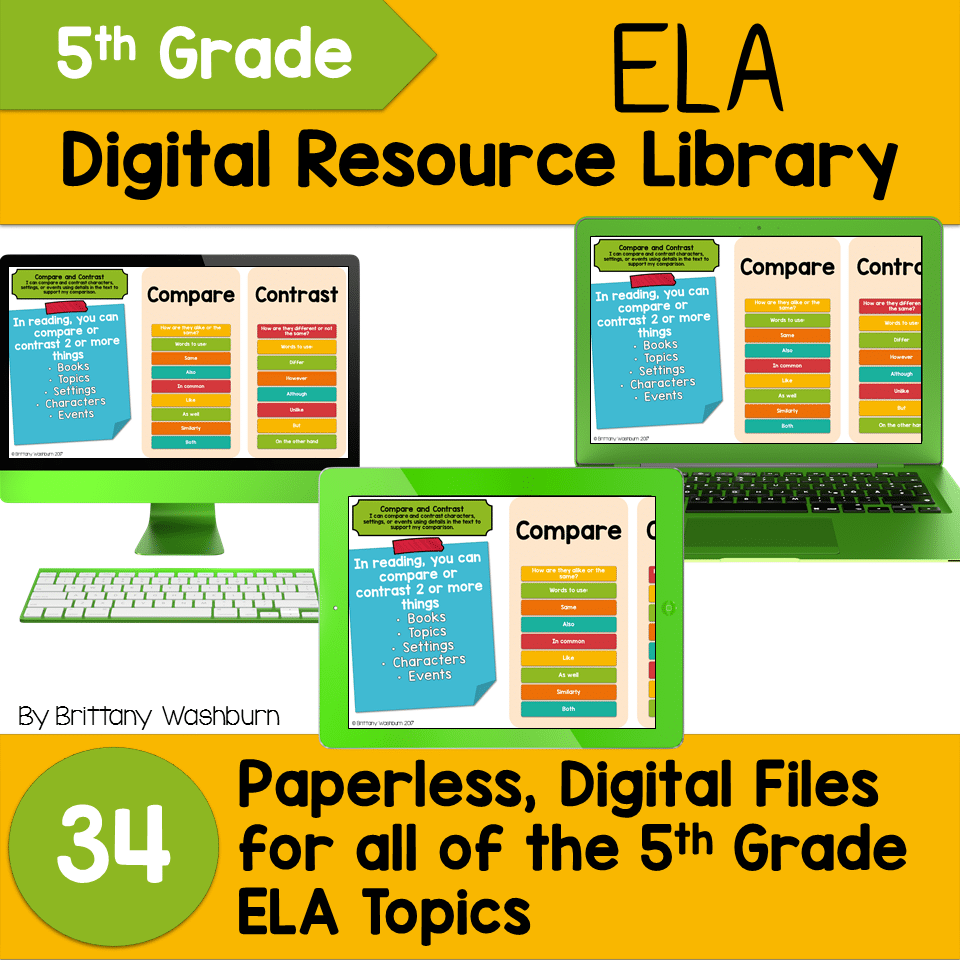
5th Grade ELA Standards Digital Resource Library BUNDLE
Original price was: $27.20.$24.48Current price is: $24.48. -
5th Grade Language Standards Digital Resource Library
Original price was: $16.00.$14.40Current price is: $14.40. -

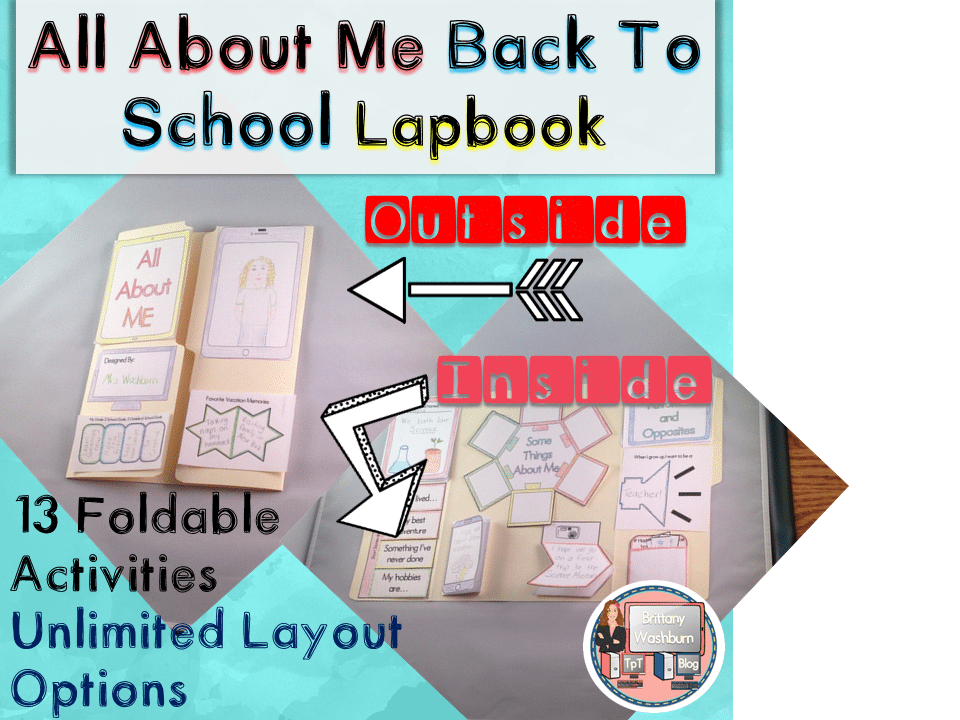
All About Me Book with Technology Theme
$3.50


You didn’t become a tech teacher to spend your weekends building lessons from scratch. I’m Brittany, a technology curriculum specialist with 1,000+ ISTE-aligned resources designed specifically for K–8 computer lab teachers.
My ready-made digital and printable resources cover everything from digital citizenship and coding fundamentals to multimedia creation and computer essentials, so your planning is handled and your students stay engaged.
Every resource is built to align with ISTE Standards, save you time, and actually work in a computer lab setting, because I’ve taught in one myself.
Browse my bestsellers, or explore by grade level or topic to find exactly what you need.

Jennifer F. –
Verified TPT reviewGreat resource
Used with K-5. Saved so much time planning. Exactly what I needed to use for the year. Thank you!
Kellyann C. –
Verified TPT reviewThis resources can save you time and effort in lesson planning. Instead of starting from scratch, you have ready-made materials that you can easily adapt to your students’ needs.
Ann Marie L. –
Verified TPT reviewThis was a terrific resource for my 1st graders. They enjoyed it very much.
Lauren A. –
Verified TPT reviewVery easy to use. Good drag and drop practice. Would love more of these with different pictures.
Linda B. –
Verified TPT reviewThe kids always need practice with dragging and dropping and fun to introduce them to the pieces of technology
Colleen B. –
Verified TPT reviewThese were fun for my technology class in the practical learning program.
But Make It Tech –
Verified TPT reviewLoved this to use in my Technology class! Perfect for end of the year activities.
Mrs Smiths Tech Lab –
Verified TPT reviewStudents enjoyed this as an enrichment activity.
Noelle P. –
Verified TPT reviewThis would not load for me as a Google Assignment. I kept getting an error message that something was wrong with the formatting. Wish that I could have used it. Never ran into this problem with any of the other purchases from this seller.
Brittany –
Please submit a ticket to the TpT help desk right away so that they can troubleshoot this with you. I’m so sorry!
Cathleen K. –
Verified TPT reviewThese Mystery Pictures are great for early finishing activities for my older students.
Leigh Schwenk –
Verified TPT reviewMy second grade students LOVE these. I appreciate how they are set up for differentiation. Once I introduced the students to this activity, I included them in my maker stations. These activities are a hit with students who love to build something digital on the computer.
Mallissa G. –
Verified TPT reviewMy second-grade students love to build things on the computer. This was the perfect lesson for them. They enjoyed the technology-themed pictures. They are always asking for more. This lesson really engaged their little minds and kept their attention. Love this resource!
Samantha Toomey –
Verified TPT reviewHigh-quality resource.
Tunde S. –
Verified TPT reviewSuper!
Sue B. –
Verified TPT reviewGreat resource, interactive and fun! Worked really well in the class. Thank you so much.
JDaniel4’s Mom –
Verified TPT reviewMy students had a great time exploring these activities!
Amanda H. –
Verified TPT reviewMy son enjoyed this resource for homeschool. Thanks!
Beck’s Buzz –
Verified TPT reviewGreat!
Mary P. –
Verified TPT reviewGood activity to practice using Slides or PPT.
Caralee S. –
Verified TPT reviewMy 2nd graders had a fun time doing this activity. Some of them zipped right through it and some of them struggled to even understand BUT once they saw what it was all about, they enjoyed the challenge!