


✅ Shop with Confidence
- 🔒 Secure Checkout – Your payment is safe and protected.
- ⭐ Quality Guaranteed – Store credit refunds if something isn’t right.
- 🎉 Earn Rewards – Get points for every dollar spent & redeem as store credit!
👉 Add to Cart and start using this resource today
Stop Motion STEM Projects
$5.00
If you’ve been wanting to try the Red Ball Challenge with your students, but want it to be appropriate for younger students and integrated with content area topics, then this set of projects is for you! Stop Motion Animation goes digital with these fun and engaging design challenges.
Stop Motion STEM Projects
$5.00
Description
If you’ve been wanting to try the Red Ball Challenge with your students, but want it to be appropriate for younger students and integrated with content area topics, then this set of projects is for you! Stop Motion Animation goes digital with these fun and engaging design challenges.
We all want our students to master technology tools and use them to create original works. Stop Motion STEM challenges are designed to allow students to explore presentation software while creating something using the steps of the engineering design process. The best part is that nearly every topic and subject area can be incorporated into these challenges, so they can be used as a part of your daily academic activities, not as an extra thing to fit into your schedule.
DESCRIPTION
Stop Motion is typically done with physical objects and a camera. This set of projects is a little bit different.
Instead of getting out all of those materials, we are going to do it digitally.
Using either Google Slides or Microsoft PowerPoint, students will work in teams to animate a story across multiple slides and devices. *There are also options included that require only one device.
This will require them to problem solve their way through the design process. You can have them use the digital journal to map out their plan and process and then reflect on it at the end.
ISTE Standards:
•Innovative Designer: 4d – Students exhibit a tolerance for ambiguity, perseverance and the capacity to work with open-ended problems.
•Creative Communicator: 6b – Students create original works or responsibly re-purpose or remix digital resources into new creations. 6d – Students publish or present content that customizes the message and medium for their intended audiences.
•Global Collaborator: 7c – Students contribute constructively to project teams, assuming various roles and responsibilities to work effectively toward a common goal.
LESSON TIPS FOR THE TEACHER
1. Introduce students to the idea of producing an animated GIF or Video using Google Slides or PowerPoint.
2. Introduce the Vocabulary for this unit, which is on the following page. It is also a great time to go over the steps of the design process.
3. Decide if you want students to complete the digital journal on paper or digitally. Share the file or worksheet with students.
4. Provide a prompt from the task cards list or make your own.
5. Share finished results
When students are finished:
∙Create a Padlet and have students upload their final product.
∙Have a “gallery walk” where students have their final product up on their screen while they walk around to see classmates’ creations.
∙Have students present their final product to the class
Vocabulary:
- ANIMATION
- ASPECT RATIO
- FRAME
- FRAME RATE
- SCENE
- SCRIPT
- STOP MOTION
- STORYBOARD
Student Files Include:
- Introduction to Stop Motion Animation
- Screencast video of how to make a scene, duplicate slides, and examples of animation types
- Instructions for how to make the file play automatically
- Instructions for how to work across multiple devices
- Tips and Tricks
- STEM Design Process Journal
- 54 Task Cards in 4 Levels of Challenge
*************************************************************************
If you’re interested in connecting with other technology teachers, check out the Technology Teacher Tribe Group on Facebook.
Connect with me on social media!
Additional information
| Resource Type | Digital Activity |
|---|---|
| Format | Google Apps |
| Topic | Coding & Computer Science, Digital Art & Animation |
212 reviews for Stop Motion STEM Projects
You must be logged in to post a review.
What teachers said on TPT
Rated 4.9 out of 5 by 212 teachers on Teachers Pay Teachers.
“My students loved this! I put them in teams of four, then let them choose a card. Over the next couple of weeks they created their animations then presented them to the class. Then the class voted on which animations were the best. My middle school classes learn various Google apps so this was a perfect reinforcement for the Google Slides unit.”
— Barbara C., TPT review
“The content was high quality, thoughtfully designed, and easy to differentiate for my students' needs. Everything was clearly explained, and the activities encouraged meaningful learning. It saved me valuable planning time while providing an engaging experience for my class. Highly recommend!”
— Renee S., TPT review
“The students love coming to the Innovation Lab and learning how much fun they can have learning. I rolled this out with student mentors, who provided additional support when I had the entire class come to the lab! Thanks for this easy-to-use, engaging resource.”
— Michelle T., TPT review
You may be interested in…
-

Digital Animations Bundle | Digital Stop Motion Animation
Original price was: $52.00.$41.60Current price is: $41.60. -
Stop Motion Booklet
$3.00


Related Products
-

Full Year Timely Tech All in One
Original price was: $198.00.$158.40Current price is: $158.40. -
5th Grade ELA Standards Digital Resource Library BUNDLE
Original price was: $27.20.$24.48Current price is: $24.48. -
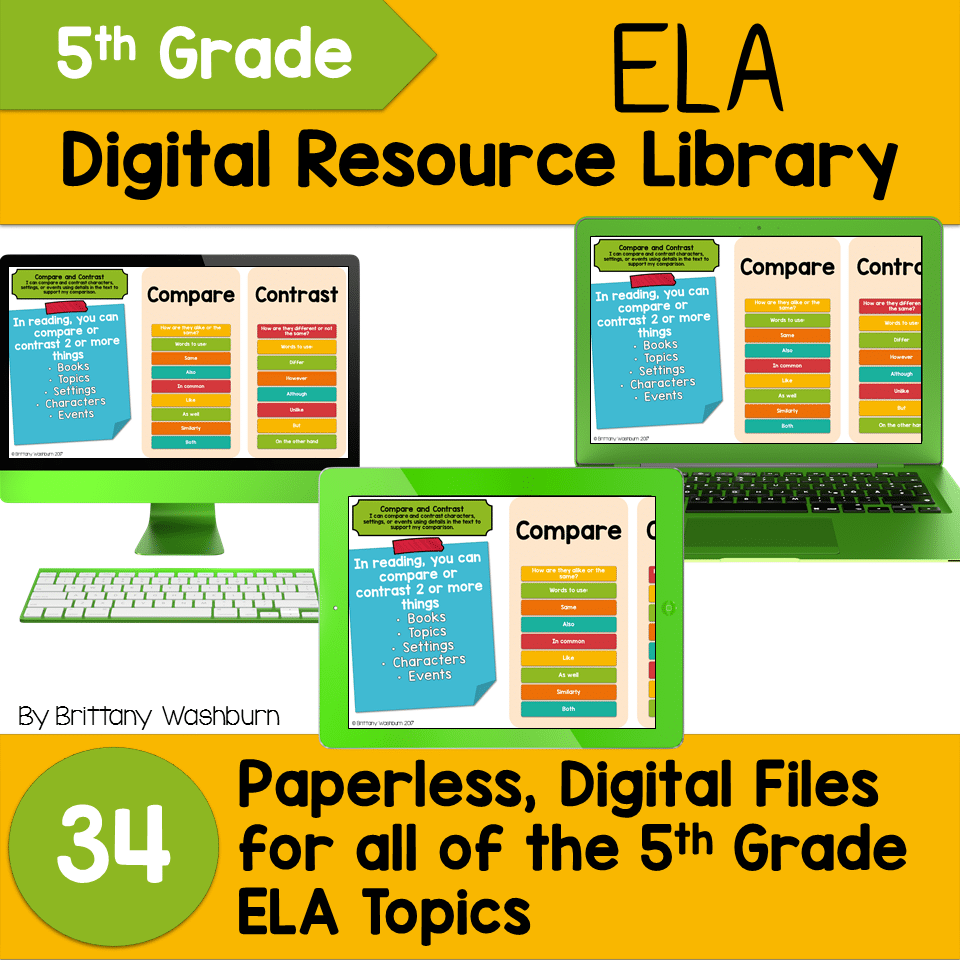
5th Grade Language Standards Digital Resource Library
Original price was: $16.00.$14.40Current price is: $14.40. -
5th Grade Reading Standards Digital Resource Library
Original price was: $16.00.$12.80Current price is: $12.80.




You didn’t become a tech teacher to spend your weekends building lessons from scratch. I’m Brittany, a technology curriculum specialist with 1,000+ ISTE-aligned resources designed specifically for K–8 computer lab teachers.
My ready-made digital and printable resources cover everything from digital citizenship and coding fundamentals to multimedia creation and computer essentials, so your planning is handled and your students stay engaged.
Every resource is built to align with ISTE Standards, save you time, and actually work in a computer lab setting, because I’ve taught in one myself.
Browse my bestsellers, or explore by grade level or topic to find exactly what you need.

Kimberly J. –
Verified TPT reviewGreat resource.
Joni Lynn H. –
Verified TPT reviewGOOD JOB!
Janet A. –
Verified TPT reviewThank you! My students loved this activity.
Tiffany K. –
Verified TPT reviewThanks!
Marilyn Lane –
Verified TPT reviewStudents had a great time, loved showing off their projects!
Tonya’s Take On Teaching –
Verified TPT reviewGreat resource for students.
Learning In Room 201 –
Verified TPT reviewThanks
Rosanne Puliafico –
Verified TPT reviewI can’t wait to do this with my students.
This Teacher’s Patch –
Verified TPT reviewGot new ideas for my classes
Varriale –
Verified TPT reviewGreat resource!
Christin Martin –
Verified TPT reviewExcellent resource! Thank you so much.
Sandra E. –
Verified TPT reviewThank you
Blythe M. –
Verified TPT reviewAwesome resource…thank you!
Brooke Beverly –
Verified TPT reviewI love the differentiation in these activities.
North GA Educator –
Verified TPT reviewI can’t wait to use these this year. The students are going to love it!
Lorrie C. –
Verified TPT reviewPerfect for my students! Thank you!
Rebecca R. –
Verified TPT reviewLove it!
Jacquelyn B. –
Verified TPT reviewWe had so much fun! I used these activities after testing, towards the end of the year, and the students loved them!!
Linda Jo H. –
Verified TPT reviewDirections are basically non-existant. Use this project only if your students have had a little experience making animation using PowerPoint or Google Slides. The full page prompts simply have the phrase “Summer Scene” change to “Fall Scene” etc. The vagueness probably gives the students a more open “canvas” to work but that doesn’t work with all students. Teacher material is also limited.
Brittany –
It sounds like maybe all of the files didn’t come through. Check with the TpT help desk if you think you’re missing the teacher material and directions and such.
Kristen R. –
Verified TPT reviewGreat resource.