
✅ Shop with Confidence
- 🔒 Secure Checkout – Your payment is safe and protected.
- ⭐ Quality Guaranteed – Store credit refunds if something isn’t right.
- 🎉 Earn Rewards – Get points for every dollar spent & redeem as store credit!
👉 Add to Cart and start using this resource today
Name My Laptop Digital Glyph Activity
$4.00
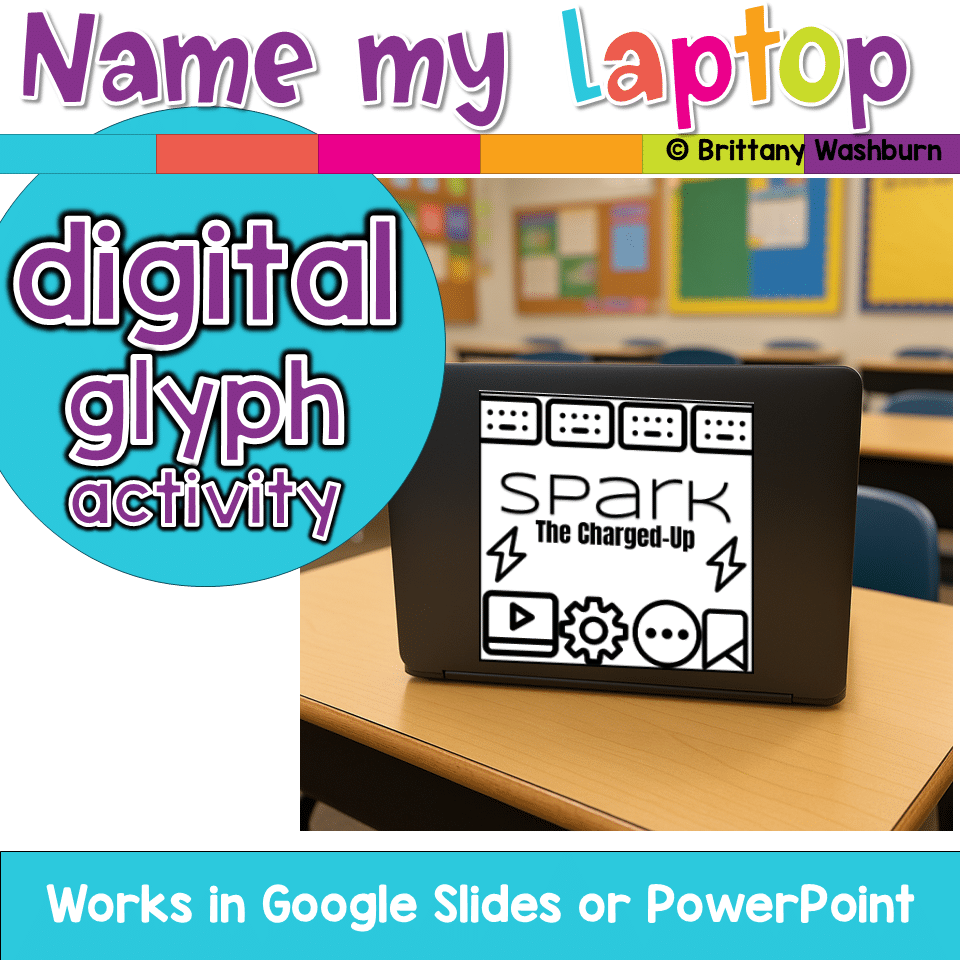
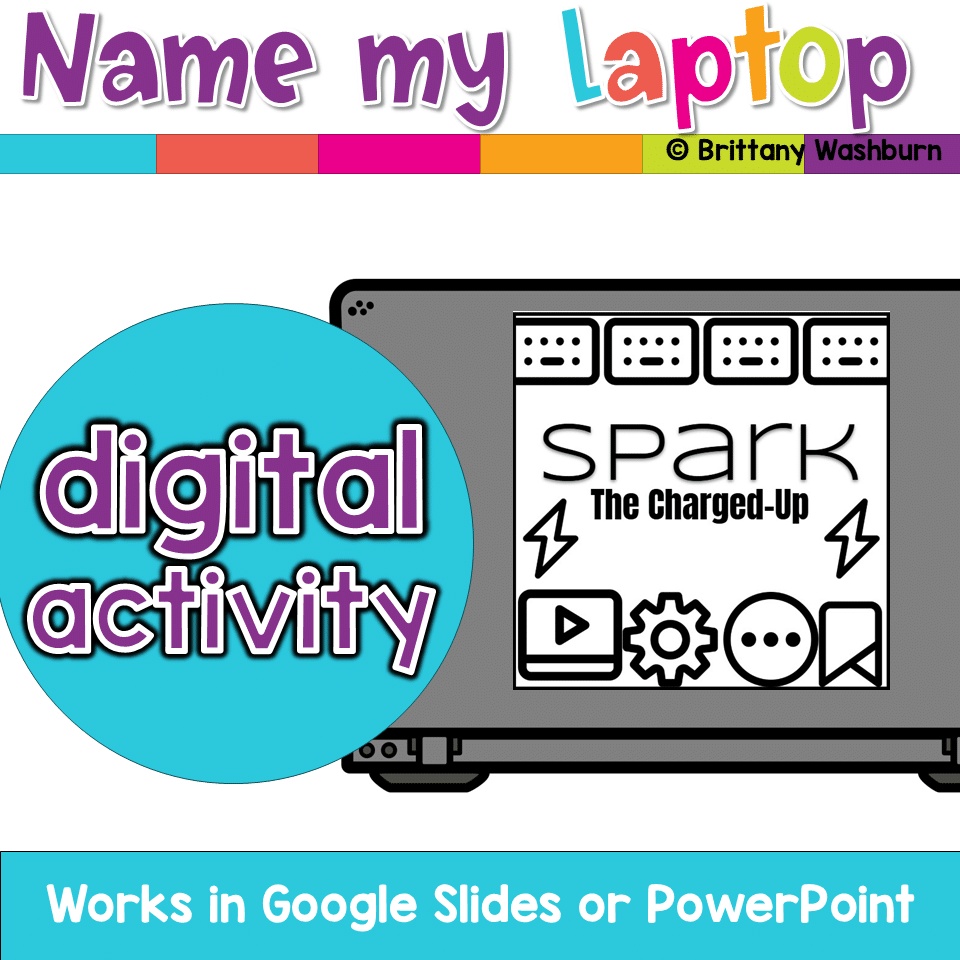
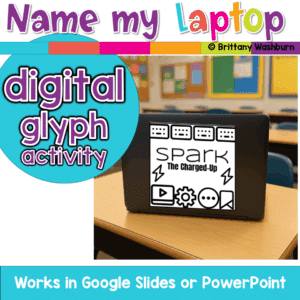
A fun back-to-school glyph activity where students create and name their laptop, Chromebook, iPad, or tablet! Includes digital templates for making personalized tech labels that teachers can print as stickers or use digitally.
Name My Laptop Digital Glyph Activity
$4.00
Description
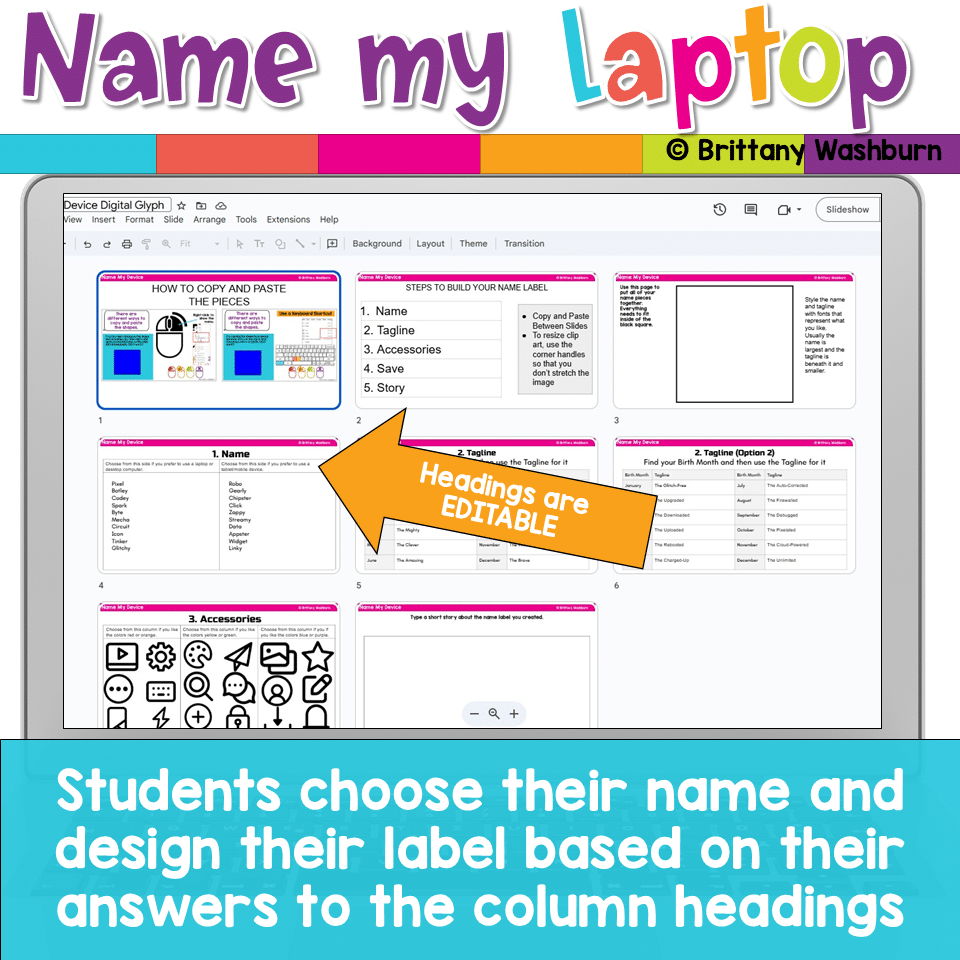
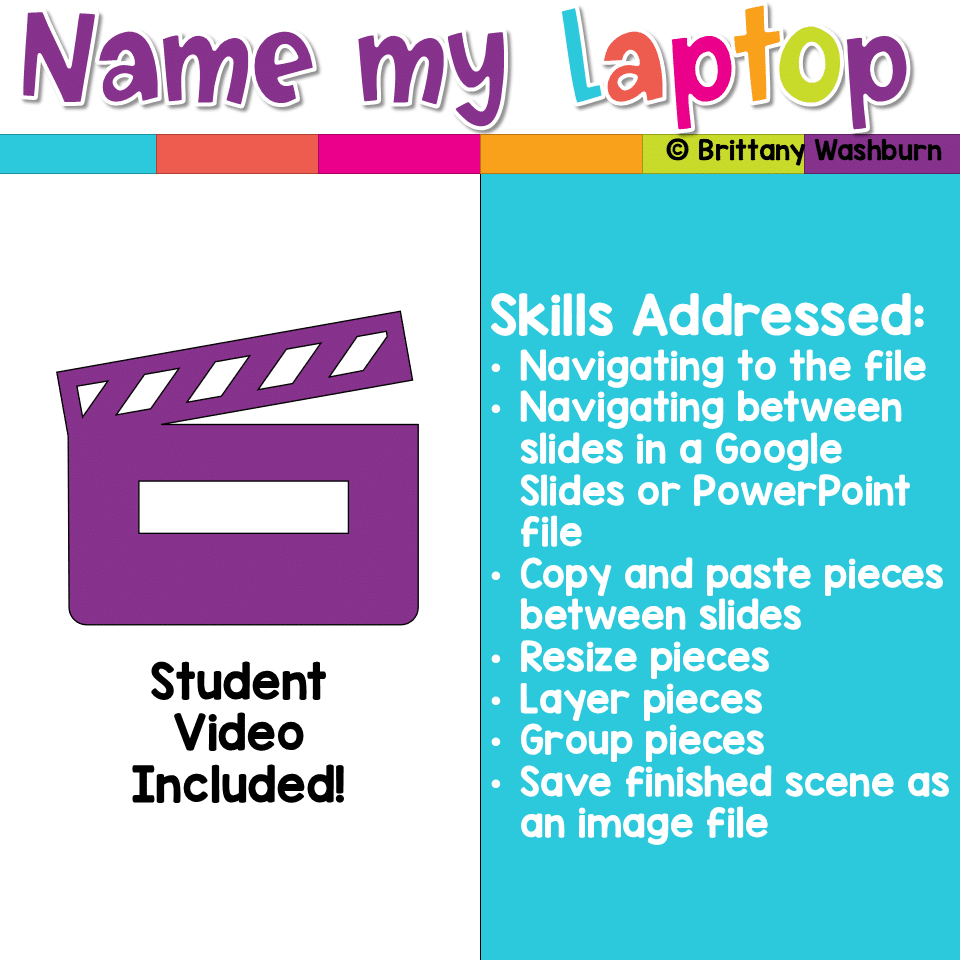
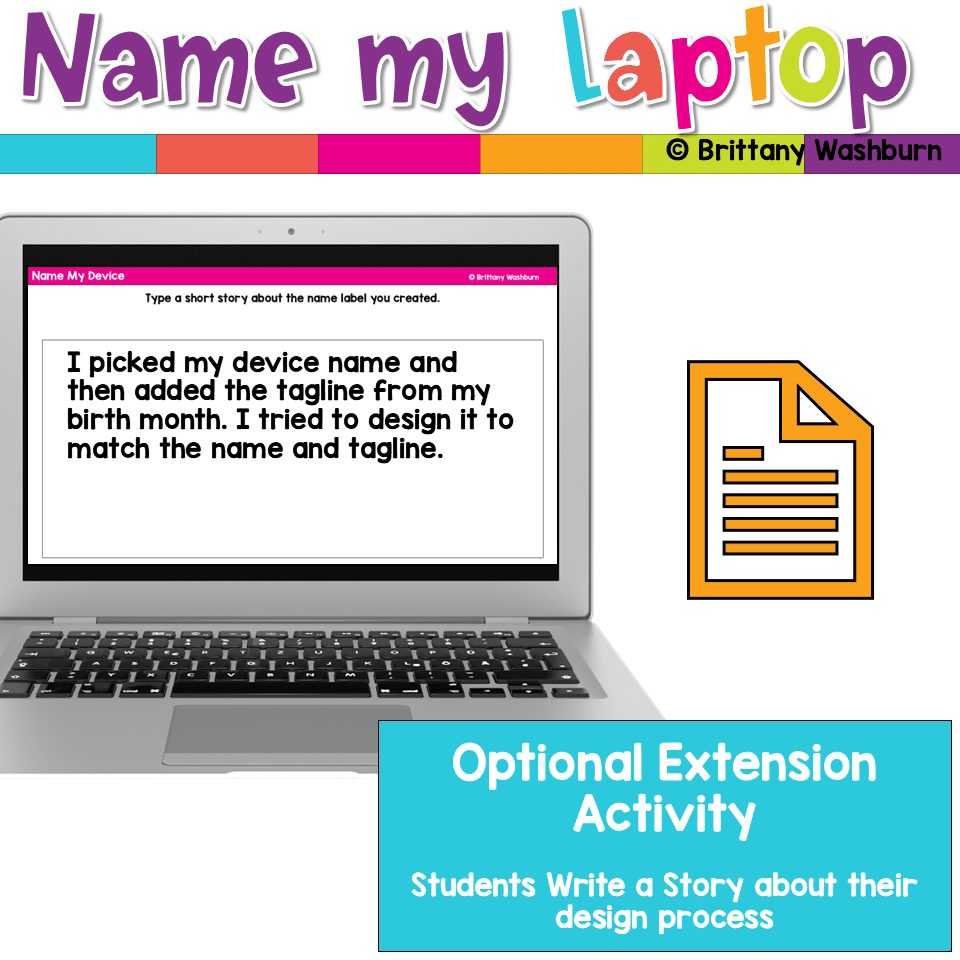
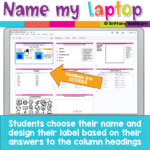
Make your classroom technology personal and fun with this Back-to-School Device Glyph Activity! Students will create a unique name and design for their laptop, Chromebook, iPad, or tablet while practicing digital skills like formatting text boxes and layering images.
This activity guides students through answering questions, combining names, and choosing from tech-themed clipart to design their own personalized device label. The finished glyph is a perfect square image file that can be:
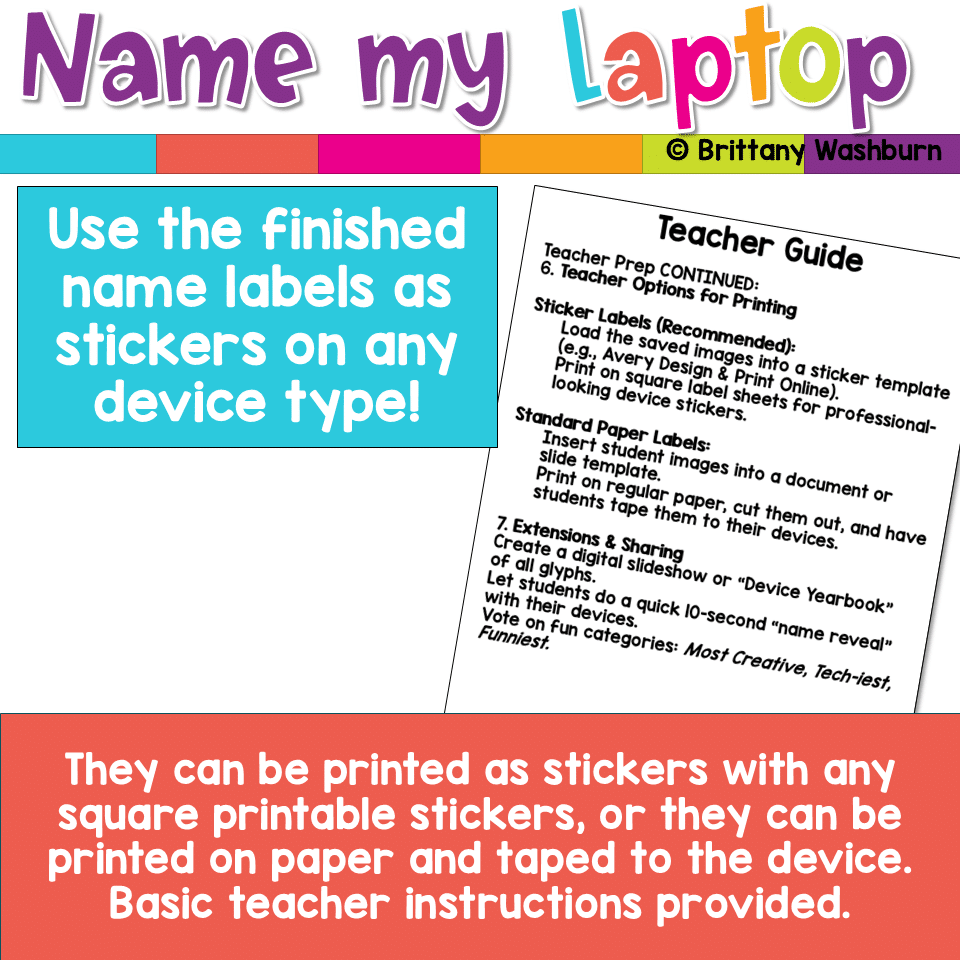
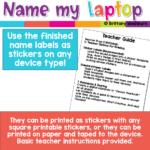
- Printed on sticker paper and attached to devices
- Added digitally as a desktop wallpaper
- Printed on standard paper and taped to devices
What’s Included:
✔ Digital glyph template (perfect square design space)
✔ Lists of fun robot + tech-themed names and taglines
✔ Teacher directions for saving, printing, and sharing student glyphs
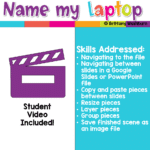
✔ Student instructional video and template to guide the process step by step
Why Teachers Love It:
- Perfect back-to-school icebreaker for elementary computer lab or classroom tech setup
- Encourages creativity + digital literacy
- Creates a sense of ownership and responsibility for school-issued devices
- Flexible for Chromebooks, iPads, laptops, or tablets
Suggested Use:
- Back-to-school first week activity
- Technology class intro lesson
- Classroom management routine for device care
- Fun “get to know you” project
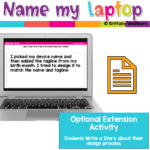
Bring excitement and responsibility to device use with this easy, engaging glyph project—your students will love revealing their new device names like “Pixel the Great” or “Zoomer the Bold”!
Product Terms:
Copyright © Brittany Washburn. Purchasing this file entitles you to ONE classroom use. You may use this with multiple classes but may not share with any other teachers. Copying for more than one teacher, classroom, department, school, or school system is prohibited. This product may not be distributed or displayed digitally for public view. Failure to comply is a copyright infringement and a violation of the Digital Millennium Copyright Act (DMCA). Clipart and elements found in this PDF are copyrighted and cannot be extracted and used outside of this file without permission or license. If multiple licenses are needed for use my more than one teacher or in more than one computer lab, additional licenses are discounted.
If you would like to get updates on NEW and CURRENT resources for technology teachers…
You must be logged in to post a review.
Related products
-
Sale!

Technology Vocabulary Term Word Searches
Original price was: $6.50.$5.00Current price is: $5.00. -
Sale!
Technology I Can Statements for Grades K-8 BUNDLE – Tech Decor Theme
Original price was: $49.50.$39.60Current price is: $39.60. -
Sale!
Timely Tech – 26 May Themed Technology Activities
Original price was: $18.00.$12.00Current price is: $12.00. -
Sale!
Coding Quests Directional Coding Board Game
Original price was: $10.00.$8.00Current price is: $8.00.



You didn’t become a tech teacher to spend your weekends building lessons from scratch. I’m Brittany, a technology curriculum specialist with 1,000+ ISTE-aligned resources designed specifically for K–8 computer lab teachers.
My ready-made digital and printable resources cover everything from digital citizenship and coding fundamentals to multimedia creation and computer essentials, so your planning is handled and your students stay engaged.
Every resource is built to align with ISTE Standards, save you time, and actually work in a computer lab setting, because I’ve taught in one myself.
Browse my bestsellers, or explore by grade level or topic to find exactly what you need.
Reviews
There are no reviews yet.