
✅ Shop with Confidence
- 🔒 Secure Checkout – Your payment is safe and protected.
- ⭐ Quality Guaranteed – Store credit refunds if something isn’t right.
- 🎉 Earn Rewards – Get points for every dollar spent & redeem as store credit!
👉 Add to Cart and start using this resource today
How We Use Files – How Computers work Series Unit 3
Original price was: $12.00.$10.00Current price is: $10.00.
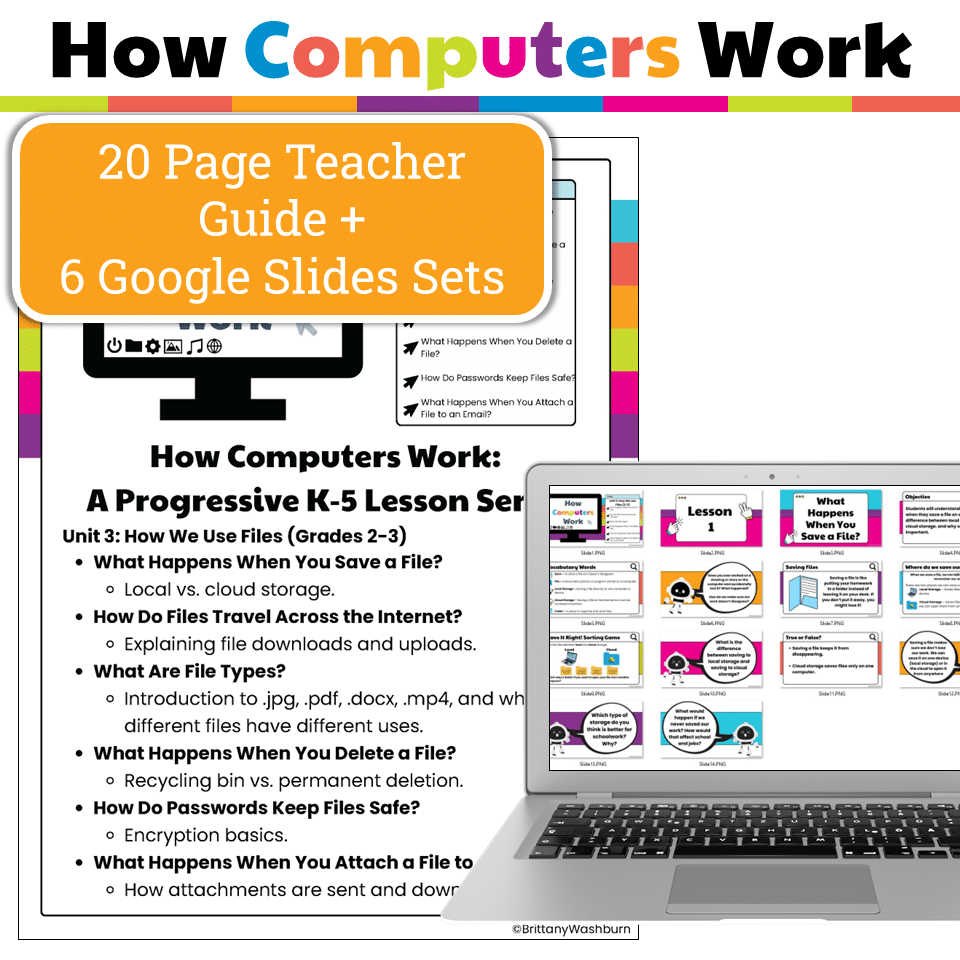
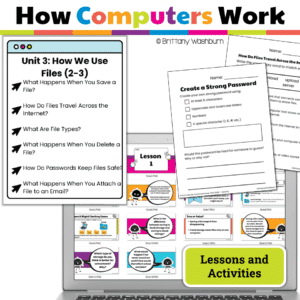
This engaging unit for Grades 2-3 breaks down complex tech concepts like file types, saving, cloud storage, printing, and memory into kid-friendly lessons. Includes print + Google Slides, interactive activities, and ISTE alignment—no prep needed!
How We Use Files – How Computers work Series Unit 3
Original price was: $12.00.$10.00Current price is: $10.00.
Description
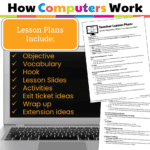
What’s Included:
-
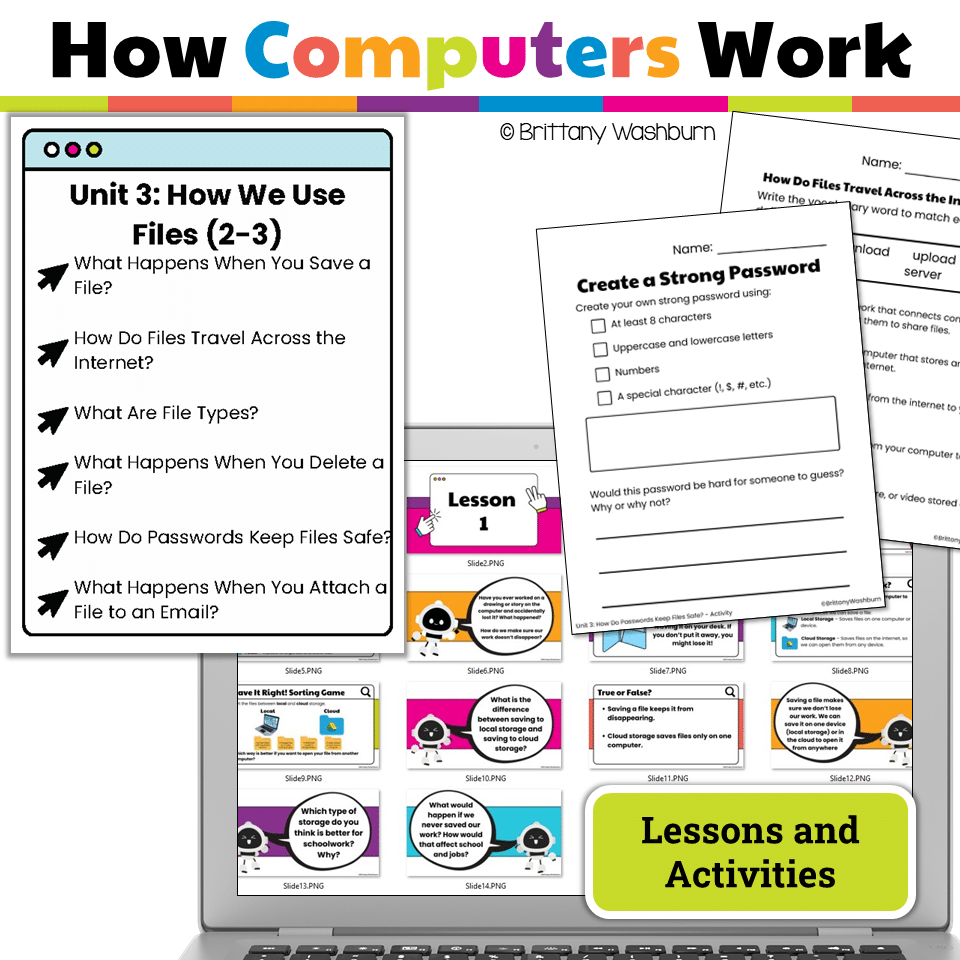
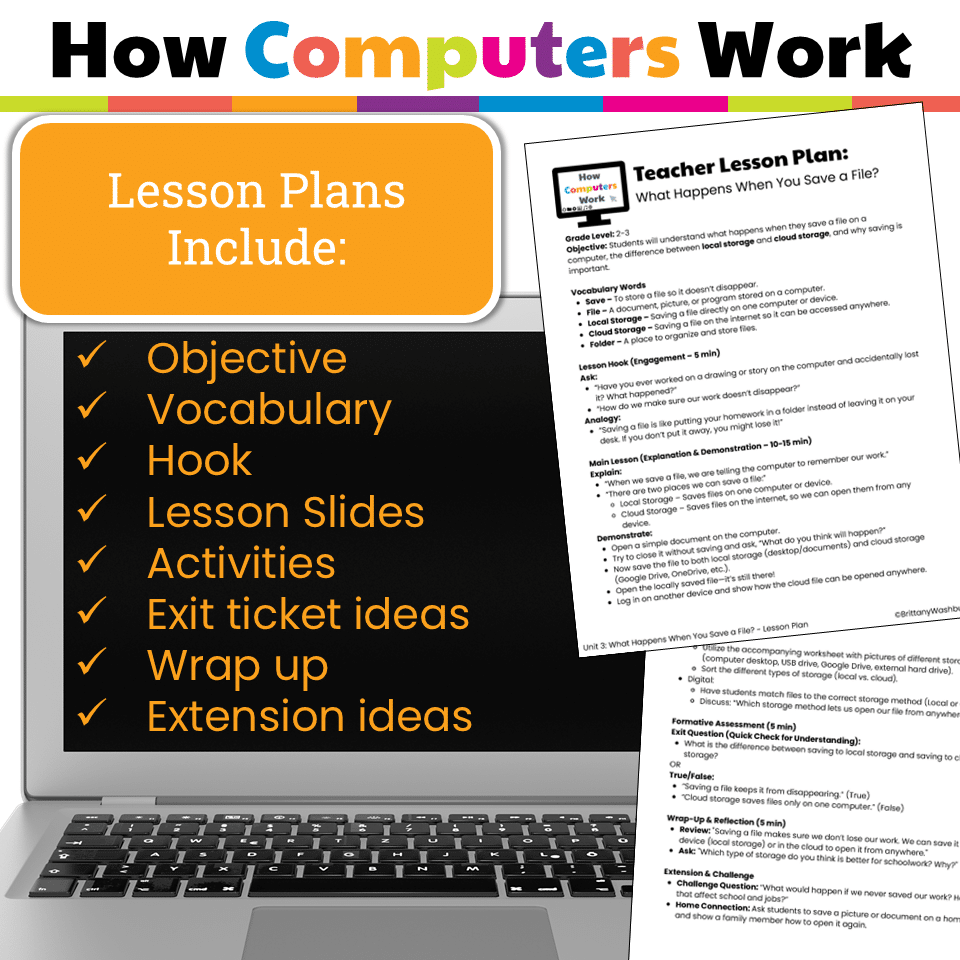
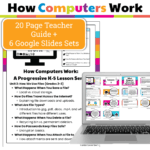
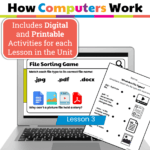
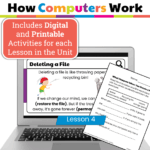
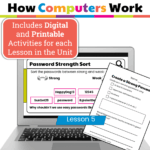
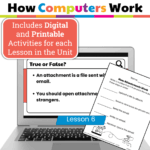
6 Complete Lessons with Teacher Guides & Printables (PDF):
-
What is a File?
-
What Happens When You Save?
-
What is the Cloud?
-
What Happens When You Print?
-
How Do You Find a File?
-
RAM vs. Storage – How Computers Remember
-
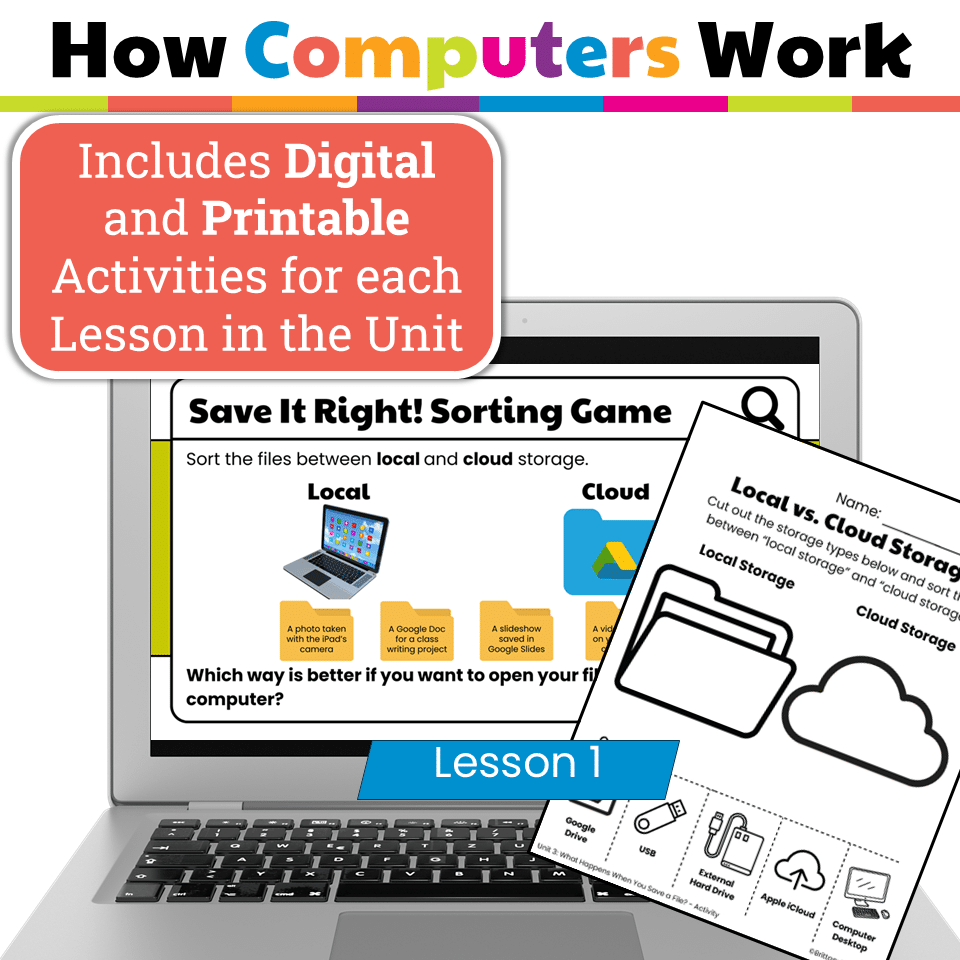
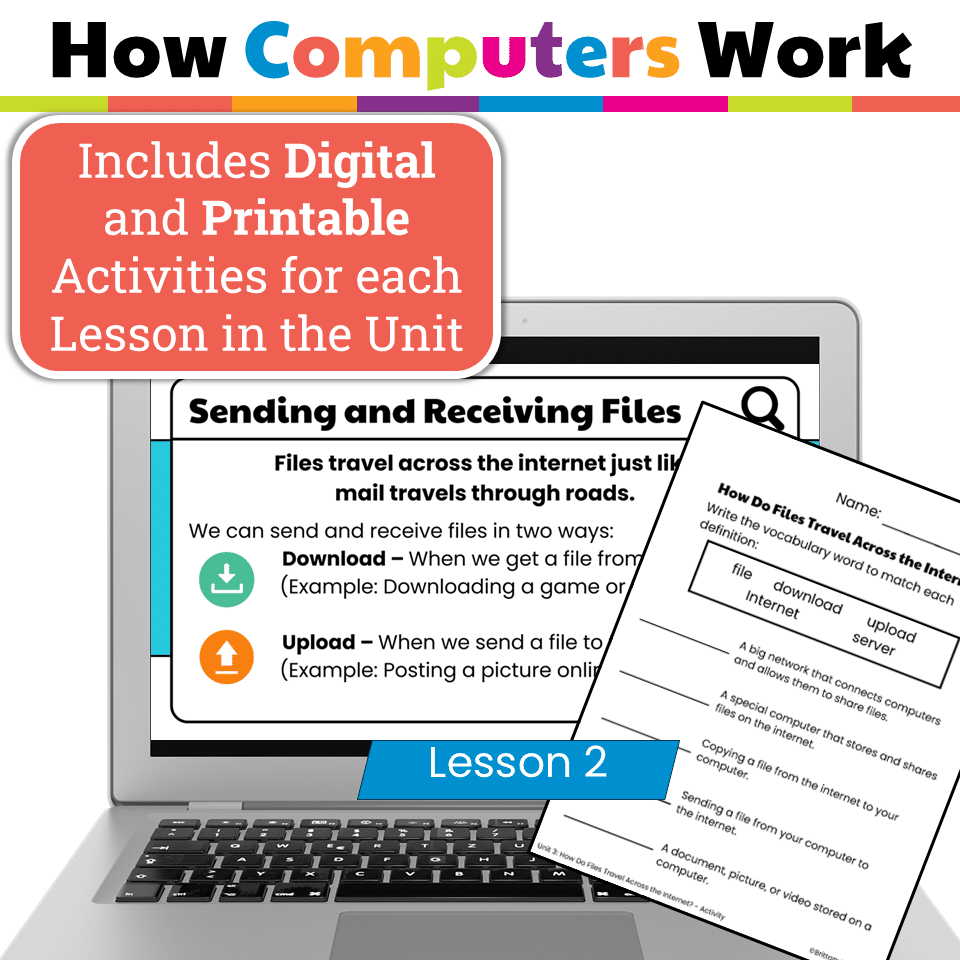
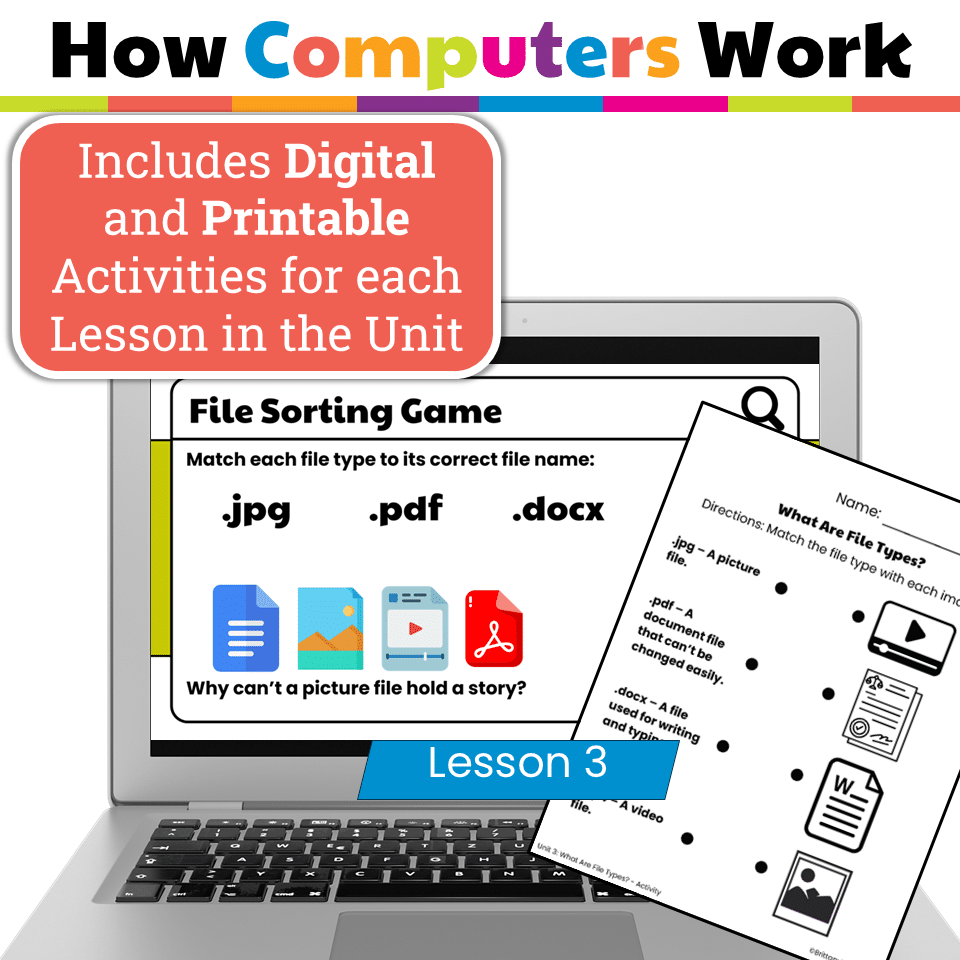
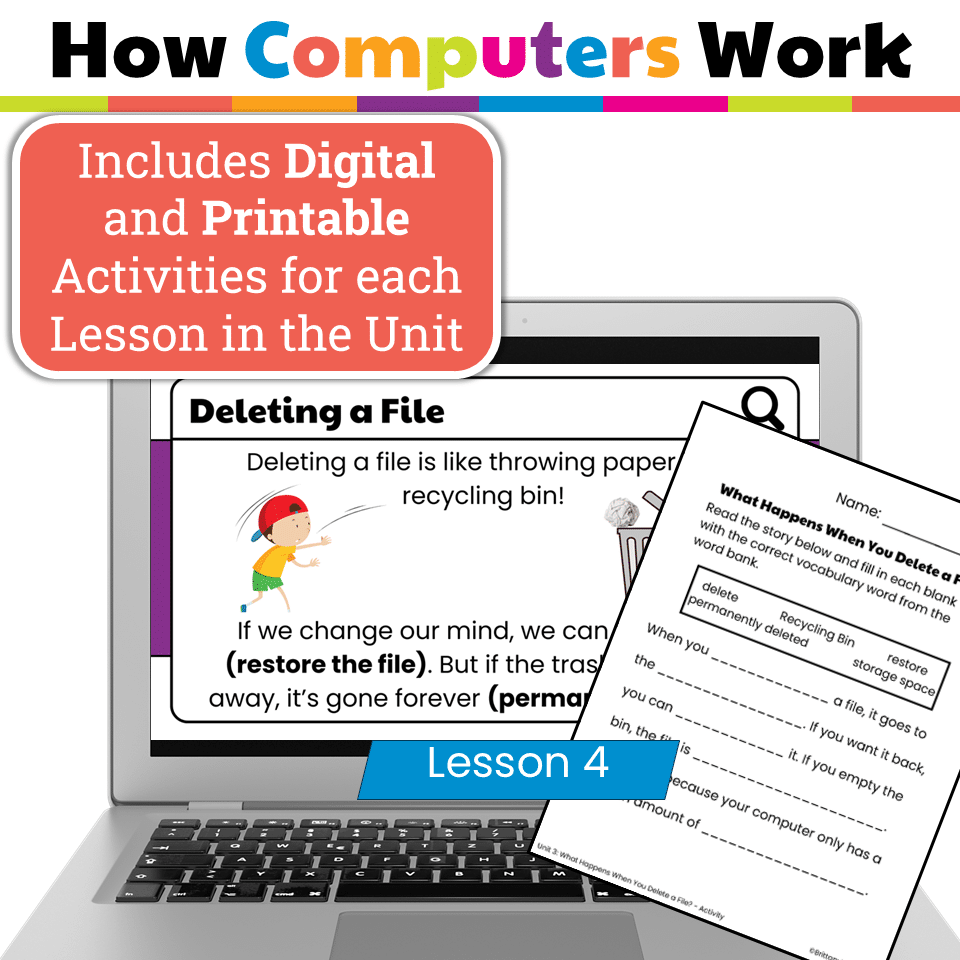
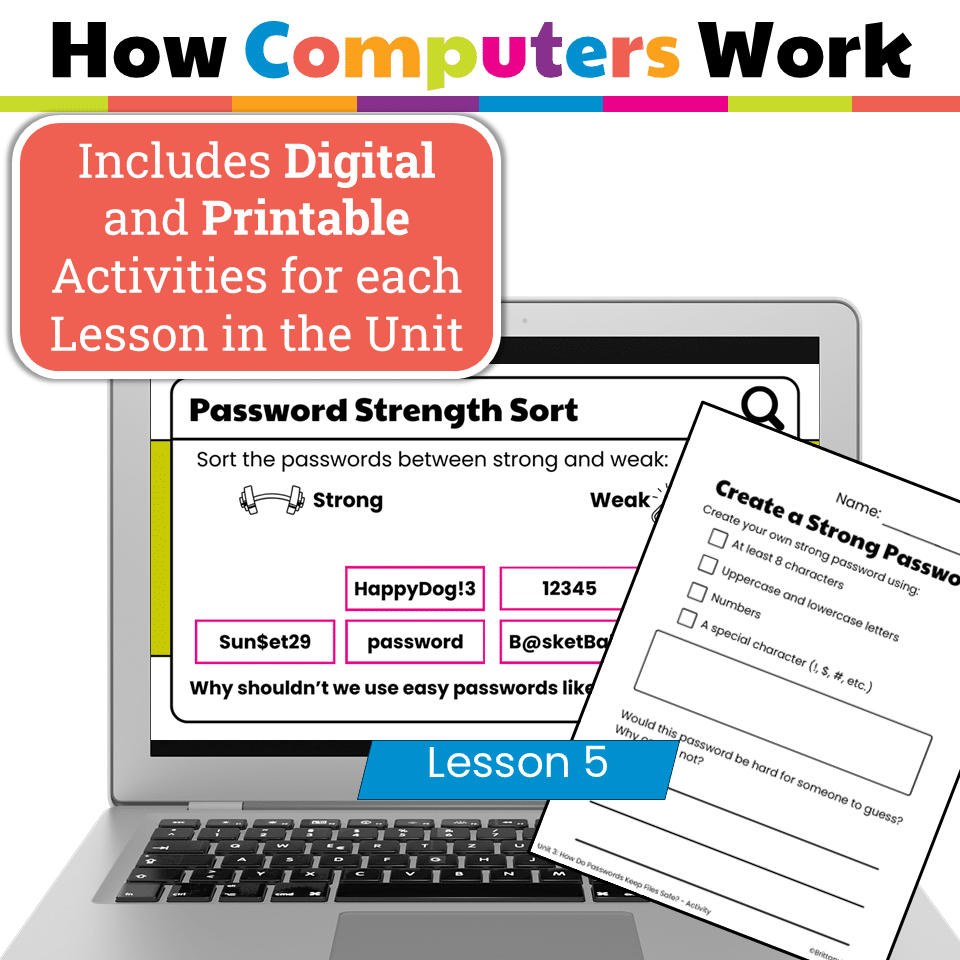
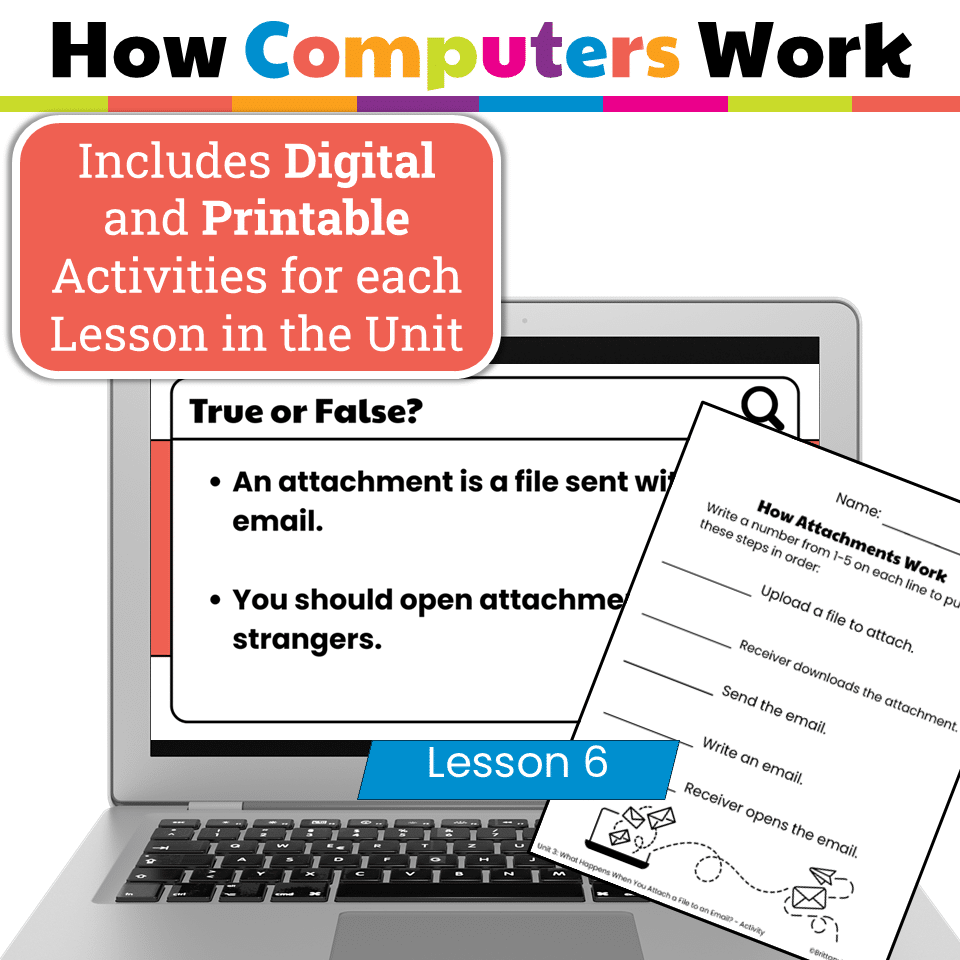
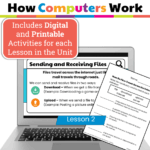
6 Google Slides Presentations (one per lesson) → Includes embedded interactive elements like drag-and-drop sorting, clickable vocabulary matching, and comprehension checks → Perfect for whole group instruction, stations, or independent practice
-
Printable Worksheets, Exit Tickets, and Activities → Great for unplugged practice and formative assessment
Skills Students Will Learn:
-
Understanding different file types (documents, pictures, videos, etc.)
-
How and why we save files
-
The difference between local and cloud storage
-
What happens when you press Print on a device
-
How to search for and organize file
-
The role of RAM and long-term storage (hard drives)
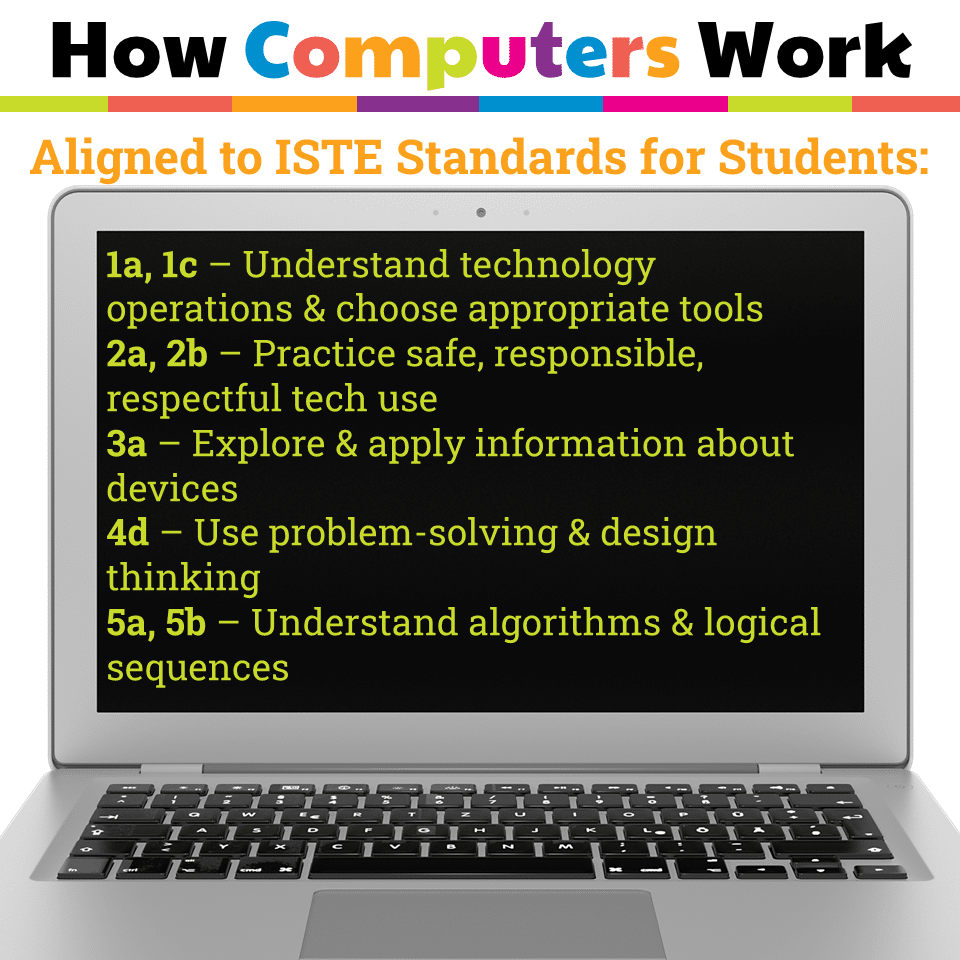
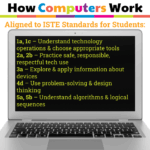
Standards Alignment – ISTE Standards for Students
-
Empowered Learner (1a, 1c) – Use basic technology operations and understand file management tools
-
Digital Citizen (2a, 2b) – Practice responsible use of digital tools and storage
-
Knowledge Constructor (3a) – Apply learning to organize and retrieve information
-
Innovative Designer (4d) – Follow multi-step processes like saving and printing
-
Computational Thinker (5a, 5b) – Understand how computers store and process information
-
Simple language + visual support for young learners
-
Google Slides + embedded practice = highly engaging and no prep
-
Printable & digital formats make this perfect for flexible classrooms
-
Meets core digital literacy goals for early elementary
-
Elementary Computer Lab
-
Grades 2-3 Technology Integration
-
File management & digital storage lessons
-
Back-to-school tech routines
-
Digital Citizenship & Literacy units
You must be logged in to post a review.
Related products
-

-
Sale!
Timely Tech – 23 March Themed Technology Activities
Original price was: $18.00.$12.00Current price is: $12.00. -
Sale!
Timely Tech – 22 November Themed Technology Activities
Original price was: $18.00.$12.00Current price is: $12.00. -
Sale!
Timely Tech – 25 December Themed Technology Activities
Original price was: $18.00.$12.00Current price is: $12.00.



You didn’t become a tech teacher to spend your weekends building lessons from scratch. I’m Brittany, a technology curriculum specialist with 1,000+ ISTE-aligned resources designed specifically for K–8 computer lab teachers.
My ready-made digital and printable resources cover everything from digital citizenship and coding fundamentals to multimedia creation and computer essentials, so your planning is handled and your students stay engaged.
Every resource is built to align with ISTE Standards, save you time, and actually work in a computer lab setting, because I’ve taught in one myself.
Browse my bestsellers, or explore by grade level or topic to find exactly what you need.
Reviews
There are no reviews yet.