
✅ Shop with Confidence
- 🔒 Secure Checkout – Your payment is safe and protected.
- ⭐ Quality Guaranteed – Store credit refunds if something isn’t right.
- 🎉 Earn Rewards – Get points for every dollar spent & redeem as store credit!
👉 Add to Cart and start using this resource today
How Computers Work – Technology Lessons for Grades K–1
Original price was: $12.00.$10.00Current price is: $10.00.
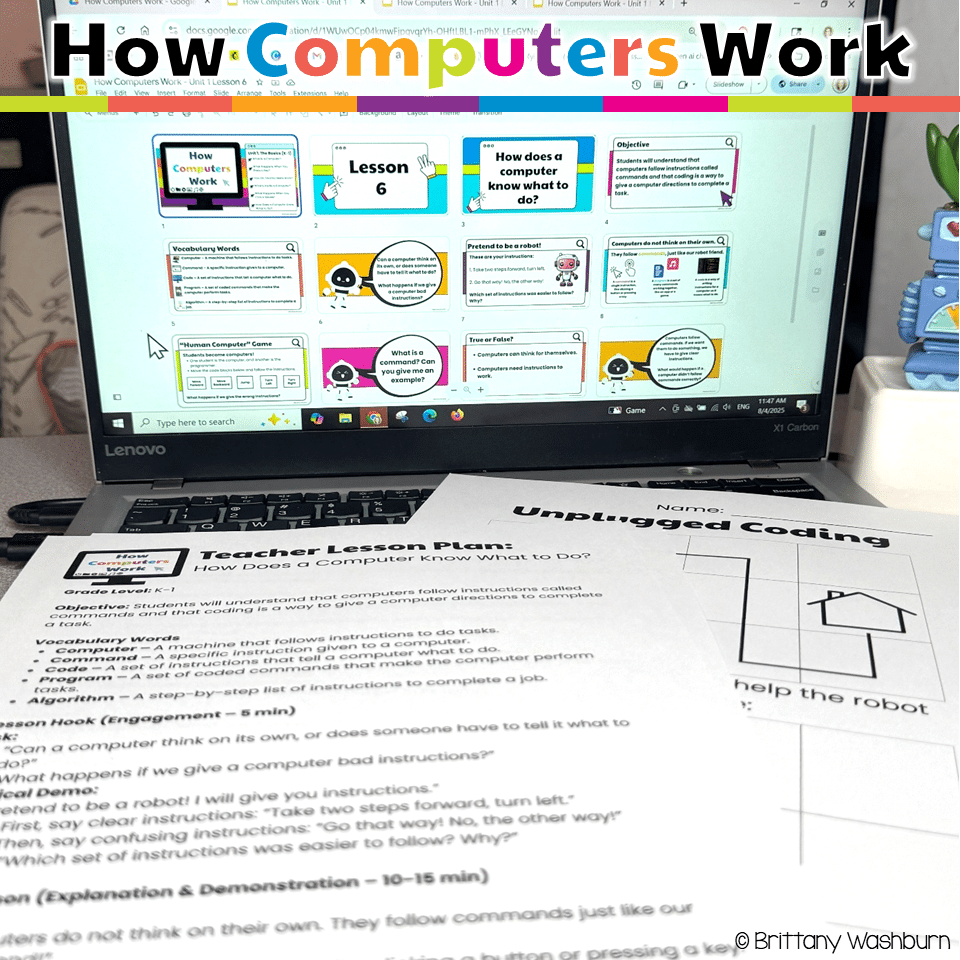
Your K–1 students will love learning how computers work with these interactive, hands-on lessons. From identifying parts of a computer to exploring touchscreens, keyboards, mice, and even beginner coding, this unit builds a strong foundation in digital literacy and responsible tech use—no extra prep required!
How Computers Work – Technology Lessons for Grades K–1
Original price was: $12.00.$10.00Current price is: $10.00.
Description
Your K–1 students will love learning how computers work with these interactive, hands-on lessons. From identifying parts of a computer to exploring touchscreens, keyboards, mice, and even beginner coding, this unit builds a strong foundation in digital literacy and responsible tech use—no extra prep required!
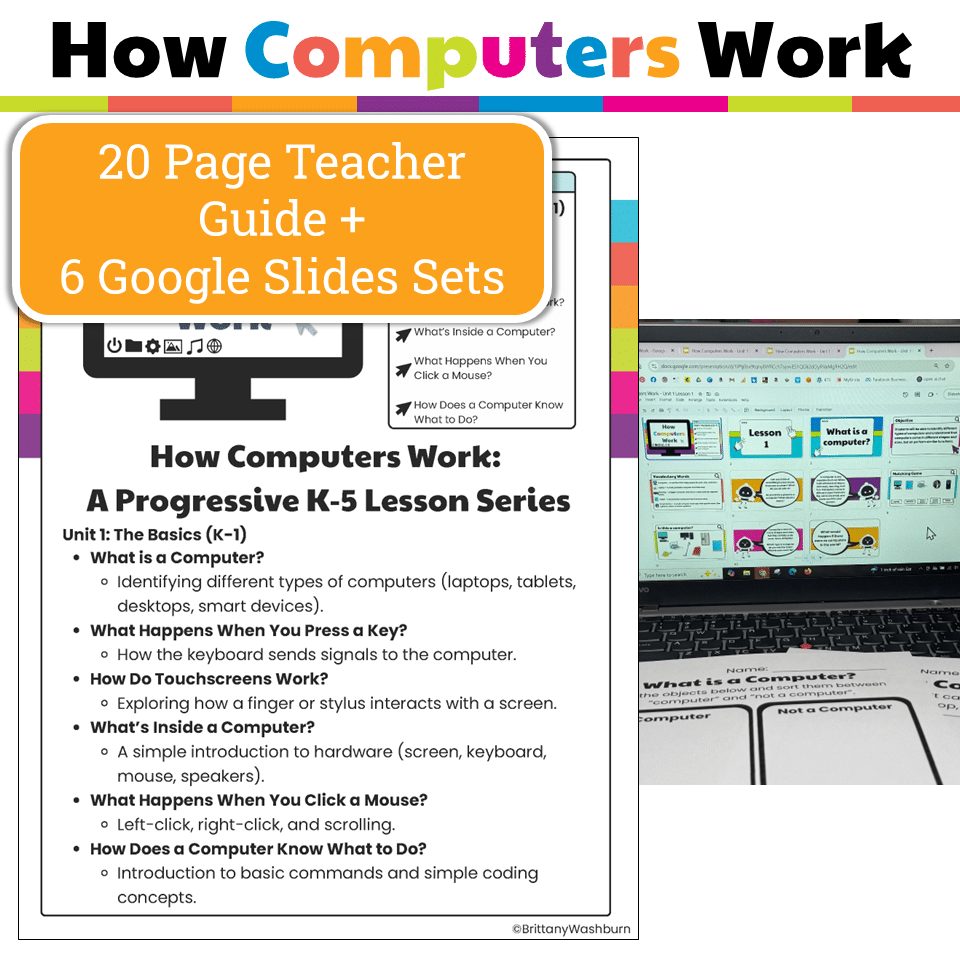
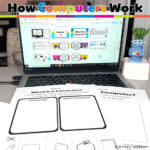
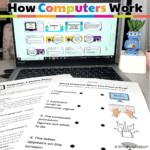
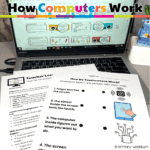
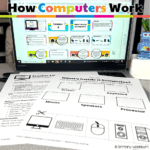
Introduce your youngest learners to the basics of computers and technology with this engaging, hands-on How Computers Work unit! Perfect for elementary computer lab teachers and K–1 classrooms, this resource breaks down complex technology concepts into simple, interactive lessons that build digital literacy, problem-solving, and responsible tech use.
What’s Included:
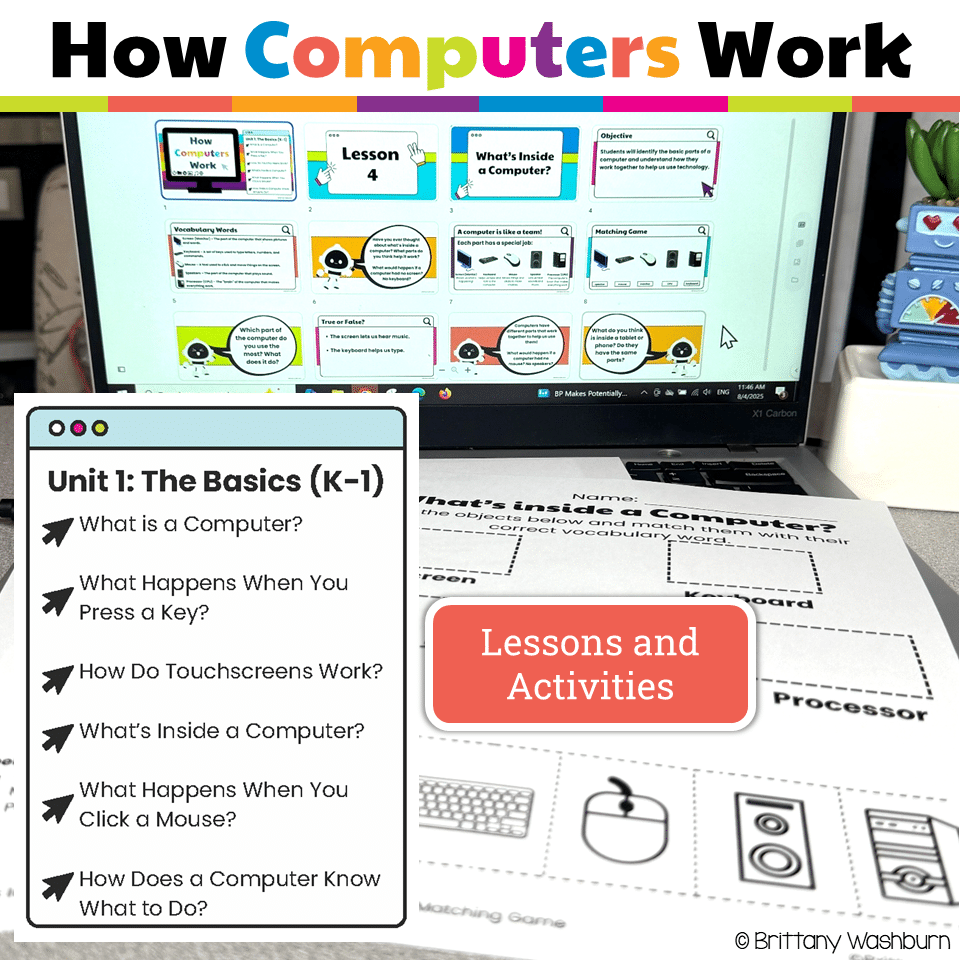
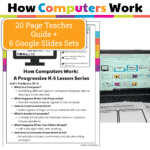
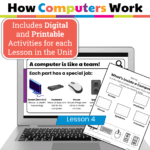
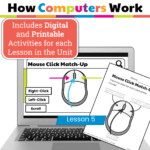
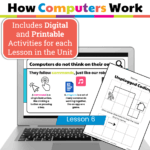
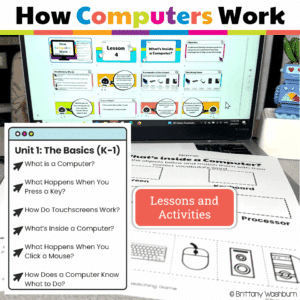
- 6 Complete Lessons:
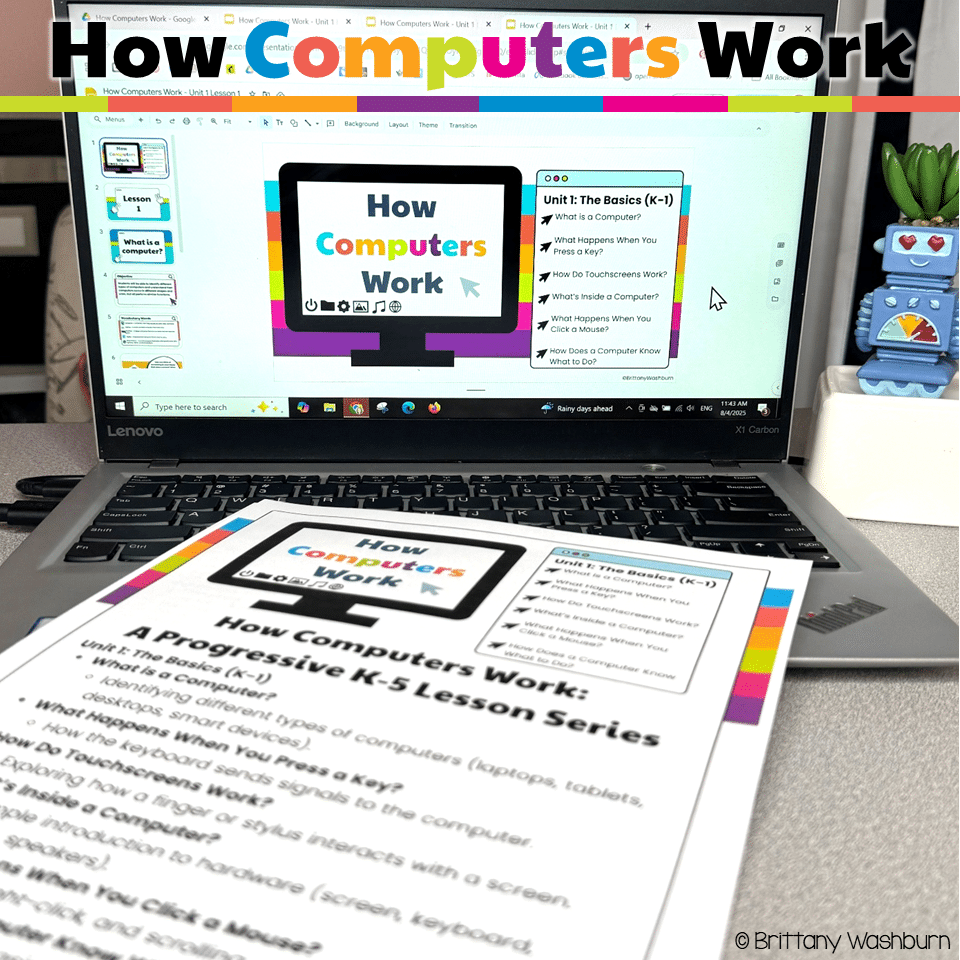
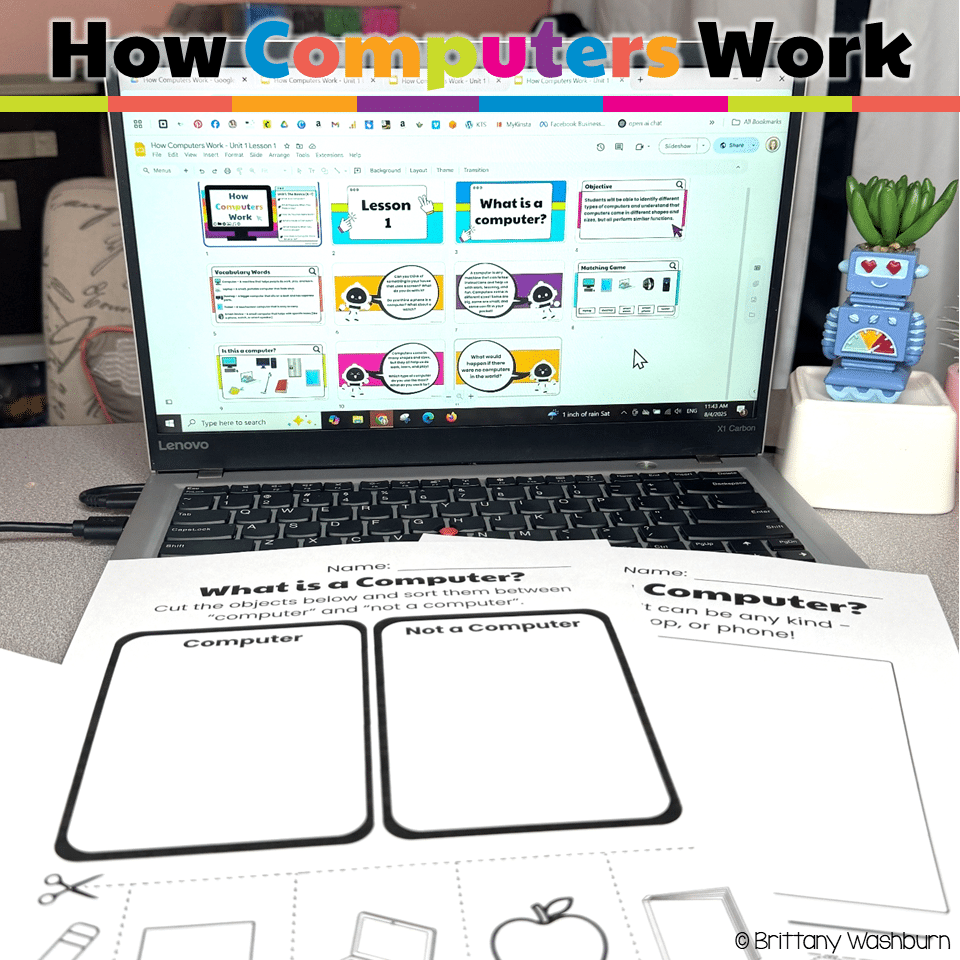
- What is a Computer?
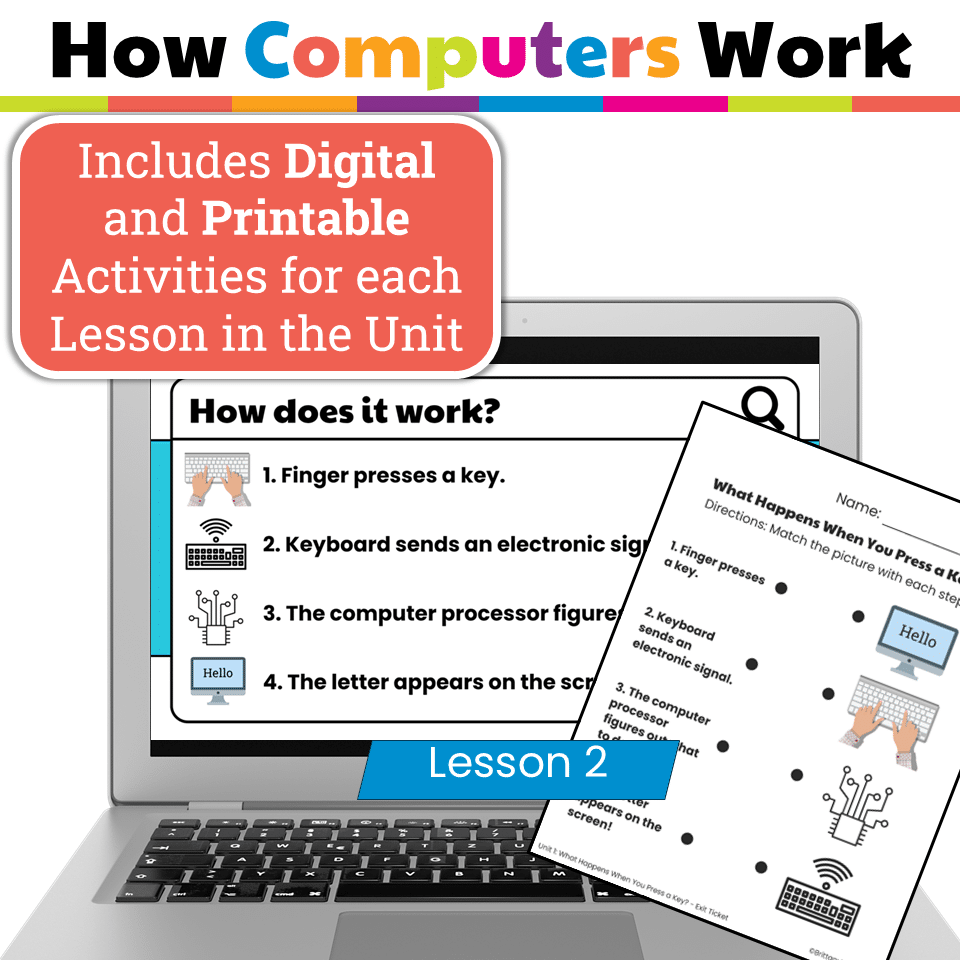
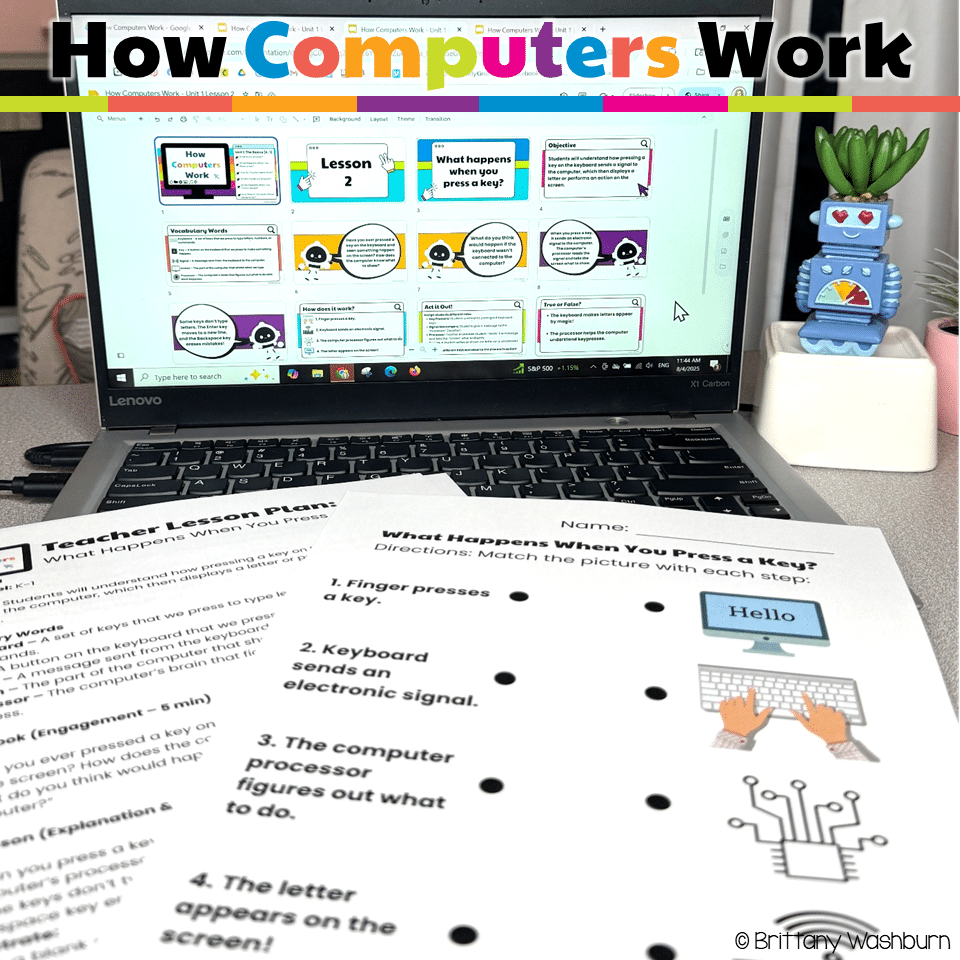
- What Happens When You Press a Key?
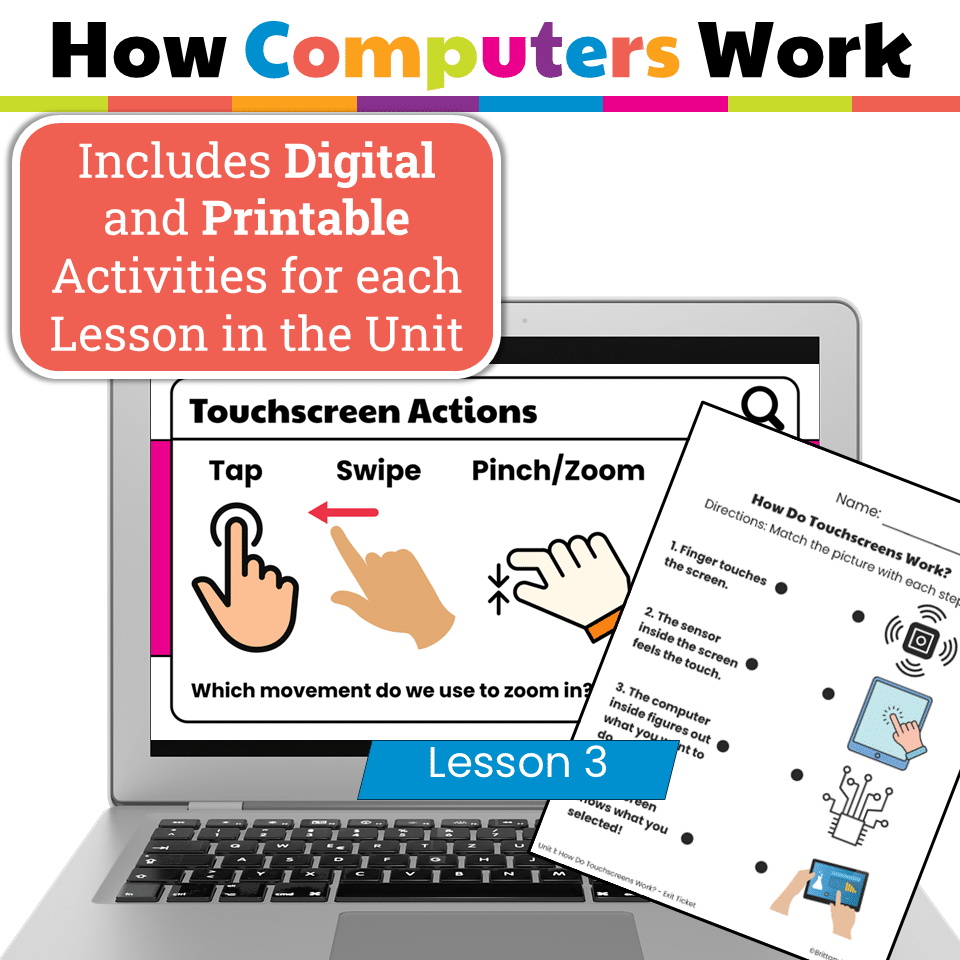
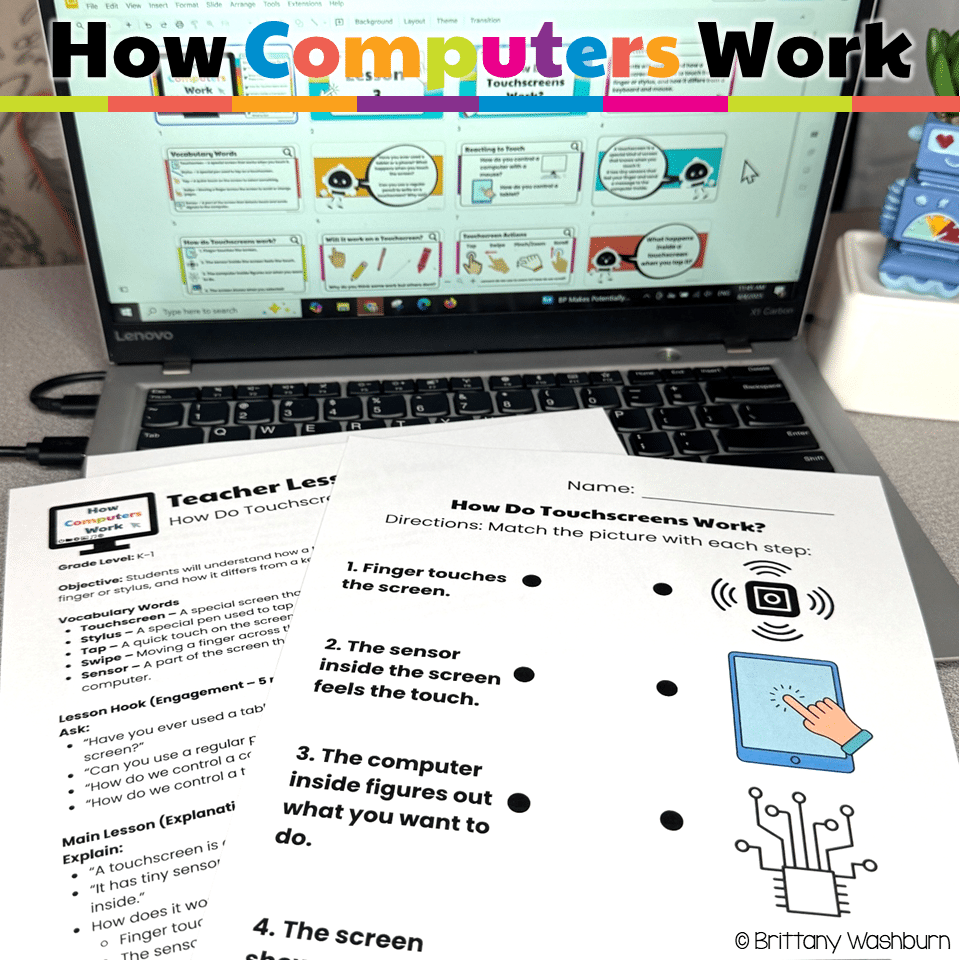
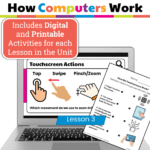
- How Do Touchscreens Work?
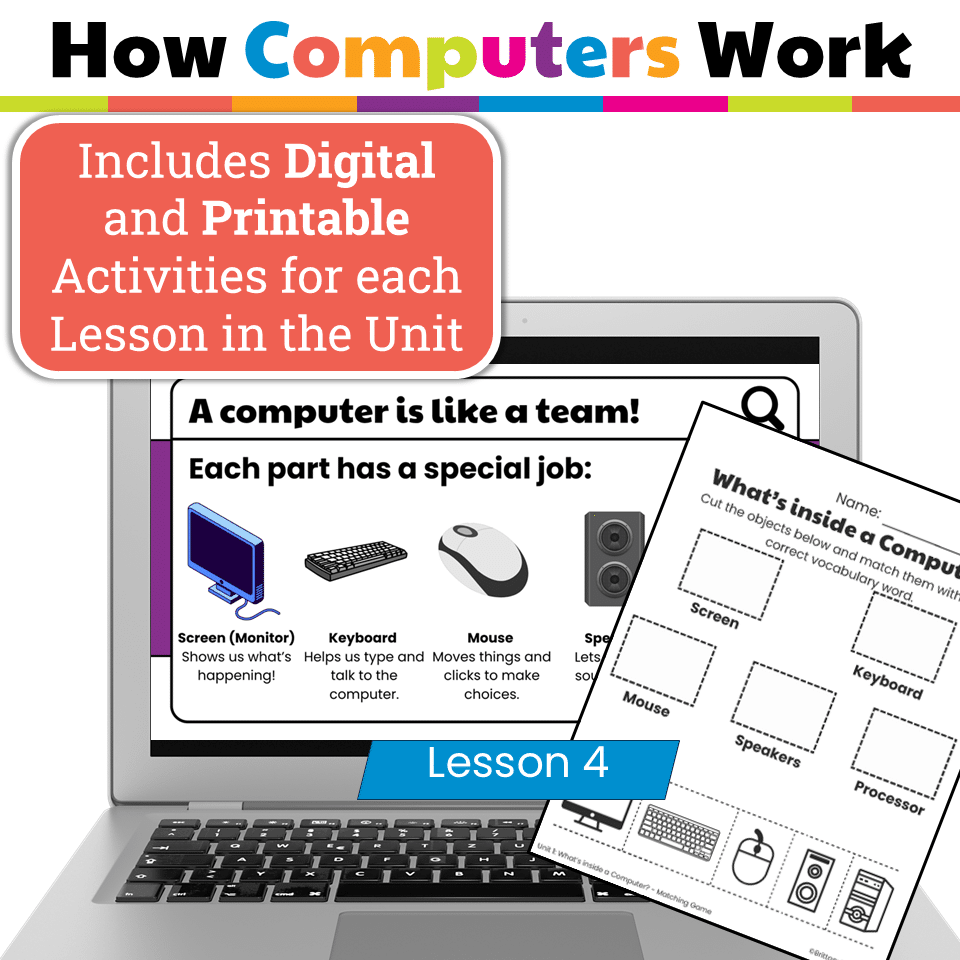
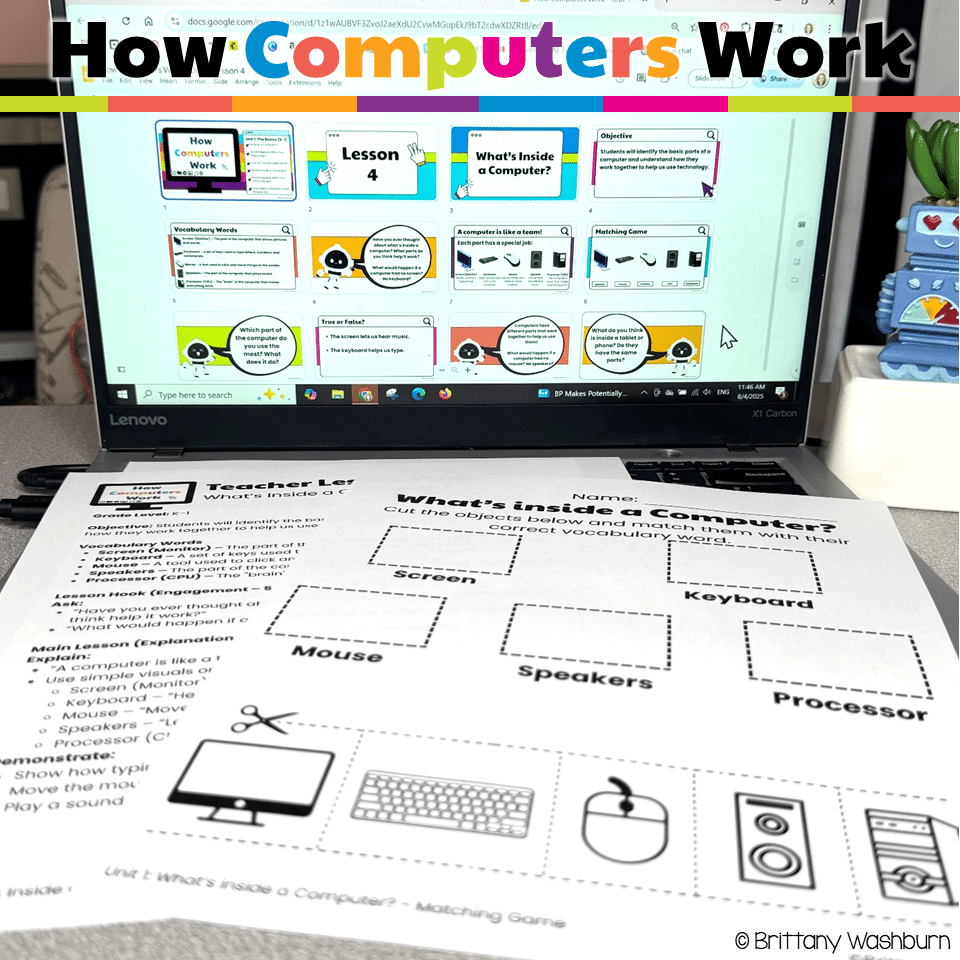
- What’s Inside a Computer?
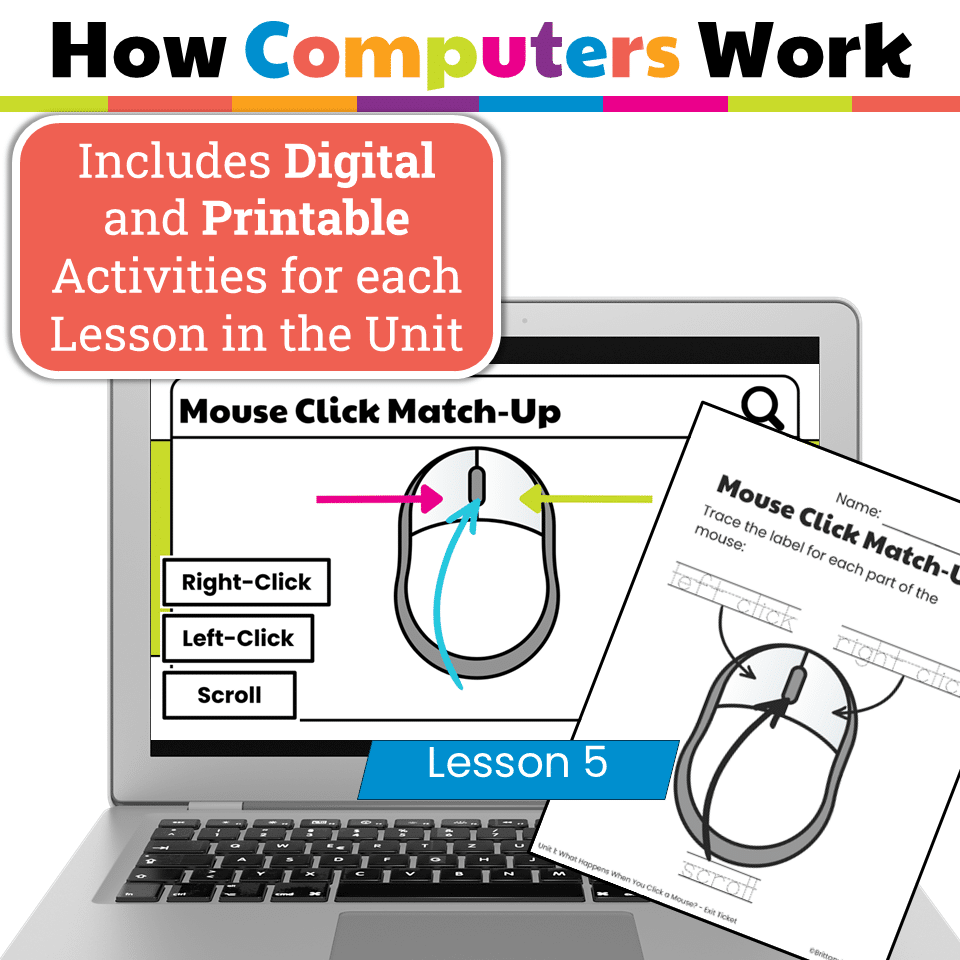
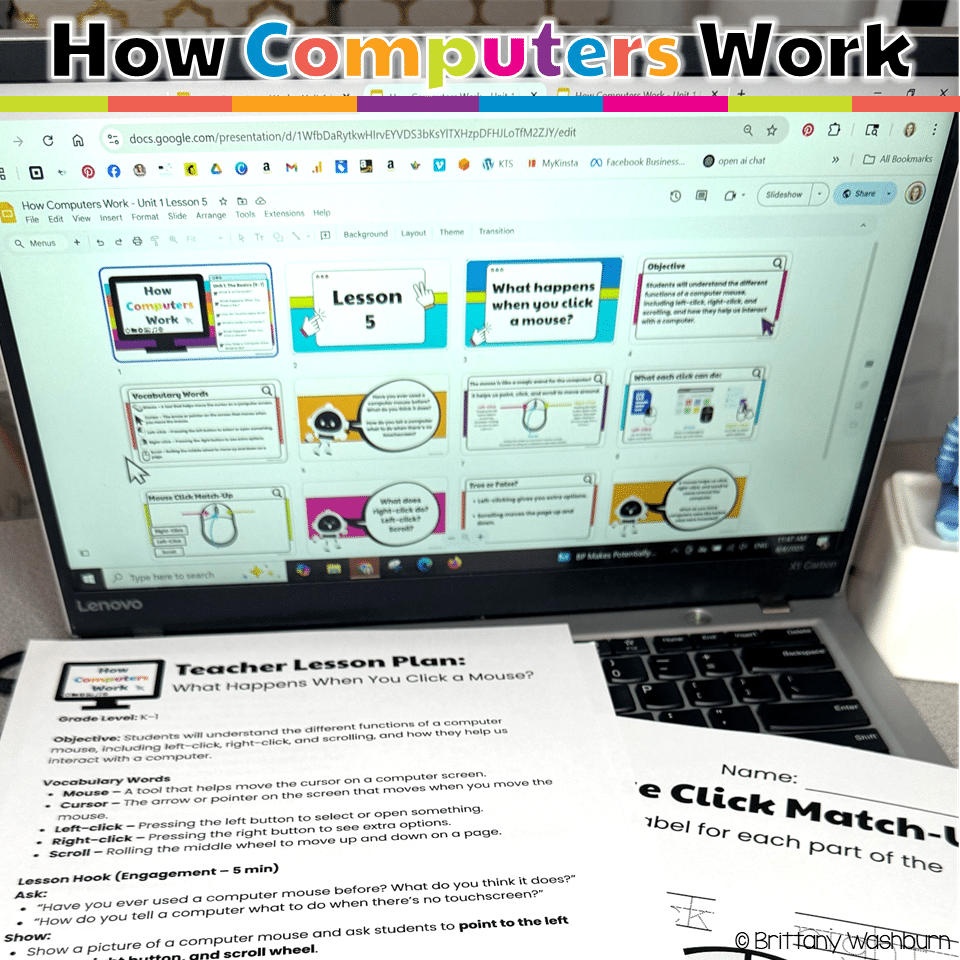
- What Happens When You Click a Mouse?
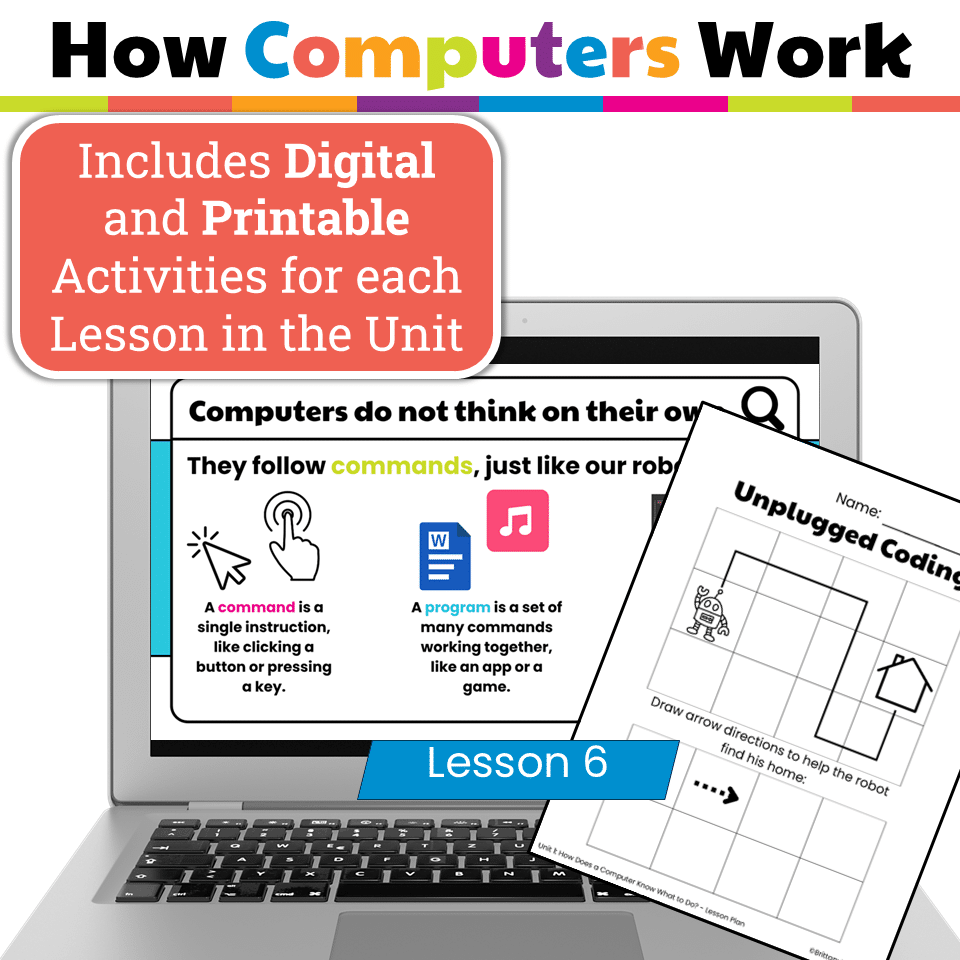
- How Does a Computer Know What to Do? (Intro to Coding)
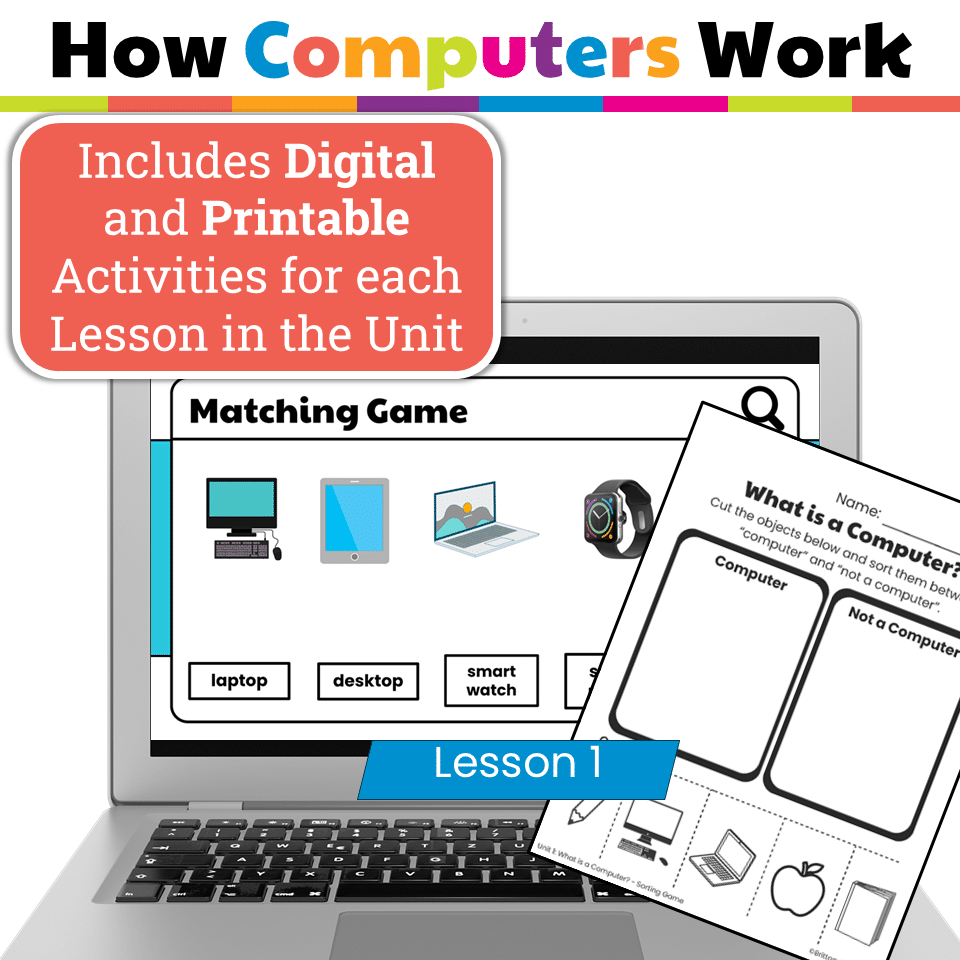
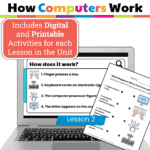
- Printable & Digital Activities: Sorting games, matching activities, exit tickets, and unplugged coding challenges
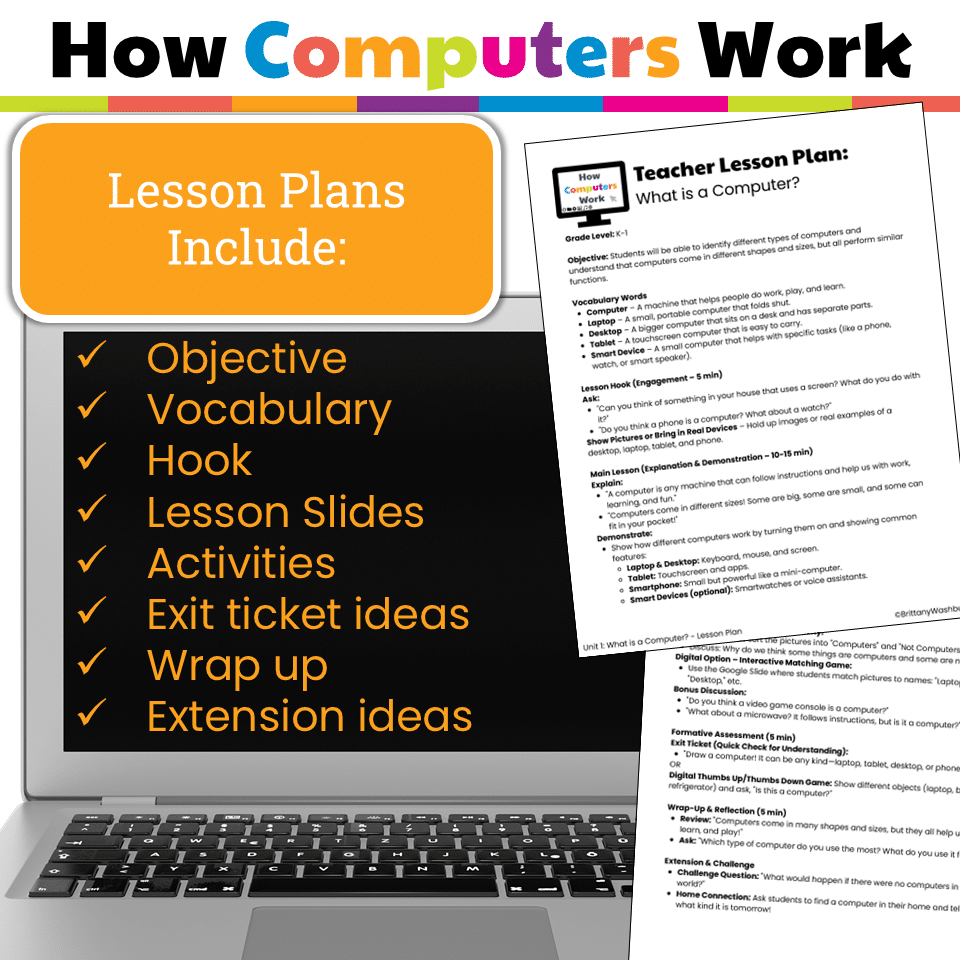
- Teacher Guides with step-by-step lesson plans and vocabulary
- Interactive Google Slides versions for digital practice
- Formative Assessments for quick checks of understanding
Skills Students Will Learn:
- Identifying different types of computers (laptop, desktop, tablet, smart device)
- Understanding input and output devices
- Recognizing parts of a computer and their functions
- Practicing safe and responsible technology use
- Exploring how commands, coding, and algorithms work
- Building basic troubleshooting and tech vocabulary skills
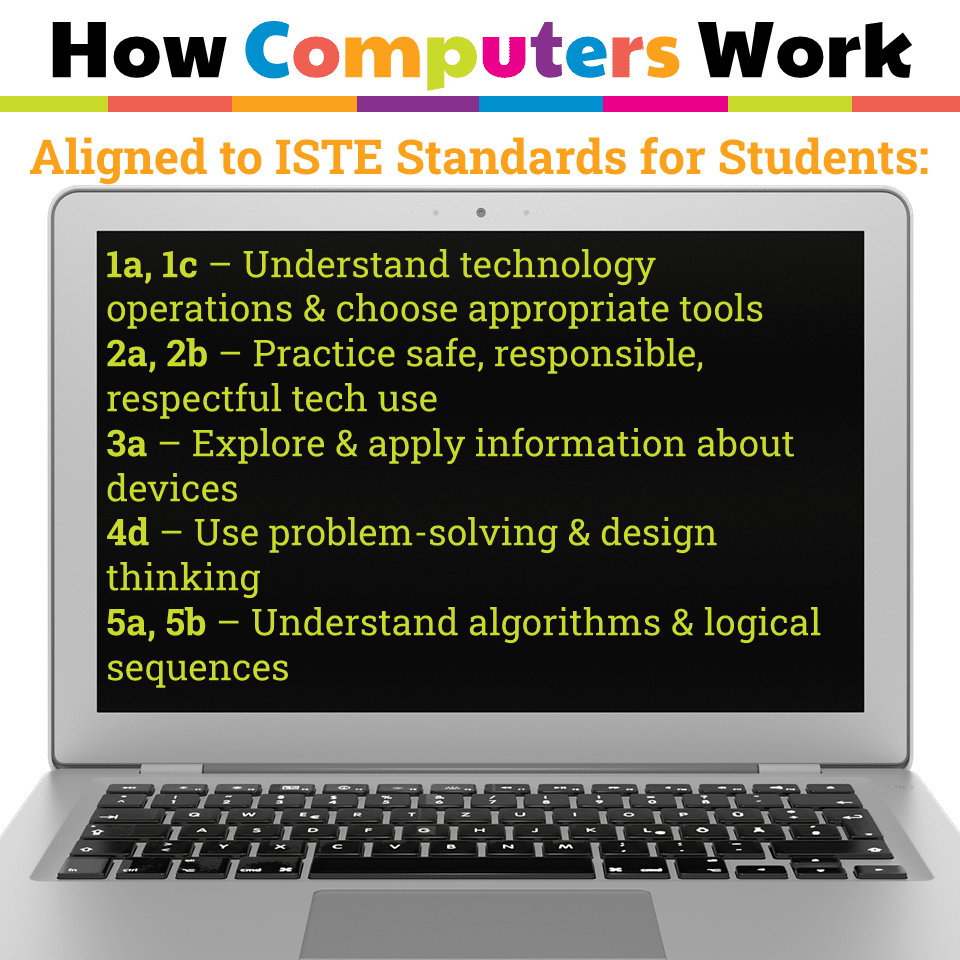
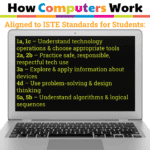
Standards Alignment – ISTE Standards for Students:
- Empowered Learner (1a, 1c) – Understand technology operations & choose appropriate tools
- Digital Citizen (2a, 2b) – Practice safe, responsible, respectful tech use
- Knowledge Constructor (3a) – Explore & apply information about devices
- Innovative Designer (4d) – Use problem-solving & design thinking
- Computational Thinker (5a, 5b) – Understand algorithms & logical sequences
Why Teachers Love It:
This unit makes teaching technology easy and fun. With ready-to-use activities, clear instructions, and both print & digital options, you can save prep time while keeping your students engaged. Lessons are age-appropriate, hands-on, and perfect for building a strong foundation in computer skills that will prepare students for future digital learning.
Perfect for:
- Elementary computer lab
- Technology integration in K–1 classrooms
- Digital literacy & digital citizenship units
- Back-to-school technology lessons
- Sub plans for the computer lab
Product Terms:
Copyright © Brittany Washburn. Purchasing this file entitles you to ONE classroom use. You may use this with multiple classes but may not share with any other teachers. Copying for more than one teacher, classroom, department, school, or school system is prohibited. This product may not be distributed or displayed digitally for public view. Failure to comply is a copyright infringement and a violation of the Digital Millennium Copyright Act (DMCA). Clipart and elements found in this PDF are copyrighted and cannot be extracted and used outside of this file without permission or license. If multiple licenses are needed for use my more than one teacher or in more than one computer lab, additional licenses are discounted.
If you would like to get updates on NEW and CURRENT resources for technology teachers…
You must be logged in to post a review.
Related products
-
Sale!

Timely Tech – 23 February Themed Technology Activities
Original price was: $18.00.$12.00Current price is: $12.00. -
Sale!
Technology I Can Statements for Grades K-8 BUNDLE – Tech Decor Theme
Original price was: $49.50.$39.60Current price is: $39.60. -
Sale!
Timely Tech – 25 Summer Themed Technology Activities
Original price was: $18.00.$12.00Current price is: $12.00. -
Sale!
Timely Tech – 26 September Themed Technology Activities
Original price was: $18.00.$12.00Current price is: $12.00.



You didn’t become a tech teacher to spend your weekends building lessons from scratch. I’m Brittany, a technology curriculum specialist with 1,000+ ISTE-aligned resources designed specifically for K–8 computer lab teachers.
My ready-made digital and printable resources cover everything from digital citizenship and coding fundamentals to multimedia creation and computer essentials, so your planning is handled and your students stay engaged.
Every resource is built to align with ISTE Standards, save you time, and actually work in a computer lab setting, because I’ve taught in one myself.
Browse my bestsellers, or explore by grade level or topic to find exactly what you need.
Reviews
There are no reviews yet.