
✅ Shop with Confidence
- 🔒 Secure Checkout – Your payment is safe and protected.
- ⭐ Quality Guaranteed – Store credit refunds if something isn’t right.
- 🎉 Earn Rewards – Get points for every dollar spent & redeem as store credit!
👉 Add to Cart and start using this resource today
How Computers Communicate – How Computers Work Series Unit 2
Original price was: $12.00.$10.00Current price is: $10.00.
How Computers Communicate – How Computers Work Series Unit 2
Original price was: $12.00.$10.00Current price is: $10.00.
Description
-
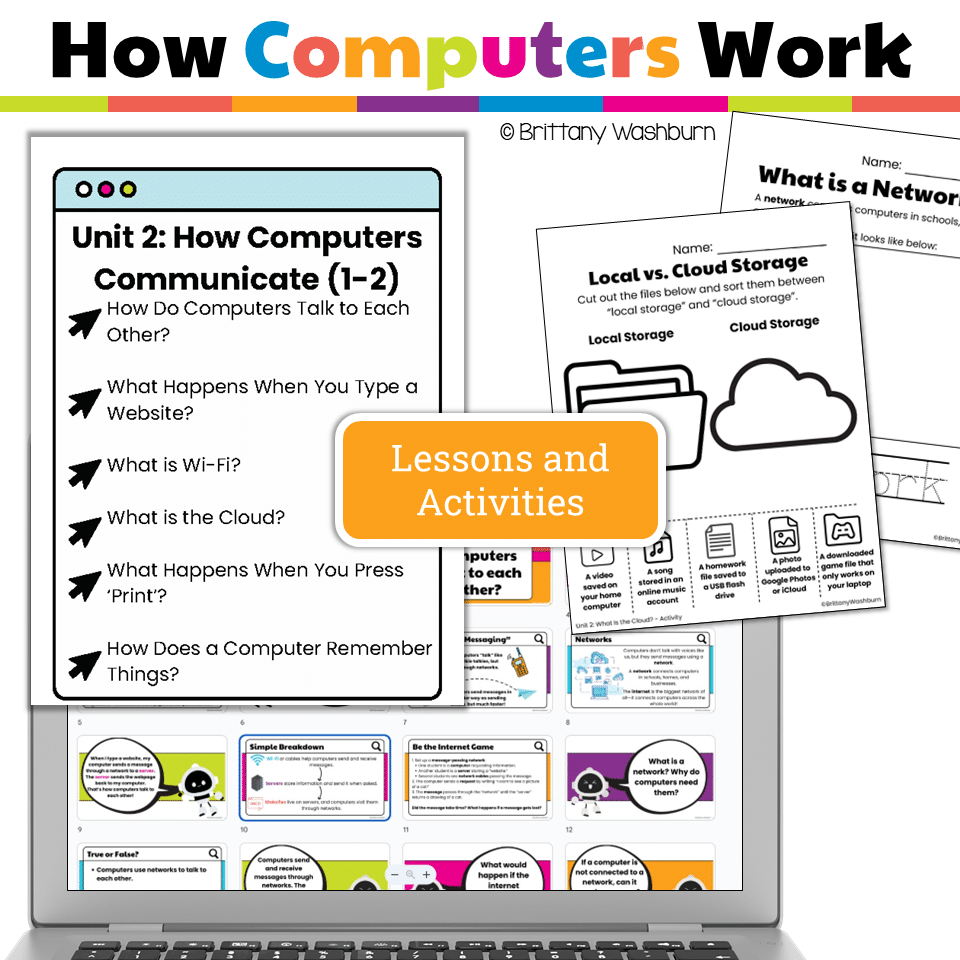
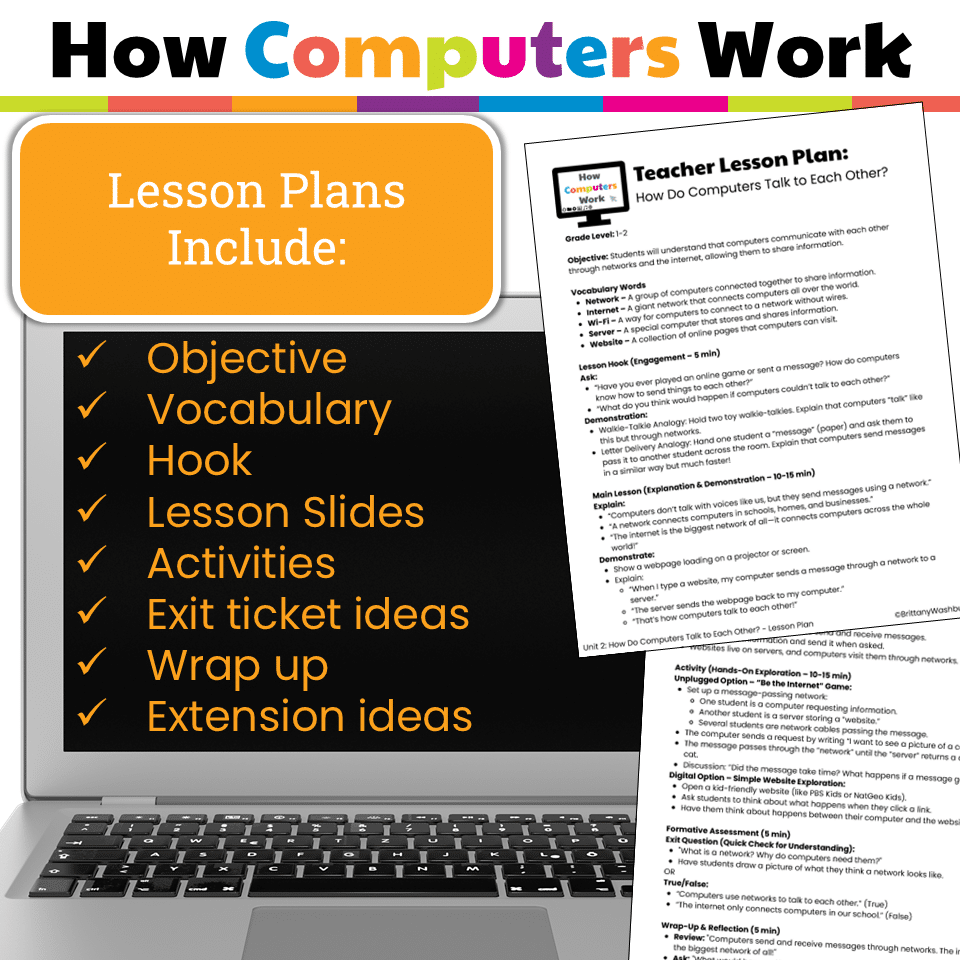
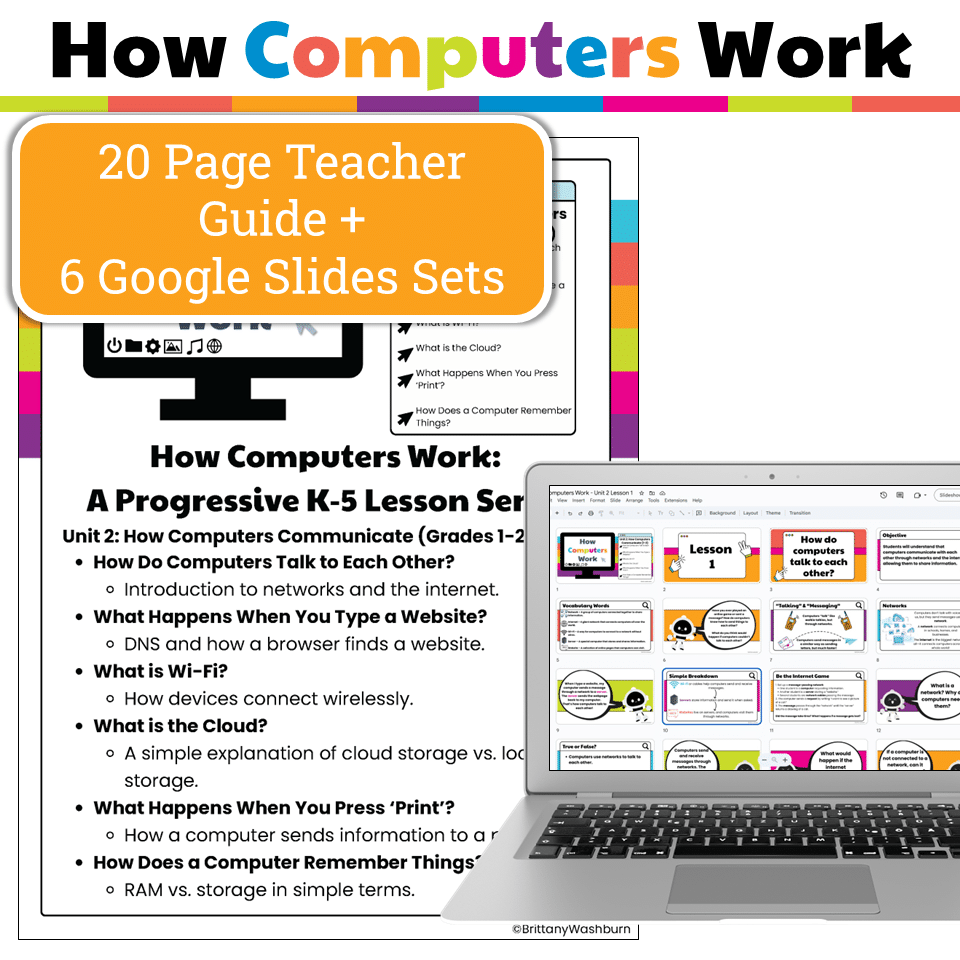
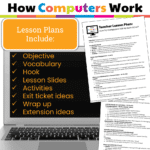
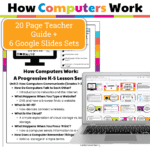
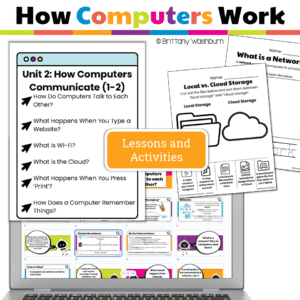
6 Complete Lessons with Teacher Guides & Student Handouts (PDF format):
-
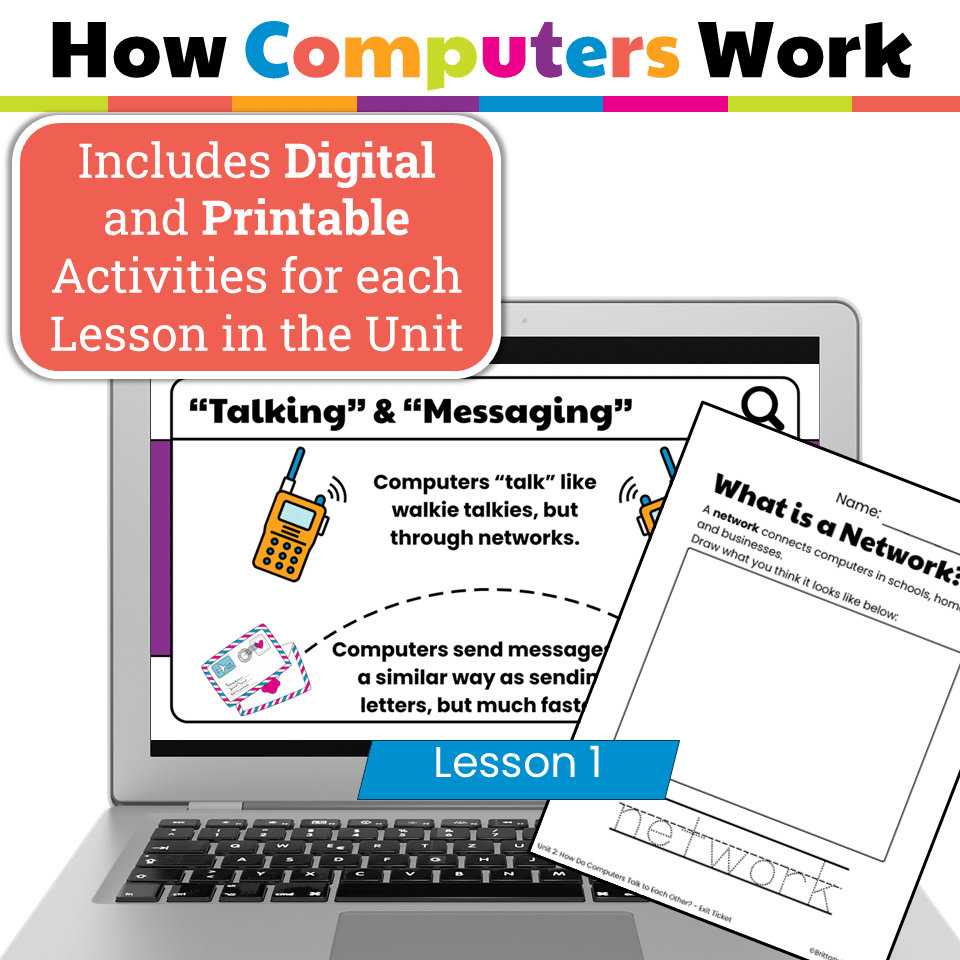
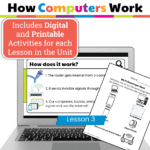
How Do Computers Talk to Each Other? (networks & the internet)
-
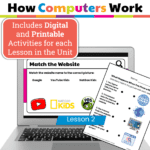
What Happens When You Type a Website? (DNS + browsers)
-
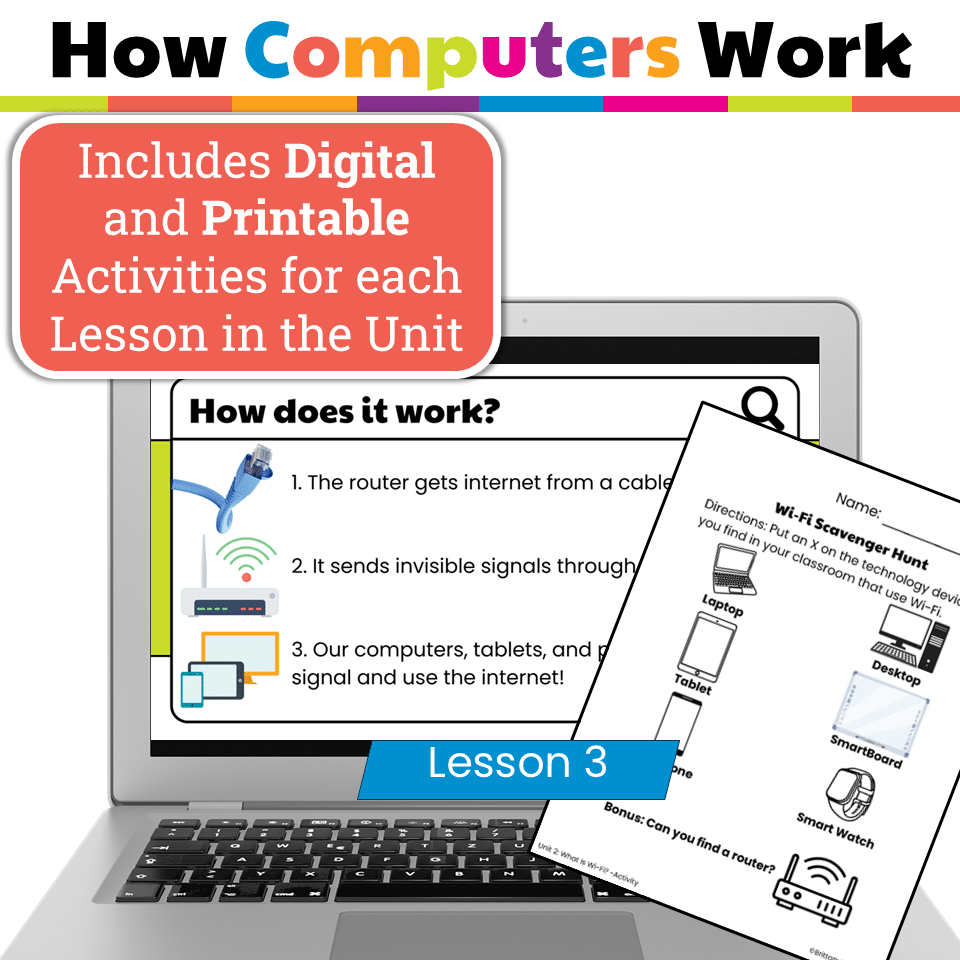
What is Wi-Fi? (wireless connections explained simply)
-
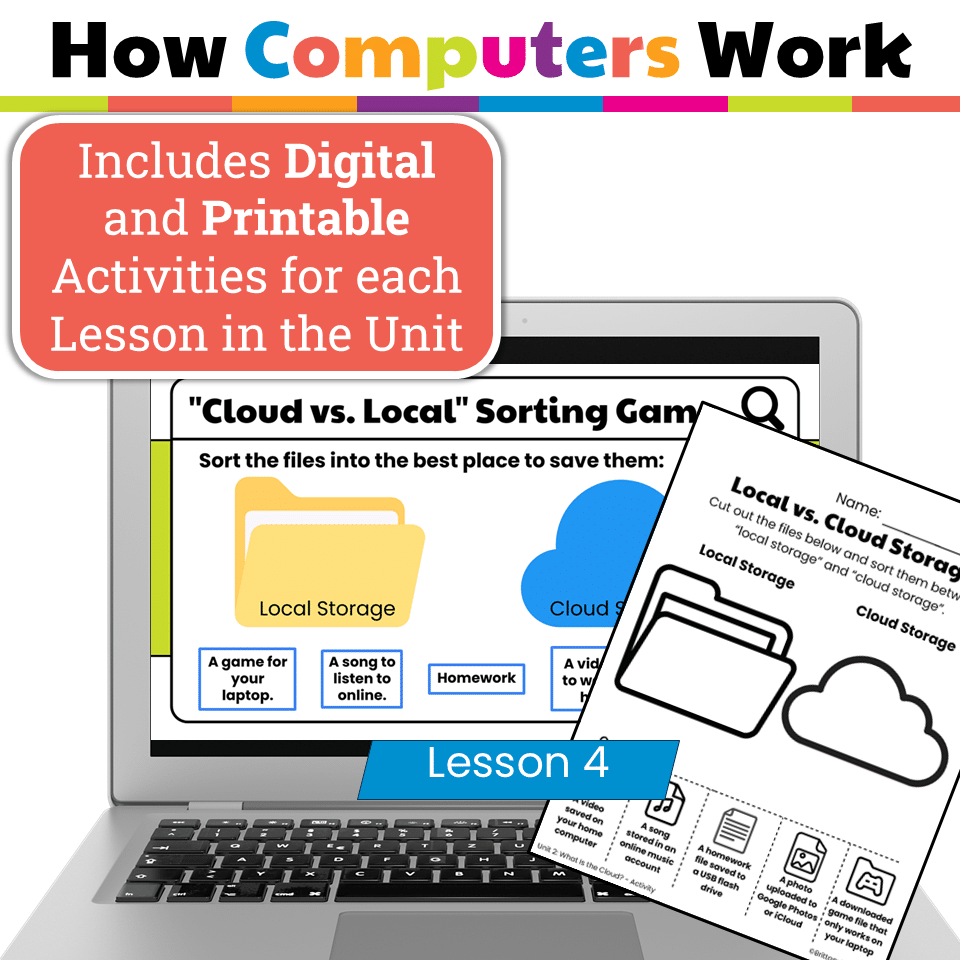
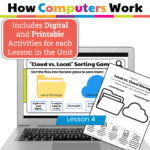
What is the Cloud? (local vs. cloud storage)
-
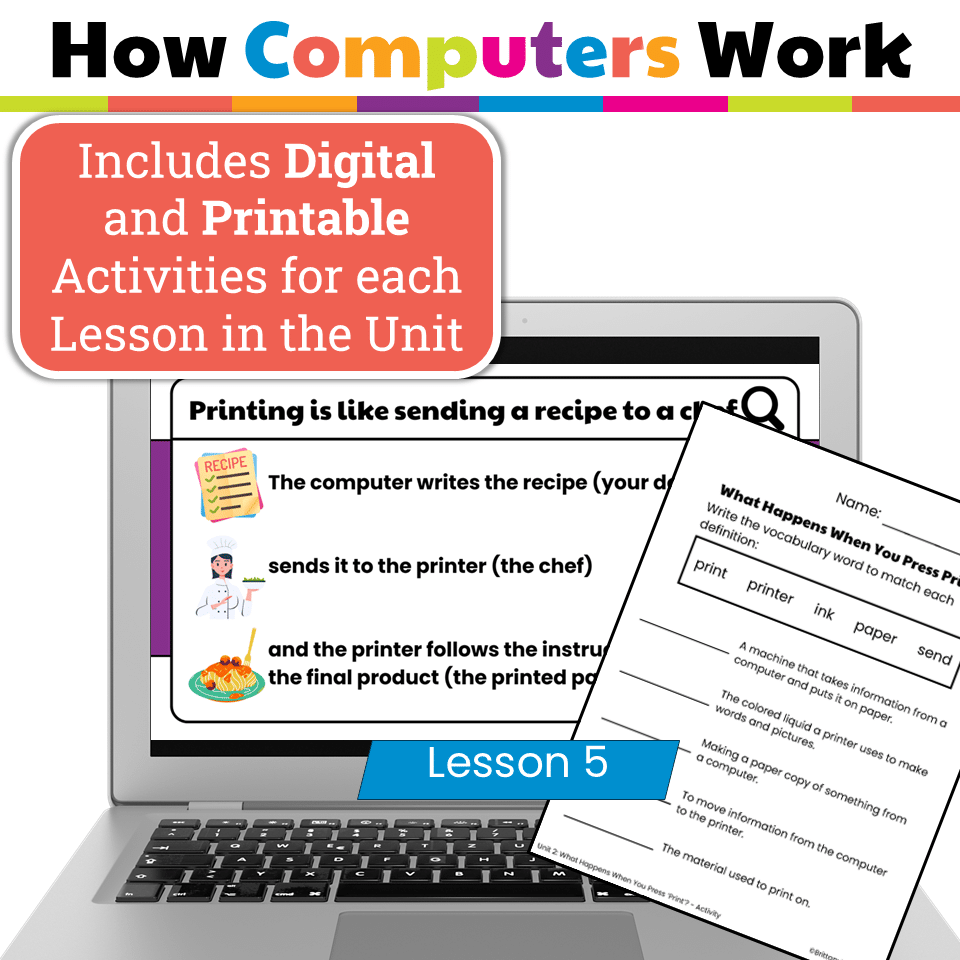
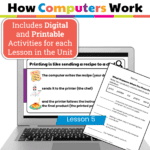
What Happens When You Press ‘Print’? (sending information to a printer)
-
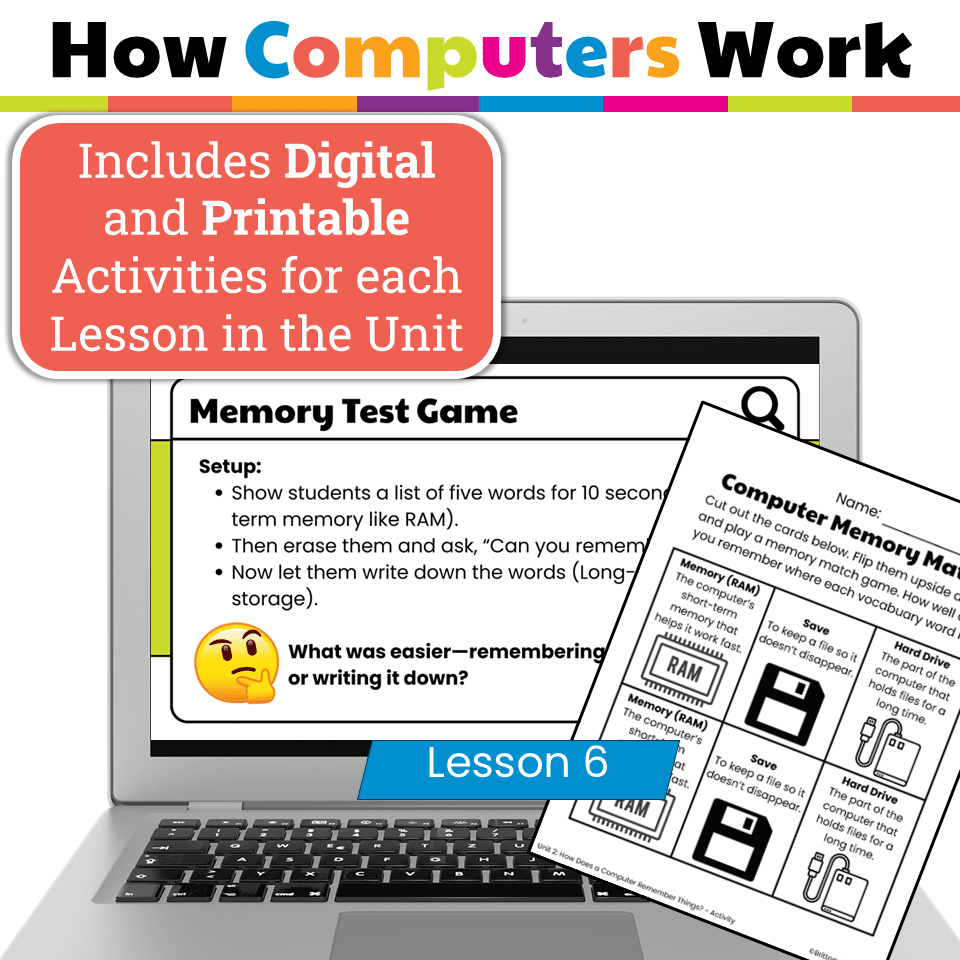
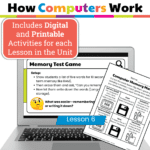
How Does a Computer Remember Things? (RAM vs. storage)
-
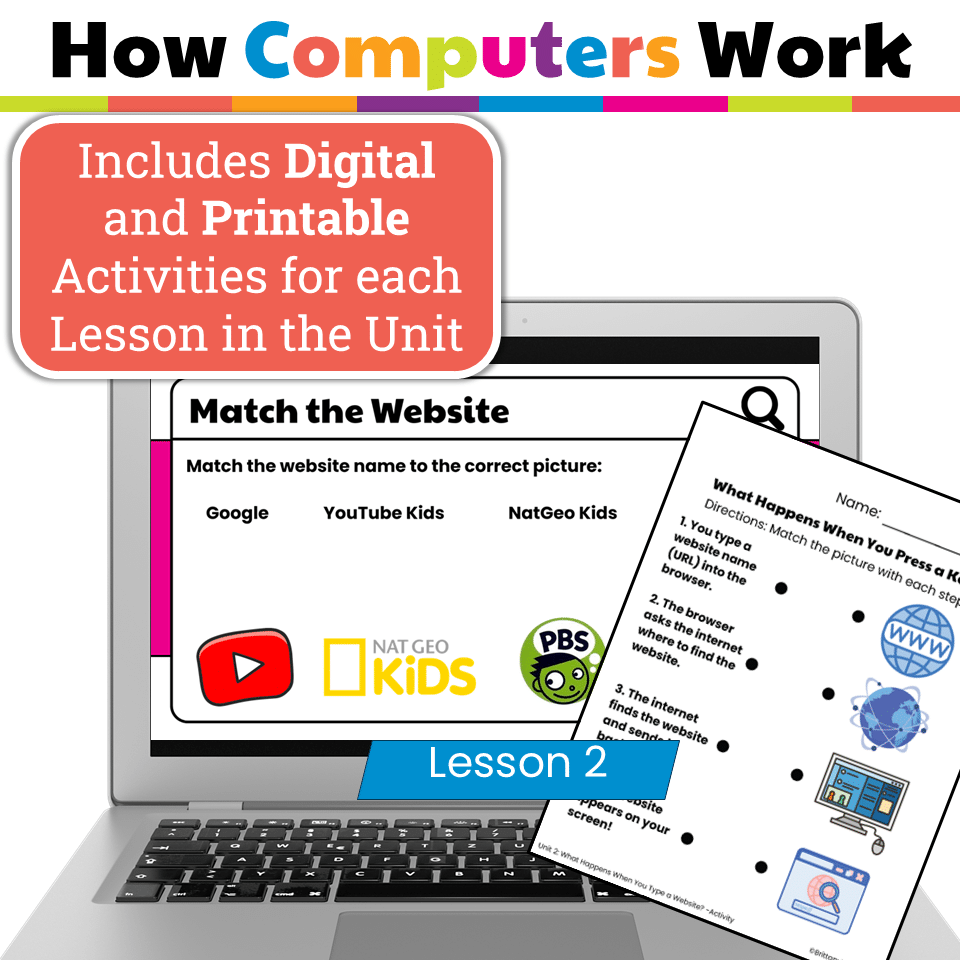
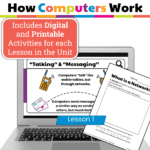
Google Slides Presentation for Each Lesson → Visual, kid-friendly slideshows to guide whole-group instruction. → Embedded interactive digital practice (drag-and-drop, matching, and comprehension checks).
-
Printable Worksheets & Exit Tickets for assessment and reinforcement.
-
Hands-on & Unplugged Activities like role-playing networks, acting out Wi-Fi signals, or playing “Be the Printer.”
-
What networks and the internet are
-
How websites are found and loaded by browsers
-
The role of Wi-Fi and how wireless connections work
-
The difference between cloud and local storage
-
What happens when printing from a computer
-
The basics of computer memory and file storage
-
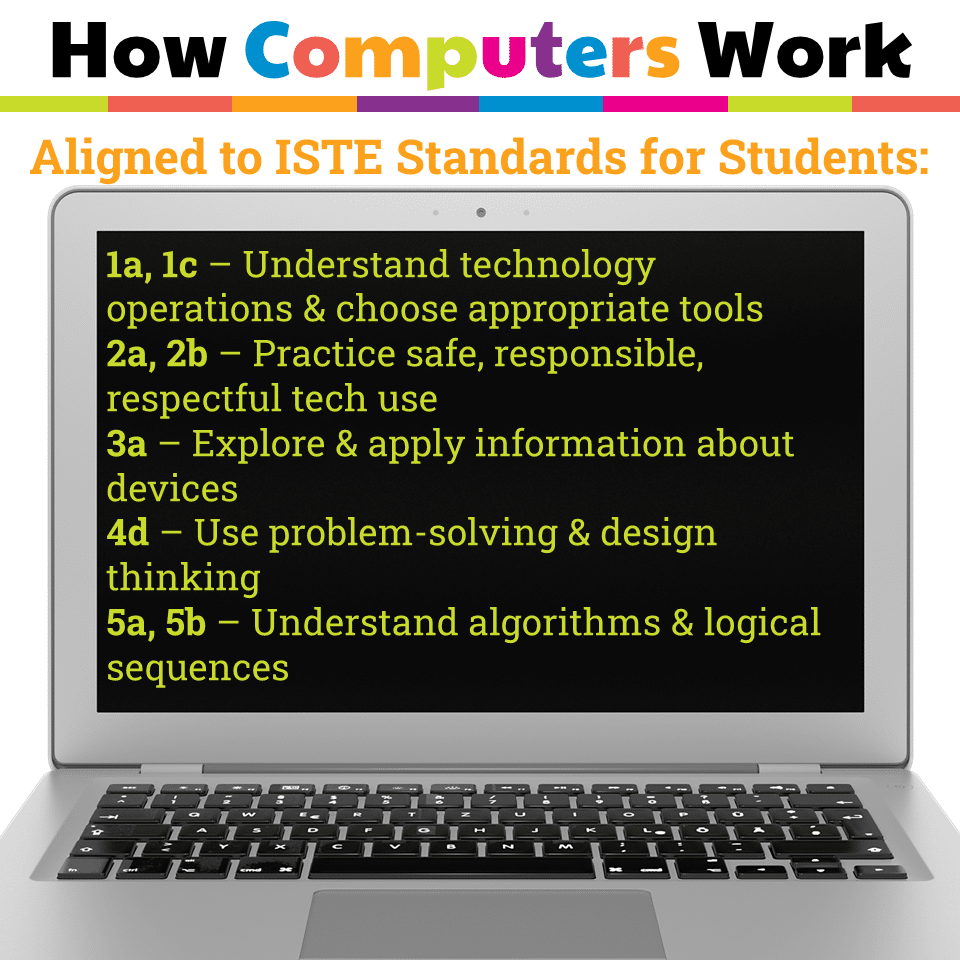
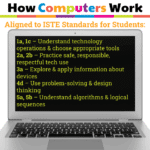
Empowered Learner (1a, 1c) – Understand and use basic technology operations.
-
Digital Citizen (2a, 2b) – Practice safe and responsible internet use.
-
Knowledge Constructor (3a) – Apply learning about networks, cloud storage, and devices.
-
Innovative Designer (4d) – Solve problems with step-by-step processes.
-
Computational Thinker (5a, 5b) – Explore algorithms and logical sequences in real-world tech systems.
-
Dual format (PDF + Slides): flexibility for both print and digital learning
-
Interactive elements: keep students engaged with drag-and-drop, matching, and quick checks
-
No-prep: lessons, activities, and assessments are ready to use
-
Age-appropriate explanations: complex topics like Wi-Fi and cloud storage are simplified for young learners
-
Elementary computer lab lessons
-
Technology integration in 1st and 2nd grade
-
Digital literacy curriculum
-
Internet safety and systems thinking units
-
Back-to-school tech intro lessons
You must be logged in to post a review.
Related products



You didn’t become a tech teacher to spend your weekends building lessons from scratch. I’m Brittany, a technology curriculum specialist with 1,000+ ISTE-aligned resources designed specifically for K–8 computer lab teachers.
My ready-made digital and printable resources cover everything from digital citizenship and coding fundamentals to multimedia creation and computer essentials, so your planning is handled and your students stay engaged.
Every resource is built to align with ISTE Standards, save you time, and actually work in a computer lab setting, because I’ve taught in one myself.
Browse my bestsellers, or explore by grade level or topic to find exactly what you need.
Reviews
There are no reviews yet.