


✅ Shop with Confidence
- 🔒 Secure Checkout – Your payment is safe and protected.
- ⭐ Quality Guaranteed – Store credit refunds if something isn’t right.
- 🎉 Earn Rewards – Get points for every dollar spent & redeem as store credit!
👉 Add to Cart and start using this resource today
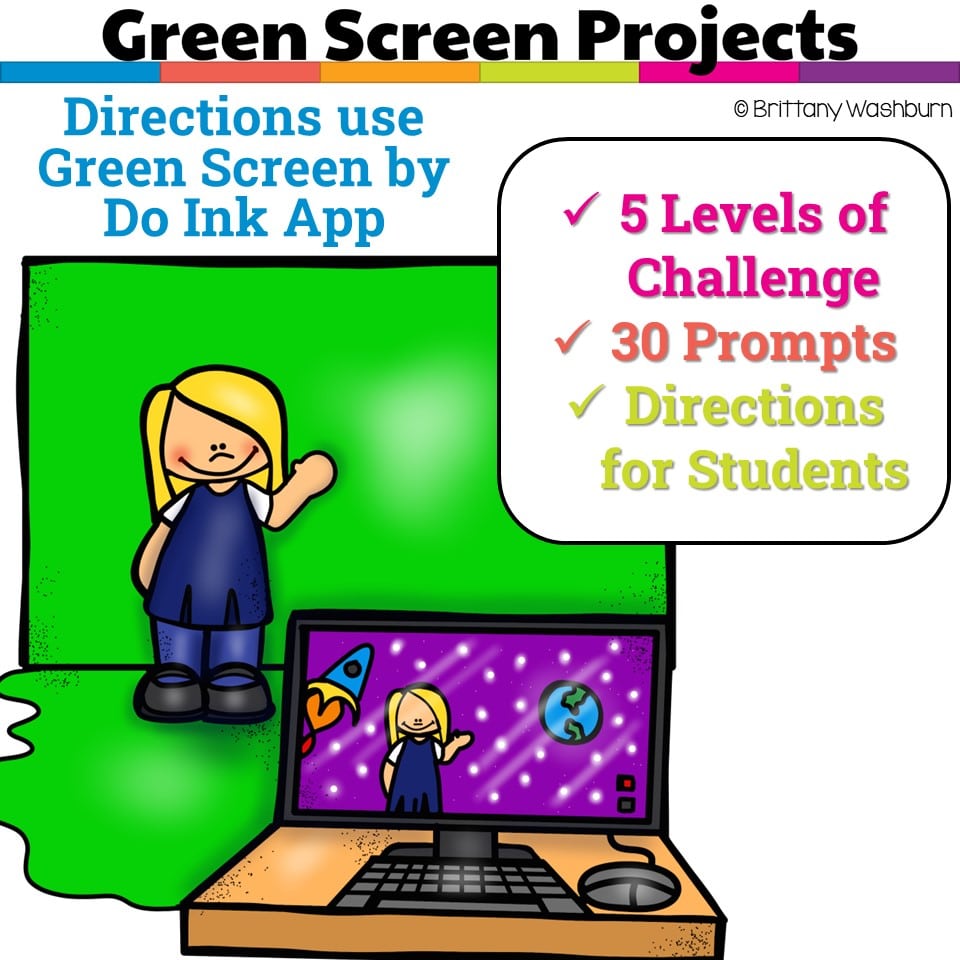
Green Screen Projects
Original price was: $10.00.$8.00Current price is: $8.00.
If you’ve been wanting to try Green Screen projects with your students, want it to be appropriate for elementary students, and want to integrate with content area topics, then this set of projects is for you! 30 Green Screen project prompts for the Green Screen by Do Ink App.
Green Screen Projects
Original price was: $10.00.$8.00Current price is: $8.00.
Description
-
Layer
-
Transparent
-
Chroma Key
-
Compositing
-
Editable Rubric (PowerPoint)
-
Green Screen eBook
-
Teacher Guide (includes vocabulary)
-
Green Screen Prompts in 5 levels
-
Student Instructions for using Green Screen by Do Ink app
You must be logged in to post a review.
Related Products
-

15 Word Processing Modules Bundle
Original price was: $15.00.$12.00Current price is: $12.00. -
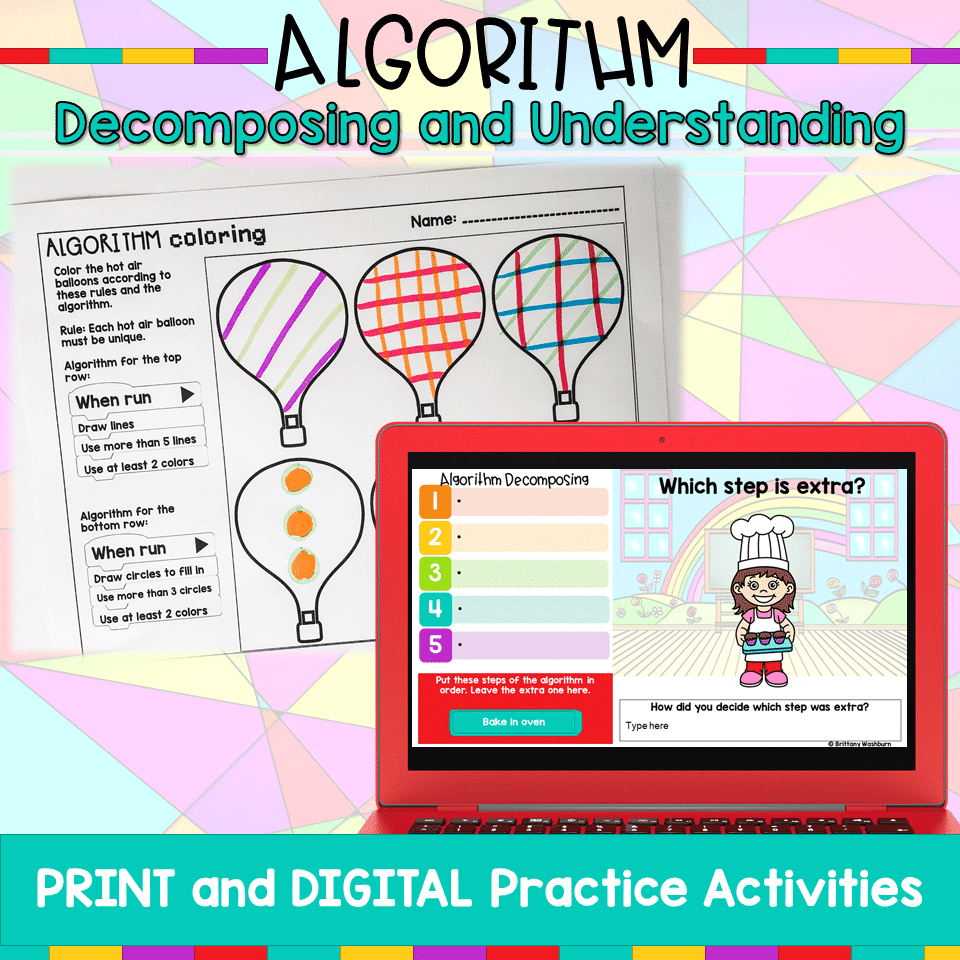
Algorithm Activities
$4.00 -
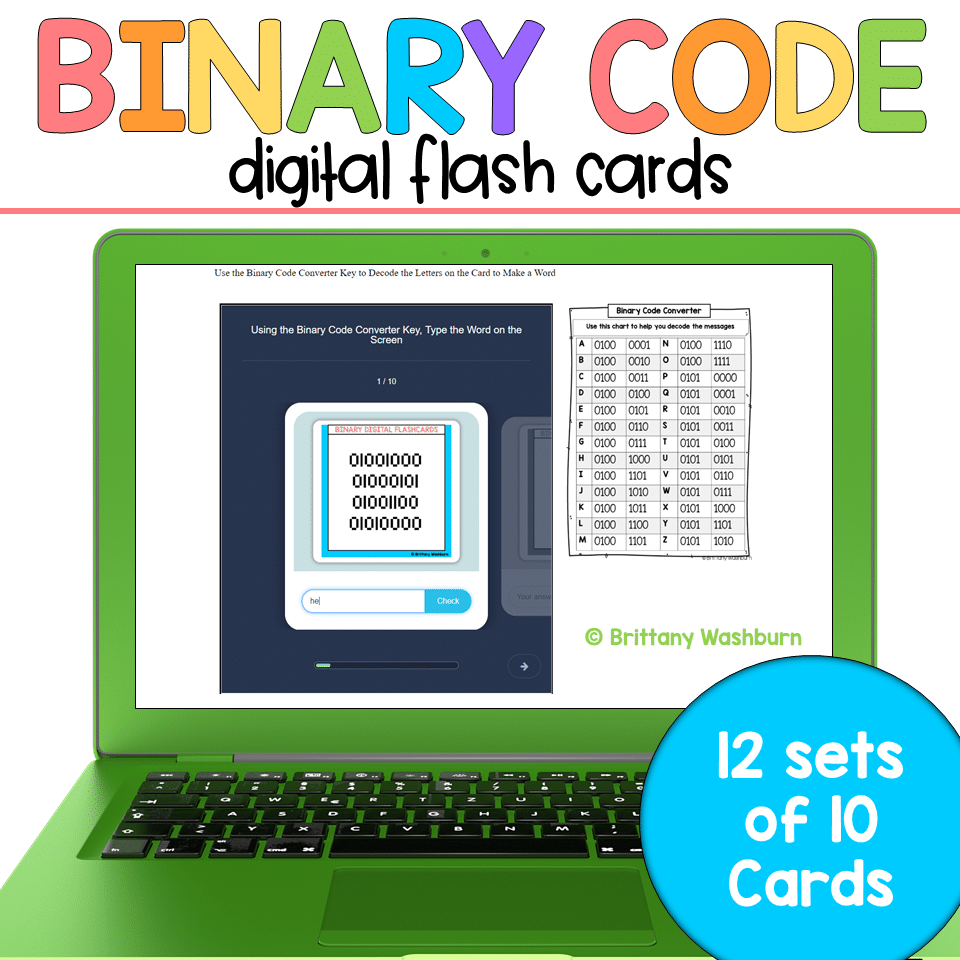
Binary Code Digital Flash Cards
$4.00 -

Christmas Coding Digital Interactive Activities
$4.00



You didn’t become a tech teacher to spend your weekends building lessons from scratch. I’m Brittany, a technology curriculum specialist with 1,000+ ISTE-aligned resources designed specifically for K–8 computer lab teachers.
My ready-made digital and printable resources cover everything from digital citizenship and coding fundamentals to multimedia creation and computer essentials, so your planning is handled and your students stay engaged.
Every resource is built to align with ISTE Standards, save you time, and actually work in a computer lab setting, because I’ve taught in one myself.
Browse my bestsellers, or explore by grade level or topic to find exactly what you need.

Reviews
There are no reviews yet.