
✅ Shop with Confidence
- 🔒 Secure Checkout – Your payment is safe and protected.
- ⭐ Quality Guaranteed – Store credit refunds if something isn’t right.
- 🎉 Earn Rewards – Get points for every dollar spent & redeem as store credit!
👉 Add to Cart and start using this resource today
Google Slides Lessons – 11 Lesson Complete Unit
Original price was: $22.00.$17.60Current price is: $17.60.
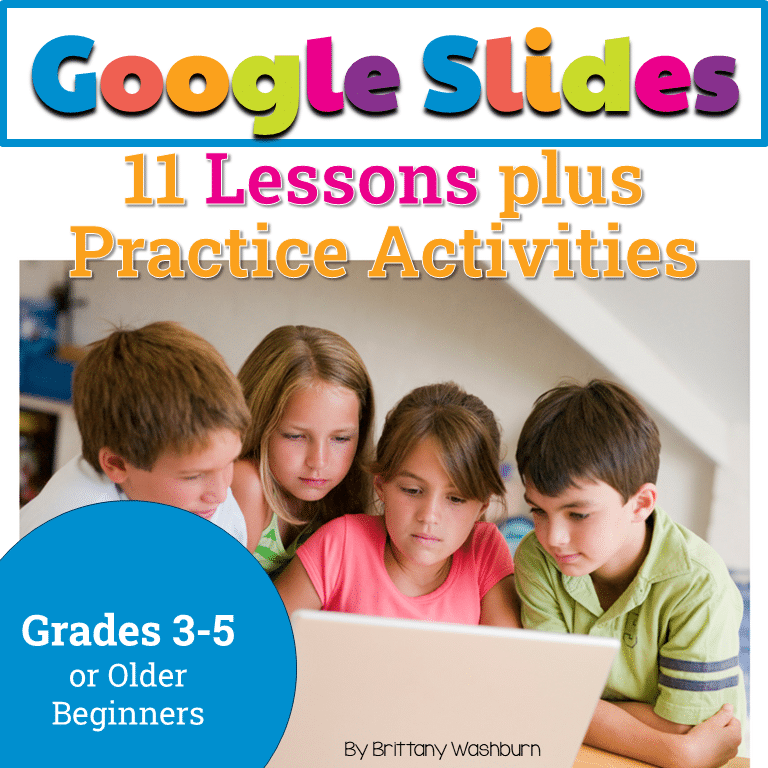
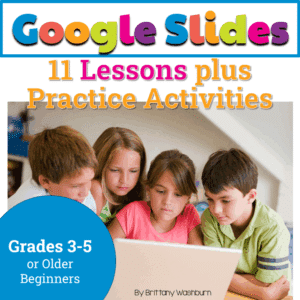
Do you need your students to learn how to use Google Slides? In this 11 lesson complete unit, your students will learn all of the major components of using Google Slides for education. The best part is that these lessons are click and go. The instructional videos are done for you so your students will be able to work independently.
You may also like…

Google Slides Lessons – 11 Lesson Complete Unit
Original price was: $22.00.$17.60Current price is: $17.60.
Description
Do you need your students to learn how to use Google Slides? In this 11 lesson complete unit, your students will learn all of the major components of using Google Slides for education. The best part is that these lessons are click and go. The instructional videos are done for you so your students will be able to work mostly independently.
Save 20% with the Master Google Apps set
Save 30% with the Tech Back To School set
Who is this for?
Any 3rd, 4th, or 5th grade classrooms. If you’re interested in having your students know the ins and outs of google slides, this resource will get them there.
What do I get in this resource?
A PDF of the directions and link to the Google Slides file
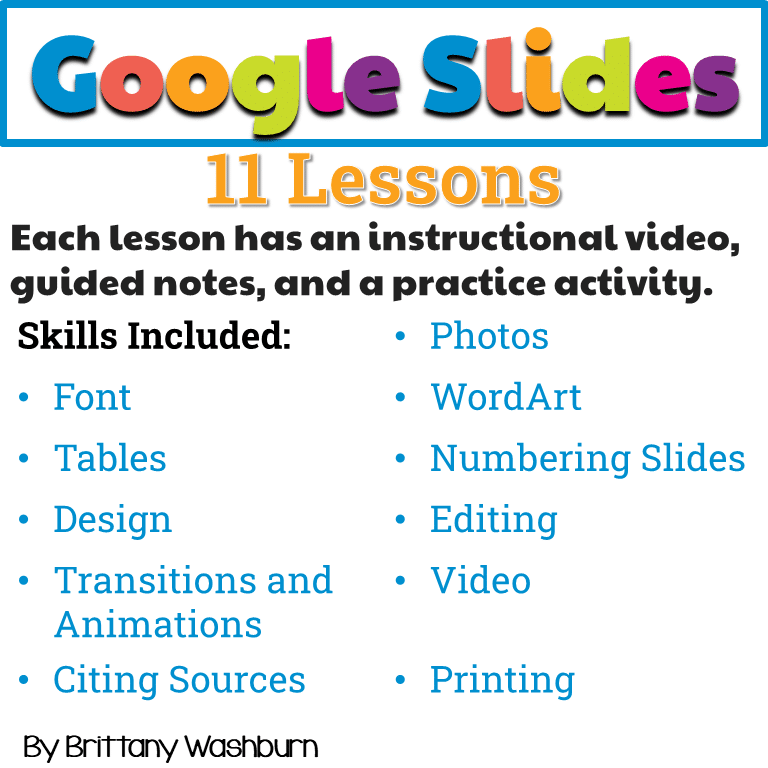
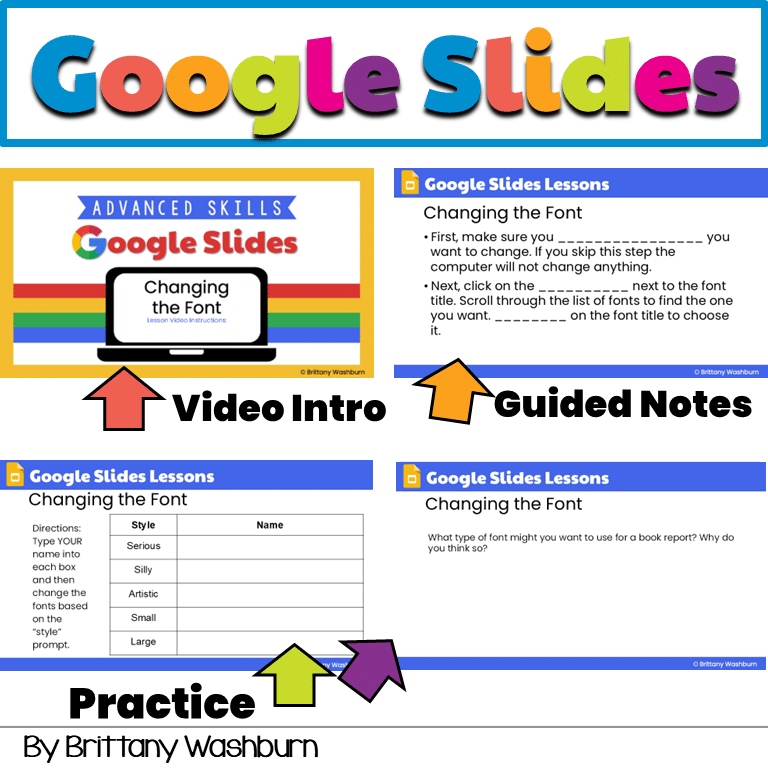
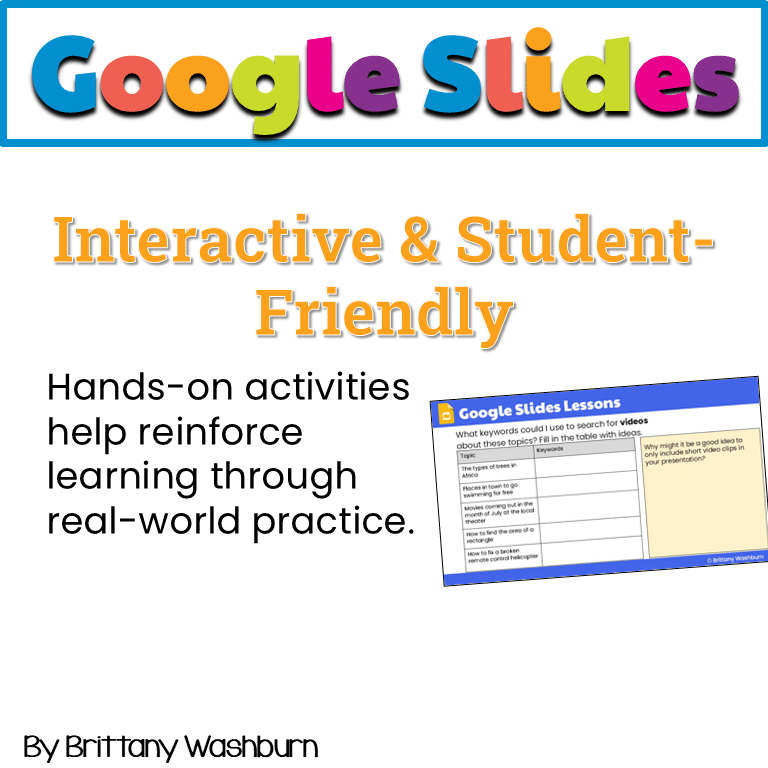
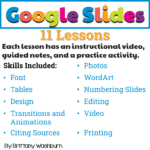
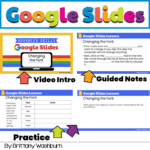
Each lesson has an instructional video, guided notes, and a practice activity.
- Font
- Photos
- WordArt
- Tables
- Numbering slides
- Design
- Editing
- Transitions and Animations
- Video
- Citing Sources
- Printing
The instructional videos are hosted in my google drive. If your student google accounts won’t allow them to see the videos, you (the teacher) may download each instructional video and then share your video URL with your students. That way it is coming from inside the same network.
The guided notes have strategically placed fill in the blanks for students to complete. You may want to go through each lesson yourself to see what the answers will be. The answers will be different depending on which version of Slides you’re using (desktop, mobile, etc.).
The practice activities can be turned in and looked over for completeness and accuracy. I recommend using these lessons as formative assessment only, since students are exploring the tool to learn it.
Copyright Brittany Washburn. All rights reserved by author. This product is to be used by the original downloader only. Copying for more than one teacher, classroom, department, school, or school system is prohibited. This product may not be distributed or displayed digitally for public view. Failure to comply is a copyright infringement and a violation of the Digital Millennium Copyright Act (DMCA). Clipart and elements found in this file are copyrighted and cannot be extracted and used outside of this file without permission or license. Intended for classroom and personal use ONLY. See product file for clip art and font credits.
Connect with other Technology Teachers
If you’re interested in connecting with other technology teachers, check out the Technology Teacher Talk Group on Facebook.
Additional information
| Resource Type | Digital Activity, Lesson/Unit |
|---|---|
| Format | Google Apps, PDF |
| Standards | ISTE, CSTA, CCSS ELA, TEKS Technology Applications |
| Topic | Google Apps |
This resource supports the following standards.
ISTE Standards for Students
- 1.6.a – Choose the right tools to communicate
- 1.6.c – Communicate ideas clearly with digital objects
- 1.6.d – Publish or present for an audience
CSTA K-12 Computer Science Standards
- 1A-CS-01 – Select and operate software for a variety of tasks
Common Core State Standards
- SL.4.5 – Add audio and visual displays to presentations
- SL.5.5 – Include multimedia in presentations
Texas TEKS: Technology Applications (19 TAC Chapter 126)
- Gr 2: (c)(6) Communicating and publishing, (c)(10)(C) Software applications
- Gr 3-5: (c)(7) Communicating and publishing, (c)(11) Software applications
201 reviews for Google Slides Lessons – 11 Lesson Complete Unit
You must be logged in to post a review.
What teachers said on TPT
Rated 4.8 out of 5 by 199 teachers on Teachers Pay Teachers.
“My students loved using this resource to help them learn how to use Google slides. This is so helpful because my students do multiple research projects during the year, and this helps them learn how they can create slides to share what they learn.”
— Jennifer O., TPT review
“I am new to Google Classroom this year, and this is really going to help me to teach my students how to use the different features of Google Drive. I really like how thoroughly the lessons are planned and how they are easy for students to understand and follow.”
— Jennifer O., TPT review
“Brittany makes excellent tech resources! This is so helpful to me because I have trouble getting organized with my ideas and this was just perfect for me and my students. Thank you!”
— April S., TPT review
You may be interested in…
-

Google Slides and PowerPoint Presentation Projects: 12 Months
Add to cartOriginal price was: $7.00.$6.00Current price is: $6.00.

Related Products
-

Full Year Timely Tech All in One
Add to cartOriginal price was: $198.00.$158.40Current price is: $158.40. -
5th Grade ELA Standards Digital Resource Library BUNDLE
Add to cartOriginal price was: $27.20.$24.48Current price is: $24.48. -
5th Grade Language Standards Digital Resource Library
Add to cartOriginal price was: $16.00.$14.40Current price is: $14.40. -
5th Grade Reading Standards Digital Resource Library
Add to cartOriginal price was: $16.00.$12.80Current price is: $12.80.



You didn’t become a tech teacher to spend your weekends building lessons from scratch. I’m Brittany, a technology curriculum specialist with 1,000+ ISTE-aligned resources designed specifically for K–8 computer lab teachers.
My ready-made digital and printable resources cover everything from digital citizenship and coding fundamentals to multimedia creation and computer essentials, so your planning is handled and your students stay engaged.
Every resource is built to align with ISTE Standards, save you time, and actually work in a computer lab setting, because I’ve taught in one myself.
Browse my bestsellers, or explore by grade level or topic to find exactly what you need.

Brigitte P. –
Verified TPT reviewCovers a number of topics. Love the videos!
Lauren W. –
Verified TPT reviewgreat
Diane E. –
Verified TPT reviewGreat resource. Used with 3rd and 4th grade. The video lessons are great and the kids love them. Inspired me to create my own video lessons and the kids actually prefer the video style lessons.
Becky Hovik –
Verified TPT reviewLooking forward to using this with with my students.
The Maker Teacher – Krista Peltier –
Verified TPT reviewA great resource for upper elementary and teaching google slides! Can’t wait to get my students started on this!
Michelle B. –
Verified TPT reviewExcellent. Well thought out and ready to be executed. Thank you for your time and effort with amazing resources.
Kathryn M. –
Verified TPT reviewGreat resource
Julie F. –
Verified TPT reviewThis resource was perfect for teaching my students about the very basics of using google.
Kim Hayes –
Verified TPT reviewA+++ Seller & Designer
Tara M. –
Verified TPT reviewAs a 1st year tech teacher, this item will be a valuable part of my curriculum.
Marcia S. –
Verified TPT reviewThanks
Elizabeth DeBusk –
Verified TPT reviewAnother perfect resource for my after school Google club.
amanda S. –
Verified TPT reviewGreat resource!
Janet C. –
Verified TPT reviewLOVE this resource! This is a great resource to help students! They had lots of fun using it as well.
Misty F. –
Verified TPT reviewGreat resource
Ally Smith –
Verified TPT reviewThank you!
Sherry C. –
Verified TPT reviewLooking forward to using this next school year to help with my student learning goal.
Amber H. –
Verified TPT reviewSo helpful, thank you!
Randi Solomon –
Verified TPT reviewGreat resource to help introduce my students to using Google Slides. Thank you!
Virginia M W. –
Verified TPT reviewLoved the internet activities.