
✅ Shop with Confidence
- 🔒 Secure Checkout – Your payment is safe and protected.
- ⭐ Quality Guaranteed – Store credit refunds if something isn’t right.
- 🎉 Earn Rewards – Get points for every dollar spent & redeem as store credit!
👉 Add to Cart and start using this resource today
File Management Lesson
$5.00
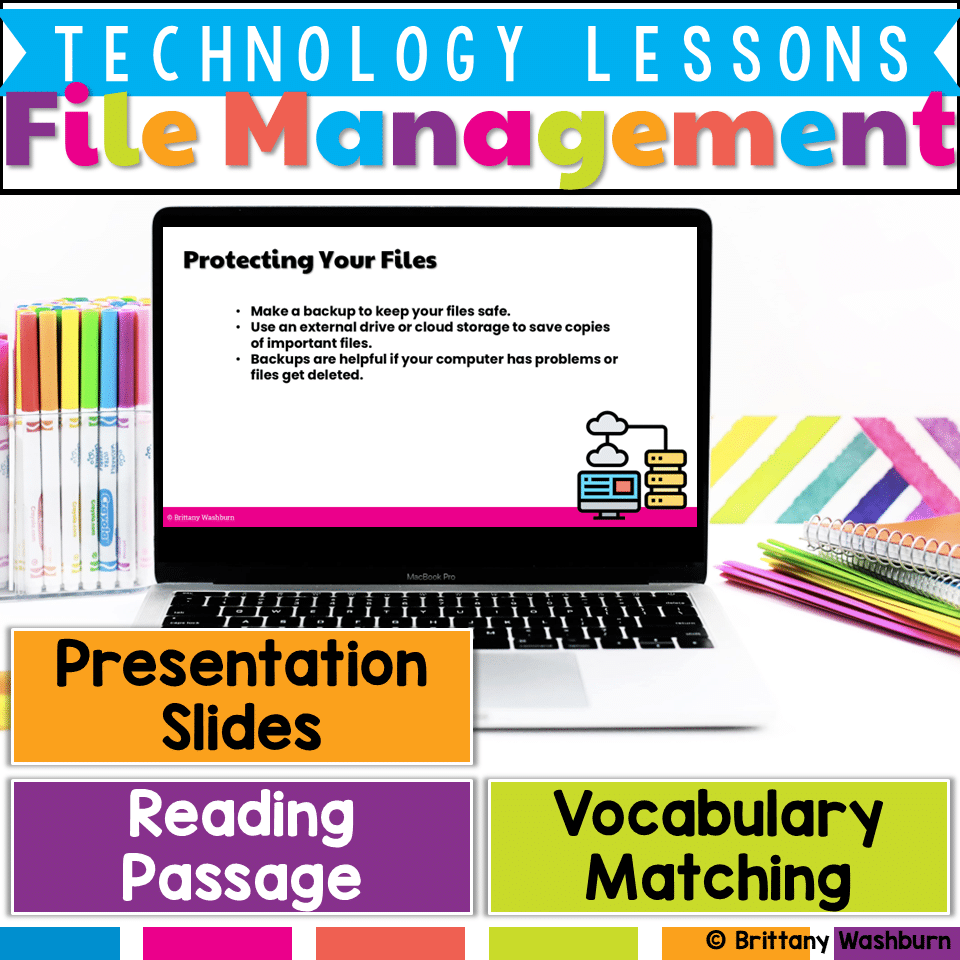
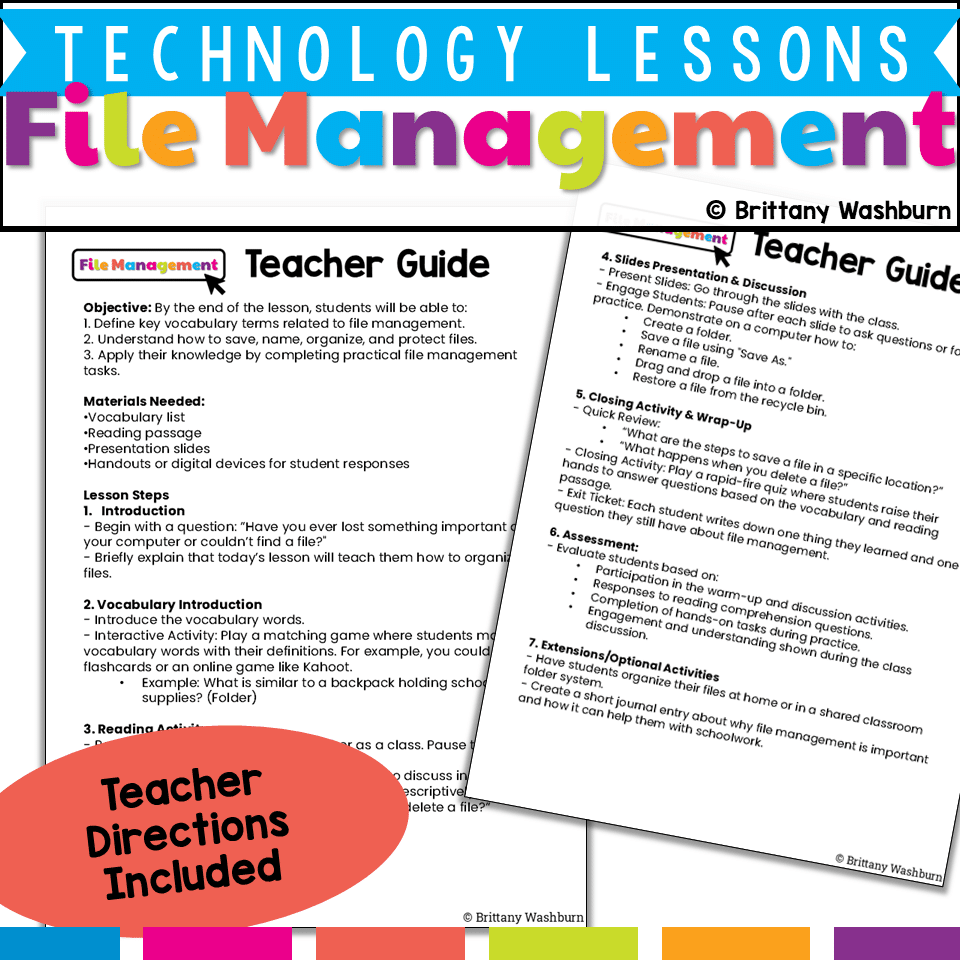
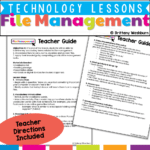
Help students develop essential file management skills with this engaging, no-prep digital lesson! This resource includes ready-to-use instructional materials and a structured teacher guide to teach students how to save, organize, name, and protect their digital files.
File Management Lesson
$5.00
Description
-
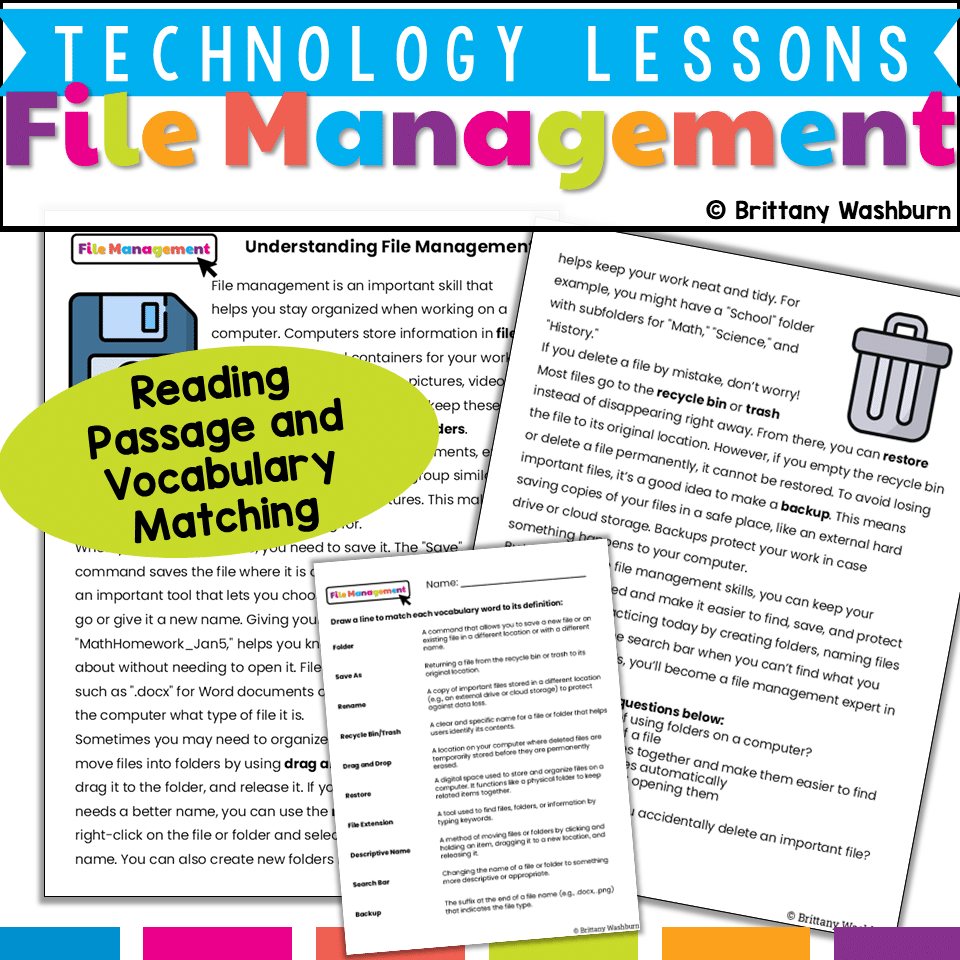
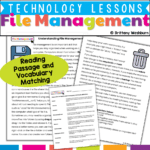
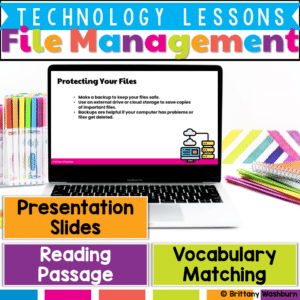
Vocabulary List – Key terms such as folder, file, save, rename, recycle bin, and cloud storage
-
Reading Passage: “Staying Organized with File Management” – Explains best practices for saving and organizing files
-
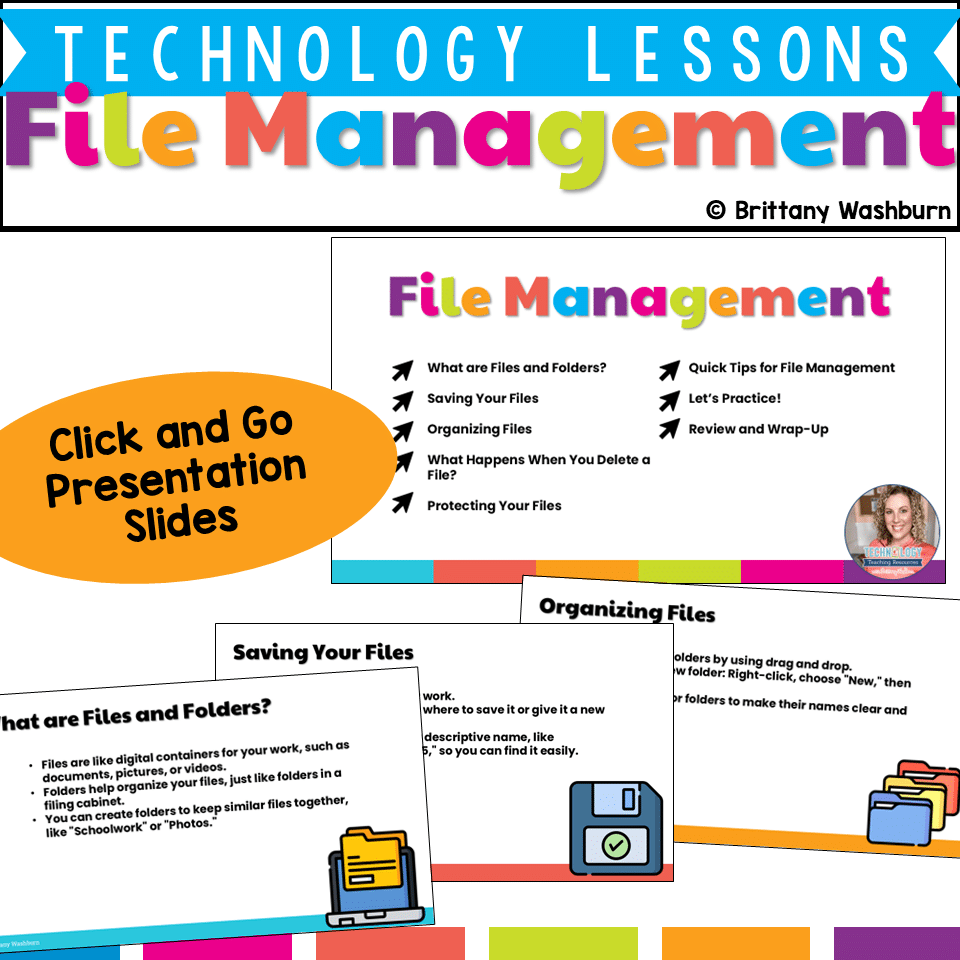
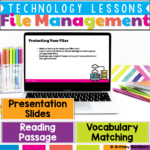
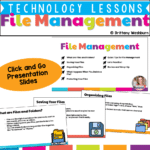
Presentation Slides – Visuals and step-by-step guides on saving, naming, organizing, and retrieving files
-
Student Handouts/Digital Activities – Worksheets for vocabulary practice, comprehension, and file organization exercises
-
Discussion Prompts – Engaging questions like “What should you do if you accidentally delete a file?”
-
Demonstrations – Suggested examples of creating folders, renaming files, and using “Save As” on a classroom computer
-
Interactive Review Games – Ideas for matching activities, quiz games, and hands-on file management practice
-
Extension Activities – Optional tasks like organizing personal files or writing a journal reflection on the importance of file management
2️⃣ Reading & Comprehension – Read an engaging passage and answer reflection questions
3️⃣ Guided Presentation – Use slides to demonstrate file-saving, naming, and organization techniques
4️⃣ Hands-On & Interactive Activities – Practice file management skills through classification games, hands-on demonstrations, and group discussions
5️⃣ Wrap-Up & Review – Reinforce learning with an exit ticket, quiz game, or file management challenge
✔️ Practical & Interactive – Real-world applications to help students stay organized
✔️ Builds Digital Literacy – Essential skills for school, work, and beyond
You must be logged in to post a review.
Related Products
-

15 Word Processing Modules Bundle
Original price was: $15.00.$12.00Current price is: $12.00. -
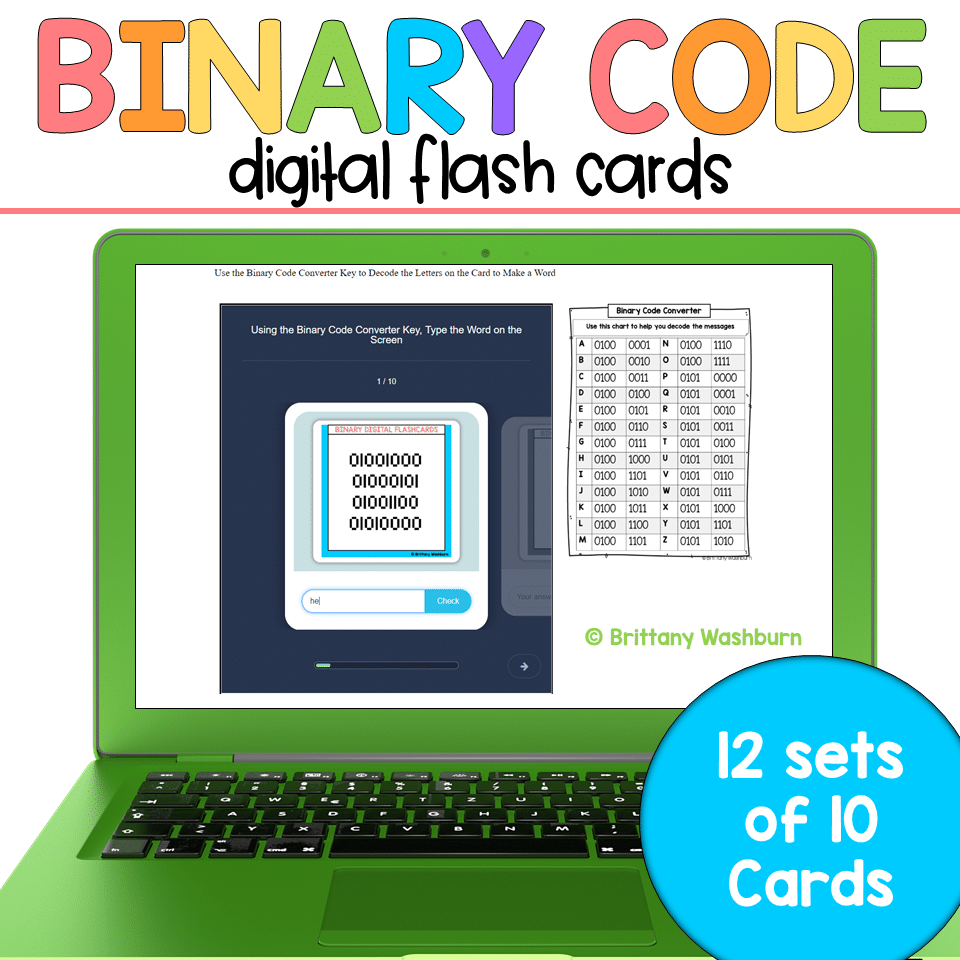
Binary Code Digital Flash Cards
$4.00 -

Christmas Coding Digital Interactive Activities
$4.00 -
Christmas Digital Pixel Art STEM Challenges
$4.00




You didn’t become a tech teacher to spend your weekends building lessons from scratch. I’m Brittany, a technology curriculum specialist with 1,000+ ISTE-aligned resources designed specifically for K–8 computer lab teachers.
My ready-made digital and printable resources cover everything from digital citizenship and coding fundamentals to multimedia creation and computer essentials, so your planning is handled and your students stay engaged.
Every resource is built to align with ISTE Standards, save you time, and actually work in a computer lab setting, because I’ve taught in one myself.
Browse my bestsellers, or explore by grade level or topic to find exactly what you need.
Reviews
There are no reviews yet.