




✅ Shop with Confidence
- 🔒 Secure Checkout – Your payment is safe and protected.
- ⭐ Quality Guaranteed – Store credit refunds if something isn’t right.
- 🎉 Earn Rewards – Get points for every dollar spent & redeem as store credit!
👉 Add to Cart and start using this resource today
Earth Day Digital Pixel Art STEM Challenges
$4.00
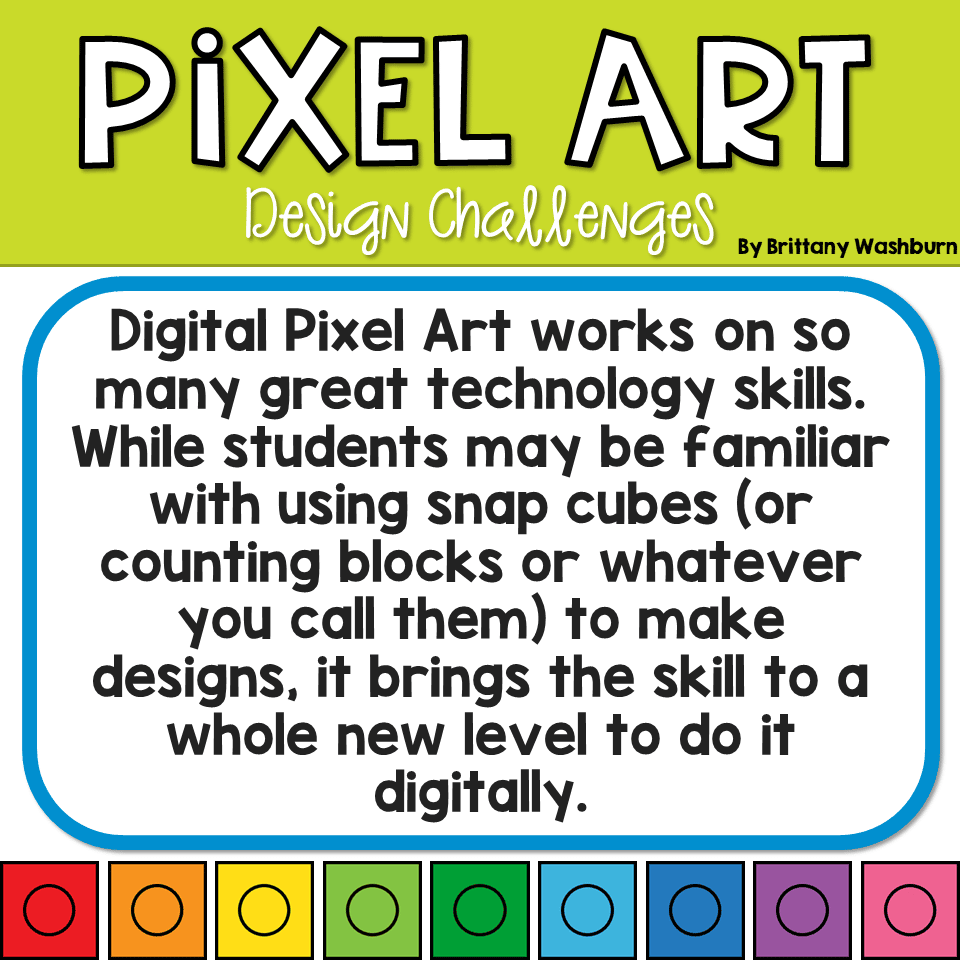
This resource works on so many great technology skills. While students may be familiar with using snap cubes (or counting blocks or whatever you call them) to make designs, it brings the skill to a whole new level to do it digitally. 10 Earth Day designs in 4 different levels for differentiation between grade levels k-5.
You may also like…
-
Sale!

Digital Pixel Art Holidays Bundle
Grades K–5GoogleMicrosoftOriginal price was: $40.00.$28.00Current price is: $28.00.

Earth Day Digital Pixel Art STEM Challenges
$4.00
Description
This resource works on so many great technology skills. While students may be familiar with using snap cubes (or counting blocks or whatever you call them) to make designs, it brings the skill to a whole new level to do it digitally. 10 Earth Day designs in 4 different levels for differentiation between grade levels k-5.
There are 4 levels for each design.
•Level 1 is the easiest and only includes the colors of that specific design. There are multiple of each color snap cube layered over each other so students shouldn’t have to copy/duplicate the cubes to make the full design. There is also a grid over the design to help students place the blocks.
•Level 2 is the same as level 1 except no grid and less layers of the snap cubes.
•Level 3 brings in extra colors and students will have to copy/duplicate the blocks as only a few are layered.
•Level 4 has only one of each color snap cube
Choose the level of challenge you want for your students.
Skills addressed:
•Navigating to file
•Patterns
•Design Thinking
•Mouse Practice
•Keyboard Shortcuts
Table of Contents:
3 The Rationale and tips for the teacher
4-7 Directions for accessing the files from my Google Drive and assigning them through Google Classroom
8-10 Directions for using the files as PowerPoint and sharing them with students
11-12 Terms of Use and Credits
© Brittany Washburn. Download of this resource gives the user the right to reproduce the pages for one classroom only. Copying any part of this document and placing it on the internet in any form is strictly forbidden and is a violation of the Digital Millennium Copyright Act (DCMA).
Additional information
| Season / Holiday | Earth Day |
|---|---|
| Topic | Coding & Computer Science, Digital Art & Animation, Google Apps |
| Resource Type | Centers/Stations |
| Works with | Google Slides, PowerPoint |
| Device needed | On a device |
| Made for | Students |
23 reviews for Earth Day Digital Pixel Art STEM Challenges
Reviewers earn rewards points for any honest review they leave, positive or negative.
You must be logged in to post a review.
What teachers said on TPT
Rated 4.8 out of 5 by 23 teachers on Teachers Pay Teachers.
“This resource was my first attempt at using pixel art. It was a hit with the students.”
— Michelle C., TPT review
“Kids love these. Always excited when we pull these out. I am going to use these next year for emergency sub plans/unplugged activities.”
— jennifer T., TPT review
“Great way to reinforce tech skills! Students are engaged and having fun!”
— Sarah D., TPT review
Related Products
-

Full Year Timely Tech All in One
Add to cartOriginal price was: $198.00.$158.40Current price is: $158.40. -

5th Grade ELA Standards Digital Resource Library BUNDLE
Add to cartOriginal price was: $27.20.$24.48Current price is: $24.48. -
5th Grade Language Standards Digital Resource Library
Add to cartOriginal price was: $16.00.$14.40Current price is: $14.40. -

Adventures in the Internet Digital Book Companion – Grades 3-5
Add to cart$3.00


You didn’t become a tech teacher to spend your weekends building lessons from scratch. I’m Brittany, a technology curriculum specialist with 1,000+ ISTE-aligned resources designed specifically for K–8 computer lab teachers.
My ready-made digital and printable resources cover everything from digital citizenship and coding fundamentals to multimedia creation and computer essentials, so your planning is handled and your students stay engaged.
Every resource is built to align with ISTE Standards, save you time, and actually work in a computer lab setting, because I’ve taught in one myself.
Browse my bestsellers, or explore by grade level or topic to find exactly what you need.


Nancy C. –
Verified TPT reviewgreat resource
I use this activity in my monthly activity section in my Google Classroom. The students love them and look forward to the themed ones each month.
Chelsea Clarke –
Verified TPT reviewMy 3rd grade tech students love these pixel art pages! So much fun!
Andrea C. –
Verified TPT reviewFun Earth Day activity involving technology and art.
ARenick –
Verified TPT reviewThis resource provides great mouse skill practice for primary grades.
Michelle C. –
Verified TPT reviewThis resource was my first attempt at using pixel art. It was a hit with the students.
Tammy J. –
Verified TPT reviewI have multi-age groups and multiple device types. All students with a computer of any type were highly engaged. My ipad users and I were/are very frustrated. None of us have been able to trouble shoot “drag and drop” with this activity. I have used other “drag and drop” activities by Ms. Washburn with no trouble.
Laura H. –
Verified TPT reviewMy students thoroughly enjoyed this resource.
Michele W. –
Verified TPT reviewMy students love these pixel art activities.
Sarah D. –
Verified TPT reviewGreat way to reinforce tech skills! Students are engaged and having fun!
Shirl I. –
Verified TPT reviewThank you for the great resource.
Tonia M H. –
Verified TPT reviewAll of my students love these pixels. I keep them on my choice boards.
kathleen P. –
Verified TPT reviewSuper easy to use and my students loved it!
Dawn H. –
Verified TPT reviewMy students loved pixel art.
Tunde S. –
Verified TPT reviewSuper!
Time 4 Tech –
Verified TPT reviewMy students love pixel art 🙂
Keen Kindies –
Verified TPT reviewWonderfull resource, which saved me a lot of time during Remote Learning!
Latasha B. –
Verified TPT reviewAwesome resource ! Thank you ! ?
Mrs Ruggs Room –
Verified TPT reviewI really liked this activity and it worked well on the computer but lagged on the students’ iPads.
Laura M. –
Verified TPT reviewAs always, my students love Pixel Art and cheer when they see that is what we will be working on that day.
Meredith Abke –
Verified TPT reviewGreat!