






✅ Shop with Confidence
- 🔒 Secure Checkout – Your payment is safe and protected.
- ⭐ Quality Guaranteed – Store credit refunds if something isn’t right.
- 🎉 Earn Rewards – Get points for every dollar spent & redeem as store credit!
👉 Add to Cart and start using this resource today
Dot Day Digital Glyph Activity
$3.00
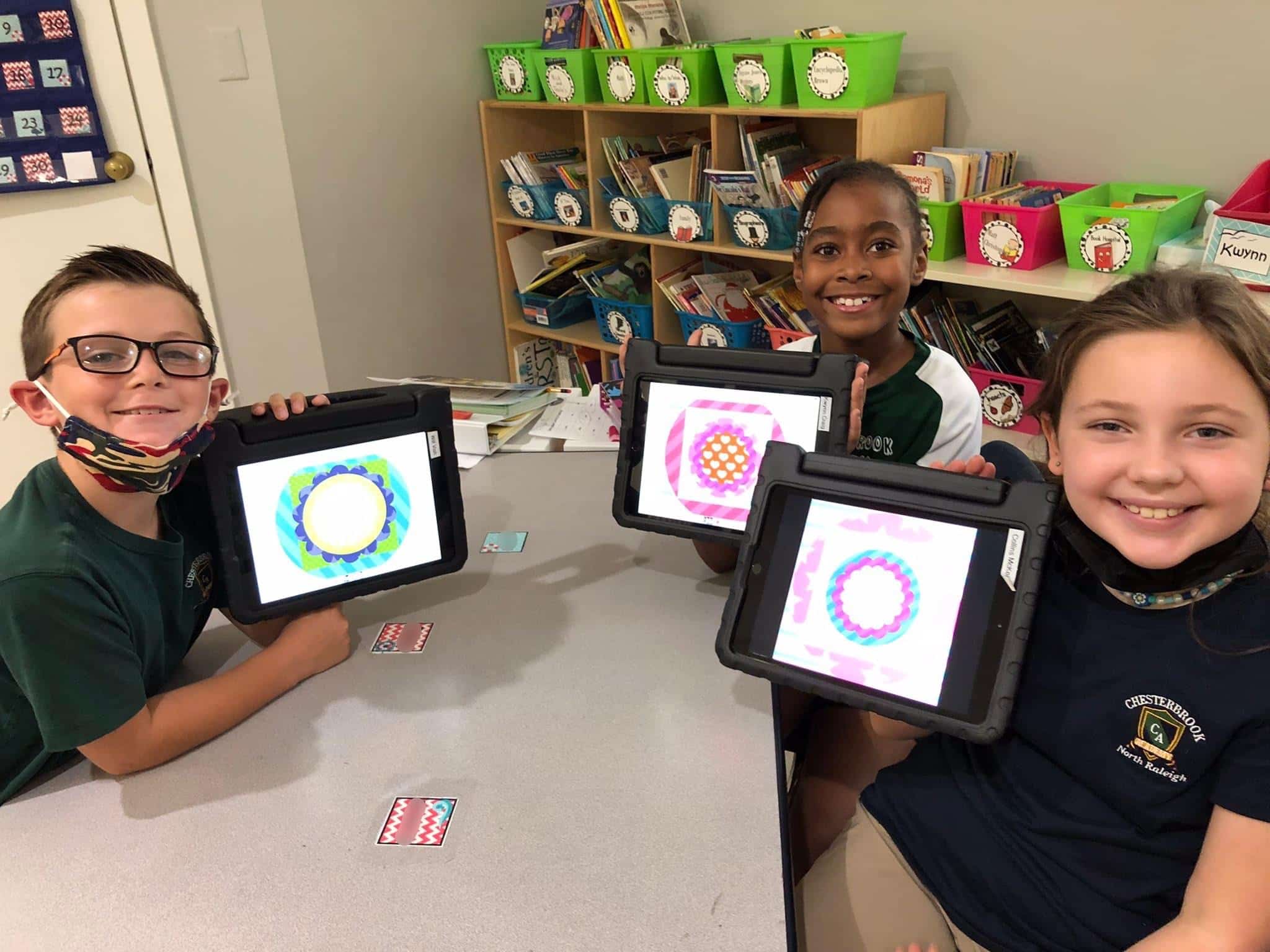
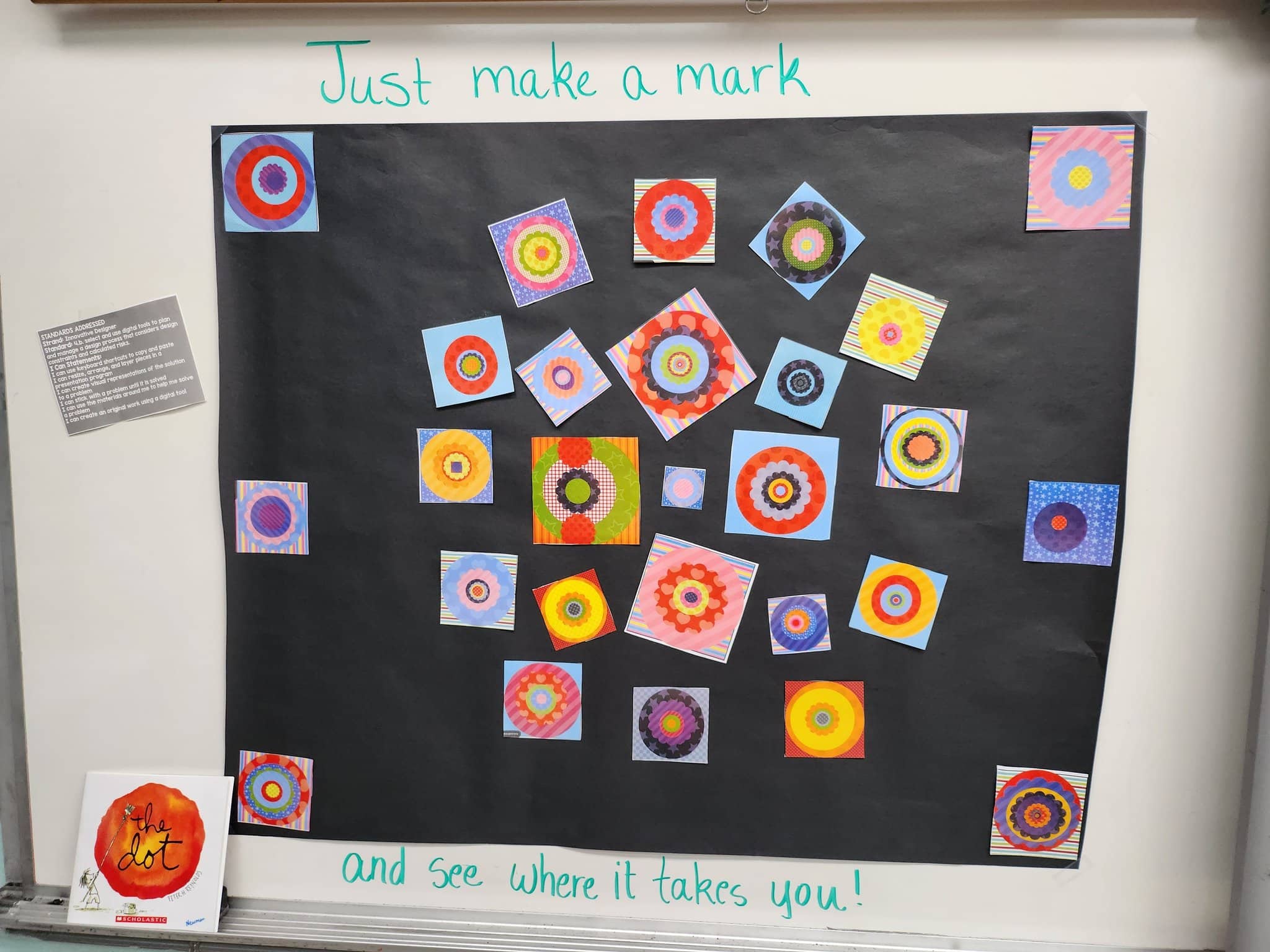
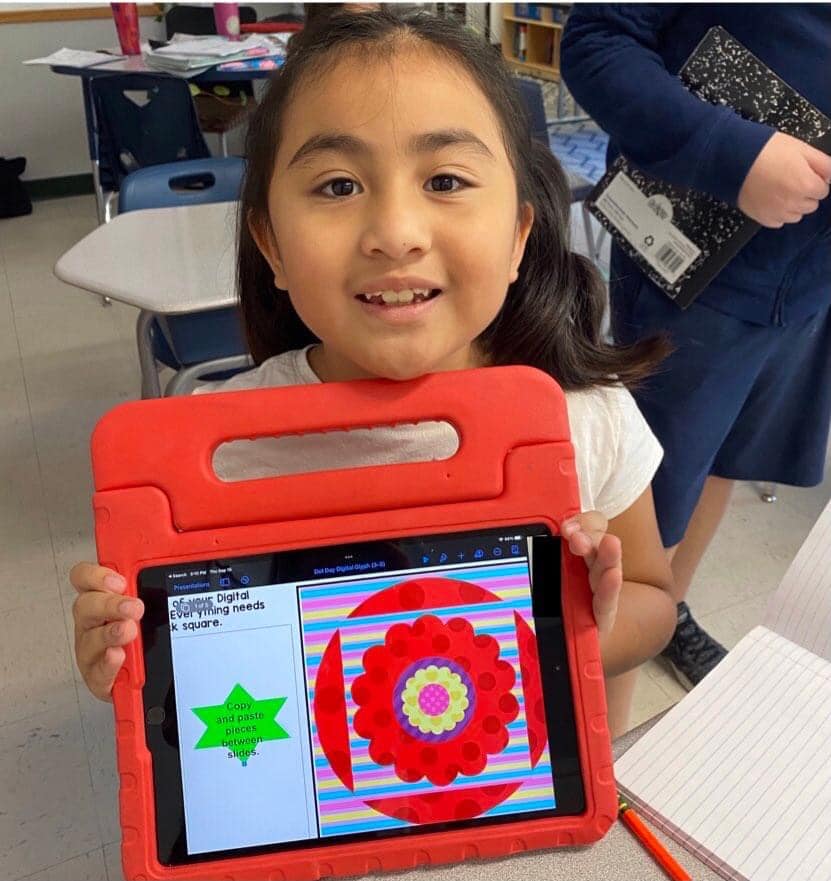
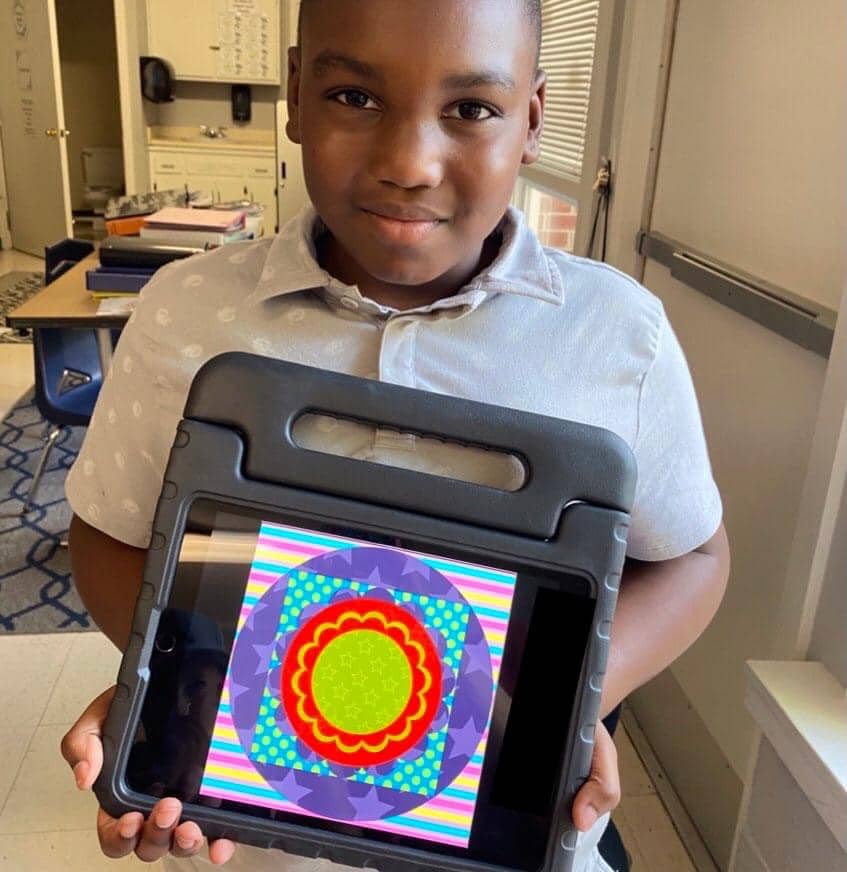
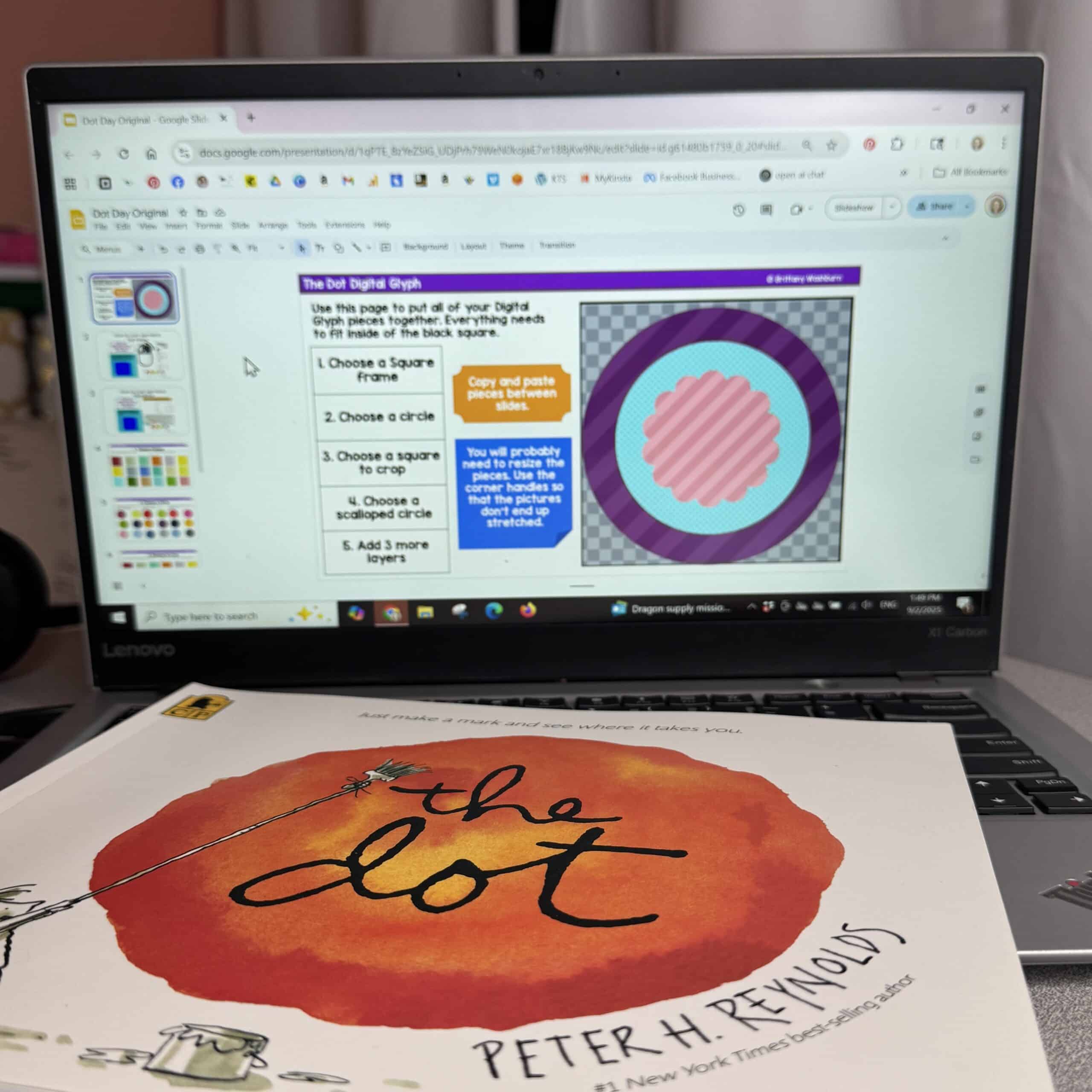
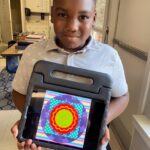
Students are going to love creating their own Digital Glyph for Dot Day and you’re going to love all of the technology skills work they are getting. This resource works on so many great technology skills. While students may be familiar with paper and pencil glyph activities, it takes it to a whole new level to do it digitally.
You may also like…
-
Sale!

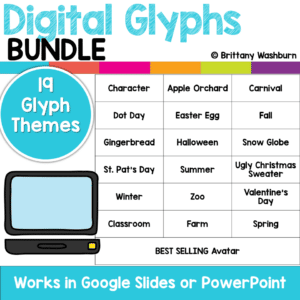
Digital Glyphs Full Year Bundle
Grades 2–5GoogleMicrosoftOriginal price was: $61.50.$49.20Current price is: $49.20.
Dot Day Digital Glyph Activity
$3.00
Description
Students are going to love creating their own Digital Glyph for Dot Day and you’re going to love all of the technology skills work they are getting. This resource works on so many great technology skills. While students may be familiar with paper and pencil glyph activities, it takes it to a whole new level to do it digitally.
They will be asked to work across slides in either Google Slides or PowerPoint, copy and paste between slides, resize pieces, layer pieces, group pieces, and save their finished work as an image file. All while completing an engaging get-to-know-you activity.
Teacher Prep:
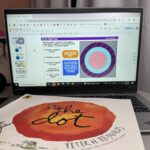
Start class by reading the book The Dot by Peter Reynolds.
Click here to order The Dot from Amazon.
- Plan on how to show the instructional video to your students (or plan a mini lesson demo yourself)
- Take a look at the column headers for the glyph and decide if you want to change any of the text.
- Plan how you want to share the file with your students. I’m providing the Google Slides file link (on page 4) but you can also use this as a PowerPoint file. Using Google Classroom makes it really easy, but any learning management system can be used to send the file to students.
- Decide how you want students to practice copy and paste (keyboard shortcut or right-click menu) and go over slides 2&3 to review together.
- Plan to show students how to save the final DOT as an image file. Use whatever screenshot or screen clipping tool your devices have.
- Decide whether or not you want students to do the writing extension about their DOT at the end. Decide if you want to give students a requirement for the writing length or content.
Skills Addressed:
- Navigating to the file
- Navigating between slides in a Google Slides or PowerPoint file
- Copy and paste pieces between slides
- Resize pieces
- Layer pieces
- Group pieces
- Save finished scene as an image file
STANDARDS ADDRESSED
Strand: Innovative Designer
Standard: 4.b. select and use digital tools to plan and manage a design process that considers design constraints and calculated risks.
I Can Statements:
- I can use keyboard shortcuts to copy and paste
- I can resize, arrange, and layer pieces in a presentation program
- I can create visual representations of the solution to a problem
- I can stick with a problem until it is solved
- I can use the materials around me to help me solve a problem
- I can create an original work using a digital tool
Product Terms: Copyright © Brittany Washburn. Purchasing this file entitles you to ONE classroom use. You may use this with multiple classes but may not share with any other teachers. Copying for more than one teacher, classroom, department, school, or school system is prohibited. This product may not be distributed or displayed digitally for public view. Failure to comply is a copyright infringement and a violation of the Digital Millennium Copyright Act (DMCA). Clipart and elements found in this PDF are copyrighted and cannot be extracted and used outside of this file without permission or license. If multiple licenses are needed for use my more than one teacher or in more than one computer lab, additional licenses are discounted.
If you’re interested in connecting with other technology teachers, check out the Technology Teacher Tribe Group on Facebook.
Connect with me on social media!
Additional information
| Topic | Digital Art & Animation |
|---|---|
| Resource Type | Activity |
| Works with | Google Slides, PowerPoint |
| Device needed | On a device |
| Made for | Students |
166 reviews for Dot Day Digital Glyph Activity
Reviewers earn rewards points for any honest review they leave, positive or negative.
You must be logged in to post a review.
What teachers said on TPT
Rated 4.9 out of 5 by 166 teachers on Teachers Pay Teachers.
“My students had a blast making their digital glyphs. I am new to my building, and the students were excited to be something different than what they had done in the past. It also allowed me to assess how they understand copying and pasting and a quick assessment of their typing skills.”
— Stephanie C., TPT review
“Absolutely a great resource! Put in google classroom for 3 & 4 graders. The copy paste skill challenged them & they were so excited to be successful at it. Then they learned how to Arrange the Order of the designs; another great tech. skill. Last we did an Art gallery walk.”
— Sarah M., TPT review
“DotDay is in my planbook and I am excited to use this resource again and again. Make your mark and keep students consistent with mindfulness in your classroom. If you have not heard of Dot Day, it is on September 15th!! My students made connections with coding and now they want to learn more about coding and digital art! winwin!!”
— Darilyn D., TPT review
You may be interested in…
-

Apple Orchard Scene Digital Glyph Activity
Add to cart$3.00 -
Back to School Technology Skills Activities Bundle
Add to cartOriginal price was: $29.99.$19.99Current price is: $19.99. -
Make an Avatar Digital Glyph Activity
Add to cart$3.00


Related Products
-

Master Google Apps Bundle
Add to cartOriginal price was: $73.00.$65.70Current price is: $65.70. -
4 Seasons Graphic Design Lessons and Activities Bundle
Add to cartOriginal price was: $12.00.$9.60Current price is: $9.60. -
4th Grade ELA Standards Digital Resource Library BUNDLE
Add to cartOriginal price was: $31.20.$28.08Current price is: $28.08. -
4th Grade Language Standards Digital Resource Library
Add to cartOriginal price was: $21.00.$16.80Current price is: $16.80.



You didn’t become a tech teacher to spend your weekends building lessons from scratch. I’m Brittany, a technology curriculum specialist with 1,000+ ISTE-aligned resources designed specifically for K–8 computer lab teachers.
My ready-made digital and printable resources cover everything from digital citizenship and coding fundamentals to multimedia creation and computer essentials, so your planning is handled and your students stay engaged.
Every resource is built to align with ISTE Standards, save you time, and actually work in a computer lab setting, because I’ve taught in one myself.
Browse my bestsellers, or explore by grade level or topic to find exactly what you need.


Jacque F. –
Verified TPT reviewThis tied into my lesson very well and students enjoyed it. Thank you!
Pam Gatton –
Verified TPT reviewThis was so much fun! It really enhanced my curriculum. My kids loved doing it and they collaborated so well. It was easy to use.
ivy carnes –
Verified TPT reviewPerfect for Dot Day and meeting the creativity standard in computer science.
Morgan K. –
Verified TPT reviewMy students enjoyed this resource in my classroom
Jenna D. –
Verified TPT reviewSuch a cute resource! It was a little challenging for my fourth graders to use – they struggled with the copy and pasting. But it was a great way to practice that skill! Would use again.
DiFebo STEM –
Verified TPT reviewThis was a great resource to use with 2nd grade to help teach them how to move things in Google Slides and copy/paste.
Yolanda H. –
Verified TPT reviewMy students loved this activity! I used this resource because of the International Dot Day.
Jennifer G. –
Verified TPT reviewA great activity to do with Dot Day! My students loved creating their own dots.
Laura H. –
Verified TPT reviewGreat resource, easy to use for students to learn and engage.
Theresa W. –
Verified TPT reviewI was looking for a good activity for older students to celebrate Dot Day. This was perfect.
Roberta T. –
Verified TPT reviewWe have a building wide Dot day and this resource was great. Thank you
Alyssa Adayan –
Verified TPT reviewThis was a great resource to teach my 2/3 graders how to use the short cuts to copy/paste and a great practice for my bigger kids in 4/5 that also let them get creative. I will use this year after year!
Trisha H. –
Verified TPT reviewThis a great, straightforward resource to use with my upper elementary students. My class enjoyed customizing their dots and getting creative with the various pieces!
Marsha S. –
Verified TPT reviewThis was the first lesson I used to teach my students to copy and paste. It was a hit!
Bria H. –
Verified TPT reviewSuch a fun activity for Dot Day and technology! Will use again in the future.
Sandra W. –
Verified TPT reviewOur whole school celebrates Dot Day and sometimes it is difficult to come up with something new, that no one else is doing. This well organized activity was a great addition to this year’s celebration.
Teresa P. –
Verified TPT reviewMy students loved this activity. They wanted to do it again and again.
Stephanie C. –
Verified TPT reviewMy students had a blast making their digital glyphs. I am new to my building, and the students were excited to be something different than what they had done in the past. It also allowed me to assess how they understand copying and pasting and a quick assessment of their typing skills.
Julie S. –
Verified TPT reviewGreat resource for Dot Day!
Nichole H. –
Verified TPT reviewThe kids had so much fun seeing how small they could make the layers as they added more and more. They really enjoyed this activity.