




✅ Shop with Confidence
- 🔒 Secure Checkout – Your payment is safe and protected.
- ⭐ Quality Guaranteed – Store credit refunds if something isn’t right.
- 🎉 Earn Rewards – Get points for every dollar spent & redeem as store credit!
👉 Add to Cart and start using this resource today
Distance Learning Rules Digital Breakout Challenges
$6.00
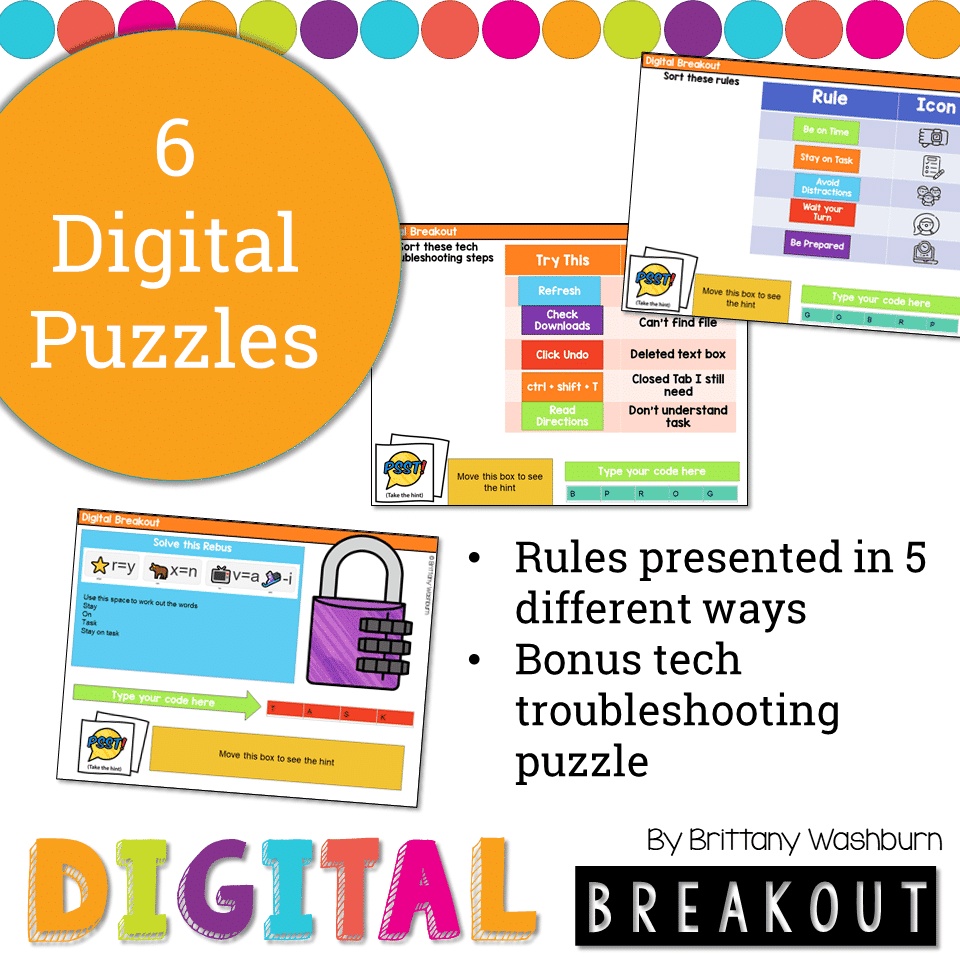
Using technology and problem solving skills, students decipher codes and complete activities to learn about the rules for Distance Learning. The activities are housed in a Google Slides file and students enter their codes into a locked Google Form. If you’ve been wanting to try an escape room or digital breakout with your students, this is a great place to start.
Distance Learning Rules Digital Breakout Challenges
$6.00
Description
Using technology and problem solving skills, students decipher codes and complete activities to learn about the rules for Distance Learning. The activities are housed in a Google Slides file and students enter their codes into a locked Google Form. If you’ve been wanting to try an escape room or digital breakout with your students, this is a great place to start.
Resource Format
- This activity can be done in Google Slides or PowerPoint, so it is flexible to meet your technology needs.
Resource Includes:
- There are 6 codes to find and they require a mix of technology skills, so this makes a great breakout room activity.
- Students learn about the rules for Distance Learning by sorting, solving puzzles, following directions, etc.
- The rules are very general and should apply to any virtual learning situation. Look at the preview to see the wording of the rules. This resource is not editable.
Info for the teacher to consider:
- Students use the file in edit mode the entire time. Zoom in if text is too small. Use all of the digital tools available to them to solve the puzzles.
- Most breakout groups should be able to complete it in 20-30 minutes.
- If this is your first digital breakout then I recommend solving the puzzles as a whole group activity.
- The hints are meant to be used! Most puzzles can’t be solved without taking the hint. It is designed this way on purpose.
- With this resource you will receive a link to a Google Slides file. From there you can share your copy of the Slides file with your students, or download it as a PowerPoint file to share that way.
Copyright Brittany Washburn. All rights reserved by author. This product is to be used by the original downloader only. Copying for more than one teacher, classroom, department, school, or school system is prohibited. This product may not be distributed or displayed digitally for public view. Failure to comply is a copyright infringement and a violation of the Digital Millennium Copyright Act (DMCA). Clipart and elements found in this file are copyrighted and cannot be extracted and used outside of this file without permission or license. Intended for classroom and personal use ONLY. See product file for clip art and font credits.
Connect with other Technology Teachers
If you’re interested in connecting with other technology teachers, check out the Technology Teacher Tribe Group on Facebook.
You must be logged in to post a review.
Related Products
-

15 Word Processing Modules Bundle
Original price was: $15.00.$12.00Current price is: $12.00. -
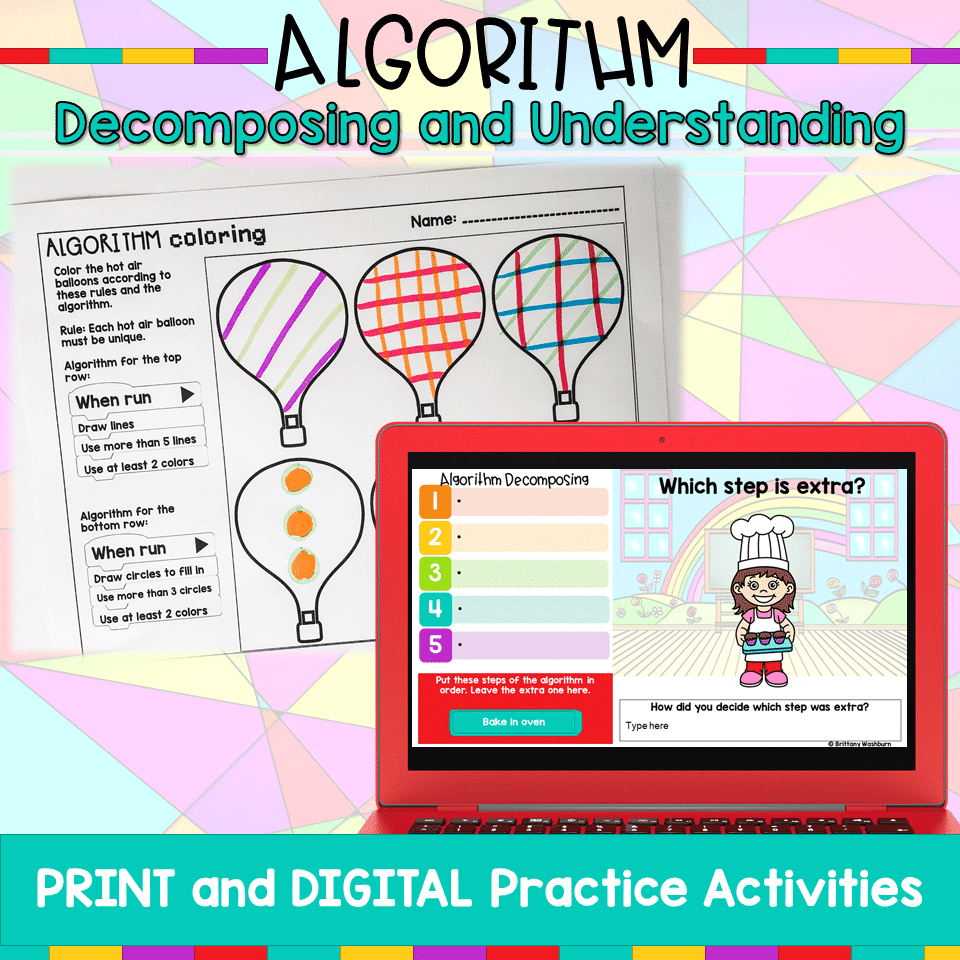
Algorithm Activities
$4.00 -
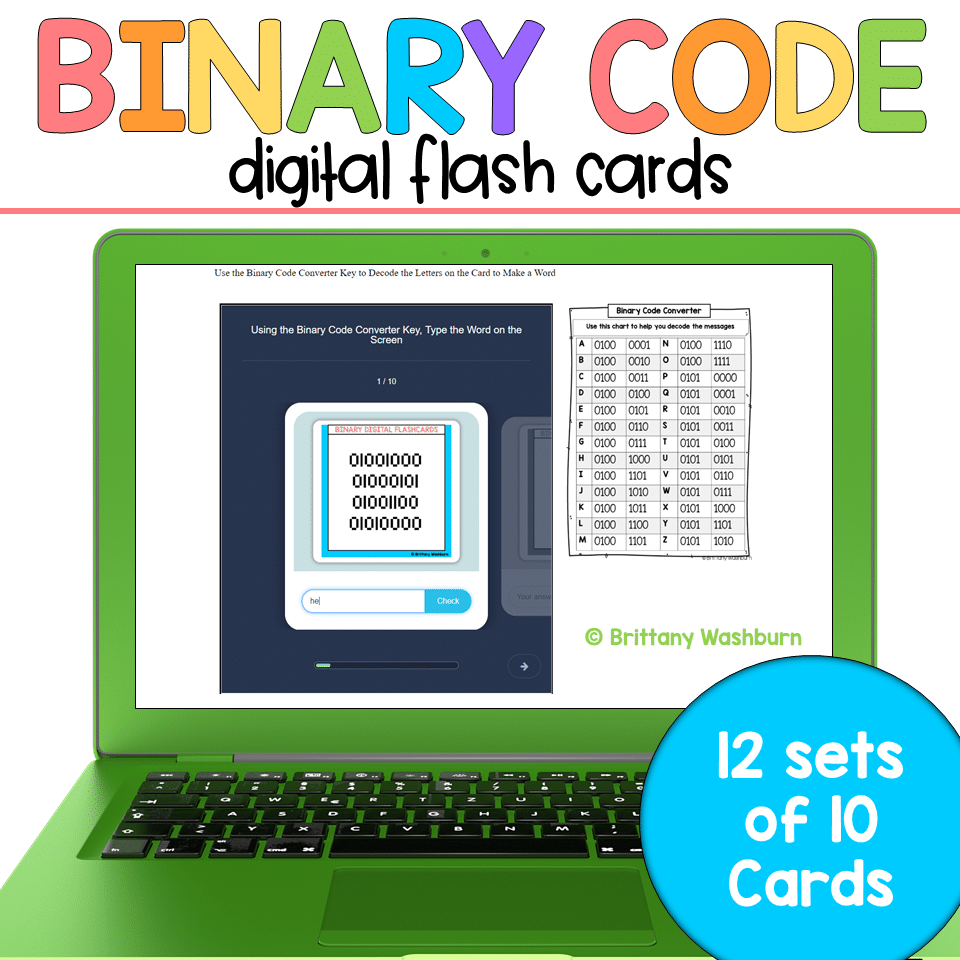
Binary Code Digital Flash Cards
$4.00 -

Christmas Coding Digital Interactive Activities
$4.00



You didn’t become a tech teacher to spend your weekends building lessons from scratch. I’m Brittany, a technology curriculum specialist with 1,000+ ISTE-aligned resources designed specifically for K–8 computer lab teachers.
My ready-made digital and printable resources cover everything from digital citizenship and coding fundamentals to multimedia creation and computer essentials, so your planning is handled and your students stay engaged.
Every resource is built to align with ISTE Standards, save you time, and actually work in a computer lab setting, because I’ve taught in one myself.
Browse my bestsellers, or explore by grade level or topic to find exactly what you need.

Reviews
There are no reviews yet.