
✅ Shop with Confidence
- 🔒 Secure Checkout – Your payment is safe and protected.
- ⭐ Quality Guaranteed – Store credit refunds if something isn’t right.
- 🎉 Earn Rewards – Get points for every dollar spent & redeem as store credit!
👉 Add to Cart and start using this resource today
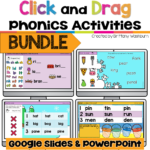
Digital Phonics Activities Bundle
Original price was: $41.25.$28.88Current price is: $28.88.
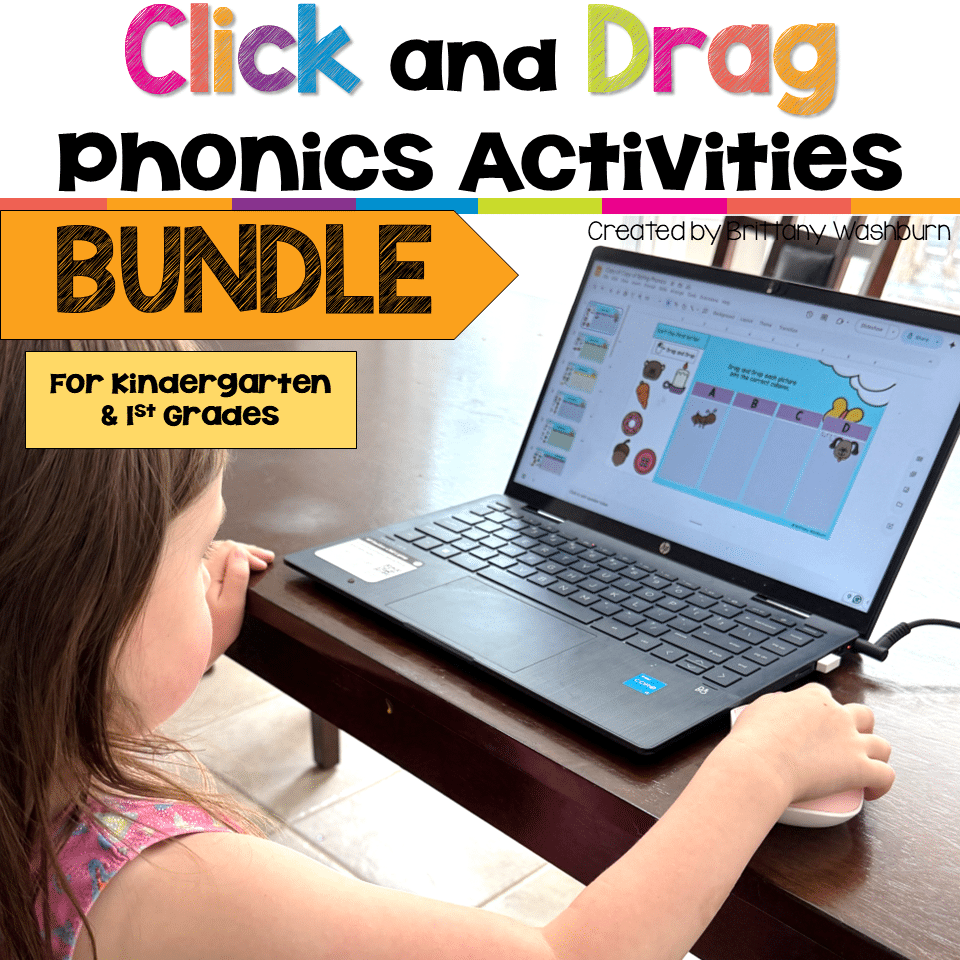
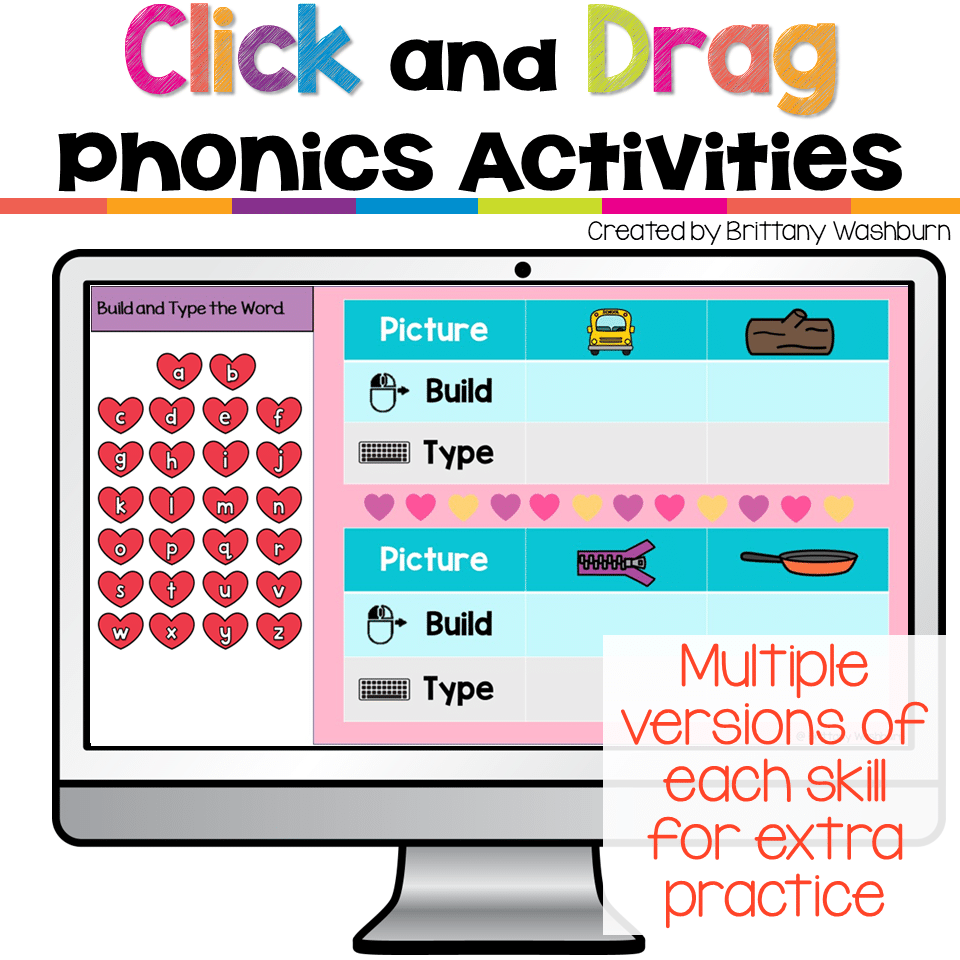
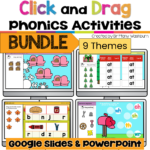
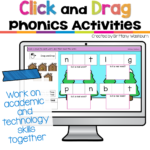
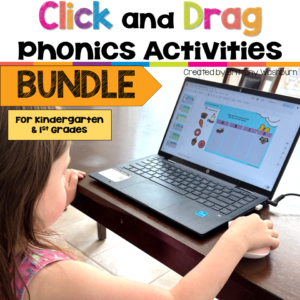
Build phonics skills and beginning computer skills at the same time with this bundle of digital phonics activities for PreK, Kindergarten, and early elementary students. Each themed set gives students repeated practice with essential early literacy skills while also helping them develop mouse control, clicking, dragging, typing, and digital navigation skills. The activities are designed for use in Google Slides or PowerPoint and work well in the computer lab, technology class, literacy centers, intervention groups, or as independent digital practice.
Digital Phonics Activities Bundle
Original price was: $41.25.$28.88Current price is: $28.88.
Description
Build phonics skills and beginning computer skills at the same time with this bundle of digital phonics activities for PreK, Kindergarten, and early elementary students. Each themed set gives students repeated practice with essential early literacy skills while also helping them develop mouse control, clicking, dragging, typing, and digital navigation skills. The activities are designed for use in Google Slides or PowerPoint and work well in the computer lab, technology class, literacy centers, intervention groups, or as independent digital practice.
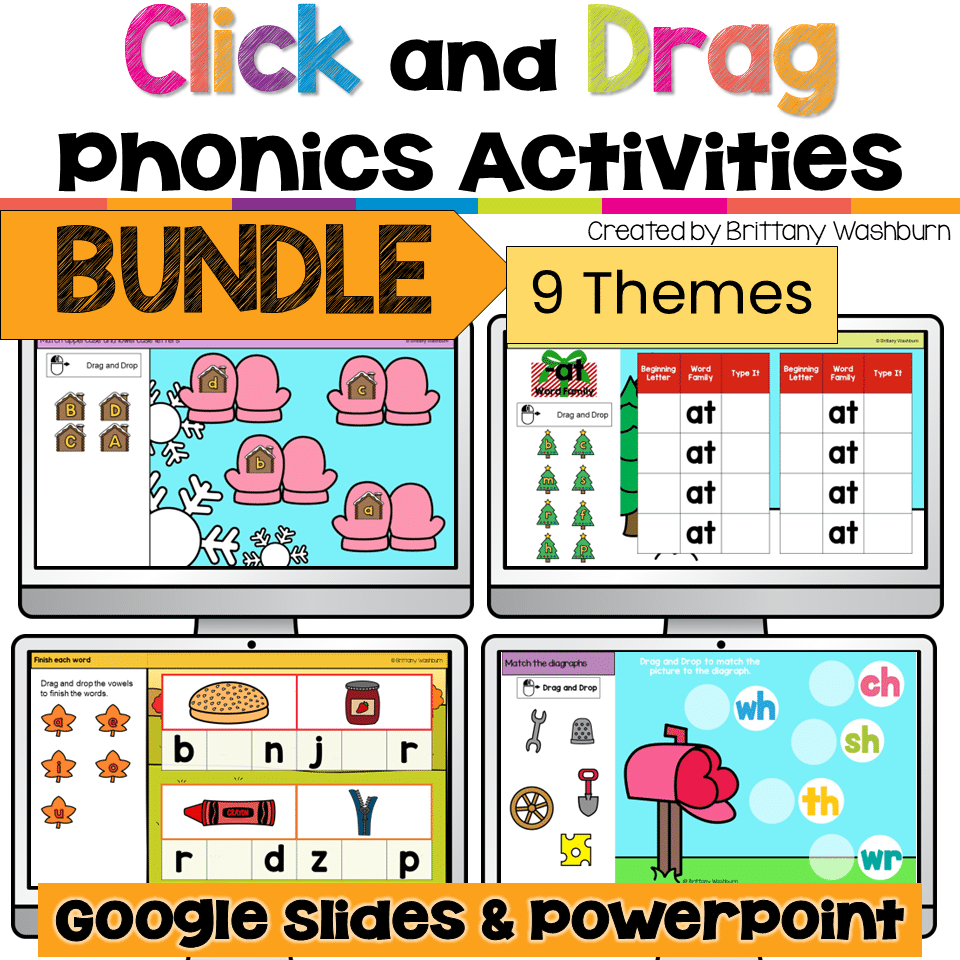
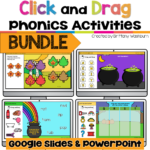
The seasonal themes help keep the activities feeling fresh throughout the year while the consistent activity formats make it easier for young students to work mostly independently.
Skills Included in Each Theme
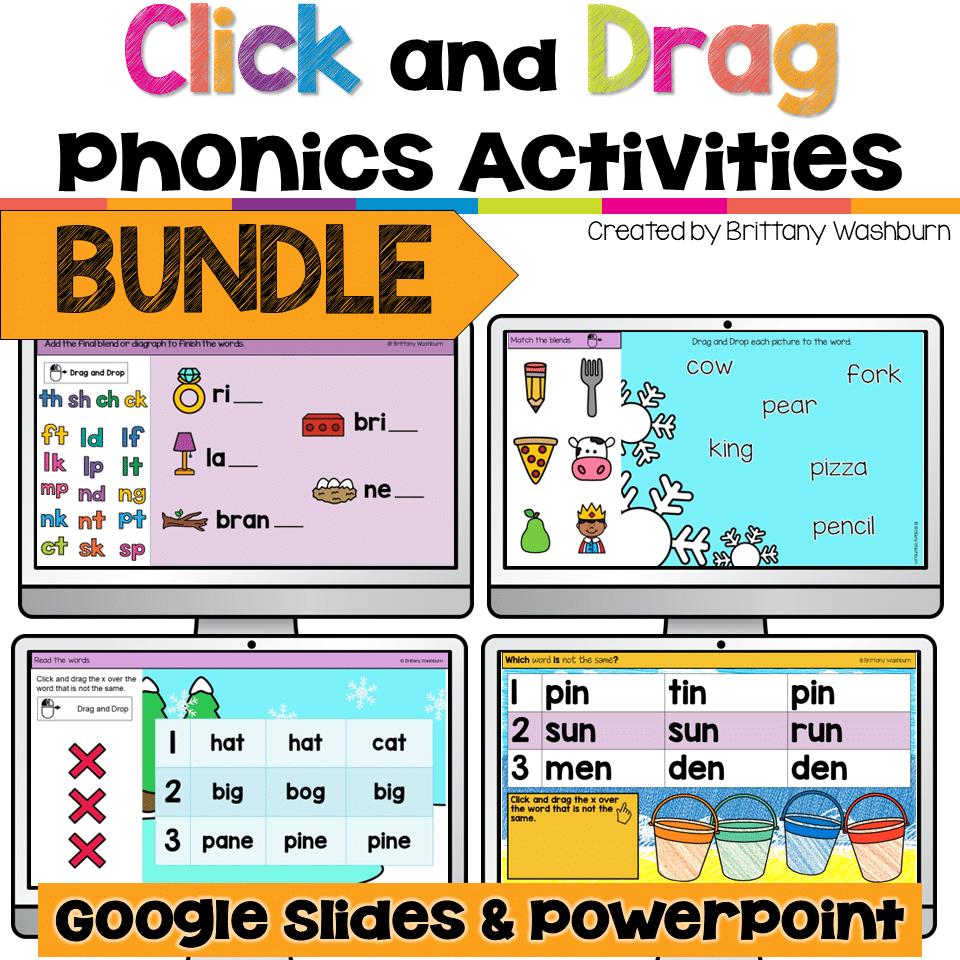
Each themed set includes activities for practicing:
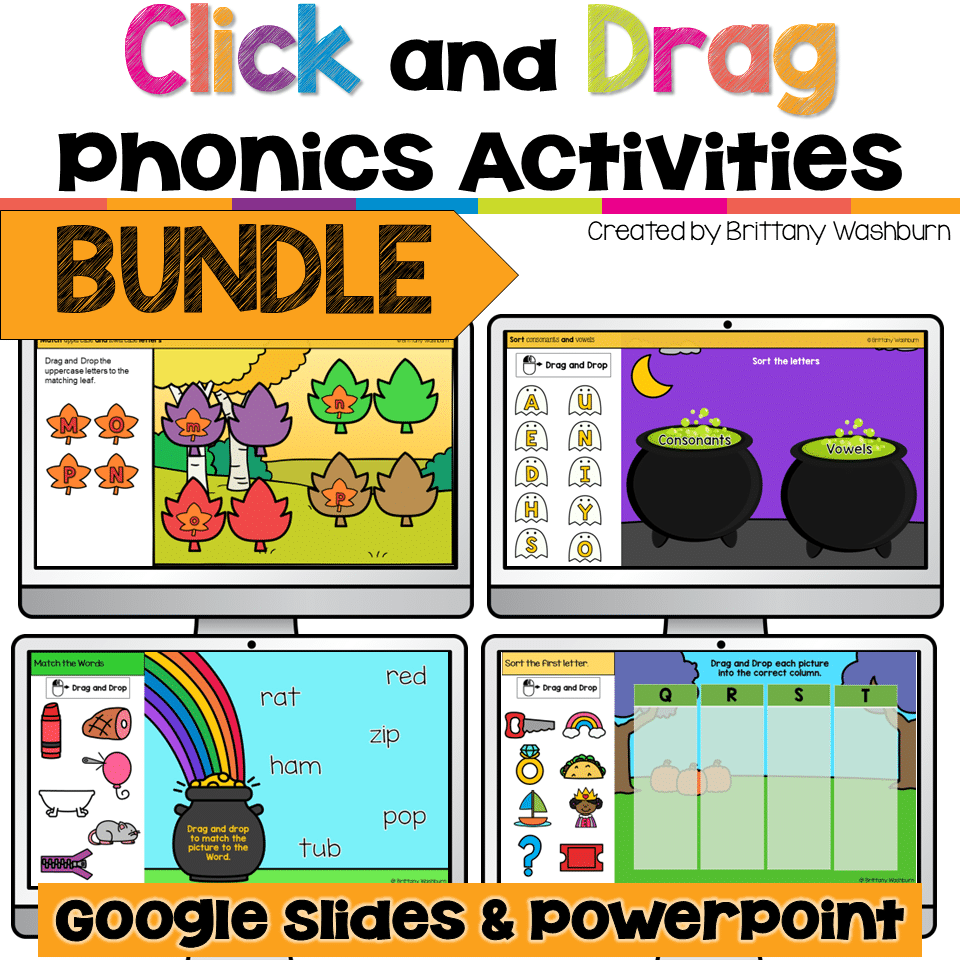
- Matching uppercase and lowercase letters
- Sorting uppercase and lowercase letters
- Sorting vowels and consonants
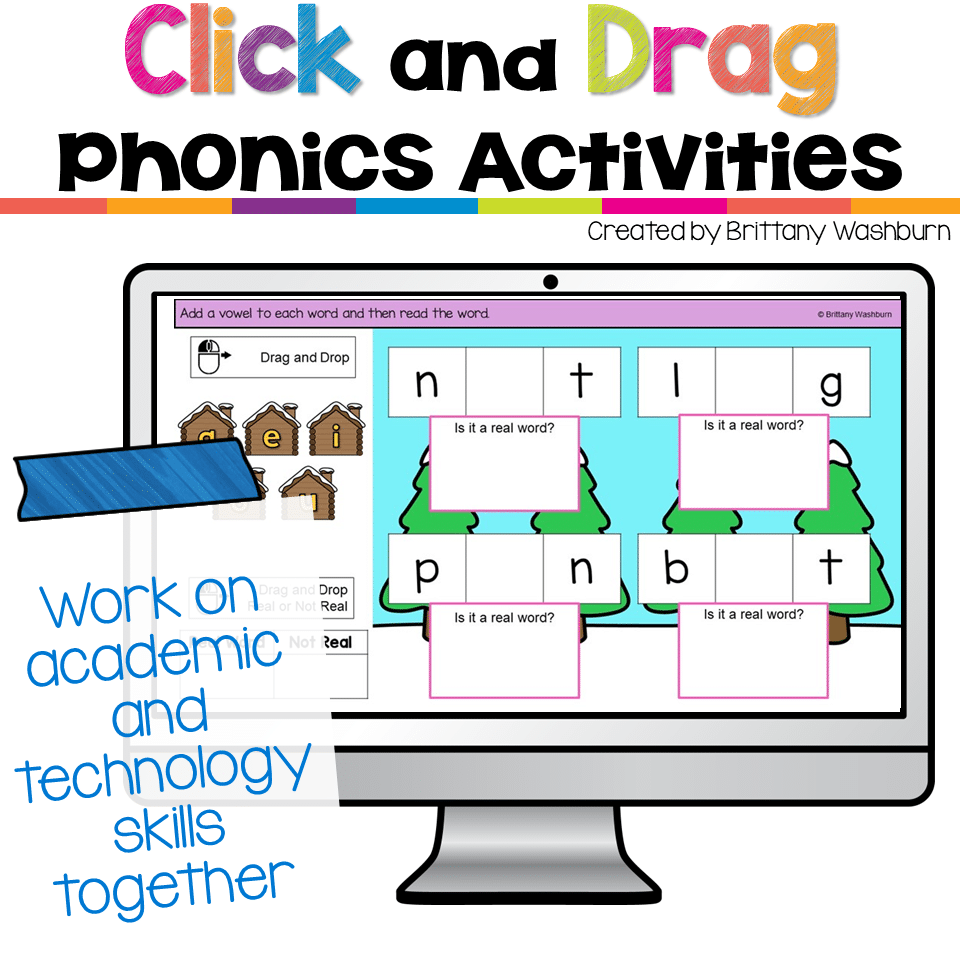
- Adding a vowel to make a word using a picture prompt
- Building real words in word families
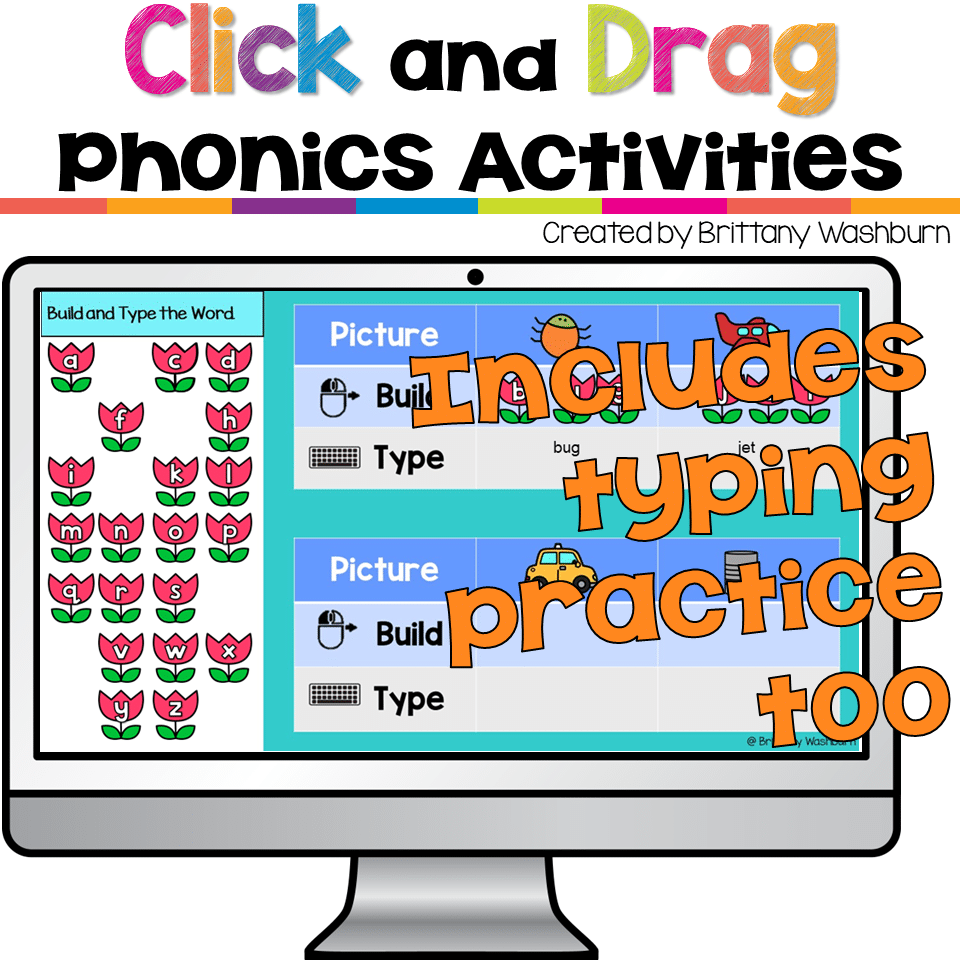
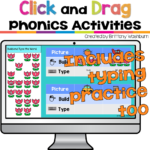
- Optional typing practice with word families
- Finding the word that is not like the others
- Sorting blends
- Sorting words by beginning letter
- Sorting word family pictures
- Matching blends to pictures
- Matching pictures to blends
- Matching CVC pictures to words
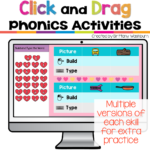
- Building and typing CVC words
Students practice a combination of letter recognition, phonemic awareness, phonics, CVC words, word families, blends, beginning sounds, and early typing skills while strengthening their ability to use a mouse or trackpad.
- Click and Drag Practice with Alphabet Activities Original price was: $3.50.Current price is: .
- Saint Patrick's Day Digital Phonics Original price was: $4.50.Current price is: .
- Valentine's Day Digital Phonics Click and Drag Practice Original price was: $4.50.Current price is: .
- Winter Digital Phonics Click and Drag Practice Original price was: $4.50.Current price is: .
- Spring Digital Phonics Click and Drag Practice Original price was: $4.50.Current price is: .
- Christmas Digital Phonics Click and Drag Practice Original price was: $4.50.Current price is: .
- Fall Theme Digital Click and Drag Practice with Alphabet Activities Original price was: $3.50.Current price is: .
- Thanksgiving Digital Phonics Original price was: $4.50.Current price is: .
- Halloween Digital Phonics Click and Drag Practice Original price was: $4.50.Current price is: .
Great for Beginning Computer Skills
These activities are especially helpful for young students who are still learning how to use a computer.
Students practice:
- Clicking and dragging
- Moving objects accurately on the screen
- Controlling a mouse or trackpad
- Selecting and sorting digital objects
- Using movable letters
- Beginning keyboarding and typing
- Navigating interactive slides
This makes the bundle a great choice for computer readiness, digital literacy, technology integration, and elementary technology lessons.
Editable Templates Included
Want to extend the activities even further?
Each set also includes extra template slides so you can create additional matching and sorting activities for your students.
Movable letters are included on the final slide for easy copying and pasting, making it simple to customize the activities or create additional practice slides.
Use These Activities For
These digital phonics activities work well for:
- Elementary technology class
- Computer lab lessons
- PreK and Kindergarten technology practice
- Literacy centers
- Phonics centers
- Morning work
- Small group instruction
- Intervention
- Early finishers
- Independent practice
- Mouse skills practice
- Computer readiness lessons
- Digital literacy instruction
Because students are practicing academic skills and computer skills at the same time, these activities are especially useful when you want technology practice to have a meaningful literacy connection.
What You Will Need
Students will need:
- iPads, laptops, or desktop computers
- Access to Google Slides or PowerPoint
Why Teachers Love This Format
Young students often need lots of repetition to become confident with both phonics and technology skills. These activities give them that repetition without having every lesson feel exactly the same.
Students get to practice familiar skills through seasonal themes while strengthening the click-and-drag, mouse control, typing, and computer navigation skills they will need for future digital learning.
If you are looking for digital phonics activities, mouse practice, click and drag activities, beginning computer skills, computer readiness activities, or technology activities for PreK and Kindergarten, this bundle gives you a full year of engaging practice in one place.
Additional information
| Resource Type | Bundle, Digital Activity |
|---|
You must be logged in to post a review.
Related Products
-

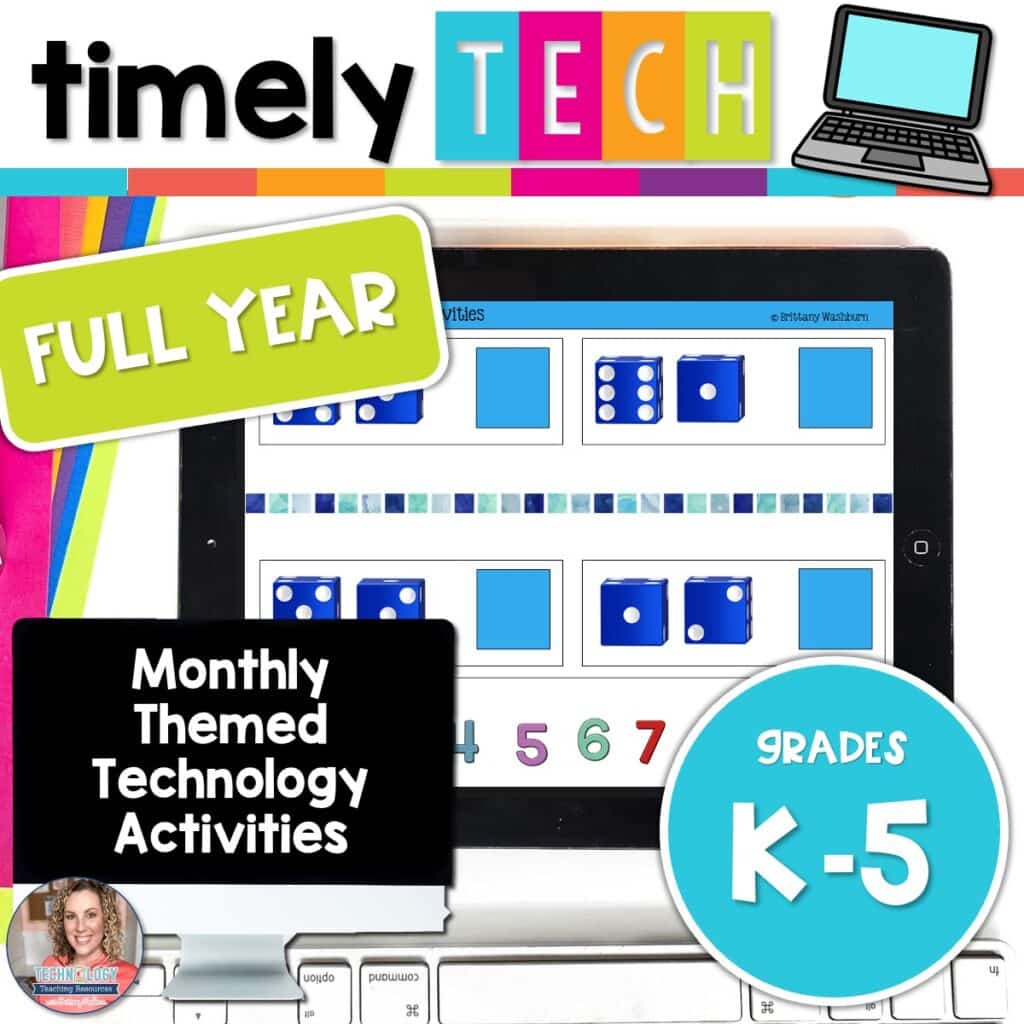
Full Year Timely Tech All in One
Original price was: $198.00.$158.40Current price is: $158.40. -

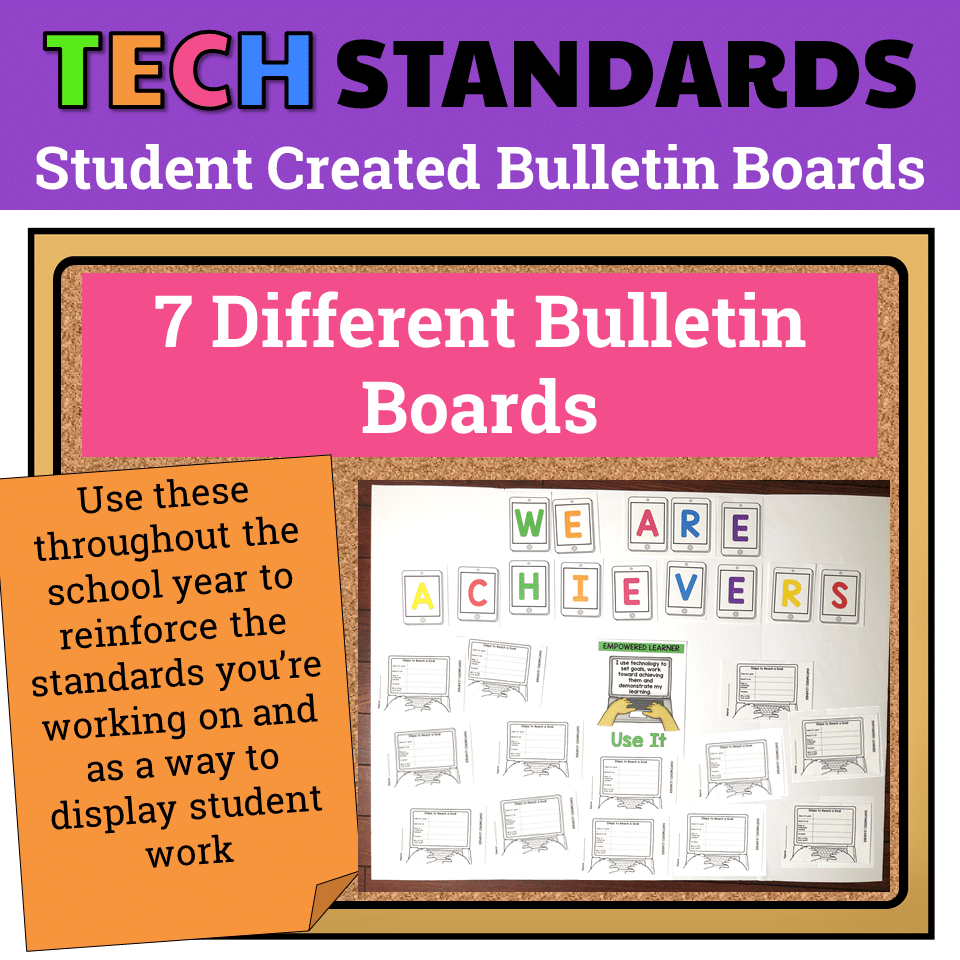
7 Technology Standards Student Created Bulletin Boards
Original price was: $21.00.$14.00Current price is: $14.00. -

Build Your Own Computer Activity
$4.50 -
Christmas Digital Pixel Art STEM Challenges
$4.00



You didn’t become a tech teacher to spend your weekends building lessons from scratch. I’m Brittany, a technology curriculum specialist with 1,000+ ISTE-aligned resources designed specifically for K–8 computer lab teachers.
My ready-made digital and printable resources cover everything from digital citizenship and coding fundamentals to multimedia creation and computer essentials, so your planning is handled and your students stay engaged.
Every resource is built to align with ISTE Standards, save you time, and actually work in a computer lab setting, because I’ve taught in one myself.
Browse my bestsellers, or explore by grade level or topic to find exactly what you need.
Reviews
There are no reviews yet.