
✅ Shop with Confidence
- 🔒 Secure Checkout – Your payment is safe and protected.
- ⭐ Quality Guaranteed – Store credit refunds if something isn’t right.
- 🎉 Earn Rewards – Get points for every dollar spent & redeem as store credit!
👉 Add to Cart and start using this resource today
Digital Art & Animation Lesson
$5.00
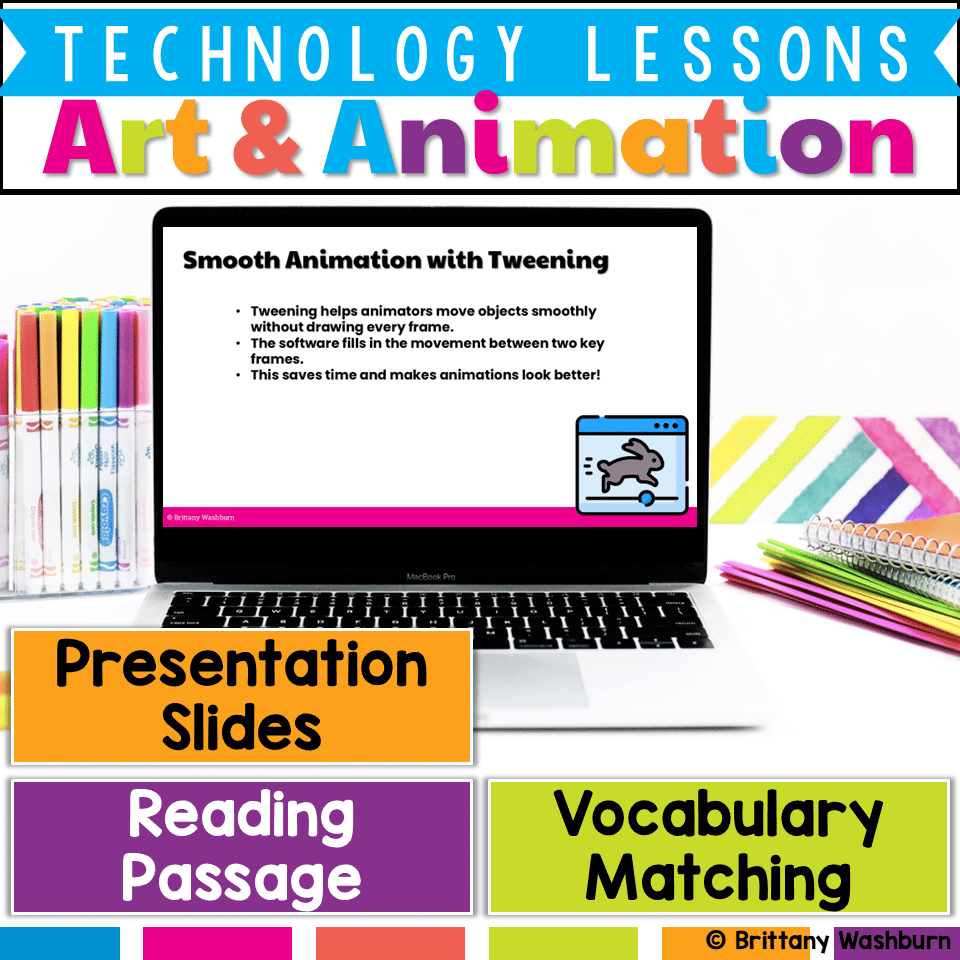
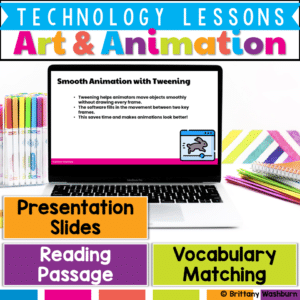
Bring creativity to life with this Digital Art & Animation Lesson, designed to introduce elementary students to the exciting world of digital design! This beginner-friendly resource helps students explore how digital tools like layers, brushes, and timelines are used to create artwork and animation. Through vocabulary-building, guided reading, interactive slides, and optional creative practice, students will gain foundational knowledge of how cartoons, games, and animations are made.
What’s Included in This Resource:
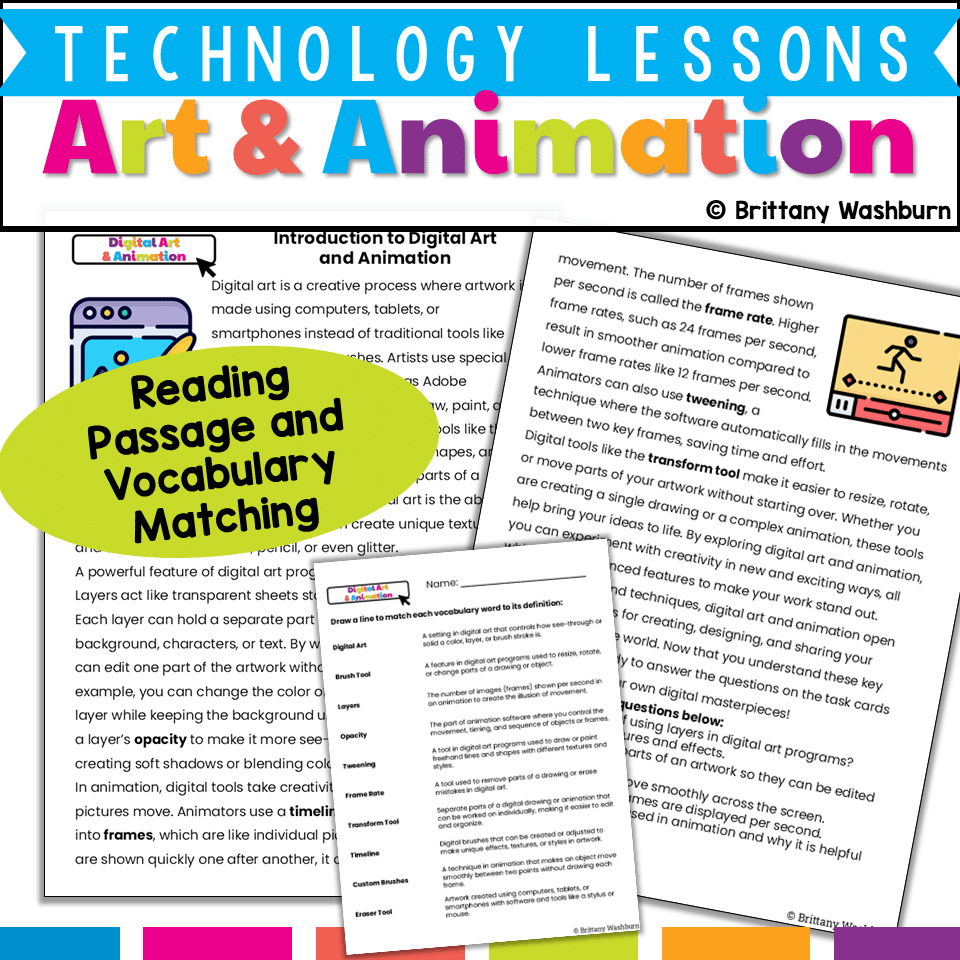
✅ Vocabulary List – Key terms like layers, tweening, timeline, and brush
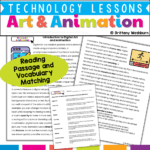
✅ Reading Passage – Engaging, age-appropriate text explaining digital art and animation basics
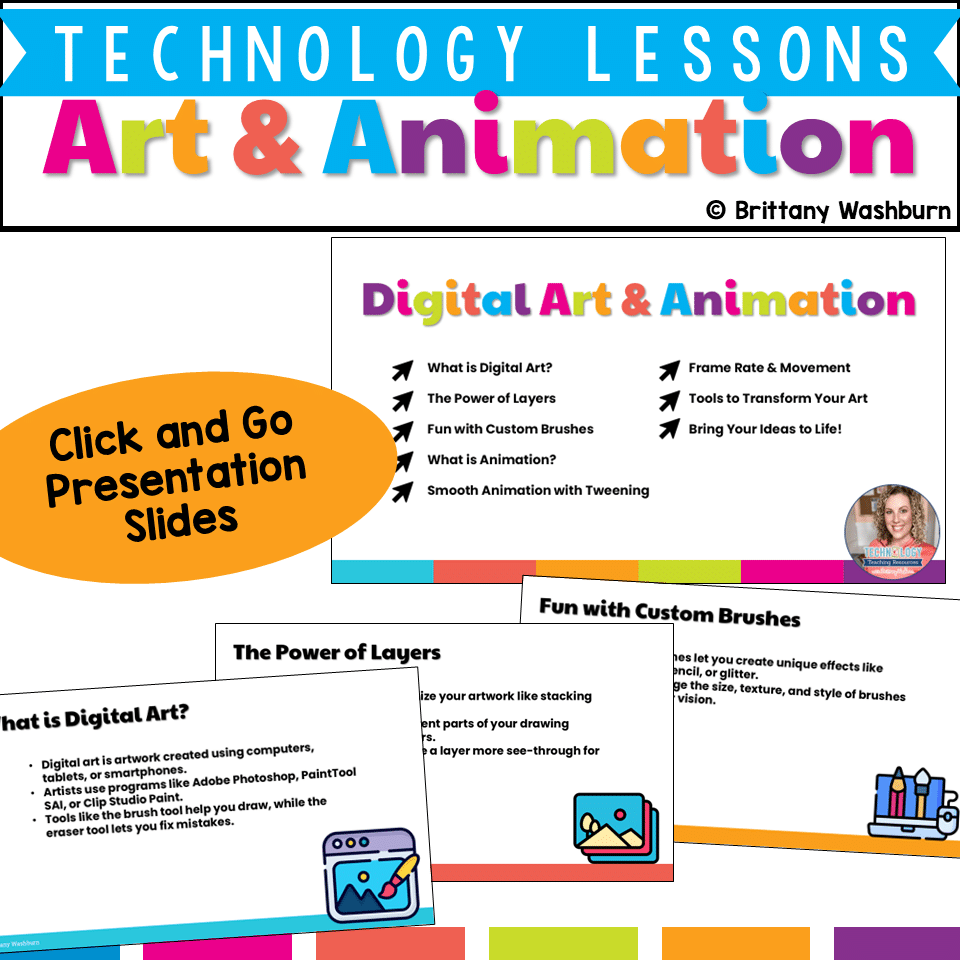
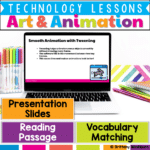
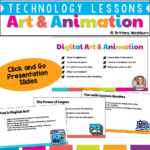
✅ Presentation Slides – Visual slides with built-in discussion questions and examples
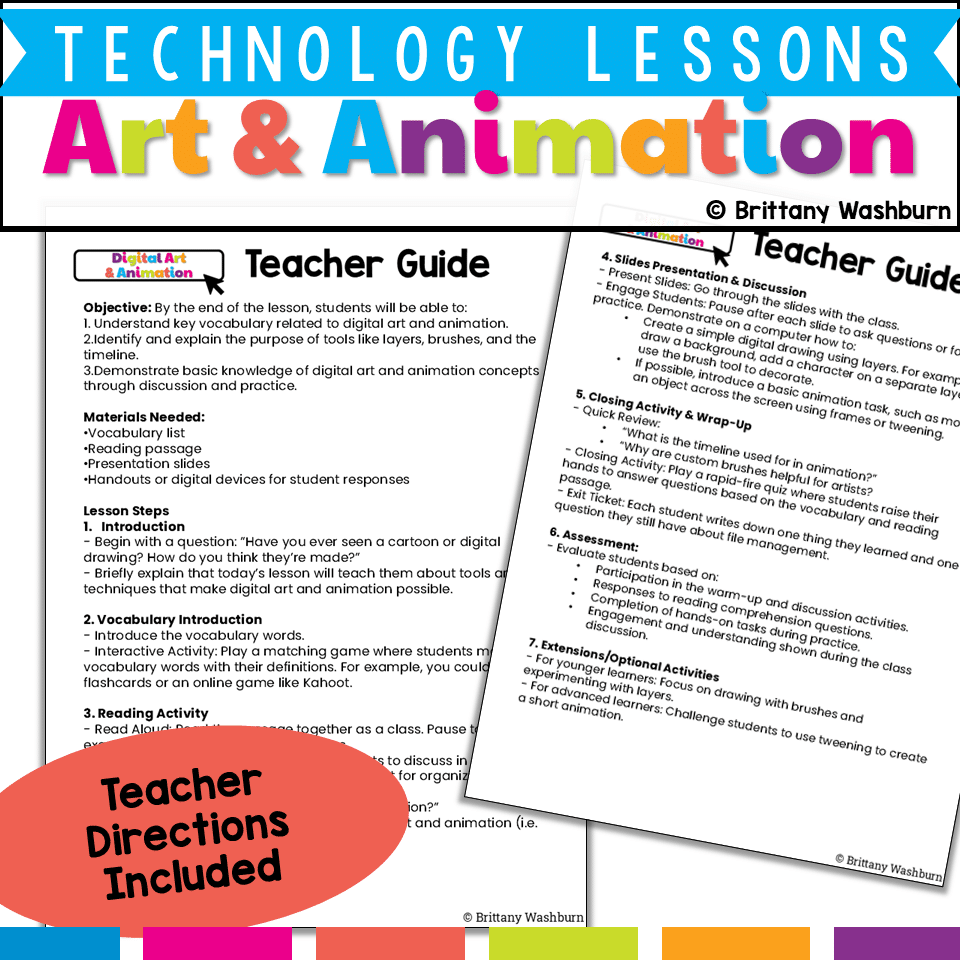
✅ Student Handouts – Printable or digital response sheets for comprehension and reflection
Digital Art & Animation Lesson
$5.00
Description
Bring creativity to life with this Digital Art & Animation Lesson, designed to introduce elementary students to the exciting world of digital design! This beginner-friendly resource helps students explore how digital tools like layers, brushes, and timelines are used to create artwork and animation. Through vocabulary-building, guided reading, interactive slides, and optional creative practice, students will gain foundational knowledge of how cartoons, games, and animations are made.
What’s Included in This Resource:
✅ Vocabulary List – Key terms like layers, tweening, timeline, and brush
✅ Reading Passage – Engaging, age-appropriate text explaining digital art and animation basics
✅ Presentation Slides – Visual slides with built-in discussion questions and examples
✅ Student Handouts – Printable or digital response sheets for comprehension and reflection
This Lesson Teaches Students to:
-
Understand and use key digital art and animation vocabulary
-
Recognize the purpose of creative tools like brushes, layers, and timelines
-
Explore how digital drawings and animations are created
-
Identify real-world examples of digital art (e.g., movies, games, comics)
-
Demonstrate understanding through hands-on and discussion-based activities
Lesson Activities:
-
Vocabulary Matching Game – Use flashcards, slides, or a Kahoot game
-
Guided Reading – Includes Think-Pair-Share prompts like:
-
“Why are layers helpful when creating art?”
-
“What does tweening do in animation?”
-
-
Slide Presentation – With visuals and optional demonstrations such as:
-
Creating a layered drawing (background, character, details)
-
Moving an object across the screen using frames or tweening (if tools are available)
-
-
Review Game & Exit Ticket – Reinforce learning with a quick quiz and written reflection
Optional Extension Ideas:
-
For Beginners: Focus on exploring brushes and drawing in layers
-
For Advanced Learners: Try tweening or frame-by-frame movement in a simple animation
-
Discussion Prompt: “Where do we see digital art and animation in everyday life?”
Assessment Options:
✔ Participation in vocabulary and discussion activities
✔ Comprehension of reading passage questions
✔ Completion of practice or demonstration tasks
✔ Thoughtful responses in the exit ticket
Perfect for elementary technology classes, digital literacy lessons, or STEAM units, this resource gives students the tools and language to begin exploring digital creativity in a structured and engaging way.
👉 Download this lesson to spark your students’ imaginations and introduce them to the world of digital art and animation!
You must be logged in to post a review.
You may be interested in…
-

Digital Art and Animation Printable Task Cards
Original price was: $6.00.$3.00Current price is: $3.00.

Related Products
-
15 Word Processing Modules Bundle
Original price was: $15.00.$12.00Current price is: $12.00. -
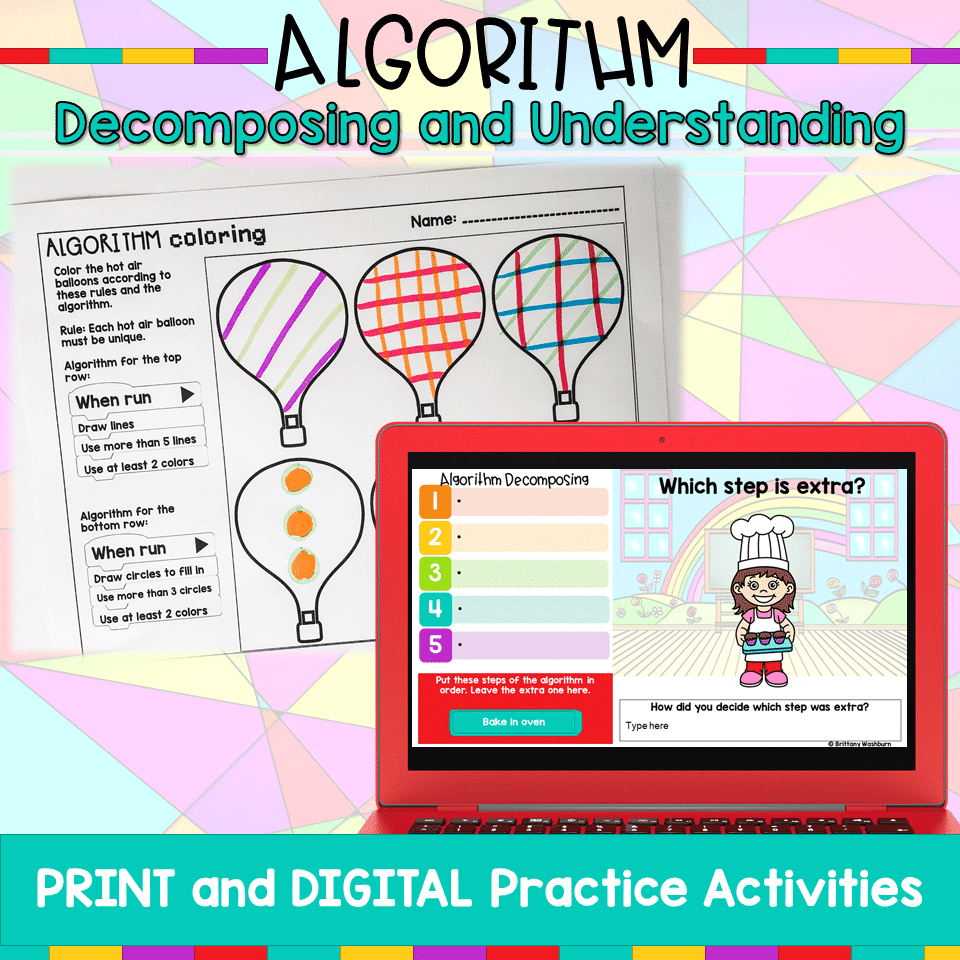
Algorithm Activities
$4.00 -
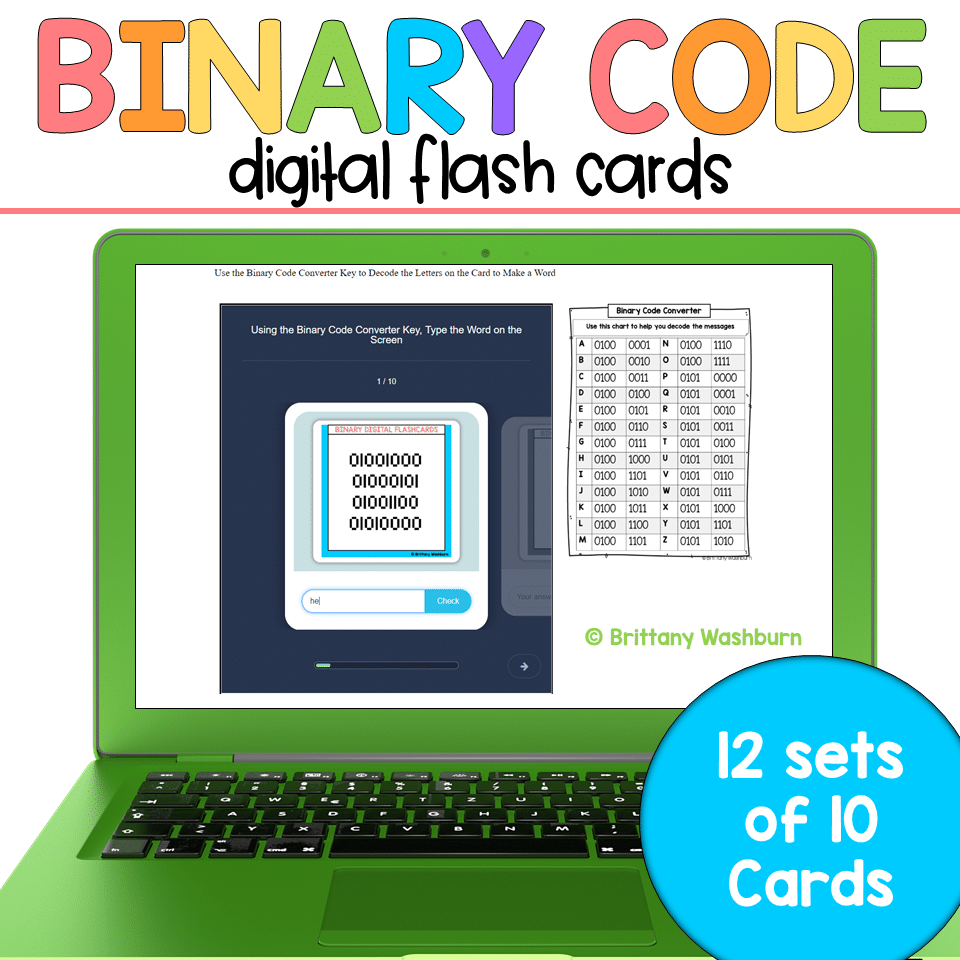
Binary Code Digital Flash Cards
$4.00 -

Christmas Coding Digital Interactive Activities
$4.00



You didn’t become a tech teacher to spend your weekends building lessons from scratch. I’m Brittany, a technology curriculum specialist with 1,000+ ISTE-aligned resources designed specifically for K–8 computer lab teachers.
My ready-made digital and printable resources cover everything from digital citizenship and coding fundamentals to multimedia creation and computer essentials, so your planning is handled and your students stay engaged.
Every resource is built to align with ISTE Standards, save you time, and actually work in a computer lab setting, because I’ve taught in one myself.
Browse my bestsellers, or explore by grade level or topic to find exactly what you need.
Reviews
There are no reviews yet.