


✅ Shop with Confidence
- 🔒 Secure Checkout – Your payment is safe and protected.
- ⭐ Quality Guaranteed – Store credit refunds if something isn’t right.
- 🎉 Earn Rewards – Get points for every dollar spent & redeem as store credit!
👉 Add to Cart and start using this resource today
CVC Words Saint Patrick’s Day Digital Secret Picture Tile Puzzles
$3.00
Saint Patrick’s Day Digital CVC word practice slides for Google Slides or PowerPoint. This set has 10 slides of CVC word building and typing practice. There is a St. Patrick’s Day theme on the secret pictures to make it engaging.
Digital Secret Picture Tile Puzzles are great mouse or trackpad practice as well as being an opportunity to practice navigating a Google Slides or PowerPoint file.
CVC Words Saint Patrick’s Day Digital Secret Picture Tile Puzzles
$3.00
Description
Saint Patrick’s Day Digital CVC word practice slides for Google Slides or PowerPoint. This set has 10 slides of CVC word building and typing practice. There is a St. Patrick’s Day theme on the secret pictures to make it engaging.
Digital Secret Picture Tile Puzzles are great mouse or trackpad practice as well as being an opportunity to practice navigating a Google Slides or PowerPoint file.
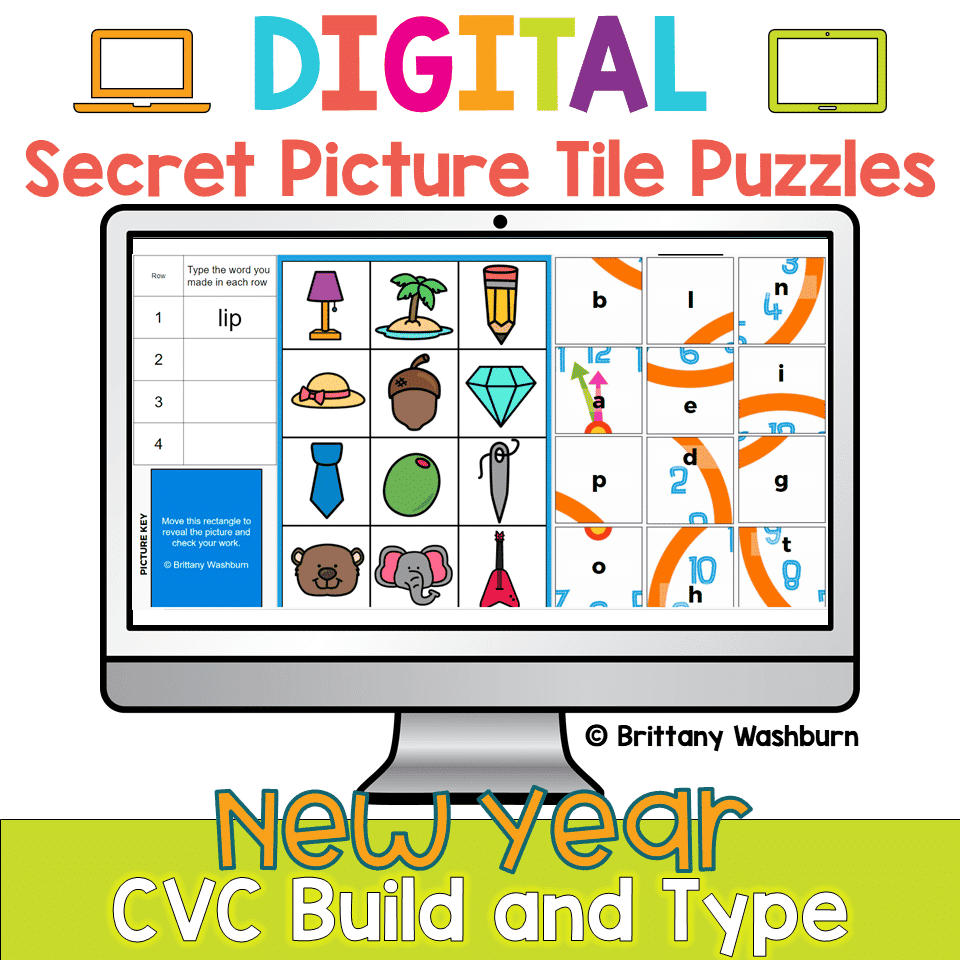
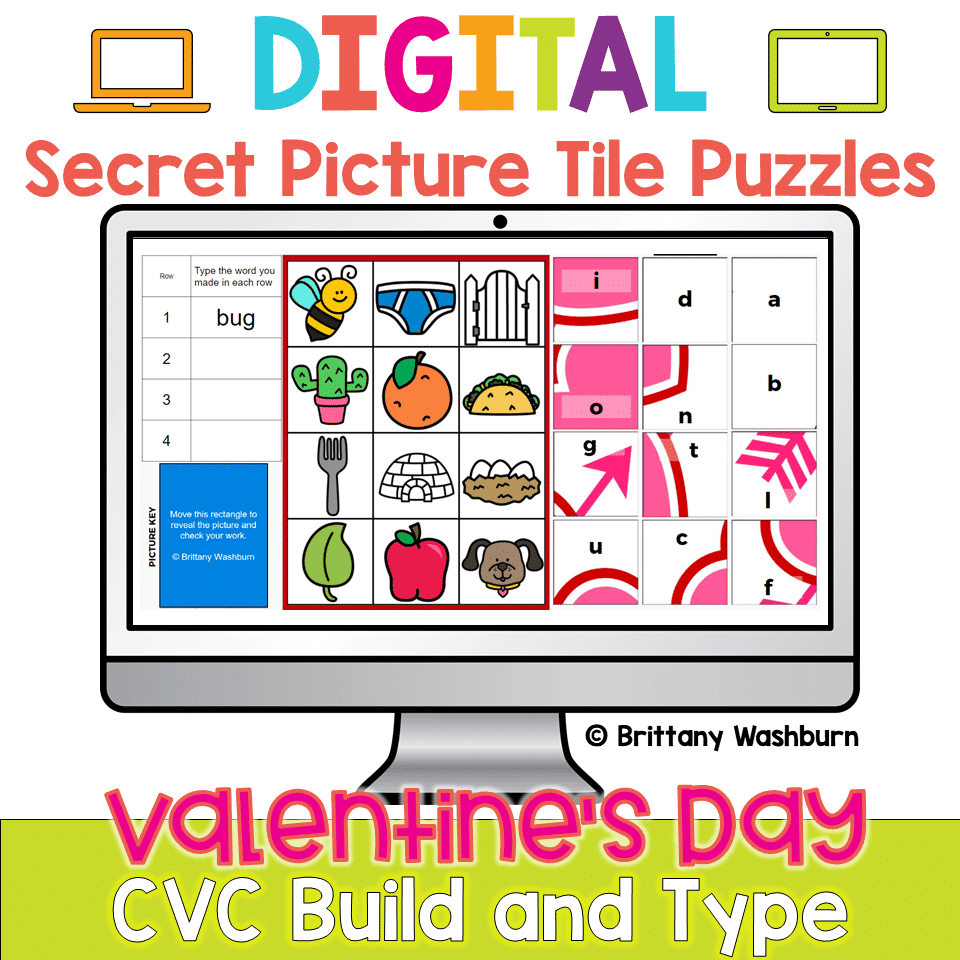
Digital Secret Picture Tiles are:
- perfect for Google Classroom, independent practice, centers, early finishers and sub days
- self-checking
- interactive & versatile (students can play on any device – iPad, laptop, Chromebook, even smartphone)
Students practice their tech skills like navigating a program, drag and drop, and learn about layered graphics. They also type the CVC words for simple keyboard practice.
Teacher Prep:
1. With the file in edit mode, students move the pieces on the right onto the grid. These are layered graphics so instruct students to drag and drop and be careful to not click twice (which would only grab part of the group). Then students type the CVC word from each line into the table.
2. Plan how you want to share the file with your students. I’m providing the Google Slides file link (on page 3) but you can also use this as a PowerPoint file. Using Google Classroom makes it really easy, but any learning management system can be used to send the file to students.
TRY ONE OF THE OTHER HOLIDAYS
Product Terms:
Copyright © Brittany Washburn 2020. Purchasing this file entitles you to ONE classroom use. You may use this with multiple classes but may not share with any other teachers. Copying for more than one teacher, classroom, department, school, or school system is prohibited. This product may not be distributed or displayed digitally for public view. Failure to comply is a copyright infringement and a violation of the Digital Millennium Copyright Act (DMCA). Clipart and elements found in this PDF are copyrighted and cannot be extracted and used outside of this file without permission or license. If multiple licenses are needed for use my more than one teacher or in more than one computer lab, additional licenses are discounted.
Connect with other Technology Teachers:
If you’re interested in connecting with other technology teachers, check out the Technology Teacher Talk Group on Facebook.
Connect with me on social media!
Additional information
| Resource Type | Digital Activity, Printable |
|---|---|
| Format | Google Apps, PDF |
| Topic | Digital Art & Animation |
7 reviews for CVC Words Saint Patrick’s Day Digital Secret Picture Tile Puzzles
You must be logged in to post a review.
What teachers said on TPT
Rated 4.7 out of 5 by 7 teachers on Teachers Pay Teachers.
“My students really enjoyed getting to see what the picture would make! I also have students learning how to type so this was a good way to give them more practice.”
— Molly D., TPT review
“Such a fun and interactive lesson for students.”
— Lindsay B., TPT review
“Super cute and 1st grade friendly!”
— Hendry H., TPT review
You may be interested in…

Related Products
-

Full Year Timely Tech All in One
Original price was: $198.00.$158.40Current price is: $158.40. -

7 Technology Standards Student Created Bulletin Boards
Original price was: $21.00.$14.00Current price is: $14.00. -

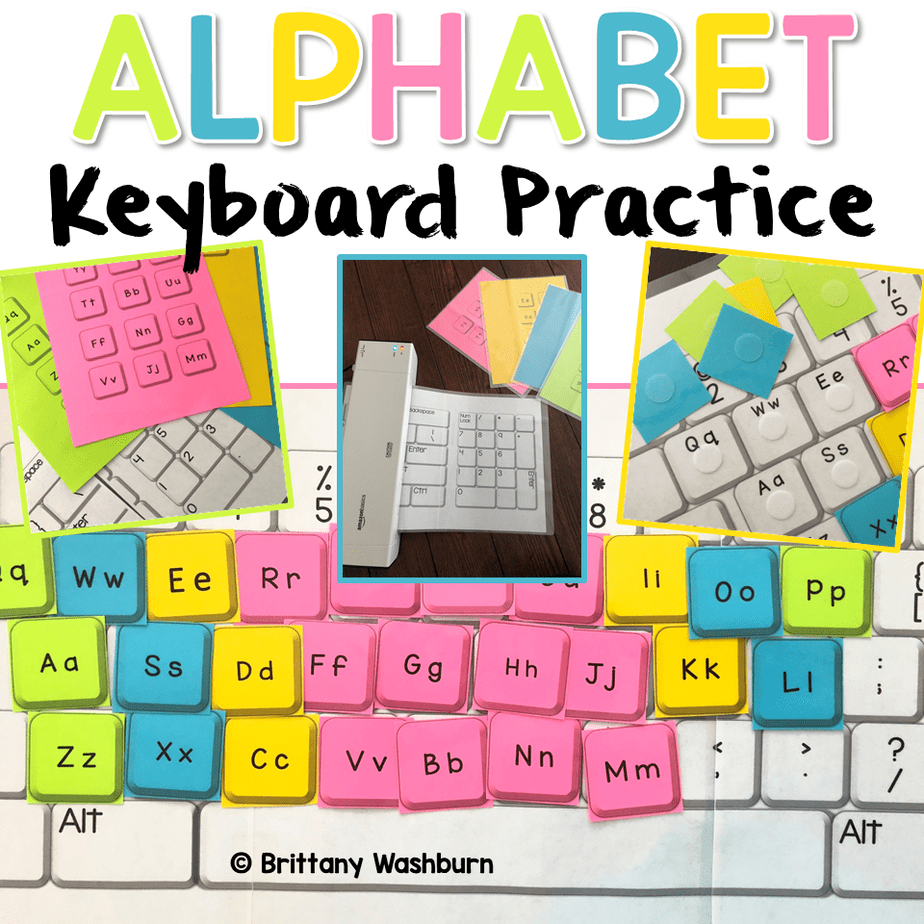
Alphabet Keyboard Practice
$5.00 -

Build Your Own Computer Activity
$4.50


You didn’t become a tech teacher to spend your weekends building lessons from scratch. I’m Brittany, a technology curriculum specialist with 1,000+ ISTE-aligned resources designed specifically for K–8 computer lab teachers.
My ready-made digital and printable resources cover everything from digital citizenship and coding fundamentals to multimedia creation and computer essentials, so your planning is handled and your students stay engaged.
Every resource is built to align with ISTE Standards, save you time, and actually work in a computer lab setting, because I’ve taught in one myself.
Browse my bestsellers, or explore by grade level or topic to find exactly what you need.

kristina Sickmeier –
Verified TPT reviewGreat resource!
Jackie M R. –
Verified TPT reviewThis was an excellent resource and my students loved the hidden pictures. I loved the education part of the project, in addition to practicing keyboard and mouse skills. I think some of them were a little challenging for my kindergartners, but it was excellent for 1st grade. I loved this resource so much, I am going to look for similar ones. Thank you so much for sharing! FYI…if you aren’t familiar with Brittany’s products…they are excellent and always meet expectations! Highly recommend!
Candace F. –
Verified TPT reviewMy students had a great time using this resource. It’s nice to find computer activities that can support the regular classroom.
Julie S. –
Verified TPT reviewMy students loved creating the the St. Patrick’s Day pictures! The only problem we encountered was that the pieces are all separate from the letters and the pictures are separate from the grid. It would be helpful if they were all grouped because the students were dragging the letters off on their own and the pieces were getting all messed up.
Lindsay B. –
Verified TPT reviewSuch a fun and interactive lesson for students.
Hendry Helpers –
Verified TPT reviewSuper cute and 1st grade friendly!
Molly D. –
Verified TPT reviewMy students really enjoyed getting to see what the picture would make! I also have students learning how to type so this was a good way to give them more practice.