
✅ Shop with Confidence
- 🔒 Secure Checkout – Your payment is safe and protected.
- ⭐ Quality Guaranteed – Store credit refunds if something isn’t right.
- 🎉 Earn Rewards – Get points for every dollar spent & redeem as store credit!
👉 Add to Cart and start using this resource today
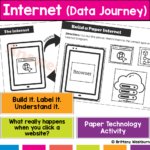
Create a Paper Internet Data Journey Lesson and Activity
$3.00
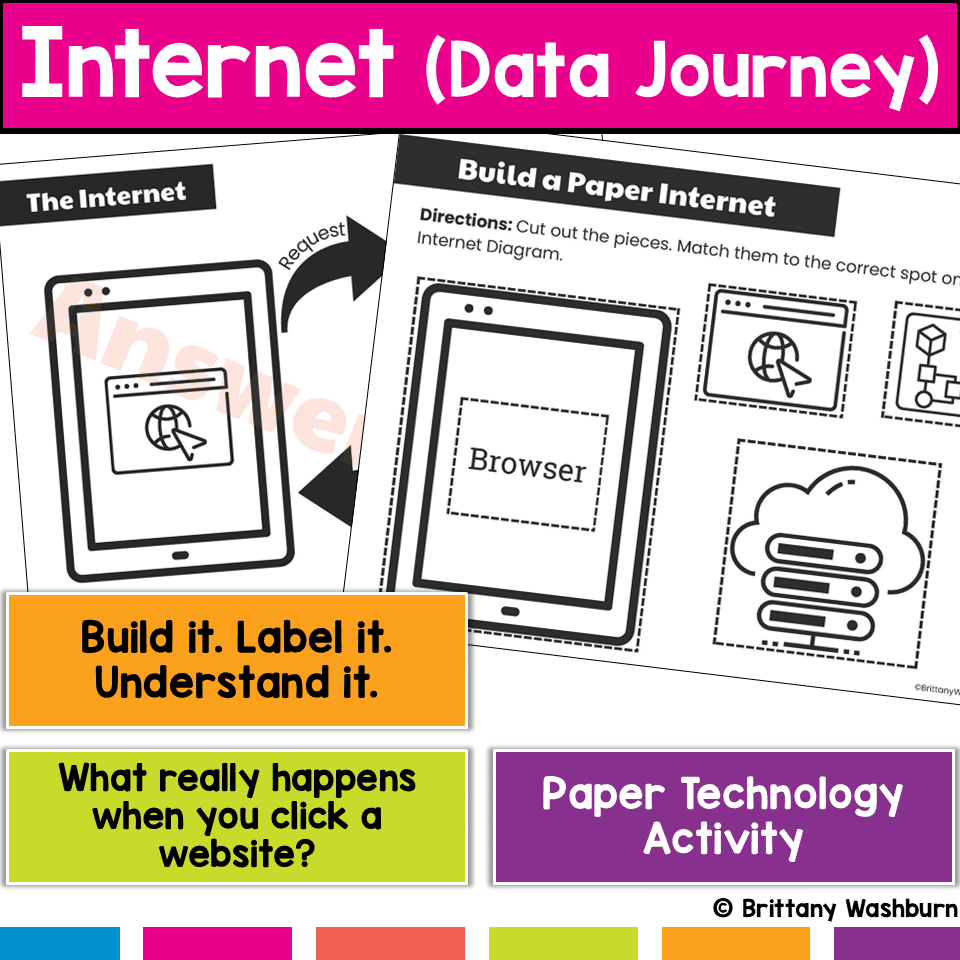
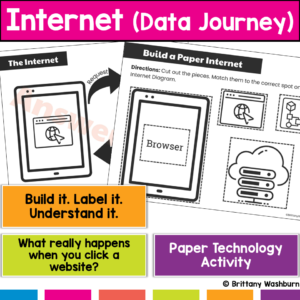
What actually happens when students type a website and hit enter? Most students don’t know, and that’s why this concept feels confusing. This hands-on internet activity helps students build and model how data travels across the internet, turning an invisible process into something they can see, touch, and explain. Students don’t just learn vocabulary, they build the internet’s data journey step by step.
Create a Paper Internet Data Journey Lesson and Activity
$3.00
Description
-
Build a visual model of how the internet works
-
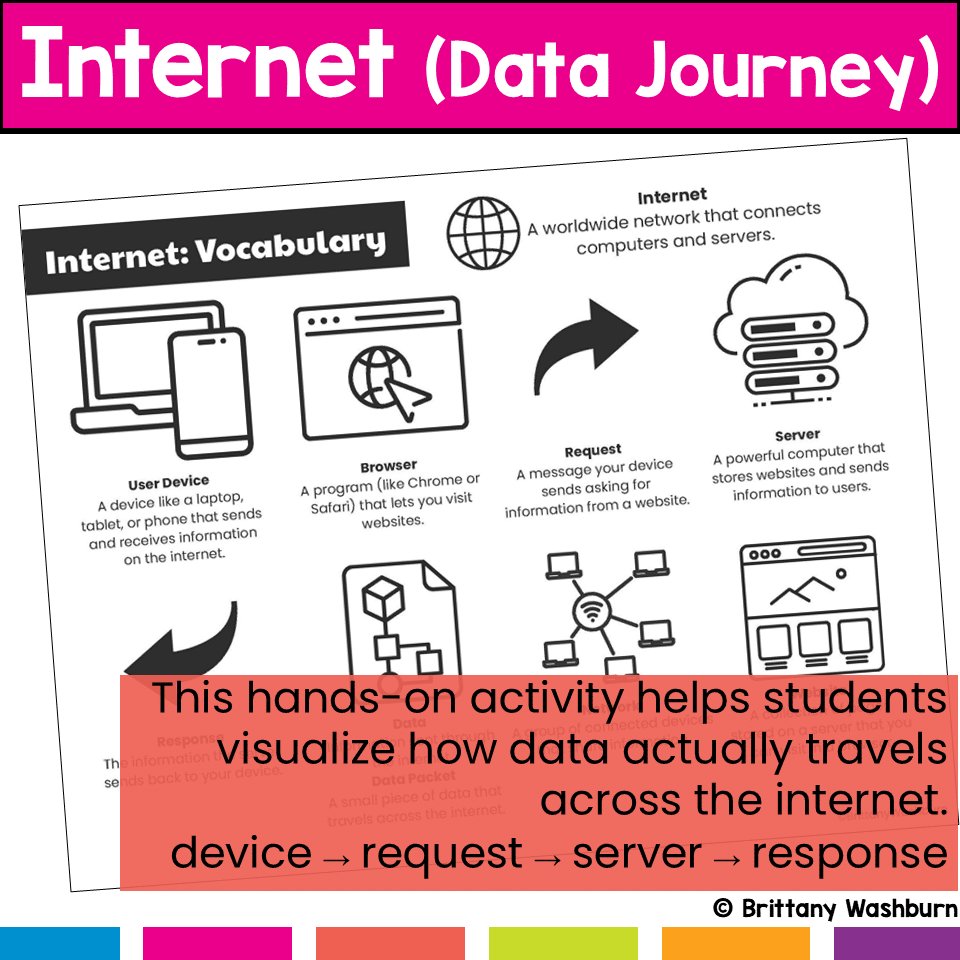
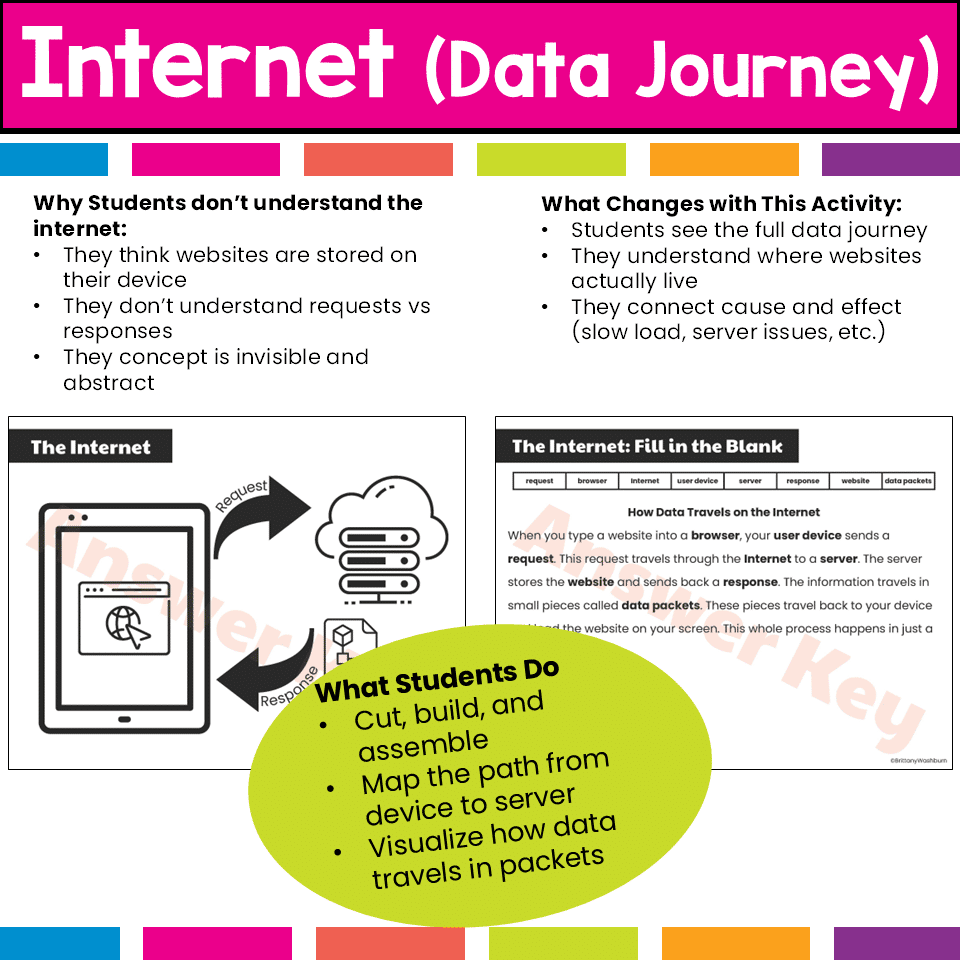
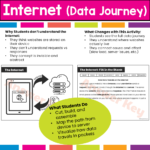
Trace the path from device → request → server → response
-
Identify the role of browsers and servers
-
Understand how data travels in packets
-
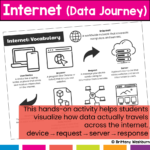
Explain the process using correct vocabulary
-
Solve real-world internet scenarios
-
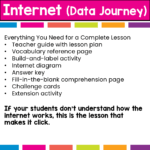
Teacher guide with lesson plan (clear, structured, and low prep)
-
Internet vocabulary reference page
-
Build-and-label data journey activity
-
Internet diagram
-
Answer key
-
Fill-in-the-blank comprehension worksheet
-
Challenge cards with real-world scenarios
-
Extension activity for deeper learning
-
How the internet works
-
Request vs response
-
Role of the browser
-
Role of the server
-
Where websites are stored
-
How data travels across networks
-
Data packets and how information moves
-
Why websites load slowly or fail
-
Makes abstract internet concepts easy to understand
-
Hands-on and highly engaging
-
Encourages deeper thinking, not just memorization
-
Connects directly to real-world student experiences
-
Easy to implement with minimal prep
-
Computer lab lessons
-
Digital literacy units
-
Computer science instruction
-
STEM activities
-
Upper elementary and middle school students
-
Intro to how the internet works
-
Sub plans or review lessons
-
Where websites actually live
-
How information travels
-
Why delays and errors happen
You must be logged in to post a review.
Related products
-

-
-
-
Sale!
CODING QUESTS – Binary Codes Game
Original price was: $5.00.$4.00Current price is: $4.00.



You didn’t become a tech teacher to spend your weekends building lessons from scratch. I’m Brittany, a technology curriculum specialist with 1,000+ ISTE-aligned resources designed specifically for K–8 computer lab teachers.
My ready-made digital and printable resources cover everything from digital citizenship and coding fundamentals to multimedia creation and computer essentials, so your planning is handled and your students stay engaged.
Every resource is built to align with ISTE Standards, save you time, and actually work in a computer lab setting, because I’ve taught in one myself.
Browse my bestsellers, or explore by grade level or topic to find exactly what you need.
Reviews
There are no reviews yet.