



✅ Shop with Confidence
- 🔒 Secure Checkout – Your payment is safe and protected.
- ⭐ Quality Guaranteed – Store credit refunds if something isn’t right.
- 🎉 Earn Rewards – Get points for every dollar spent & redeem as store credit!
👉 Add to Cart and start using this resource today
Copy and Paste Practice Digital Activities
Original price was: $4.00.$3.00Current price is: $3.00.
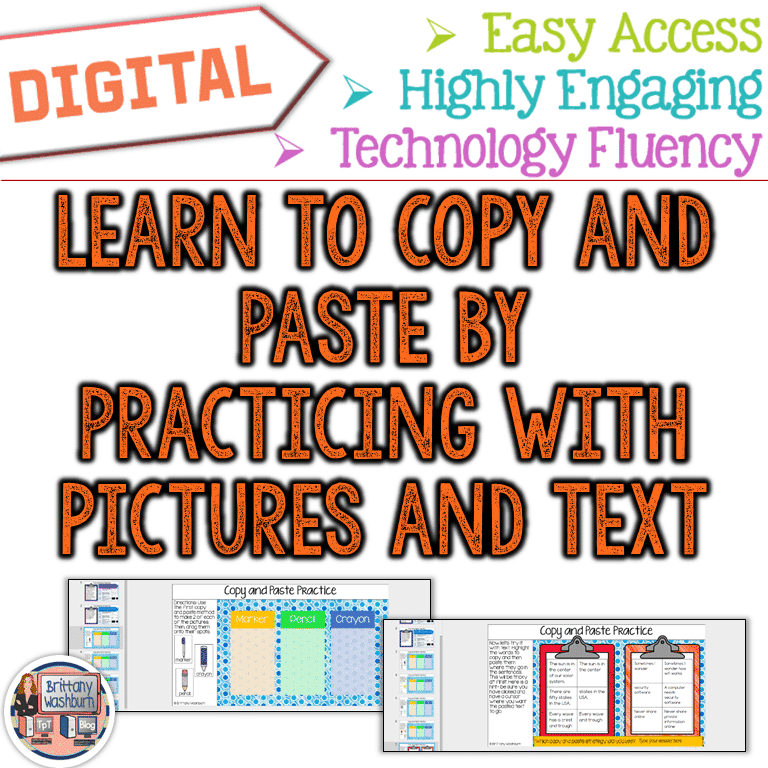
Need your students to be able to copy and paste text and images? This practice unit teaches them 3 ways to copy and paste using google slides. The edit menu, right-click, and keyboard shortcut. This practice activity is short and sweet and should have your students feeling comfortable with copy and paste in no time!
Copy and Paste Practice Digital Activities
Original price was: $4.00.$3.00Current price is: $3.00.
Description
Need your students to be able to copy and paste text and images? This practice unit teaches them 3 ways to copy and paste using google slides. The edit menu, right-click, and keyboard shortcut. This practice activity is short and sweet and should have your students feeling comfortable with copy and paste in no time!
Save 30% with the Tech Back To School set
Get this free Google Slides Vocabulary Poster that makes a great mini lesson to introduce your students to Google Slides for the first time.
With this resource you will receive a link to a file to be shared with your students in Google Classroom. **BENEFITS OF GOOGLE CLASSROOM** ♥ PAPERLESS! ♥ INTEGRATE TECHNOLOGY INTO THE CLASSROOM! ♥ IMPROVE STUDENT COMPUTER SKILLS! ♥ INCREASE STUDENT ENGAGEMENT! ♥ ACCESS MATERIALS ANYWHERE! Do you have a Google Classroom? Are you looking for digital ways to incorporate common core skills and make your students more adept at utilizing technology in their daily learning? If so, then this is the product for you! Don’t have Google accounts yet? No problem! Students can still access this presentation if you set it to be “Anyone with the link can edit”. They can add text, just not images. You would have to create a separate presentation for each student and supply them with the url. This product comes as a link in a folder. First, make sure you are signed into your Google account. Double click the link and you will be prompted to “Make a Copy”. Rename the Writing Journal whatever you would like. It will be sent directly to your drive! Disperse to your students via Google Classroom, Google Drive Shared folder, your Learning Platform, etc..
Copyright Brittany Washburn. All rights reserved by author. This product is to be used by the original downloader only. Copying for more than one teacher, classroom, department, school, or school system is prohibited. This product may not be distributed or displayed digitally for public view. Failure to comply is a copyright infringement and a violation of the Digital Millennium Copyright Act (DMCA). Clipart and elements found in this file are copyrighted and cannot be extracted and used outside of this file without permission or license. Intended for classroom and personal use ONLY. See product file for clip art and font credits.
Additional information
| Resource Type | Centers/Stations, Digital Activity |
|---|---|
| Format | Google Apps, PDF |
You must be logged in to post a review.
What teachers said on TPT
Rated 4.8 out of 5 by 139 teachers on Teachers Pay Teachers.
“This was a great activity to have my students master their skills on copy and paste. In 3rd grade, we really work on the difference between copy/paste and cut/paste. I like to start with copy and paste. Brittany makes this so easy because she does a little video for them ahead of time, so students can begin working on it on their own and it is self paced! Brittany supplies the BEST activities for technology teachers. The activities are eye appealing and fun and they like completing the assignment. Thank you creating and sharing this!”
— Jackie M R., TPT review
“I loved the extra practice with copy/paste this gave my students! I appreciated having more than one way included in the resource so they are familiar with a variety of ways to accomplish the same thing.”
— Courtney B., TPT review
“Great for teaching students how to use "shortcuts" to copy and paste along with the traditional way. Great for students who are more comfortable with an iPad and you are working on PCs. Definitely a must have resource for little ones.”
— Journey of a Life Long Learner, TPT review
Related Products
-

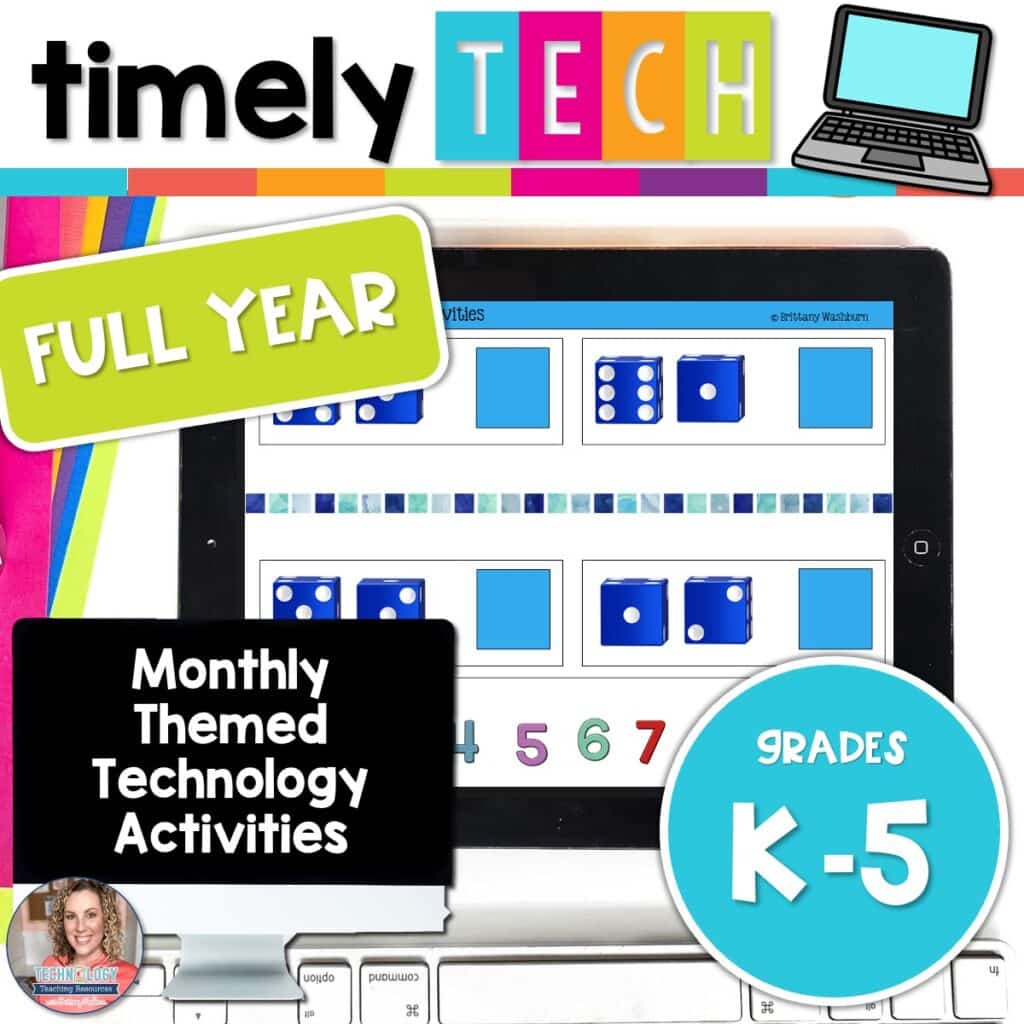
Full Year Timely Tech All in One
Original price was: $198.00.$158.40Current price is: $158.40. -

5th Grade Language Standards Digital Resource Library
Original price was: $16.00.$14.40Current price is: $14.40. -
5th Grade Reading Standards Digital Resource Library
Original price was: $16.00.$12.80Current price is: $12.80. -

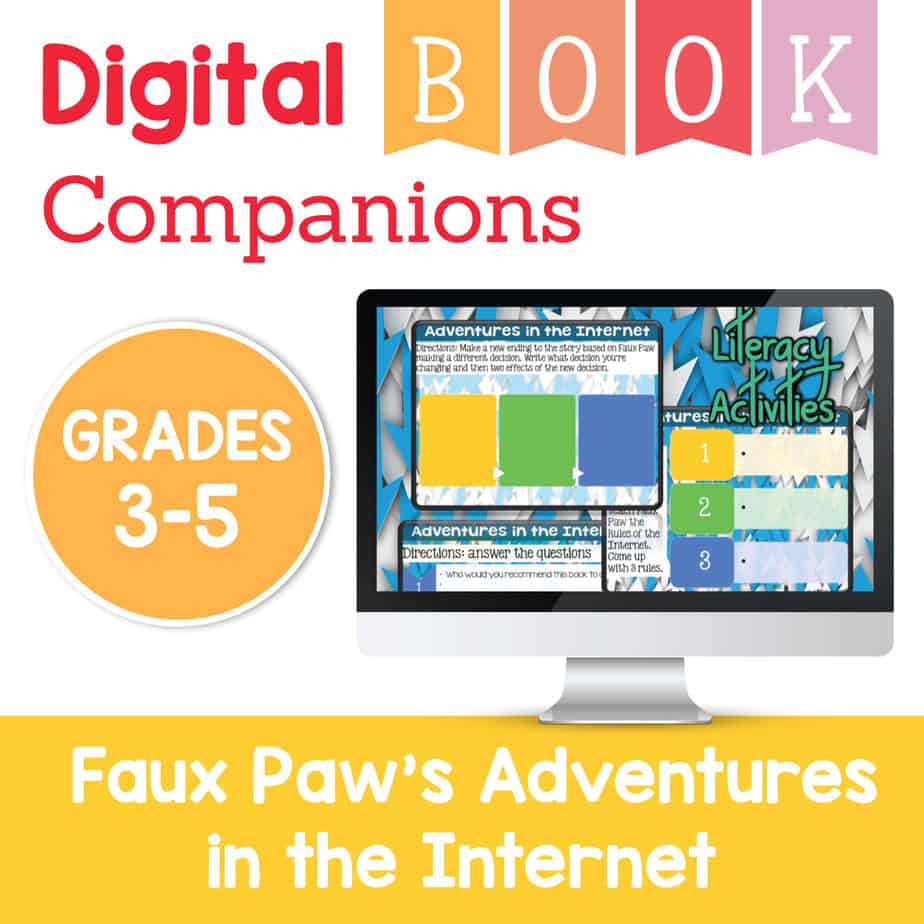
Adventures in the Internet Digital Book Companion – Grades 3-5
$3.00



You didn’t become a tech teacher to spend your weekends building lessons from scratch. I’m Brittany, a technology curriculum specialist with 1,000+ ISTE-aligned resources designed specifically for K–8 computer lab teachers.
My ready-made digital and printable resources cover everything from digital citizenship and coding fundamentals to multimedia creation and computer essentials, so your planning is handled and your students stay engaged.
Every resource is built to align with ISTE Standards, save you time, and actually work in a computer lab setting, because I’ve taught in one myself.
Browse my bestsellers, or explore by grade level or topic to find exactly what you need.

Reviews
There are no reviews yet.