




✅ Shop with Confidence
- 🔒 Secure Checkout – Your payment is safe and protected.
- ⭐ Quality Guaranteed – Store credit refunds if something isn’t right.
- 🎉 Earn Rewards – Get points for every dollar spent & redeem as store credit!
👉 Add to Cart and start using this resource today
Winter Technology Skills Digital Activities Bundle
Original price was: $29.50.$23.60Current price is: $23.60.
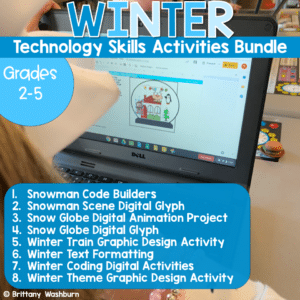
- Snowman Code Builders
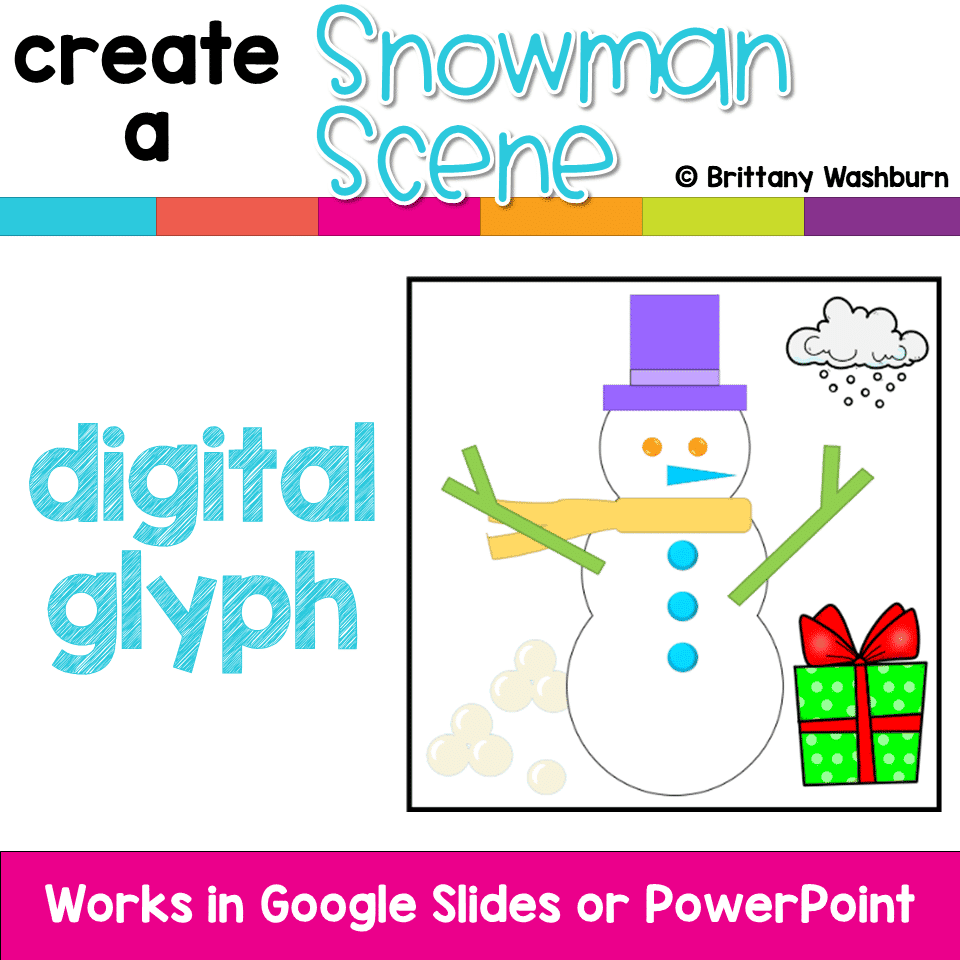
- Snowman Scene Digital Glyph
- Snow Globe Digital Animation Project
- Snow Globe Digital Glyph
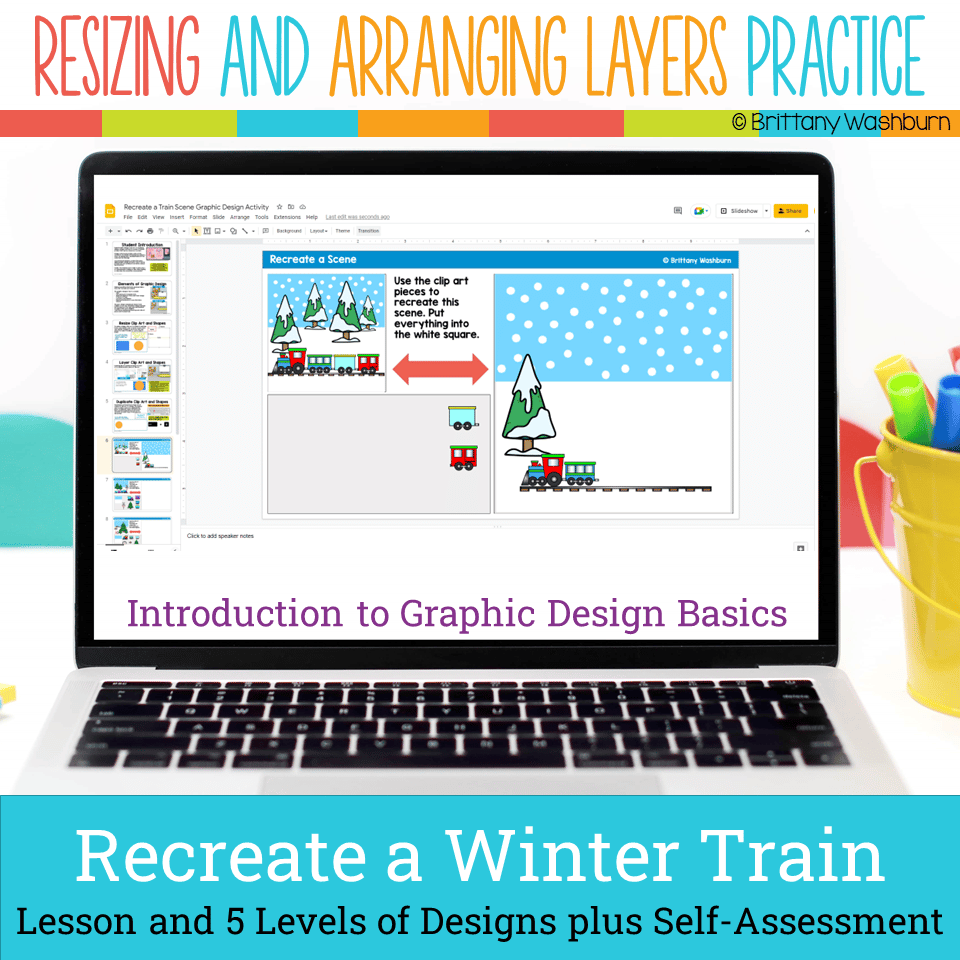
- Winter Train Graphic Design Activity
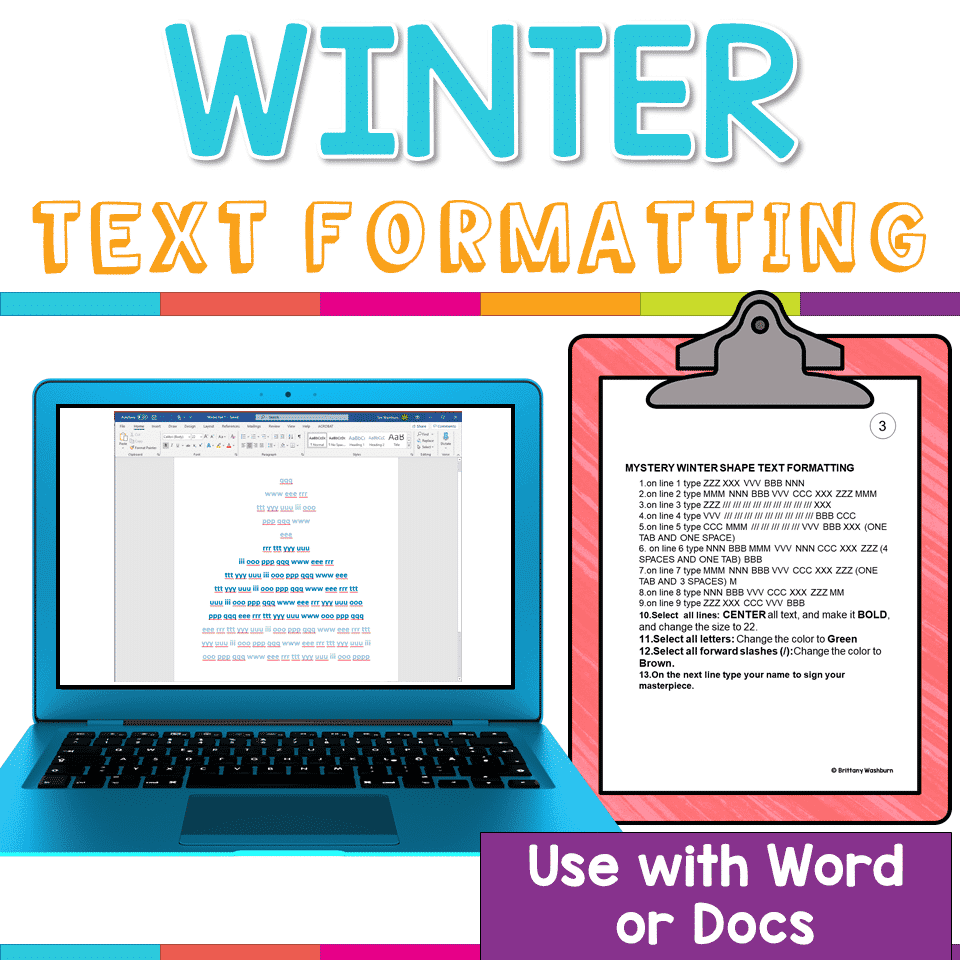
- Winter Text Formatting
- Winter Coding Digital Activities
- Winter Theme Graphic Design Activity
Winter Technology Skills Digital Activities Bundle
Original price was: $29.50.$23.60Current price is: $23.60.
Description
- Snowman Code Builders
- Snowman Scene Digital Glyph
- Snow Globe Digital Animation Project
- Snow Globe Digital Glyph
- Winter Train Graphic Design Activity
- Winter Text Formatting
- Winter Coding Digital Activities
- Winter Theme Graphic Design Activity
Additional information
| Resource Type | Bundle, Centers/Stations, Digital Activity |
|---|---|
| Format | Google Apps |
| Season / Holiday | Winter |
| Standards | ISTE, CSTA, CCSS ELA, TEKS Technology Applications |
This resource supports the following standards.
ISTE Standards for Students
- 1.1.d – Understand technology operations and troubleshoot
- 1.4.a – Use a design process to create solutions
- 1.5.c – Break problems into parts
- 1.5.d – Use algorithmic thinking
- 1.6.a – Choose the right tools to communicate
- 1.6.b – Create original works or remix digital resources
CSTA K-12 Computer Science Standards
- 1A-AP-08 – Create and follow algorithms
- 1A-AP-10 – Develop programs with sequences and loops
- 1A-AP-11 – Decompose the steps to solve a problem
- 1A-CS-01 – Select and operate software for a variety of tasks
- 1B-AP-10 – Programs with sequences, events, loops and conditionals
- 1B-AP-11 – Decompose problems into smaller parts
Common Core State Standards
- W.2.6 – Use digital tools to produce and publish writing
- W.3.6 – Use technology to publish writing, using keyboarding skills
- W.4.6 – Keyboarding: type at least one page in a single sitting
- W.5.6 – Keyboarding: type at least two pages in a single sitting
Texas TEKS: Technology Applications (19 TAC Chapter 126)
- Gr 2: (c)(1)-(2) Computational thinking, (c)(3) Creativity and innovation, (c)(6) Communicating and publishing, (c)(10)(C) Software applications
- Gr 3-5: (c)(1)-(2) Computational thinking, (c)(3) Creativity and innovation, (c)(7) Communicating and publishing, (c)(11) Software applications
You must be logged in to post a review.
What teachers said on TPT
Rated 5.0 out of 5 by 4 teachers on Teachers Pay Teachers.
“This is a very engaging way to get students practicing their basic tech and coding skills. The theme was perfect for December/January!”
— Amanda R., TPT review
“This is one of my favorite go to bundles when I am planning for the winter months . The students love the activities.”
— Kate M., TPT review
“My students enjoyed this activity. It was fun seeing them work as a team and learning.”
— nakita K., TPT review
Related Products
-

Full Year Timely Tech All in One
Original price was: $198.00.$158.40Current price is: $158.40. -

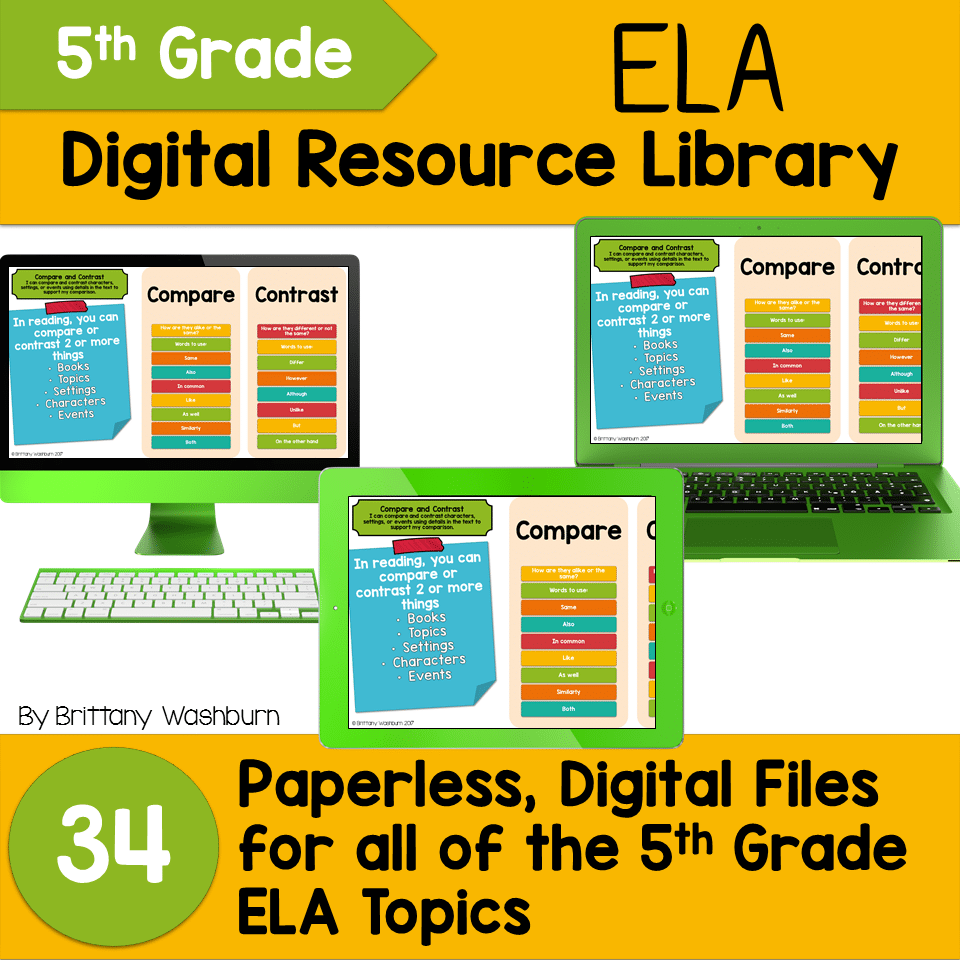
5th Grade ELA Standards Digital Resource Library BUNDLE
Original price was: $27.20.$24.48Current price is: $24.48. -
5th Grade Language Standards Digital Resource Library
Original price was: $16.00.$14.40Current price is: $14.40. -
5th Grade Reading Standards Digital Resource Library
Original price was: $16.00.$12.80Current price is: $12.80.



You didn’t become a tech teacher to spend your weekends building lessons from scratch. I’m Brittany, a technology curriculum specialist with 1,000+ ISTE-aligned resources designed specifically for K–8 computer lab teachers.
My ready-made digital and printable resources cover everything from digital citizenship and coding fundamentals to multimedia creation and computer essentials, so your planning is handled and your students stay engaged.
Every resource is built to align with ISTE Standards, save you time, and actually work in a computer lab setting, because I’ve taught in one myself.
Browse my bestsellers, or explore by grade level or topic to find exactly what you need.
Reviews
There are no reviews yet.