


✅ Shop with Confidence
- 🔒 Secure Checkout – Your payment is safe and protected.
- ⭐ Quality Guaranteed – Store credit refunds if something isn’t right.
- 🎉 Earn Rewards – Get points for every dollar spent & redeem as store credit!
👉 Add to Cart and start using this resource today
Technology Parts with Labels Display or Bulletin Board
Original price was: $7.00.$5.50Current price is: $5.50.
Start your year off right with this bulletin board or display. 77 technology/computer parts with labels. Just print and set up!
Technology Parts with Labels Display or Bulletin Board
Original price was: $7.00.$5.50Current price is: $5.50.
Description
Start your year off right with this bulletin board or display. 77 technology/computer parts with labels. Just print and set up!
Any teacher who teaches about technology and wants to display the parts of the computer both inside and out for students to see (and to have a super colorful and cute bulletin board)
What is included?
• 77 computer or technology graphics with labels
• I’ve included everything I could think of and find a picture, clipart, or icons of
This set is designed to meet the needs of grades K-8. The colors are timeless and bright so you can use them with any grade level and they will be perfectly appropriate.
Why you need this in your life:
With all of the current style trends out there, why not go with a colorful classic that is sure to be in style for years? It will save you time and money down the road when you don’t have to redecorate your classroom just because a color or trend went out of style. Print and laminate once and you’re good to go!
Additional information
| Resource Type | Posters & Decor |
|---|---|
| Format | |
| Topic | Classroom Decor & Teacher Tools |
135 reviews for Technology Parts with Labels Display or Bulletin Board
You must be logged in to post a review.
What teachers said on TPT
Rated 4.9 out of 5 by 135 teachers on Teachers Pay Teachers.
“This is a great resource for visually being able to show students parts of the computer. This allows me to show them parts that are not always visible as we talk about each of the parts that they use. The pictures also give them perspective when their computer looks slightly different than other ones. Great resource!”
— Heather G., TPT review
“I loved the technology photos. I printed them and laminated them. I have them posted on the wall and review them with the students each day. I teach (K-2) computers. This was a very helpful resource. This resource also worked great with the technology sorts game I also purchased. I was able the check their knowledge about what they had been learning. This was aligned with the Mississippi CCSS for computer science for (K-2) technology. Great resource!”
— Mallissa G., TPT review
“I purchased this item to use in my new technology classroom. I am very excited to use this material at the beginning of the school year when I plan to teach about computer parts. I will have them accessible to refer to throughout the school year.”
— Susan S., TPT review
Related Products
-

Technology Themed Decor for the Computer Lab Bundle
Original price was: $68.50.$61.65Current price is: $61.65. -

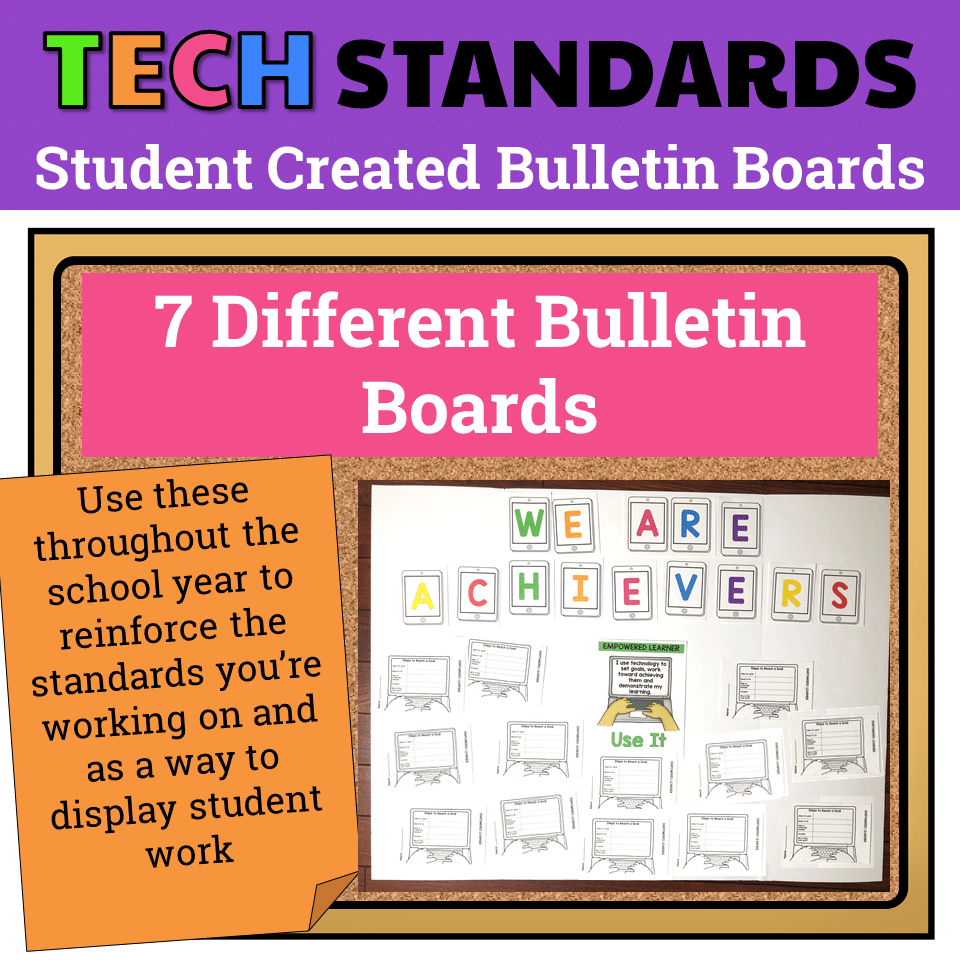
7 Technology Standards Student Created Bulletin Boards
Original price was: $21.00.$14.00Current price is: $14.00. -
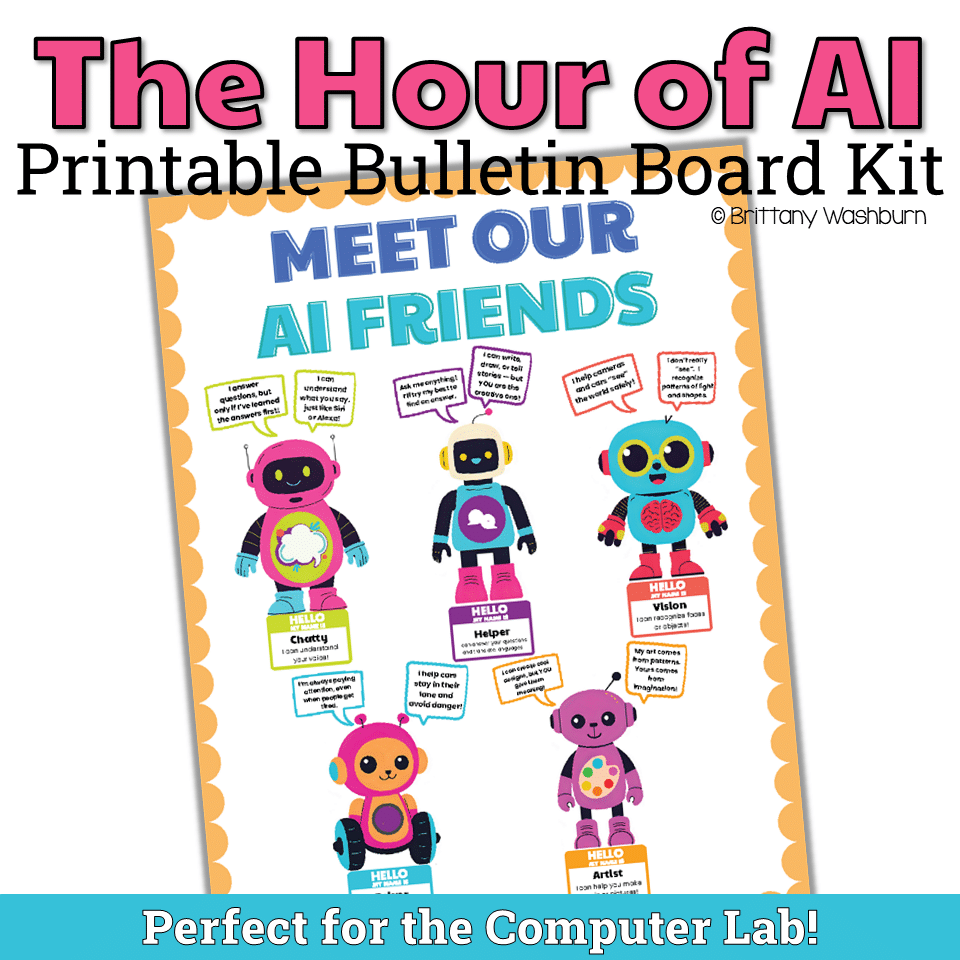
AI Friends Bulletin Board Kit
$3.00 -
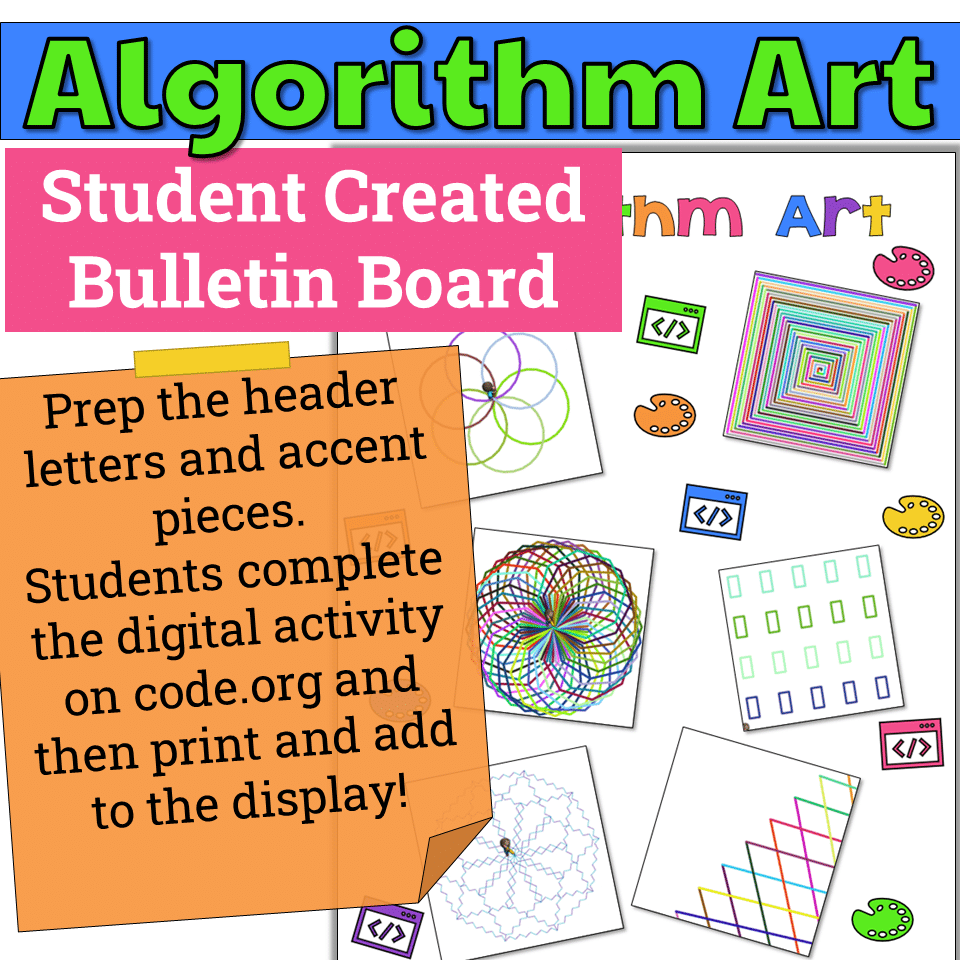
Algorithm Art Student Created Bulletin Board
$2.50


You didn’t become a tech teacher to spend your weekends building lessons from scratch. I’m Brittany, a technology curriculum specialist with 1,000+ ISTE-aligned resources designed specifically for K–8 computer lab teachers.
My ready-made digital and printable resources cover everything from digital citizenship and coding fundamentals to multimedia creation and computer essentials, so your planning is handled and your students stay engaged.
Every resource is built to align with ISTE Standards, save you time, and actually work in a computer lab setting, because I’ve taught in one myself.
Browse my bestsellers, or explore by grade level or topic to find exactly what you need.

Wavelength Instructional Systems –
Verified TPT reviewI am planning to use this resource as flashcards for lower elementary.
Pam A. –
Verified TPT reviewHelpful for young students!
Andrea M. –
Verified TPT reviewNice and easy to use to decorate my computer lab and to use as a quick reference when needed.
Jenni W. –
Verified TPT reviewUtilizing this resource as a matching game
Ingrid’s Shop –
Verified TPT reviewSuper Easy, print, laminate and they’re ready to go. Can be a bulletin board or used as part of a lesson.
Sue Proctor –
Verified TPT reviewGreat help in improving student’s technology vocabulary. Thanks!
Jeanette O. –
Verified TPT reviewGreat image to show class when learning parts of the computer, then I used the images on my bulletin board.
Kim H. –
Verified TPT reviewI like the real life pictures to help show the parts of the computer.
Brenda Gerken –
Verified TPT reviewGreat resource! Thanks!
Bilingual Sunshine –
Verified TPT reviewExactly what my students need!
Erin B. –
Verified TPT reviewExcellent
Edward B. –
Verified TPT reviewReady and easy to use
Alexandra B. –
Verified TPT reviewWell organized and very helpful.
kristina Sickmeier –
Verified TPT reviewThanks!
Stephanie B. –
Verified TPT reviewEasiest bulletin boards ever and I will have plenty of options to switch out my bulletin boards mid-year. I also printed them four on a page and plan to cut off the label and tape it to the back to make flashcards.
Brooke Beverly –
Verified TPT reviewI would love for this resource if to have a picture of a CPU that the monitor sits on size vs just the tower since we have those at our school. Great picture representations for my little learners otherwise!
Stephanie S. –
Verified TPT reviewI will be using this with my 3rd-5th grade classes, and as a reminder for my 6th graders this year.
Tarja T. –
Verified TPT reviewYou made my room look great! even while learning lol!
kimberly D. –
Verified TPT reviewThis will be a quick, and attractive bulletin board.
Lisa C. –
Verified TPT reviewGreat resource, looks good in my computer lab