


✅ Shop with Confidence
- 🔒 Secure Checkout – Your payment is safe and protected.
- ⭐ Quality Guaranteed – Store credit refunds if something isn’t right.
- 🎉 Earn Rewards – Get points for every dollar spent & redeem as store credit!
👉 Add to Cart and start using this resource today
Mouse Cursor Symbols Bulletin Board
$3.00
Hold your students accountable for navigating a computer independently with this Cursor Symbols bulletin board or display. Stylish yet academic posters, with letters to use as a heading. Just print and set up!
Mouse Cursor Symbols Bulletin Board
$3.00
Description
Hold your students accountable for navigating a computer independently with this Cursor Symbols bulletin board or display. Stylish yet academic posters, with letters to use as a heading. Just print and set up!
What is included?
• 19 Cursor Symbols. Take a look at the preview to see them. Icons are provided in both color and black and white to meet your printing needs.
• 2 color options of letters for the header in both color and black and white.
• BONUS Digital Matching Activity for the Cursor Icons. QR Code provided to add to your bulletin board. Activity works on any browser on any device!
This set is designed to meet the needs of grades K-8. The colors are timeless and bright so you can use them with any grade level and they will be perfectly appropriate.
Why you need this in your life:
With all of the current style trends out there, why not go with a colorful classic that is sure to be in style for years? It will save you time and money down the road when you don’t have to redecorate your classroom just because a color or trend went out of style. Print and laminate once and you’re good to go!
This bulletin board is both academic and decorative. Best of both worlds!
Additional information
| Topic | Classroom Decor & Teacher Tools, Mouse Skills |
|---|---|
| Resource Type | Posters & Decor |
| Works with | Web browser |
| Made for | Teachers |
42 reviews for Mouse Cursor Symbols Bulletin Board
Reviewers earn rewards points for any honest review they leave, positive or negative.
You must be logged in to post a review.
What teachers said on TPT
Rated 4.9 out of 5 by 42 teachers on Teachers Pay Teachers.
“I purchased this item to use in my new technology classroom. I am very excited to put it up and the symbols to be large enough for every student to see the symbols instead of trying to show them on the board or on a computer.”
— Susan S., TPT review
“It does not matter how big your screen is, students will always need a better visual of the cursor symbols you use. This is a wonderful product for teachers trying to explain the basics. Highly recommend!”
— Tina S., TPT review
“I printed, laminated, and stapled these up in a row across the top of my classroom. Refer to this on a regular basis!”
— Brittni R., TPT review
Related Products
-

Technology Themed Decor for the Computer Lab Bundle
Original price was: $68.50.$61.65Current price is: $61.65. -

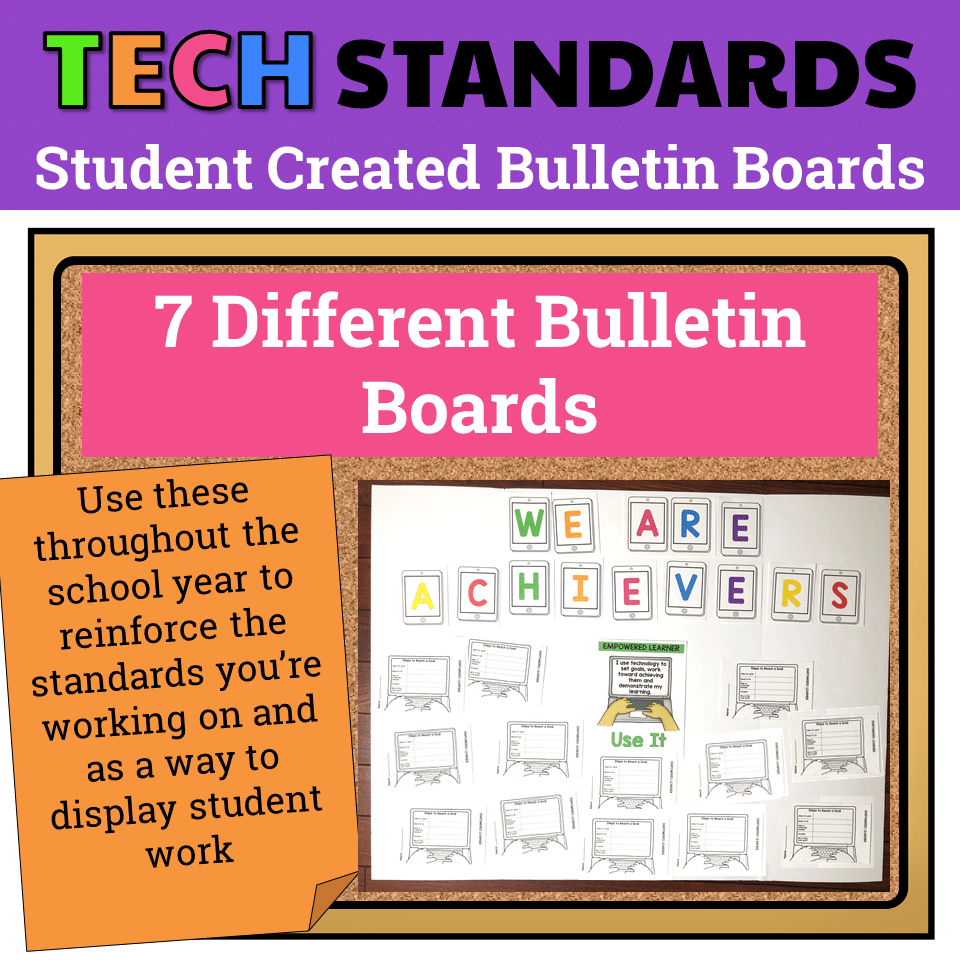
7 Technology Standards Student Created Bulletin Boards
Original price was: $21.00.$14.00Current price is: $14.00. -
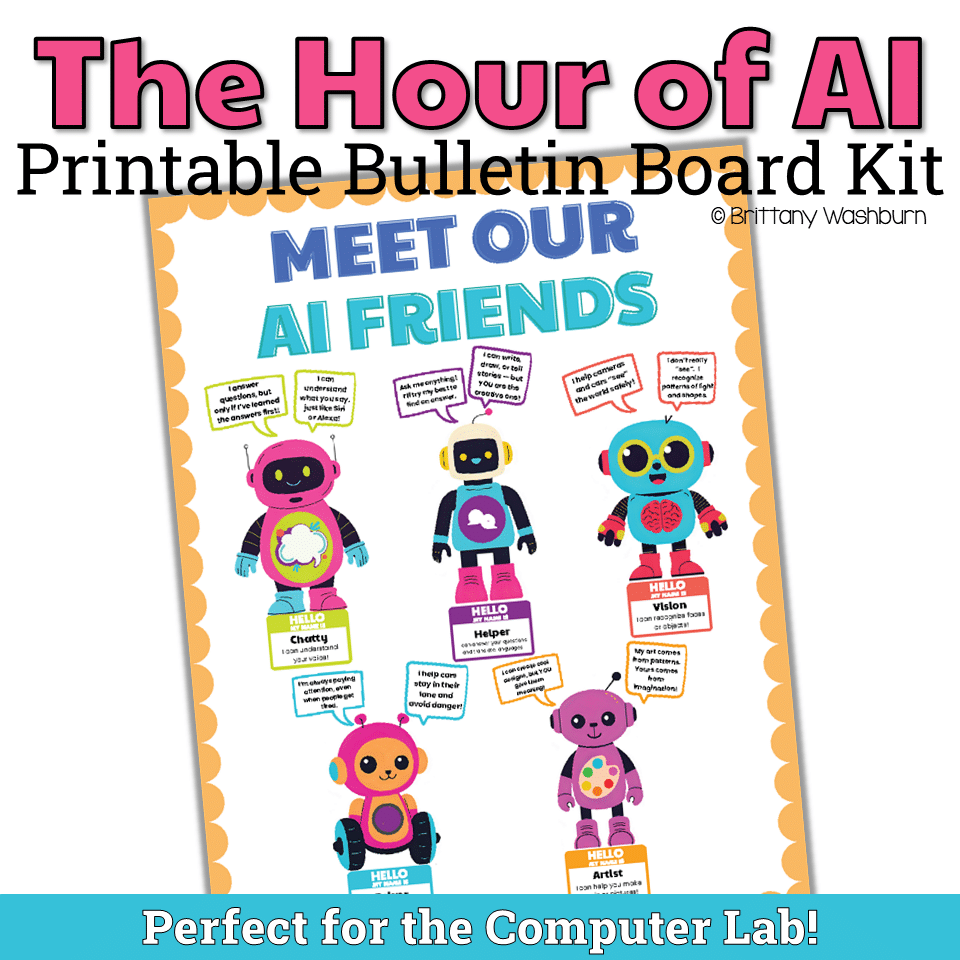
AI Friends Bulletin Board Kit
$3.00 -
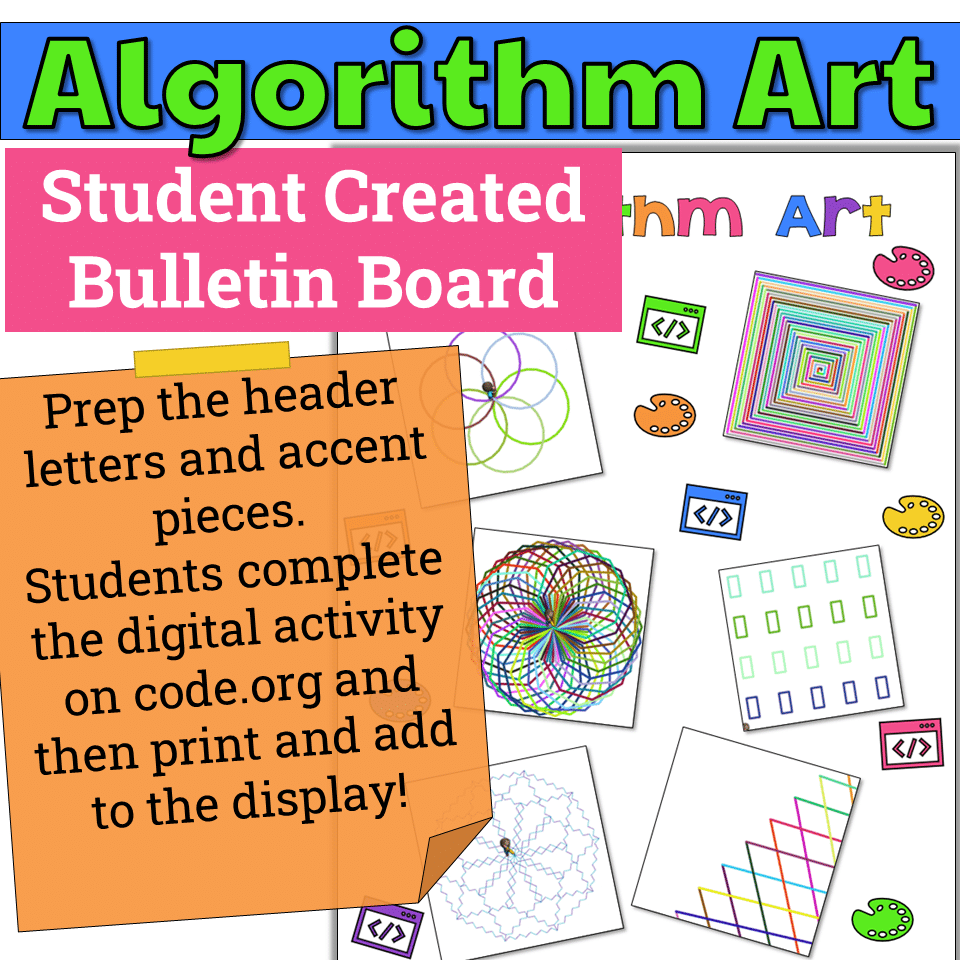
Algorithm Art Student Created Bulletin Board
$2.50


You didn’t become a tech teacher to spend your weekends building lessons from scratch. I’m Brittany, a technology curriculum specialist with 1,000+ ISTE-aligned resources designed specifically for K–8 computer lab teachers.
My ready-made digital and printable resources cover everything from digital citizenship and coding fundamentals to multimedia creation and computer essentials, so your planning is handled and your students stay engaged.
Every resource is built to align with ISTE Standards, save you time, and actually work in a computer lab setting, because I’ve taught in one myself.
Browse my bestsellers, or explore by grade level or topic to find exactly what you need.

Caralee S. –
Verified TPT reviewSo glad I didn’t have to make these myself! Love having them on my wall for quick reference.
Melissa F. –
Verified TPT reviewPerfect for my empty bulletin board!
Kimberly J. –
Verified TPT reviewResources mouse skills.
Trish F. –
Verified TPT reviewI love all of Brittany’s resources! Thank you!
Terri M. –
Verified TPT reviewGreat Resource
Nancy S. –
Verified TPT reviewPrint, cut and hang! Next, refer repeatedly to board when referencing the various cursors in an app. Score!
Snap and Teach –
Verified TPT reviewGreat product.
Jaclyn Gabriele –
Verified TPT reviewCan’t wait to put these up!
Susan S. –
Verified TPT reviewI love these because they are so easy for me to show kids what cursor I am talking about and they can actually see them.
Dara Jeffries –
Verified TPT reviewPerfect for my bulletin board
kimberly D. –
Verified TPT reviewI love these it is so much easier to show the kids these than point to the screen!
Kim Borneman –
Verified TPT reviewGreat Resource! Thank you!
Angela J. –
Verified TPT reviewLove your products. I have lots of them. Thanks for the wonderful resource.
Melissa D. –
Verified TPT reviewGreat resource to have in a computer lab. It’s a good reminder for the students. I can’t wait to make a new bulletin board this year!
Byte Sized Resources –
Verified TPT reviewUseful and pretty!
Sherida W –
Verified TPT reviewGreat resource! Thank you!
Susan Eveland –
Verified TPT reviewNeeded these and really didn’t have time to search for and make my own! Thanks!
Candice K. –
Verified TPT reviewGreat designs, perfect for helping students remember mouse icons.
Breakthrough Ideas –
Verified TPT reviewvery beneficial for students to have in the lab as a resource on the wall.
joann F. –
Verified TPT reviewLove how bright these are they are going to look great in my lab. They are also going to be helpful remember for my kiddos and help them become more independent