


✅ Shop with Confidence
- 🔒 Secure Checkout – Your payment is safe and protected.
- ⭐ Quality Guaranteed – Store credit refunds if something isn’t right.
- 🎉 Earn Rewards – Get points for every dollar spent & redeem as store credit!
👉 Add to Cart and start using this resource today
Digital Breakout Challenges
$3.00
Using technology and problem solving skills, students decipher codes to help save Max from cyberspace. This is a great activity to introduce students to the escape the classroom challenges, and it is fully digital! I’m calling it a digital breakout because students enter the final codes into a locked Google Form to see if they save Max.
Digital Breakout Challenges
$3.00
Description
Using technology and problem solving skills, students decipher codes to help save Max from cyberspace. This is a great activity to introduce students to the escape the classroom challenges, and it is fully digital! I’m calling it a digital breakout because students enter the final codes into a locked Google Form to see if they save Max.
This activity can be done in Google Slides or PowerPoint, so it is flexible to meet your technology needs.
There are 5 codes to decipher and they require a mix of skills, so this makes a great partner or small group activity. Most groups should be able to complete it in 30-45 minutes.
Anxious about Google Slides or Google Classroom?
Get this free Google Slides Vocabulary Poster that makes a great mini lesson to introduce your students to Google Slides for the first time.
If you’ve never purchased from me before, I love designing technology infused lessons for the classroom teacher, as well as technology skills lessons for the computer lab teacher. Check out my store if you need these types of resources.
With this resource you will receive a link to a file to be shared with your students in Google Classroom.
**BENEFITS OF GOOGLE CLASSROOM**
♥ PAPERLESS!
♥ INTEGRATE TECHNOLOGY INTO THE CLASSROOM!
♥ IMPROVE STUDENT COMPUTER SKILLS!
♥ INCREASE STUDENT ENGAGEMENT!
♥ ACCESS MATERIALS ANYWHERE!
Do you have a Google Classroom? Are you looking for digital ways to incorporate common core skills and make your students more adept at utilizing technology in their daily learning? If so, then this is the product for you!
Don’t have Google accounts yet? No problem! Students can still access this presentation if you set it to be “Anyone with the link can edit”. They can add text, just not images. You would have to create a separate presentation for each student and supply them with the url. This product comes as a link in a folder. First, make sure you are signed into your Google account. Double click the link and you will be prompted to “Make a Copy”. Rename the Writing Journal whatever you would like. It will be sent directly to your drive! Disperse to your students via Google Classroom, Google Drive Shared folder, your Learning Platform, etc.
Copyright Brittany Washburn. All rights reserved by author. This product is to be used by the original downloader only. Copying for more than one teacher, classroom, department, school, or school system is prohibited. This product may not be distributed or displayed digitally for public view. Failure to comply is a copyright infringement and a violation of the Digital Millennium Copyright Act (DMCA). Clipart and elements found in this file are copyrighted and cannot be extracted and used outside of this file without permission or license. Intended for classroom and personal use ONLY. See product file for clip art and font credits.
Connect with other Technology Teachers
If you’re interested in connecting with other technology teachers, check out the Technology Teacher Tribe Group on Facebook.
Additional information
| Resource Type | Digital Activity |
|---|---|
| Format | Google Apps, PDF |
| Standards | ISTE, CCSS ELA, TEKS Technology Applications |
This resource supports the following standards.
ISTE Standards for Students
- 1.1.d – Understand technology operations and troubleshoot
- 1.3.a – Use effective research strategies
- 1.3.b – Evaluate accuracy and credibility of sources
- 1.5.d – Use algorithmic thinking
Common Core State Standards
- W.3.8 – Gather information from print and digital sources
- W.4.8 – Gather information from print and digital sources
- W.5.8 – Gather information from print and digital sources
- RI.3.5 – Use search tools such as key words and hyperlinks
Texas TEKS: Technology Applications (19 TAC Chapter 126)
- Gr 3-5: (c)(1)-(2) Computational thinking, (c)(5) Collecting data and research, (c)(11) Software applications
435 reviews for Digital Breakout Challenges
You must be logged in to post a review.
What teachers said on TPT
Rated 4.8 out of 5 by 433 teachers on Teachers Pay Teachers.
“This resource was tailored just perfectly for our students. I teach all K-5 students in my school Computer Science, this activity touched on many of the lessons the students have already completed allowing me to use this as a summative grade for many of them.”
— misskraxberger, TPT review
“This was an awesome breakout! My students loved it. It was challenging enough to keep them interested and thinking yet simple enough so that they were able to solve in less than 45 minutes. It was awesome watching them as the "light turned on" when they figured out some of the clues. They are asking for more.”
— Janet C., TPT review
“This was the first digital breakout I gave my third grade students and they loved it. Puzzles were challenging for third grade and the majority of teams needed hints and prompting. With hints, students successfully completed the games and were very excited when they finished.”
— Danielle S., TPT review
Related Products
-

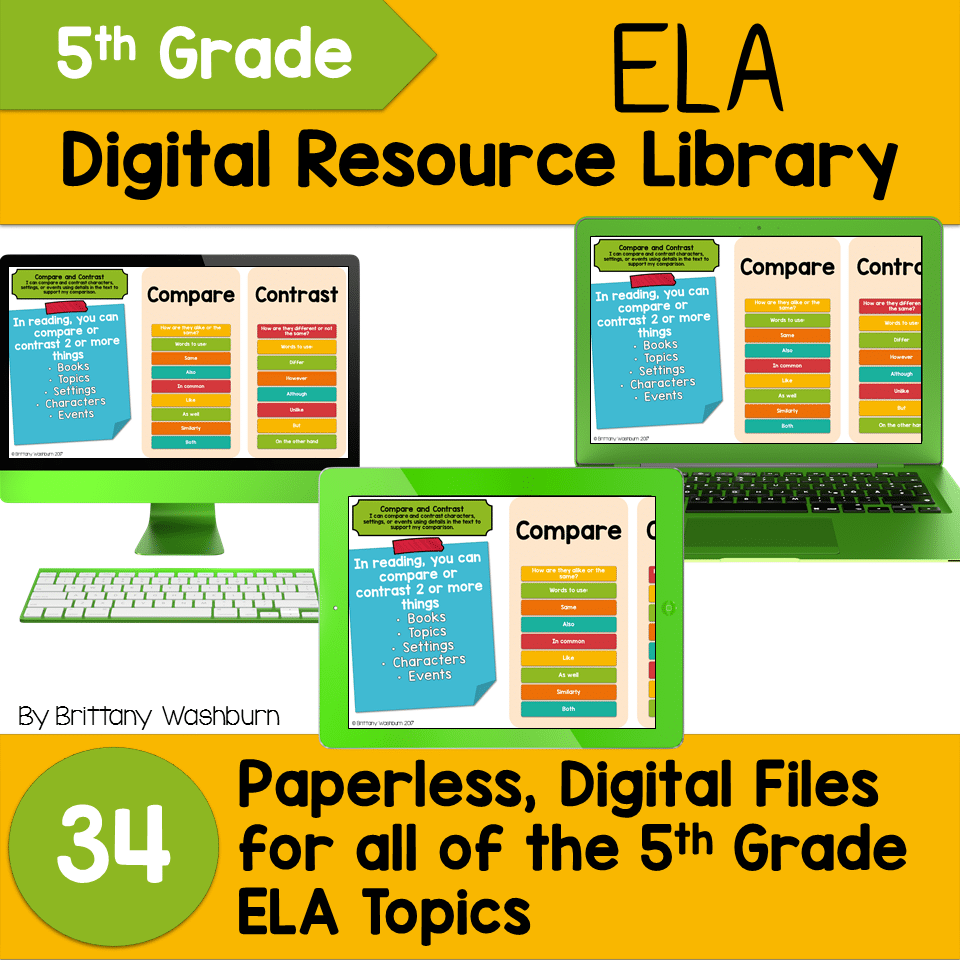
5th Grade ELA Standards Digital Resource Library BUNDLE
Original price was: $27.20.$24.48Current price is: $24.48. -
5th Grade Language Standards Digital Resource Library
Original price was: $16.00.$14.40Current price is: $14.40. -

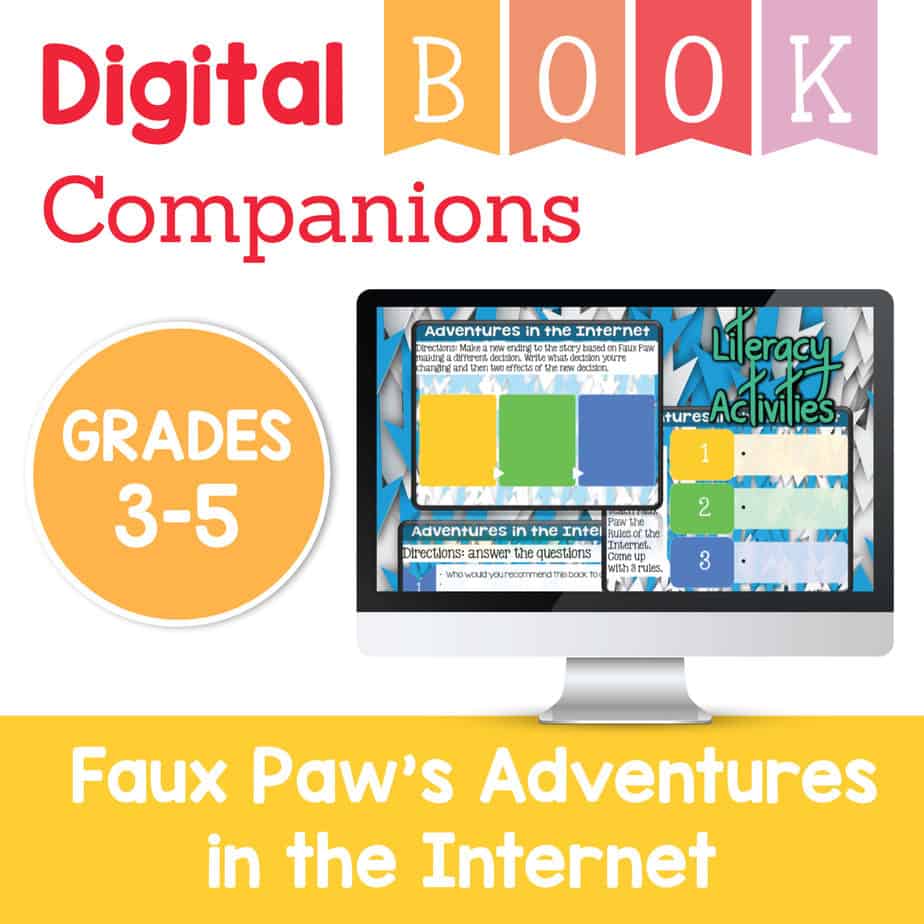
Adventures in the Internet Digital Book Companion – Grades 3-5
$3.00 -

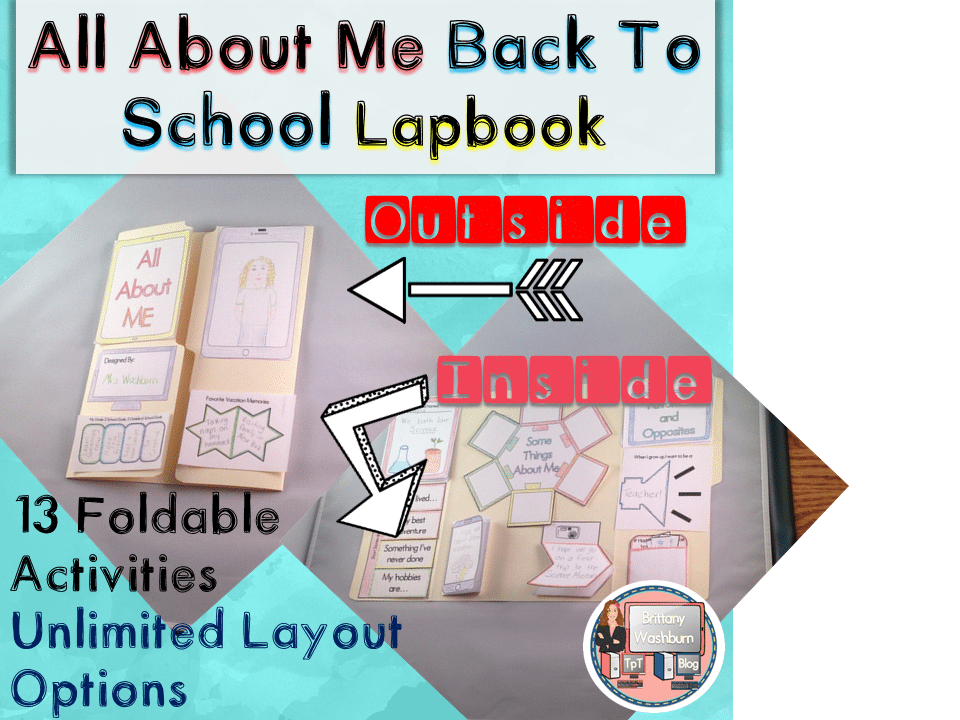
All About Me Book with Technology Theme
$3.50


You didn’t become a tech teacher to spend your weekends building lessons from scratch. I’m Brittany, a technology curriculum specialist with 1,000+ ISTE-aligned resources designed specifically for K–8 computer lab teachers.
My ready-made digital and printable resources cover everything from digital citizenship and coding fundamentals to multimedia creation and computer essentials, so your planning is handled and your students stay engaged.
Every resource is built to align with ISTE Standards, save you time, and actually work in a computer lab setting, because I’ve taught in one myself.
Browse my bestsellers, or explore by grade level or topic to find exactly what you need.

Monica C. –
Verified TPT reviewThis activity was a great way to introduce my students to breakout challenges. They had fun and asked to do more.
Shelia N. –
Verified TPT reviewMy students are loving these!
Megan Sangren –
Verified TPT reviewThis resource is very engaging and well put together. My students loved trying to solve all the cules and it helped them work on different mouse and computer skills!
Nicole K. –
Verified TPT reviewMy students enjoyed this activity.
Laura W. –
Verified TPT reviewThis was so much fun!!!
Christina Asman –
Verified TPT reviewThis was a challenge for my 3rd graders but they had fun trying to solve the puzzles.
Tara G. –
Verified TPT reviewReally fun activity!
Tammy G. –
Verified TPT reviewI actually used this with my accelerated firsties. They loved it!
Kristina C. –
Verified TPT reviewGreat!
Learning in Bliss –
Verified TPT reviewI love the idea of digital breakout rooms, especially now when we have to rethink how we do things. This activity made me realize how often our firewall blocks activities. The best laid plans don’t always work the same for a student issued school device as it does on a teacher’s device. With some quick thinking, I was able to work around the problem. In the future, I will use a student device. IT is willing to whitelist, I just need to check through things first. I should know better! Thanks for this intro activity! It was great to be able to collaborate in a different way.
Rouse’s Room –
Verified TPT reviewI did this during a live Zoom call and shared my screen. The kids and I had a great time!
MB C. –
Verified TPT reviewGreat!
Beth C. –
Verified TPT reviewGreat product, thank you!
Digital Diva –
Verified TPT reviewWhen we went from in-person to virtual within the span of 48 hours this resource was a LIFE saver. And it was easy to implement. WIN-WIN
Julie R. –
Verified TPT reviewMy students are enjoying the problem solving activities.
Jen Washburn –
Verified TPT reviewWould love it more if it was more teacher friendly.
Crystal P. –
Verified TPT reviewThis was a fun Friday resource for my students.
Megan P. –
Verified TPT reviewGreat resource!
Kristen K. –
Verified TPT reviewMy students love solving escape rooms! It is great when they can learn things while doing them also!
Aimee H. –
Verified TPT reviewSo much fun!