


✅ Shop with Confidence
- 🔒 Secure Checkout – Your payment is safe and protected.
- ⭐ Quality Guaranteed – Store credit refunds if something isn’t right.
- 🎉 Earn Rewards – Get points for every dollar spent & redeem as store credit!
👉 Add to Cart and start using this resource today
Computer Station Cards
$2.50
Have your students make themselves a computer station card on the first day of class. It is the best way to start the school year and set your students up for success. For you, it is a name tag and has their login information all in one place- Score!. For students, it has the class rules, the proper keyboarding hand placements, and their login information all in one place. Yay!
Computer Station Cards
$2.50
Description
Have your students make themselves a computer station card on the first day of class. It is the best way to start the school year and set your students up for success. For you, it is a name tag and has their login information all in one place- Score!. For students, it has the class rules, the proper keyboarding hand placements, and their login information all in one place. Yay!
Updated July 2020 with a Digital Version.
Save yourself the headache of reteaching and the excuses about not knowing how to get logged into a program with these computer station cards.
In this file I give you 3 versions of the printable so you can decide how to print it.
1. Everything on one page- print one page per student
2. Just “tops”- great to print on card stock so it is a bit more durable
3. Just “bottoms”- quick and easy copying. Fun to print on colored paper if you don’t have crayons or markers for your students.
I hope you and your students really enjoy having computer station cards!
Product Terms:
Copyright © Brittany Washburn. Purchasing this file entitles you to ONE classroom use. You may use this with multiple classes but may not share with any other teachers. Copying for more than one teacher, classroom, department, school, or school system is prohibited. This product may not be distributed or displayed digitally for public view. Failure to comply is a copyright infringement and a violation of the Digital Millennium Copyright Act (DMCA). Clipart and elements found in this PDF are copyrighted and cannot be extracted and used outside of this file without permission or license. If multiple licenses are needed for use my more than one teacher or in more than one computer lab, additional licenses are discounted.
If you’re interested in connecting with other technology teachers, check out the Technology Teacher Talk Group on Facebook.
Connect with me on social media!
Additional information
| Topic | Classroom Decor & Teacher Tools |
|---|---|
| Resource Type | Centers/Stations |
| Made for | Teachers |
163 reviews for Computer Station Cards
Reviewers earn rewards points for any honest review they leave, positive or negative.
You must be logged in to post a review.
What teachers said on TPT
Rated 4.9 out of 5 by 163 teachers on Teachers Pay Teachers.
“Such a great resource for technology classes! The kids loved making these, and I love that they now have all their important information in one place. No more running back up to the classroom to find a password. We will continue to use this resource all year long. Thank you!!”
— Laura C., TPT review
“This resource was great for the first week of school. It was great for my students to be able to have the rules, keyboard guide, and "safe sites" all on one place they can easily access.”
— The Education Warren, TPT review
“This was perfect for the first day of logging into the computers. The students keep this in their lab folders and reference when needed. I would have liked to edit the keyboard to match the one they use in class (Chromebook).”
— Julie S., TPT review
Related Products
-

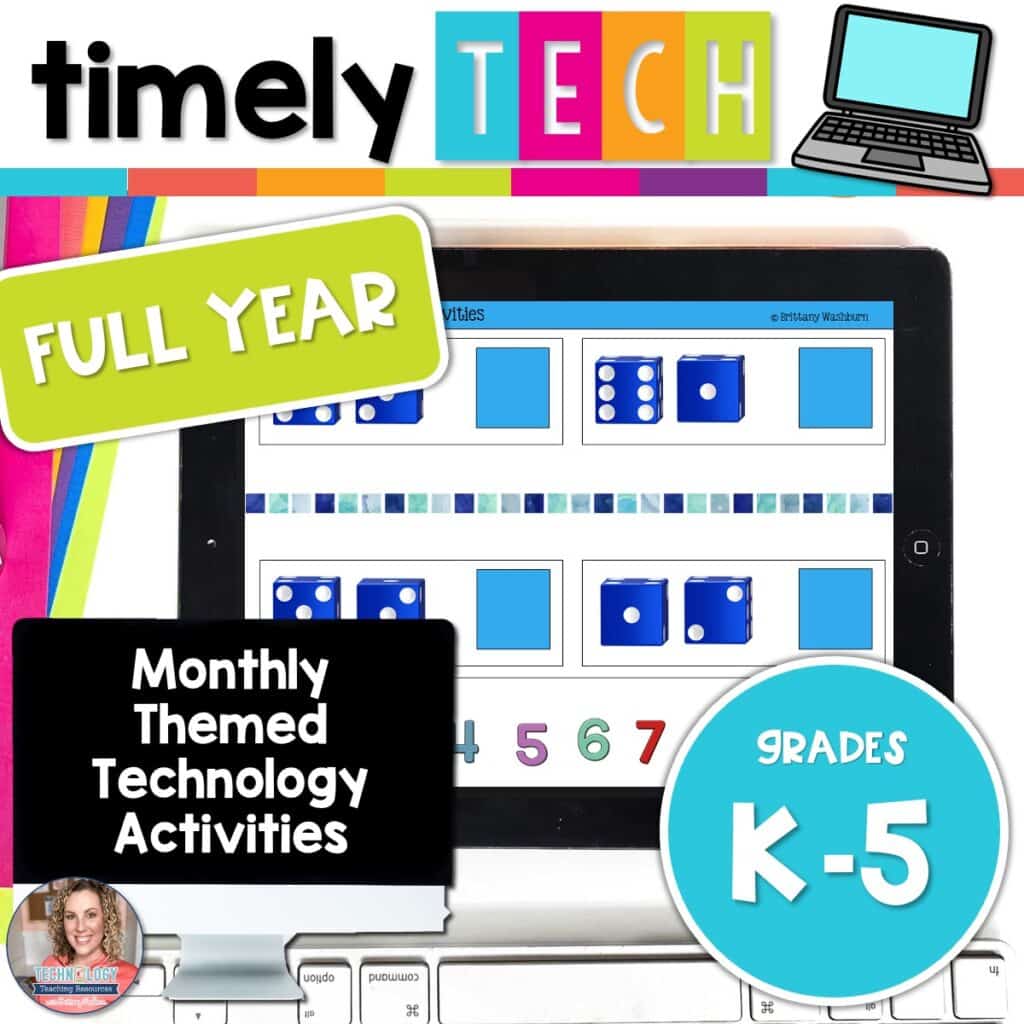
Full Year Timely Tech All in One
Original price was: $198.00.$158.40Current price is: $158.40. -

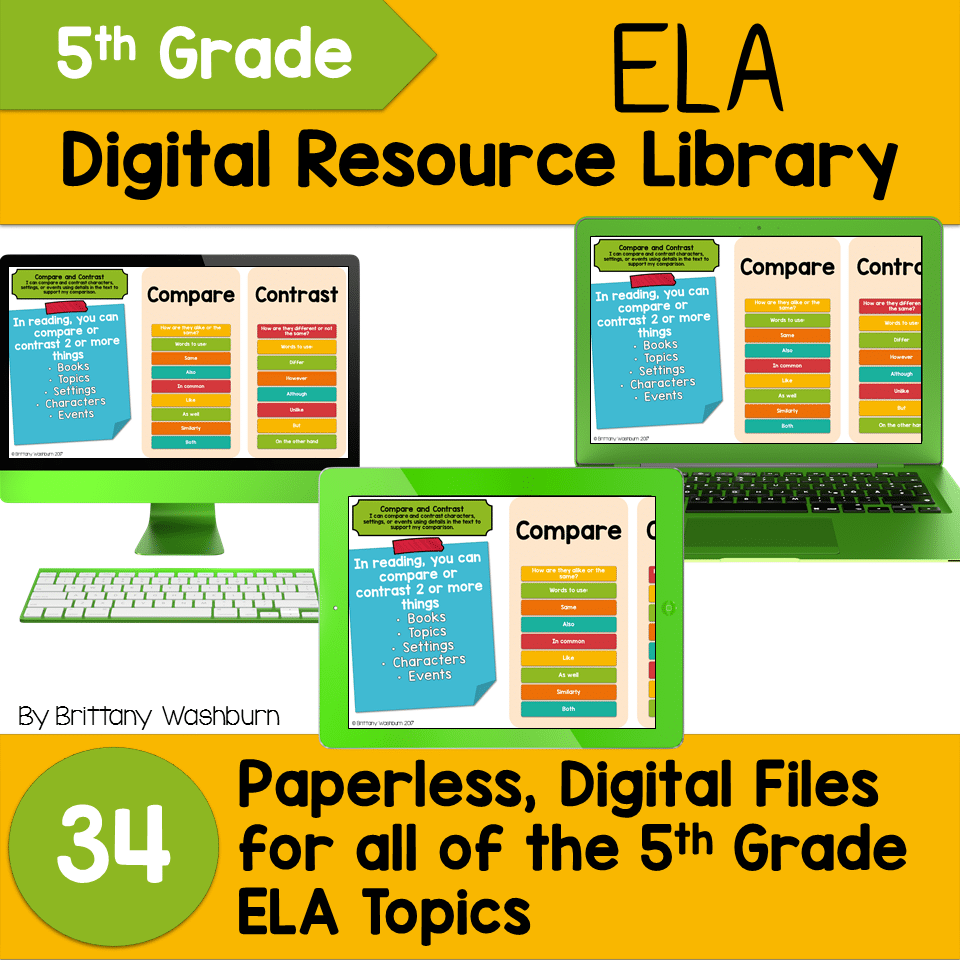
5th Grade ELA Standards Digital Resource Library BUNDLE
Original price was: $27.20.$24.48Current price is: $24.48. -
5th Grade Reading Standards Digital Resource Library
Original price was: $16.00.$12.80Current price is: $12.80. -

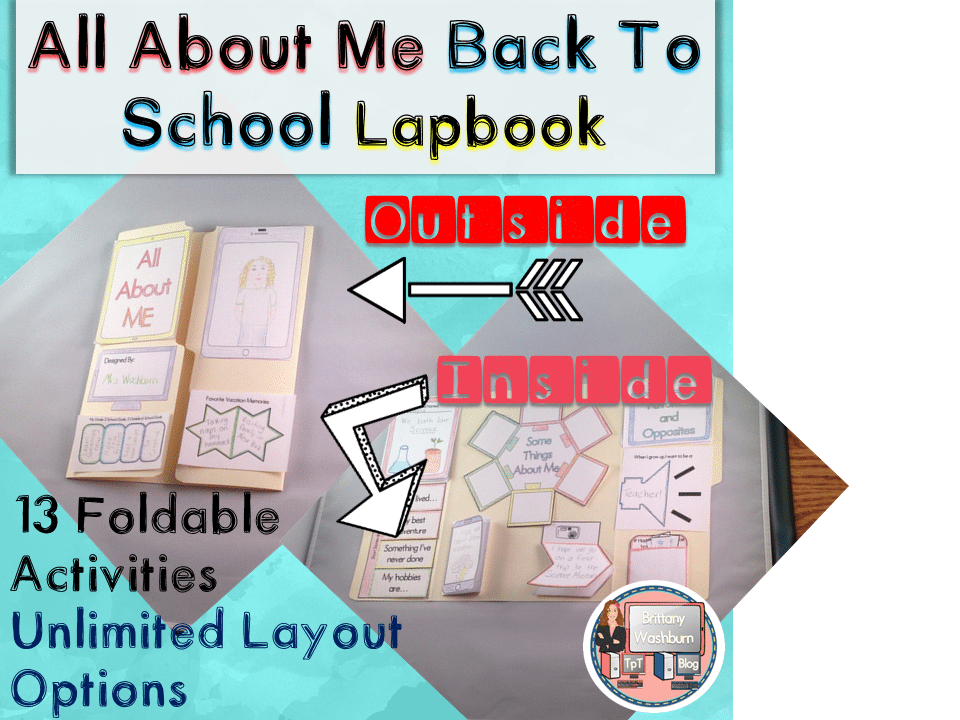
All About Me Book with Technology Theme
$3.50


You didn’t become a tech teacher to spend your weekends building lessons from scratch. I’m Brittany, a technology curriculum specialist with 1,000+ ISTE-aligned resources designed specifically for K–8 computer lab teachers.
My ready-made digital and printable resources cover everything from digital citizenship and coding fundamentals to multimedia creation and computer essentials, so your planning is handled and your students stay engaged.
Every resource is built to align with ISTE Standards, save you time, and actually work in a computer lab setting, because I’ve taught in one myself.
Browse my bestsellers, or explore by grade level or topic to find exactly what you need.

In Class with Mrs B –
Verified TPT reviewCan’t wait to use these in my classes. Cute!
Tracey DeMeritt –
Verified TPT reviewPerfect!
Christen Whitaker –
Verified TPT reviewThanks for another great resource.
K W. –
Verified TPT reviewloved the layout, wish there was a version that was more print and go for the wee little ones — cutting and writing in small spots too tricky for them, but LOVED the idea and worked with it
Brittany –
Thanks for the feedback. That’s why I labeled it for grades 2 and up. Maybe I should change it to grade 3.
Theresa R. –
Verified TPT reviewLove this activity. Was great for a substitute.
Ebony D. –
Verified TPT reviewLooking forward to trying this with my younger groups!
Mrs. DuPree’s Timesavers –
Verified TPT reviewGreat for my computer lab!!
Aimee Tatangelo –
Verified TPT reviewWhat a cool lesson. Thank you!
Katherine G. –
Verified TPT reviewLove this resource! Quick, easy, and engaging for the beginning of the school year!
Lacey V. –
Verified TPT reviewGreat 1st day activity for all my elementary classes
Morgan James –
Verified TPT reviewI really like them overall, however it isn’t the most practical for the glue and crayons in the computer lab. Better used for 1:1 schools in the classroom.
Brittany –
Sorry! I never have a problem with having students bring their pencil boxes to the lab as long as I let them know ahead of time.
Katie Hopp –
Verified TPT reviewcan’t wait to use it!
Julie Williams –
Verified TPT reviewI can’t wait to use with my students!!!
Tamara W. –
Verified TPT reviewAmazing! Can’t wait to print these out for the first days of class. This will help my kiddos get comfortable with the keyboard as well as get used to their logins. Not to mention a great resource for when they forget 😉
Michelle B. –
Verified TPT reviewPerfect for my computer lab students!
Yesenia U. –
Verified TPT reviewGreat resource for my first graders!
Sandra K. –
Verified TPT reviewI can’t wait to use this in the lab this year. Fabulous!
Journey of a Life Long Learner –
Verified TPT reviewAn amazing Back to School activity for my students….so excited to use them in two weeks 🙂 Thank you for a wonderful activity!
Mae’s Got This –
Verified TPT reviewThis is a wonderful resource thanks so much!!!!
LORI W. –
Verified TPT reviewwonderful activity for back to school!