
✅ Shop with Confidence
- 🔒 Secure Checkout – Your payment is safe and protected.
- ⭐ Quality Guaranteed – Store credit refunds if something isn’t right.
- 🎉 Earn Rewards – Get points for every dollar spent & redeem as store credit!
👉 Add to Cart and start using this resource today
Chromebook Basics & Care Unit
$10.00
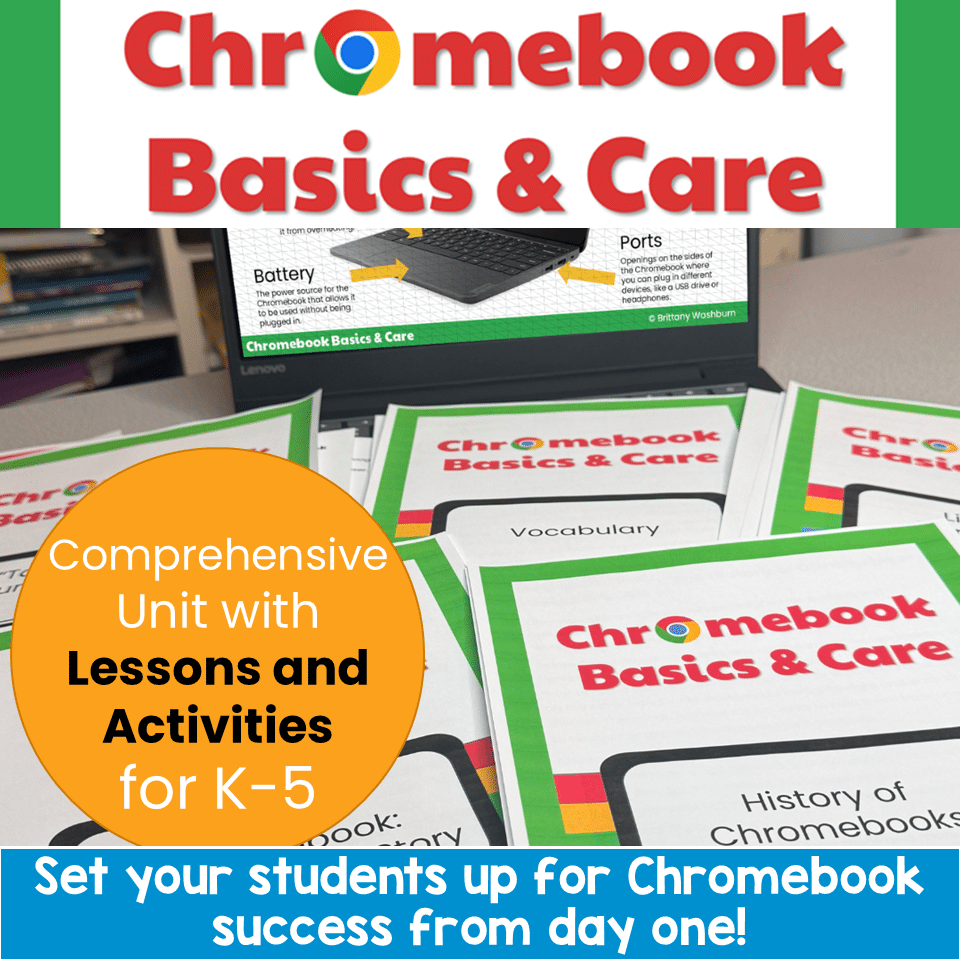
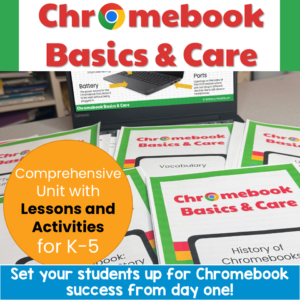
Set your students up for Chromebook success from day one! This complete Chromebook Basics & Care unit gives you everything you need to teach proper device use, care, and online safety. Perfect for 1:1 rollouts, back-to-school week, computer lab orientation, or sub plans.
With a 5-part suggested pacing guide, leveled stories and quizzes for differentiation, AND interactive Google Slides activities you can assign through Google Classroom, this unit works for your whole building.
Chromebook Basics & Care Unit
$10.00
Description
Set your students up for Chromebook success from day one! This complete Chromebook Basics & Care unit gives you everything you need to teach proper device use, care, and online safety. Perfect for 1:1 rollouts, back-to-school week, computer lab orientation, or sub plans.
With a 5-part suggested pacing guide, leveled stories and quizzes for differentiation, AND interactive Google Slides activities you can assign through Google Classroom, this unit works for your whole building.
✨ What’s Included:
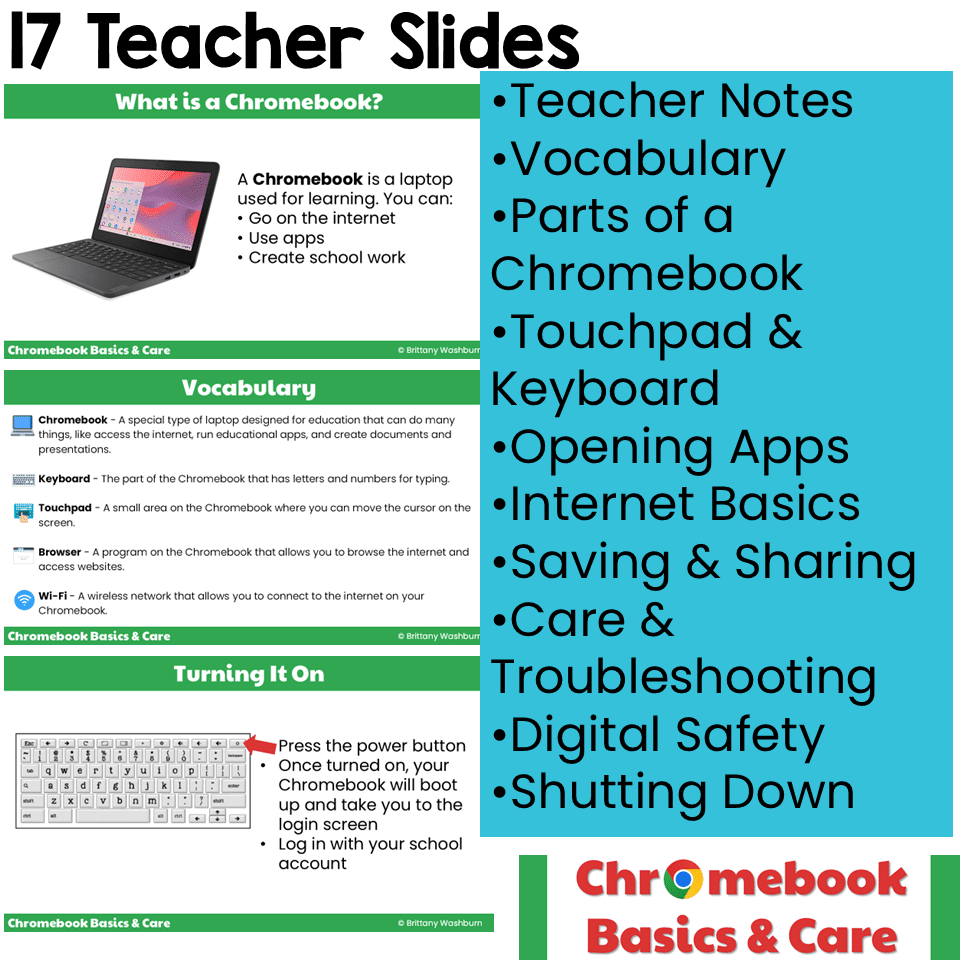
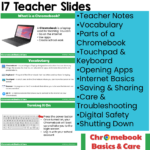
🖥️ TEACHER SLIDES (Google Slides) A 17-slide instructional presentation you can project and teach from directly:
- What is a Chromebook?
- Vocabulary (10 key terms)
- Turning your Chromebook on
- Parts of a Chromebook (screen, keyboard, touchpad, camera, charger, body, speakers, fan, ports, battery)
- Using the touchpad and keyboard
- Opening apps and extensions
- Using the internet safely
- Saving and sharing files in Google Drive
- Taking care of your Chromebook
- Digital safety
- Troubleshooting tips
- Shutting down your Chromebook
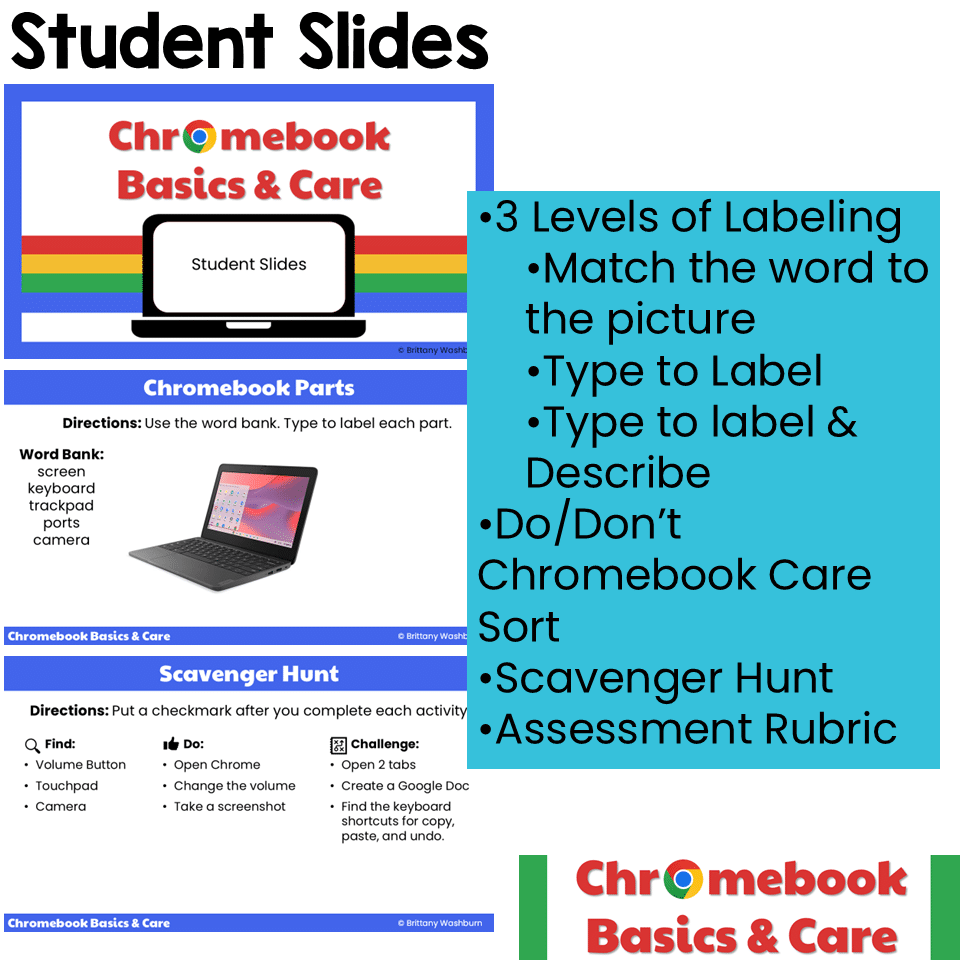
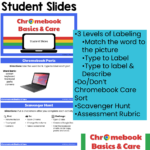
✏️ INTERACTIVE STUDENT SLIDES (Google Slides) Assign through Google Classroom — no printing required!
- Match the parts of a Chromebook to pictures
- Type-to-label Chromebook parts (with word bank)
- Label AND describe each part (extension activity)
- DO/DON’T Chromebook Care sort
- Chromebook Scavenger Hunt with Find / Do / Challenge tiers
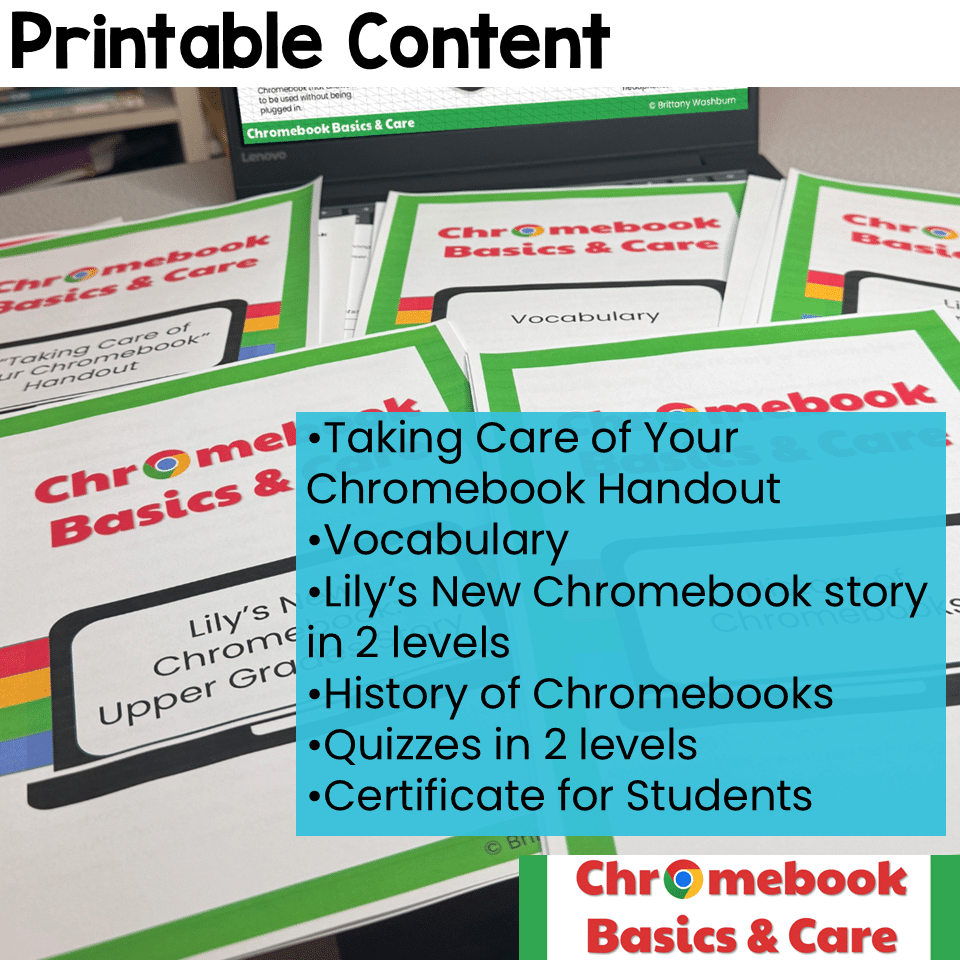
📝 PRINTABLE HANDOUTS (PDF)
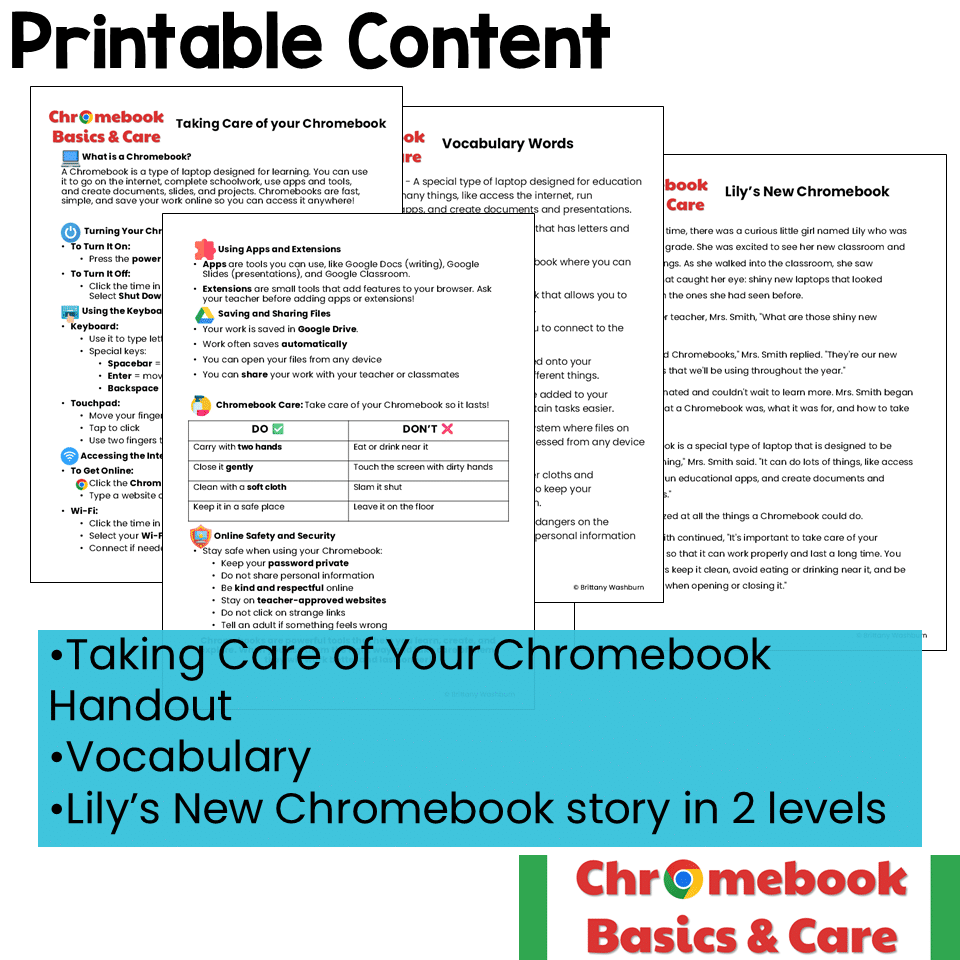
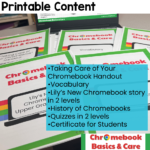
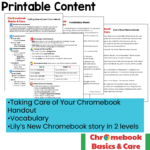
- “Taking Care of Your Chromebook” student handout (2 pages covering parts, internet, apps, safety, and care)
- Illustrated vocabulary page with 10 key terms
- “Take Care of Your Chromebook!” classroom poster
📚 LEVELED READING PASSAGES (PDF)
- “Lily’s New Chromebook” story — TWO versions (lower grades & upper grades) for differentiation
- History of Chromebooks informational passage
📊 ASSESSMENT (PDF)
- 10-question multiple choice quiz — TWO versions (lower grades & upper grades)
- Answer keys for both quizzes
- 3-criteria, 4-level rubric covering Chromebook Skills, Care & Responsibility, and Digital Safety & Citizenship
🎓 BONUS
- 5-Part Suggested Pacing Guide
- Chromebook License certificates (2 per page) to award after completion
🎯 Perfect For:
- The first week of school
- 1:1 Chromebook program rollouts
- Computer lab and tech class orientation
- Digital citizenship introduction
- Sub plans for tech-using classrooms
- Homeschool tech curriculum
- Back-to-school PD for teachers introducing devices to students
🌟 Why Teachers Love This Unit:
It’s truly leveled. The two versions of the story and quiz mean one purchase serves your entire building — give younger students the lower grades version and older students the upper grades version.
It’s ready to go. The 5-part pacing guide tells you exactly which slides and handouts to use each session. Print the printables, assign the Google Slides through Google Classroom, and you’re set.
It’s flexible. Going faster? Combine parts for a 3-part mini-unit. Need more time? Stretch the activities across two sessions. Each part can also stand alone as a complete sub plan.
It builds real skills. Students learn what a Chromebook is, how to identify the parts, how to use the keyboard and touchpad, how to access the internet safely, how to save files in Google Drive, how to troubleshoot common issues, and how to take care of their device so it lasts.
📋 ISTE Standards for Students Alignment
This unit supports four ISTE Standards for Students:
- 1.1 Empowered Learner — Students learn foundational device fluency and basic troubleshooting, taking ownership of their learning tools.
- 1.2 Digital Citizen — Students learn online safety, password privacy, kind online behavior, and responsible care of shared school property.
- 1.3 Knowledge Constructor — Students learn to access teacher-approved online resources and organize their work in Google Drive.
- 1.7 Global Collaborator — Students learn the foundational sharing and saving skills that make every collaborative project possible.
💡 Tips for Getting the Most Out of This Resource:
- Assign student Google Slides as “make a copy for each student” in Google Classroom so every learner has their own interactive version
- Hang the “Take Care of Your Chromebook!” poster in a visible spot in your classroom or computer lab
- Send the vocabulary handout home so families can support student learning
- Use the leveled stories as a read-aloud to build classroom community on day one of Chromebook use
Print and go for the printables. Click and assign for the digital pieces. No prep required.
Additional information
| Resource Type | Assessment, Digital Activity, Lesson/Unit |
|---|---|
| Format | Google Apps, PDF |
| Standards | ISTE, CSTA, TEKS Technology Applications |
This resource supports the following standards.
ISTE Standards for Students
- 1.1.d – Understand technology operations and troubleshoot
- 1.2.a – Manage digital identity and reputation
- 1.2.b – Act safely, legally and ethically online
- 1.2.d – Protect personal data and privacy
CSTA K-12 Computer Science Standards
- 1A-CS-02 – Name and describe hardware components
- 1A-CS-03 – Describe basic hardware and software problems
- 1A-IC-17 – Work respectfully and responsibly online
- 1A-IC-18 – Keep login information private
- 1A-NI-04 – Explain and use strong passwords
- 1B-CS-01 – How computer parts work together as a system
- 1B-CS-02 – How hardware and software work together
- 1B-CS-03 – Solve simple hardware and software problems
- 1B-NI-05 – Protect personal information; cybersecurity
Texas TEKS: Technology Applications (19 TAC Chapter 126)
- K: (c)(5)-(7) Digital citizenship, (c)(8) Practical technology skills (devices, software, keyboarding)
- Gr 1: (c)(6)-(8) Digital citizenship, (c)(9) Practical technology skills (devices, software, keyboarding)
- Gr 2: (c)(7)-(9) Digital citizenship, (c)(10) Practical technology skills (devices, software, keyboarding)
- Gr 3-5: (c)(8)-(10) Digital citizenship, (c)(12) Technology skills and tools
You must be logged in to post a review.
What teachers said on TPT
“Great resource for first week of school and reinforcement during the year”
— Amanda R., TPT review
You may be interested in…

Related Products
-

Master Google Apps Bundle
Original price was: $73.00.$65.70Current price is: $65.70. -

4 Seasons Graphic Design Lessons and Activities Bundle
Original price was: $12.00.$9.60Current price is: $9.60. -
5th Grade Language Standards Digital Resource Library
Original price was: $16.00.$14.40Current price is: $14.40. -
5th Grade Reading Standards Digital Resource Library
Original price was: $16.00.$12.80Current price is: $12.80.



You didn’t become a tech teacher to spend your weekends building lessons from scratch. I’m Brittany, a technology curriculum specialist with 1,000+ ISTE-aligned resources designed specifically for K–8 computer lab teachers.
My ready-made digital and printable resources cover everything from digital citizenship and coding fundamentals to multimedia creation and computer essentials, so your planning is handled and your students stay engaged.
Every resource is built to align with ISTE Standards, save you time, and actually work in a computer lab setting, because I’ve taught in one myself.
Browse my bestsellers, or explore by grade level or topic to find exactly what you need.
Reviews
There are no reviews yet.