


✅ Shop with Confidence
- 🔒 Secure Checkout – Your payment is safe and protected.
- ⭐ Quality Guaranteed – Store credit refunds if something isn’t right.
- 🎉 Earn Rewards – Get points for every dollar spent & redeem as store credit!
👉 Add to Cart and start using this resource today
3D Printing Lesson and 3 Leveled Tasks
Original price was: $10.00.$8.00Current price is: $8.00.
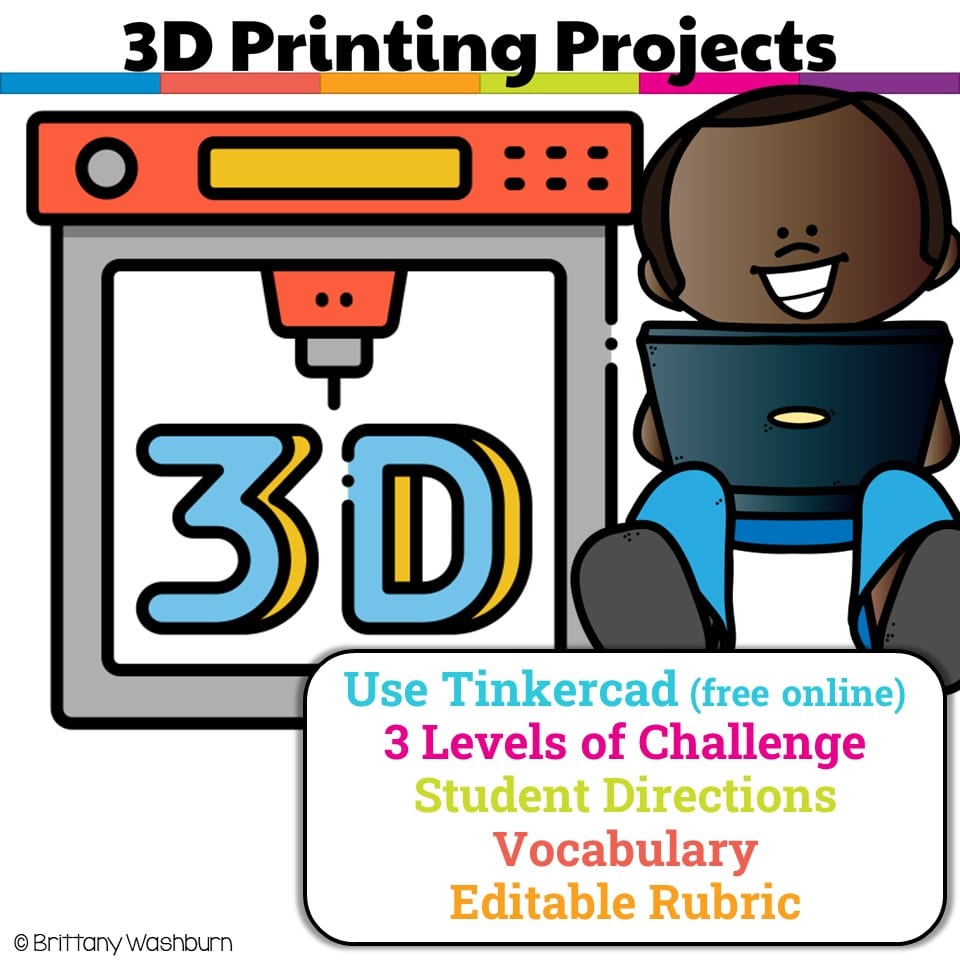
Have you been wanting to try 3D Printing with Tinkercad with your students but have no idea where to start? This starter kit has everything you need to teach your students how to use Tinkercad and provides 3 leveled prompts to practice their new skills. Great for beginners!
3D Printing Lesson and 3 Leveled Tasks
Original price was: $10.00.$8.00Current price is: $8.00.
Description
-
Innovative Designer: 4d – Students exhibit a tolerance for ambiguity, perseverance and the capacity to work with open-ended problems.
-
Creative Communicator: 6b – Students create original works or responsibly repurpose or remix digital resources into new creations. 6d – Students publish or present content that customizes the message and medium for their intended audiences.
-
Global Collaborator: 7c – Students contribute constructively to project teams, assuming various roles and responsibilities to work effectively toward a common goal (if done in pairs or small groups).
-
Workplane
-
Axes
-
Scale
-
Pan
-
Handle
-
Rotate
-
Align
-
Group
-
Export
-
Filament
Additional information
| Resource Type | Centers/Stations, Lesson/Unit |
|---|---|
| Standards | ISTE, TEKS Technology Applications |
| Topic | Technology in Our World |
This resource supports the following standards.
ISTE Standards for Students
- 1.1.d – Understand technology operations and troubleshoot
- 1.4.a – Use a design process to create solutions
- 1.6.b – Create original works or remix digital resources
Texas TEKS: Technology Applications (19 TAC Chapter 126)
- Gr 3-5: (c)(3) Creativity and innovation, (c)(11) Software applications
50 reviews for 3D Printing Lesson and 3 Leveled Tasks
You must be logged in to post a review.
What teachers said on TPT
Rated 4.8 out of 5 by 50 teachers on Teachers Pay Teachers.
“Great resource! Well-organized, easy to print, and ready to use. My students were engaged and the activities were the perfect level. Saved me so much planning time. Would definitely purchase from this seller again!”
— Currents & Constellations, TPT review
“Easy and quick to implement. The pdfs include easy to follow directions for students and teachers. The powerpoints were great resources and offered a different view for students who had more questions.”
— Lauren S., TPT review
“This was a great resource to introduce kids to 3D printing and it helped me out as well since I am new to the 3D printing world! Easy to follow lessons and the kids really enjoyed it!”
— Emily D., TPT review
Related Products
-

Full Year Timely Tech All in One
Original price was: $198.00.$158.40Current price is: $158.40. -

5th Grade ELA Standards Digital Resource Library BUNDLE
Original price was: $27.20.$24.48Current price is: $24.48. -
5th Grade Language Standards Digital Resource Library
Original price was: $16.00.$14.40Current price is: $14.40. -
5th Grade Reading Standards Digital Resource Library
Original price was: $16.00.$12.80Current price is: $12.80.




You didn’t become a tech teacher to spend your weekends building lessons from scratch. I’m Brittany, a technology curriculum specialist with 1,000+ ISTE-aligned resources designed specifically for K–8 computer lab teachers.
My ready-made digital and printable resources cover everything from digital citizenship and coding fundamentals to multimedia creation and computer essentials, so your planning is handled and your students stay engaged.
Every resource is built to align with ISTE Standards, save you time, and actually work in a computer lab setting, because I’ve taught in one myself.
Browse my bestsellers, or explore by grade level or topic to find exactly what you need.

Maria S. –
Verified TPT reviewThis resource was a great addition to my 3d printing unit. I will use it again.
Sarah Healan –
Verified TPT reviewI am so happy I found this resource! It helped me introduce 3D printing to my 4th graders and allowed them to be successful with designing on Tinkercad. Some of the Tinkercad tutorials can be difficult for my students to follow and these tasks broke it down just enough for them to complete independently. I assigned the PDF in Google Classroom, but also printed them for my students to follow along.
Rosanne Puliafico –
Verified TPT reviewThis was a great addition to my 3D introduction. Thank you!
Melanie Sizemore –
Verified TPT reviewThe slides were helpful and easy for most students to follow. The resource has a lot to offer.
Jennifer W. –
Verified TPT reviewGreat resource to help me teach 3D printing to my students! Thank you!
Heather Kozik –
Verified TPT reviewGreat resource! All students were engaged in the activity.
Sarah Reynolds –
Verified TPT reviewThank you! My students loved it really enjoyed this activity.
Michael Mackie –
Verified TPT reviewI used these TinkerCAD tutorials with my 4th and 5th graders. I found them to be simple and easy to follow as an adult. Some of my students did struggle to make the 3rd design because adding a flower to the flower pot is not easy. If you have students that don’t give up and don’t mind reading to follow directions then they will like this. If your students easily give up you may have to modify or do these tutorials with them.
Andrea C. –
Verified TPT reviewBrittany’s stuff is always fabulous!
Michelle B. –
Verified TPT reviewLove it