


✅ Shop with Confidence
- 🔒 Secure Checkout – Your payment is safe and protected.
- ⭐ Quality Guaranteed – Store credit refunds if something isn’t right.
- 🎉 Earn Rewards – Get points for every dollar spent & redeem as store credit!
👉 Add to Cart and start using this resource today
Timely Tech – 22 Back to School Themed Technology Activities
Original price was: $18.00.$12.00Current price is: $12.00.
Timely Tech is designed to help your students build tech skills while incorporating monthly themed digital activities. When I teach my students with monthly themed activities that bring in the other subject areas, I find that they are more engaged and empowered to learn. This set includes Back to School themed activities that work regardless of which month you go back to school.
Timely Tech – 22 Back to School Themed Technology Activities
Original price was: $18.00.$12.00Current price is: $12.00.
Description
Timely Tech is designed to help your students build tech skills while incorporating monthly themed digital activities. When I teach my students with monthly themed activities that bring in the other subject areas, I find that they are more engaged and empowered to learn. This set includes Back to School themed activities that work regardless of which month you go back to school.
Table of Contents:
3-4 The Rationale and how it works
5 ISTE Standards Addressed
6-11 Links to the digital file in Google Slides and how to use it.
12-13 Terms of Use and Credits
How to Use:
In the Google Slides file you will find activities for every grade level K-5. I didn’t split them up because I want to leave that decision up to you based on your student needs.
Here is an idea of how you might separate these activities by grade levels:
K/1: Missing uppercase letters, ID which one is different, counting and typing numbers, rhyming words first letter
2/3: Decorate a digital name tag, Make new words, Sort by ABC order, Sight words mystery picture, Back to School prompts, Shapes School supplies, Keywords practice
4/5: Decoding 4 different ways, Search, Digital Citizenship writing prompt, Coding, Scratch avatar, problem solving
What I recommend:
-Make a copy of the original file for each grade level
-Take out the slides you don’t need
-Rename each file for the grade level you’ll use it with
-Send through Google Classroom or download and use as a PowerPoint file
ISTE Standards Addressed:
1d Students understand the fundamental concepts of technology operations, demonstrate the ability to choose, use and troubleshoot current technologies and are able to transfer their knowledge to explore emerging technologies.
2b Students engage in positive, safe, legal and ethical behavior when using technology, including social interactions online or when using networked devices
3a Students plan and employ effective research strategies to locate information and other resources for their intellectual or creative pursuits.
3b Students evaluate the accuracy, perspective, credibility and relevance of information, media, data or other resources.
5d Students understand how automation works and use algorithmic thinking to develop a sequence of steps to create and test automated solutions.
6c Students communicate complex ideas clearly and effectively by creating or using a variety of digital objects such as visualizations, models or simulations.
*************************************************************************
Product Terms: Copyright © Brittany Washburn 2018. Purchasing this file entitles you to ONE classroom use. You may use this with multiple classes but may not share with any other teachers. Copying for more than one teacher, classroom, department, school, or school system is prohibited. This product may not be distributed or displayed digitally for public view. Failure to comply is a copyright infringement and a violation of the Digital Millennium Copyright Act (DMCA). Clipart and elements found in this PDF are copyrighted and cannot be extracted and used outside of this file without permission or license.
If you’re interested in connecting with other technology teachers, check out the Technology Teacher Tribe Group on Facebook.
Connect with me on social media!
Additional information
| Season / Holiday | Back to School |
|---|---|
| Topic | Computer Basics |
| Resource Type | Activity |
| Works with | Google Slides, PowerPoint, Scratch |
| Device needed | On a device |
| Made for | Students |
60 reviews for Timely Tech – 22 Back to School Themed Technology Activities
Reviewers earn rewards points for any honest review they leave, positive or negative.
You must be logged in to post a review.
What teachers said on TPT
Rated 4.9 out of 5 by 60 teachers on Teachers Pay Teachers.
“This resource provided me with a variety of lessons to pull from for the various grade levels and abilities. Teaching these lessons at the beginning of the school year helps to lay the foundation for a successful school year. The lessons helped to engage the students and get them excited about this new enhancement class.”
— Susan S., TPT review
“This was a great activity for the beginning of the year. It was a well-made activity and the students enjoyed it!”
— Molly T., TPT review
“This was a great resource for the beginning of the school year. It was helpful and easy to use! Thank you.”
— Mrs. Susko, TPT review
You may be interested in…
-

Timely Tech – 23 April Themed Technology Activities
Original price was: $18.00.$12.00Current price is: $12.00. -
Timely Tech – 23 March Themed Technology Activities
Original price was: $18.00.$12.00Current price is: $12.00. -
Timely Tech – 25 December Themed Technology Activities
Original price was: $18.00.$12.00Current price is: $12.00.


Related Products
-
5th Grade Language Standards Digital Resource Library
Original price was: $16.00.$14.40Current price is: $14.40. -
5th Grade Reading Standards Digital Resource Library
Original price was: $16.00.$12.80Current price is: $12.80. -

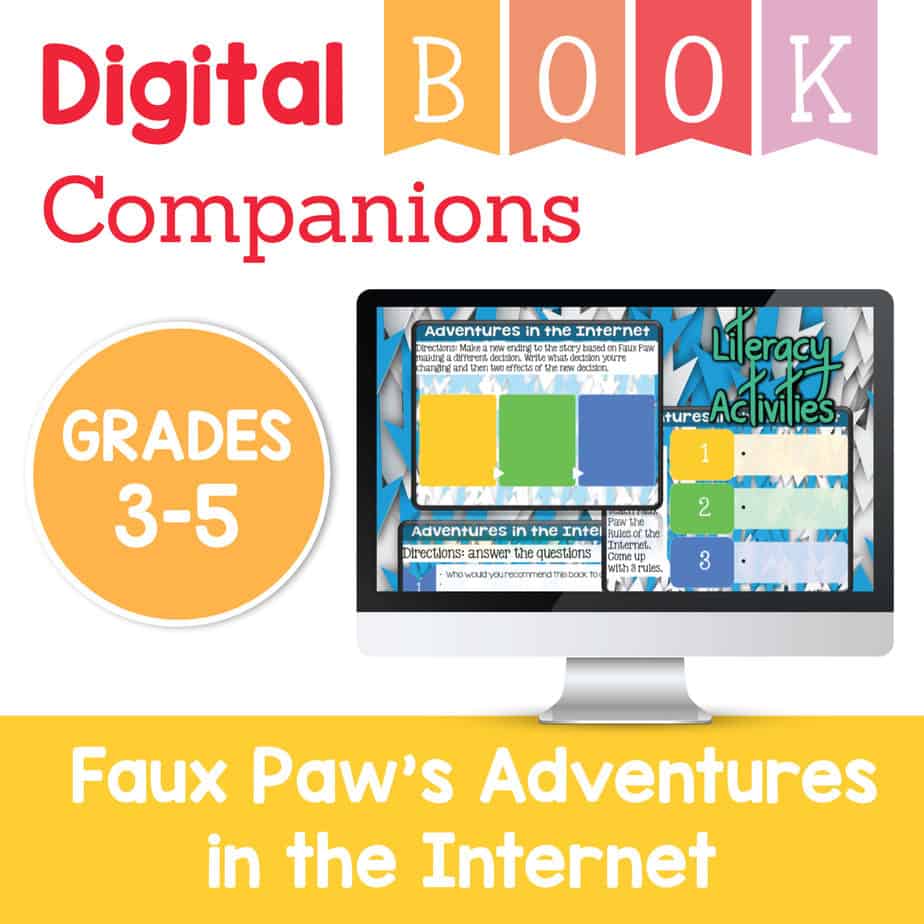
Adventures in the Internet Digital Book Companion – Grades 3-5
$3.00 -
April Themed Multiplication and Division Practice DIGITAL Mystery Pictures
Original price was: $5.00.$3.00Current price is: $3.00.




You didn’t become a tech teacher to spend your weekends building lessons from scratch. I’m Brittany, a technology curriculum specialist with 1,000+ ISTE-aligned resources designed specifically for K–8 computer lab teachers.
My ready-made digital and printable resources cover everything from digital citizenship and coding fundamentals to multimedia creation and computer essentials, so your planning is handled and your students stay engaged.
Every resource is built to align with ISTE Standards, save you time, and actually work in a computer lab setting, because I’ve taught in one myself.
Browse my bestsellers, or explore by grade level or topic to find exactly what you need.

Derby City Teacher –
Verified TPT reviewFun resources!
great resources I used when I taught computer lab!
Randi S. –
Verified TPT reviewVery helpful in aba
These are very useful for my ABA classes. I have a few of these bundles and I use them all throughout the year.
Emily P. –
Verified TPT reviewGreat resource
The students really enjoyed this resource and were engaged during the whole lesson.
Computer Science Queen –
Verified TPT reviewValuable Resource
This is a great resource and I use it in my computer lab.
Molly T. –
Verified TPT reviewThis was a great activity for the beginning of the year. It was a well-made activity and the students enjoyed it!
Angie B. –
Verified TPT reviewMy students enjoyed the activities in the resource. We had some great discussions in class.
Crystal G. –
Verified TPT reviewGreat product for my students to use in the classroom
Prepped and Polished Teaching –
Verified TPT reviewThis product was exactly what I needed. Thank you!
North GA Educator –
Verified TPT reviewThe Timely Tech activities are a great way to practice technology while incorporating ELA and Math skills. Thank you for another great resource.
Kathy W. –
Verified TPT reviewThank you for this resource! My students loved it and it was so easy to prep!
Bloomer S. –
Verified TPT reviewMy students loved this resource during work time.
Sarah D. –
Verified TPT reviewThese are such fun and engaging ways for my students to practice their tech and computer skills. I use Brittany’s products year round in the media center.
Lillian S. –
Verified TPT reviewColorful and fun way to introduce technology classroom basics! All my littles loved them!
Elizabeth W. –
Verified TPT reviewVariety of great activities for different age levels!
Susan S. –
Verified TPT reviewThis resource provided me with a variety of lessons to pull from for the various grade levels and abilities. Teaching these lessons at the beginning of the school year helps to lay the foundation for a successful school year. The lessons helped to engage the students and get them excited about this new enhancement class.
Melody C. –
Verified TPT reviewAwesome resource!
Mrs. Susko –
Verified TPT reviewThis was a great resource for the beginning of the school year. It was helpful and easy to use! Thank you.
Laura M. (verified owner) –
Verified TPT reviewThis is a great way to give students practice with mouse skills while also exposing them to ELA and Math standards.
Yumi S. (verified owner) –
Verified TPT reviewGreat lessons to review skills.
Molly B. (verified owner) –
Verified TPT reviewThis product inspired me to buy the bundle. I loved the different activities geared for each grade level.