


✅ Shop with Confidence
- 🔒 Secure Checkout – Your payment is safe and protected.
- ⭐ Quality Guaranteed – Store credit refunds if something isn’t right.
- 🎉 Earn Rewards – Get points for every dollar spent & redeem as store credit!
👉 Add to Cart and start using this resource today
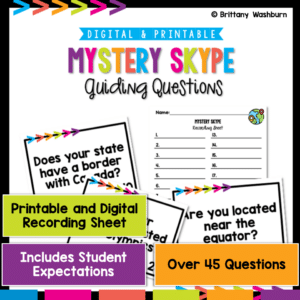
Mystery Skype Kit
$3.00
Mystery Skype Kit
$3.00
Description
-
Comprehensive Teacher Guide: Detailed instructions for setting up and conducting a successful Mystery Skype session.
-
Student Recording Sheets: Customizable sheets for students to record their guesses and observations.
-
Question Sets: Curated question sets for both global and US-specific Mystery Skype sessions.
-
Technical Setup Checklist: A step-by-step guide to ensure your equipment and software are ready for the session.
-
Reflection and Debriefing Guide: Tools to help students process and share their learning experiences.
-
Bonus Tips for a Smooth Experience: Additional advice on choosing locations, adjusting camera angles, and ensuring good lighting.
-
Empowered Learner
-
Digital Citizen
-
Knowledge Constructor
-
Global Collaborator
-
Fosters Global Awareness: Helps students learn about diverse cultures and locations, broadening their global perspective.
-
Enhances Communication Skills: Encourages students to develop their questioning, listening, and speaking skills in a real-world context.
-
Promotes Digital Citizenship: Teaches students to interact responsibly and respectfully in a digital environment.
-
Encourages Critical Thinking: Challenges students to use clues and reasoning to solve the mystery of the other class’s location.
-
Easy to Implement: With the comprehensive guide and checklists, teachers can easily set up and conduct the activity.
-
Engaging and Interactive: Provides a fun and interactive way for students to learn, keeping them engaged and motivated.
-
Adaptable to Various Age Groups: The resource can be tailored to suit different age groups and learning levels.
-
Test Equipment in Advance: To ensure a smooth session, check your microphone, speakers, webcam, and internet connection.
-
Choose a Quiet Location: Minimize distractions by selecting a calm environment.
-
Adjust Camera Angle: Make sure the camera captures both the students and their surroundings effectively.
-
Familiarize with Video Conferencing Tools: Ensure both teacher and students are comfortable using the chosen platform (Skype, Zoom, etc.).
-
Have Backup Devices Ready: Prepare for any technical glitches with additional devices.
-
Charge Devices: Keep devices fully charged or plugged in to prevent interruptions.
-
Check Lighting: Good lighting is essential for clear visibility of all participants.
You must be logged in to post a review.
Related Products
-

15 Word Processing Modules Bundle
Original price was: $15.00.$12.00Current price is: $12.00. -
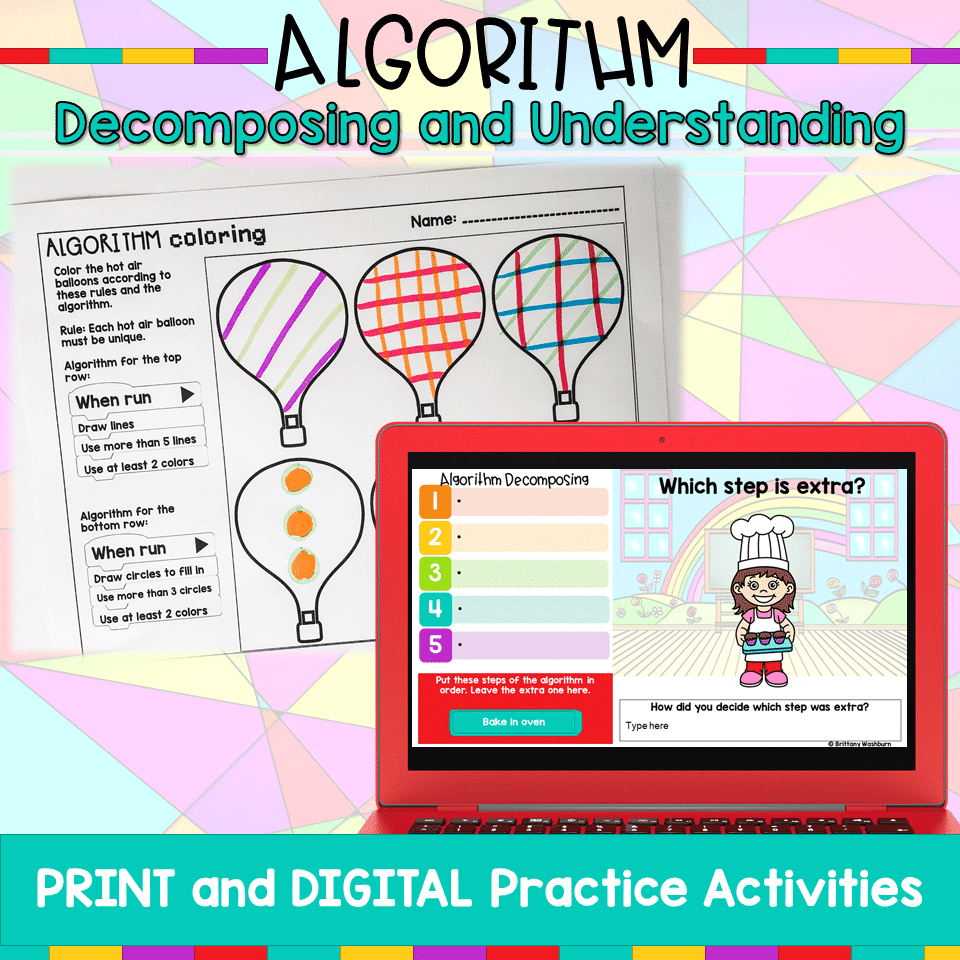
Algorithm Activities
$4.00 -
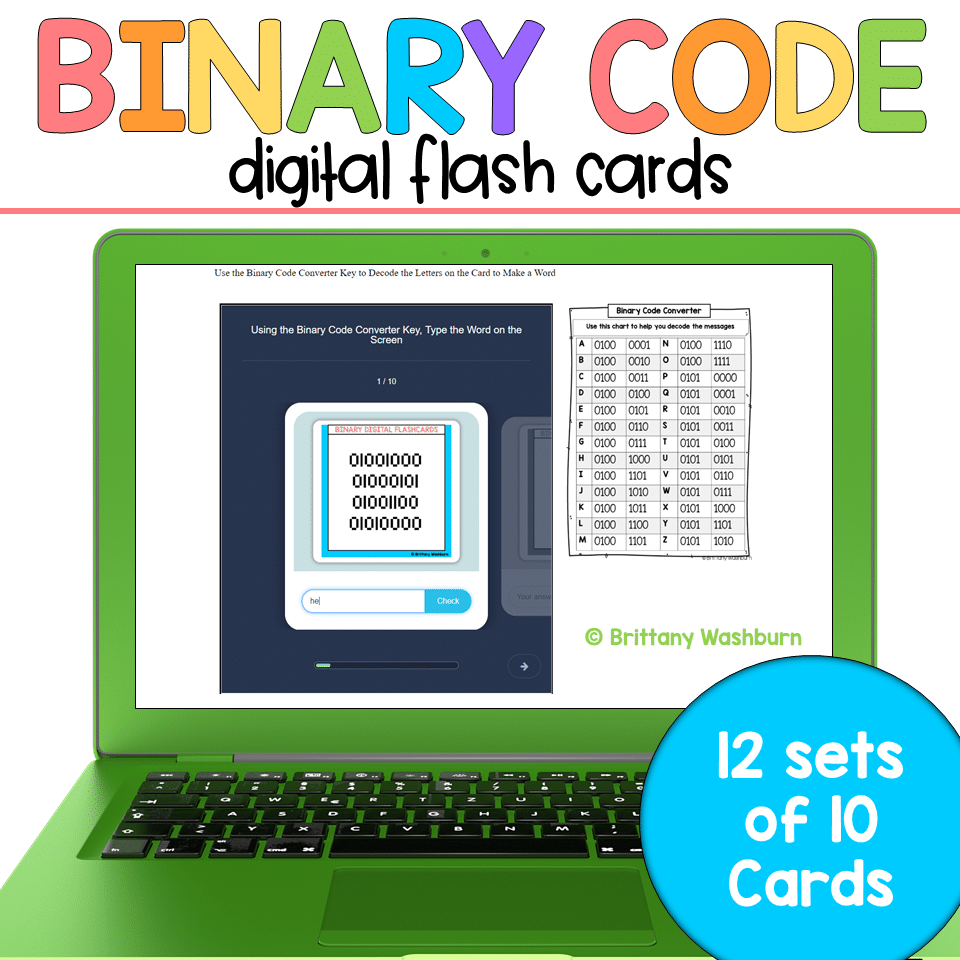
Binary Code Digital Flash Cards
$4.00 -

Christmas Coding Digital Interactive Activities
$4.00



You didn’t become a tech teacher to spend your weekends building lessons from scratch. I’m Brittany, a technology curriculum specialist with 1,000+ ISTE-aligned resources designed specifically for K–8 computer lab teachers.
My ready-made digital and printable resources cover everything from digital citizenship and coding fundamentals to multimedia creation and computer essentials, so your planning is handled and your students stay engaged.
Every resource is built to align with ISTE Standards, save you time, and actually work in a computer lab setting, because I’ve taught in one myself.
Browse my bestsellers, or explore by grade level or topic to find exactly what you need.
Reviews
There are no reviews yet.