


✅ Shop with Confidence
- 🔒 Secure Checkout – Your payment is safe and protected.
- ⭐ Quality Guaranteed – Store credit refunds if something isn’t right.
- 🎉 Earn Rewards – Get points for every dollar spent & redeem as store credit!
👉 Add to Cart and start using this resource today
If you Give a Mouse an iPhone Digital Companion Activities – Primary Grades K-2
$3.00
Digital activities for the book If you Give a Mouse an iPhone that are perfect for grades K-2. 12 total digital activities that will help students expand their understanding of this great read aloud storybook. I designed this for technology teachers so that you can read the same book to all 3 grade levels and then assign them different activities. You can read it again the next year with fresh activities for the next grade!
If you Give a Mouse an iPhone Digital Companion Activities – Primary Grades K-2
$3.00
Description
What activities are included?
-Sequence
-ABC Order
-Make new words out of words from the story
-New ending
-Count and Graph
-Match upper and lowercase letters
-Type a sentence about your favorite part
-Cause and effect
-Click and drag to build a story
-3 Digital Creation tools- word cloud, word search, and story maker
*3 Early finisher activities
What you will need
–The Book If you Give a Mouse an iPhone
-iPads, laptops, or desktop computers with access to Google Slides or PowerPoint
How does it work?
With this resource you will receive a link to a Google Slides files to be shared with your students in Google Classroom or downloaded and shared as an interactive PowerPoint.
**BENEFITS OF GOOGLE CLASSROOM** ♥ PAPERLESS! ♥ INTEGRATE TECHNOLOGY INTO THE CLASSROOM! ♥ IMPROVE STUDENT COMPUTER SKILLS! ♥ INCREASE STUDENT ENGAGEMENT! ♥ ACCESS MATERIALS ANYWHERE!
Do you have a Google Classroom? Are you looking for digital ways to incorporate common core skills and make your students more adept at utilizing technology in their daily learning? If so, then this is the product for you! #tptdigital
Don’t have Google accounts yet? No problem! Students can still access this presentation if you set it to be “Anyone with the link can edit”. They can add text, just not images. You would have to create a separate presentation for each student and supply them with the url.
This product comes as a link First, make sure you are signed into your Google account. Double click the link and you will be prompted to “Make a Copy”. Rename the Writing Journal whatever you would like. It will be sent directly to your drive! Disperse to your students via Google Classroom, Google Drive Shared folder, your Learning Platform, etc..
Copyright Brittany Washburn. All rights reserved by author. This product is to be used by the original downloader only. Copying for more than one teacher, classroom, department, school, or school system is prohibited. This product may not be distributed or displayed digitally for public view. Failure to comply is a copyright infringement and a violation of the Digital Millennium Copyright Act (DMCA). Clipart and elements found in this file are copyrighted and cannot be extracted and used outside of this file without permission or license. Intended for classroom and personal use ONLY. See product file for clip art and font credits.
Teachers, use a Purchase Order to buy these lessons.
If you’re interested in connecting with other technology teachers, check out the Technology Teacher Tribe Group on Facebook.
Connect with me on social media!
Additional information
| Resource Type | Centers/Stations, Digital Activity |
|---|---|
| Format | Google Apps, PDF |
| Topic | Cross-Curricular (Math, ELA, Science), Mouse Skills |
142 reviews for If you Give a Mouse an iPhone Digital Companion Activities – Primary Grades K-2
You must be logged in to post a review.
What teachers said on TPT
Rated 4.8 out of 5 by 141 teachers on Teachers Pay Teachers.
“This has been the best purchase for me. LOVE IT! I also love the link to the story because I use this for some of my students that need extra time with the story so they can go back and listen to it again so they can complete some of the activities they may have been struggling on.”
— Kristen K., TPT review
“Thank you! This was a perfect last minute lesson plan that I needed for digital citizenship month. I love that I there were enough activties that I could use it several years without kids getting bored.”
— Lindsay W., TPT review
“I loved this activity as well as my students. They thought the mouse on the phone was hysterical.”
— Megtravmad, TPT review
Related Products
-

Full Year Timely Tech All in One
Original price was: $198.00.$158.40Current price is: $158.40. -

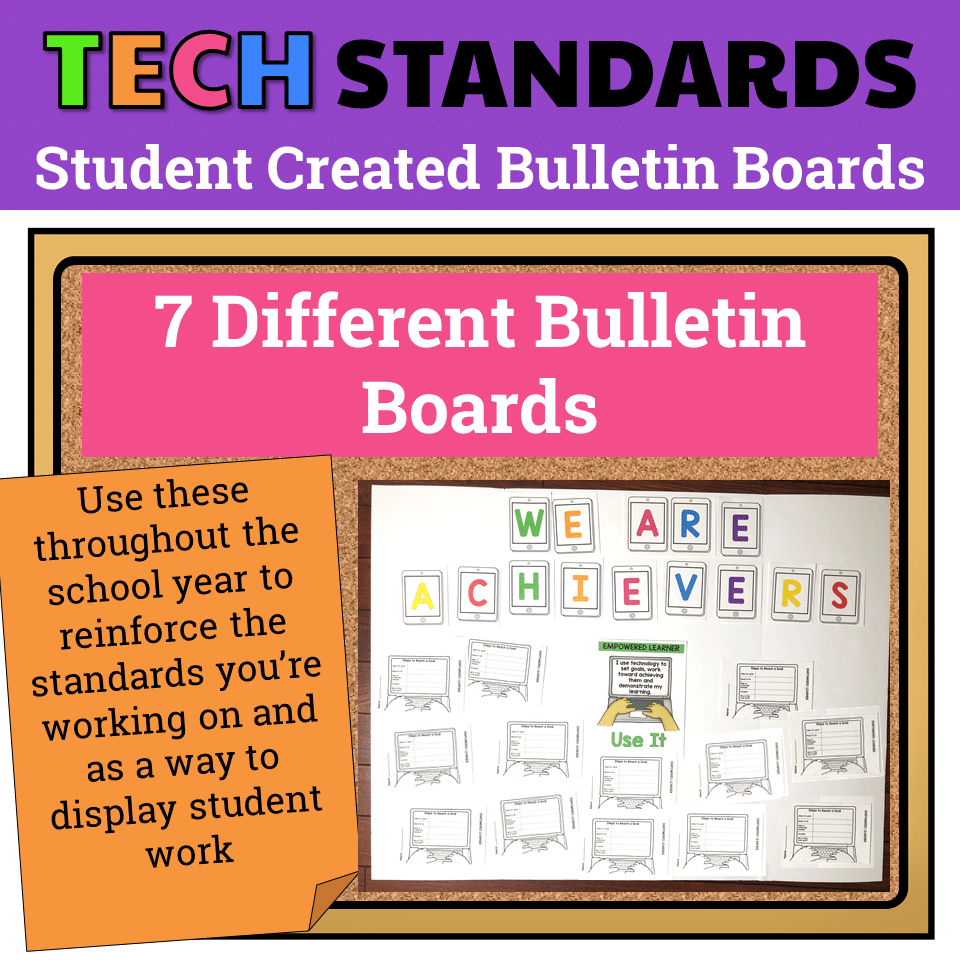
7 Technology Standards Student Created Bulletin Boards
Original price was: $21.00.$14.00Current price is: $14.00. -
Christmas Digital Pixel Art STEM Challenges
$4.00 -

Classroom Management Kit for Specialists
$6.00




You didn’t become a tech teacher to spend your weekends building lessons from scratch. I’m Brittany, a technology curriculum specialist with 1,000+ ISTE-aligned resources designed specifically for K–8 computer lab teachers.
My ready-made digital and printable resources cover everything from digital citizenship and coding fundamentals to multimedia creation and computer essentials, so your planning is handled and your students stay engaged.
Every resource is built to align with ISTE Standards, save you time, and actually work in a computer lab setting, because I’ve taught in one myself.
Browse my bestsellers, or explore by grade level or topic to find exactly what you need.

Derby City Teacher –
Verified TPT reviewGreat resource
used this to reinforce literacy skills while teaching computer in the lab!
Kari R. –
Verified TPT reviewStarted the school year off strong with this lesson.
Amanda N. –
Verified TPT reviewSuper fun and a great activity to start off my unit talking about digital citizenship!
But Make It Tech –
Verified TPT reviewThese are perfect as a Technology teacher! I had most of these books already so I was super excited when I found this.
Olivia W. –
Verified TPT reviewWorks best with the younger students as an interactive whiteboard whole/small group activity rather than an independent activity.
Carlie D. –
Verified TPT reviewHaving lots of options for difffernet levels was really handy. I would love to have had some guidance on which activities worked well with which level. I would have loved extra activities to do with the technology side of the story. Thanks
Megtravmad –
Verified TPT reviewI loved this activity as well as my students. They thought the mouse on the phone was hysterical.
David L. –
Verified TPT reviewKids loved this book and the online activity!
Katrina Baker –
Verified TPT reviewYour resources were a very helpful way to introduce and reteach computer skills.
martha F. –
Verified TPT reviewBrittany’s products are amazing and my students enjoy every project.
Sheereen Naqvi –
Verified TPT reviewgood for media
The Curriculum Cactus –
Verified TPT reviewMy students loved this resource! Not only was the book engaging, but the activities were perfect for the tech lab!
Kirsten T. –
Verified TPT reviewGreat resource
Samantha Toomey –
Verified TPT reviewHigh-quality resource.
Caroline M. –
Verified TPT reviewAwesome, thank you!
Jennifer W. –
Verified TPT reviewI love this book and was excited to find activities to go along with it for my students!
Jennifer I. –
Verified TPT reviewMy students loved the story and the activities that went with it. Great resource for the computer lab.
carolyn S. –
Verified TPT reviewGreat resource!
Ten Years of Teaching –
Verified TPT reviewThank you! It is often hard to find things to engage my youngest learners.
K Mor –
Verified TPT reviewThis was one of Washburn’s easier activities to use. It was helpful during distance learning.