


✅ Shop with Confidence
- 🔒 Secure Checkout – Your payment is safe and protected.
- ⭐ Quality Guaranteed – Store credit refunds if something isn’t right.
- 🎉 Earn Rewards – Get points for every dollar spent & redeem as store credit!
👉 Add to Cart and start using this resource today
Digital Breakout Internet Safety: Online Friends
$6.00
Using technology and problem solving skills, students decipher codes and complete activities to learn the internet safety topic of Online Friends. The activities are housed in a Google Slides file and students enter their codes into a locked Google Form.
Digital Breakout Internet Safety: Online Friends
$6.00
Description
Using technology and problem solving skills, students decipher codes and complete activities to learn the internet safety topic of Online Friends. The activities are housed in a Google Slides file and students enter their codes into a locked Google Form.
Resource Format
- This activity can be done in Google Slides or PowerPoint, so it is flexible to meet your technology needs.
Resource Includes:
- There are 6 codes to find and they require a mix of technology skills, so this makes a great partner or small group activity.
- Students learn about and practice making decisions about what is ok to share with online friends.
- Something that makes this digital breakout unique is that it also includes a reading passage on the topic, making it very relevant to today’s students.
Info for the teacher to consider:
- Most groups should be able to complete it in 30-45 minutes.
- If this is your first digital breakout then I recommend solving the puzzles as a whole group activity.
- With this resource you will receive a link to a Google Slides file. From there you can share your copy of the Slides file with your students, or download it as a PowerPoint file to share that way.
Copyright Brittany Washburn. All rights reserved by author. This product is to be used by the original downloader only. Copying for more than one teacher, classroom, department, school, or school system is prohibited. This product may not be distributed or displayed digitally for public view. Failure to comply is a copyright infringement and a violation of the Digital Millennium Copyright Act (DMCA). Clipart and elements found in this file are copyrighted and cannot be extracted and used outside of this file without permission or license. Intended for classroom and personal use ONLY. See product file for clip art and font credits.
Connect with other Technology Teachers
If you’re interested in connecting with other technology teachers, check out the Technology Teacher Tribe Group on Facebook.
Additional information
| Resource Type | Digital Activity |
|---|---|
| Format | Google Apps, PDF |
| Topic | Digital Citizenship & Internet Safety |
30 reviews for Digital Breakout Internet Safety: Online Friends
You must be logged in to post a review.
What teachers said on TPT
Rated 4.6 out of 5 by 30 teachers on Teachers Pay Teachers.
“This was a great resource for students on internet safety. The students enjoyed finding all the clues and ultimately loved it when they broke out!”
— Whitney T., TPT review
“Another engaging way to keep students talking and learning about internet safety. Thanks!”
— Jamece S., TPT review
“A great topic that is engaging for students to learn about!”
— Jenny Q., TPT review
Related Products
-

Full Year Timely Tech All in One
Original price was: $198.00.$158.40Current price is: $158.40. -

5th Grade Language Standards Digital Resource Library
Original price was: $16.00.$14.40Current price is: $14.40. -
5th Grade Reading Standards Digital Resource Library
Original price was: $16.00.$12.80Current price is: $12.80. -

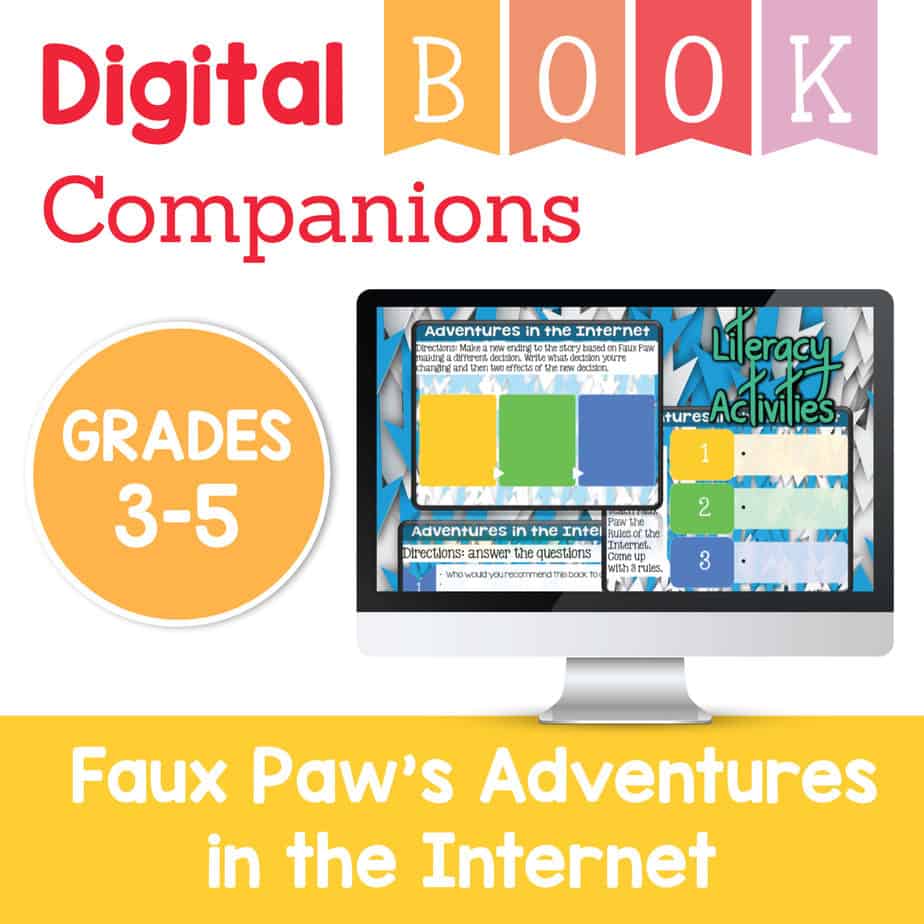
Adventures in the Internet Digital Book Companion – Grades 3-5
$3.00



You didn’t become a tech teacher to spend your weekends building lessons from scratch. I’m Brittany, a technology curriculum specialist with 1,000+ ISTE-aligned resources designed specifically for K–8 computer lab teachers.
My ready-made digital and printable resources cover everything from digital citizenship and coding fundamentals to multimedia creation and computer essentials, so your planning is handled and your students stay engaged.
Every resource is built to align with ISTE Standards, save you time, and actually work in a computer lab setting, because I’ve taught in one myself.
Browse my bestsellers, or explore by grade level or topic to find exactly what you need.

Whitney T. –
Verified TPT reviewThis was a great resource for students on internet safety. The students enjoyed finding all the clues and ultimately loved it when they broke out!
Marilyn M. –
Verified TPT reviewThis was a fun activity to do during Digital Citizenship week. The puzzles were fun but I was hoping for some facts or info about online friends on each puzzle. The puzzles had the theme of online friends but it would be nice for the students to learn or review something about online friends too.
Jenny Q. –
Verified TPT reviewA great topic that is engaging for students to learn about!
Deirdre J. –
Verified TPT reviewTHis digital breakout is great for reviewing online safety.
Lorrie C. –
Verified TPT reviewMy students loved this resource. I had them work with a partner to solve. Their excitement to work on this activity was refreshing.
Ashley Maynard –
Verified TPT reviewActivities kept them engaged!
Melissa B. –
Verified TPT reviewMy students were not able to move the magnifying glass or hint boxes (and neither was I) and there were no clues to some of the codes after we solved the puzzles. We had no idea what the four letter clue was. I had to tell them it was one of the 4 letter words, then they were able to solve it. Maybe if we could’ve seen the hints, it would’ve gone better.
Brittany –
I’m so sorry you had such a hard time with this. The activity is meant to be used in edit mode the entire time in order for the pieces to be moveable. You can watch the video preview on TpT to see how the pieces move and how to solve each puzzle.
Steph C. –
Verified TPT reviewGreat resource!
Naomi T. –
Verified TPT reviewThank you great lesson
Carrie P. –
Verified TPT reviewImportant topic presented in an effective manner.
Marla T. –
Verified TPT reviewEasy to use and understand
Emily Pearson –
Verified TPT reviewWhat a fun way to learn internet safety!
Amanda Cordell –
Verified TPT reviewAwesome resource-thanks!
Monique Nemes –
Verified TPT reviewLove it!
Bayley L. –
Verified TPT reviewExcellent for computer lab!
Jill B. –
Verified TPT reviewAwesome product!
Lauren S. –
Verified TPT reviewThe directions are not clear as to how to implement this
Brittany –
Thanks for providing feedback. Pages 4-5 of the PDF provide directions for how to share the Google Slides file with students and how they work through it like a digital workbook. You’re right that this isn’t a PD resource for how to use Google Slides files with students. There are wonderful tutorials out there that can walk you through that if needed.
Jessica W. –
Verified TPT reviewI loved this breakout but some of the puzzles were a little complicated for my students. I tried using this with 3rd-5th and it was more suited for 5th grade. My 3rd graders got very frustrated with a few of the puzzles. Most of my 5th graders did great.
Brittany –
Thanks for the feedback! I strive to offer high-quality, 4 star resources for teachers and students. If you have any suggestions for how I can make this a 4 star resource for you, I would love to hear it! My email address is info@brittanywashburn.com. I look forward to hearing from you soon!
Stephanie L. –
Verified TPT reviewA great option to introduce/review DC concepts
Janet A. –
Verified TPT reviewThank you!!